1. Pengenalan
The NEDIS SmartLife Outdoor Pan-Tilt Spotlight Camera (WIFICO22CWT) is designed to enhance your home security with advanced features and seamless integration. This manual provides essential information for the proper installation, operation, and maintenance of your camera.
Key features include a 3MP (1296p) sensor for clear images, remote pan and tilt control, automatic tracking, color and infrared night vision, two-way audio, motion and sound detection with instant notifications, and an IP65 weatherproof rating for outdoor reliability.
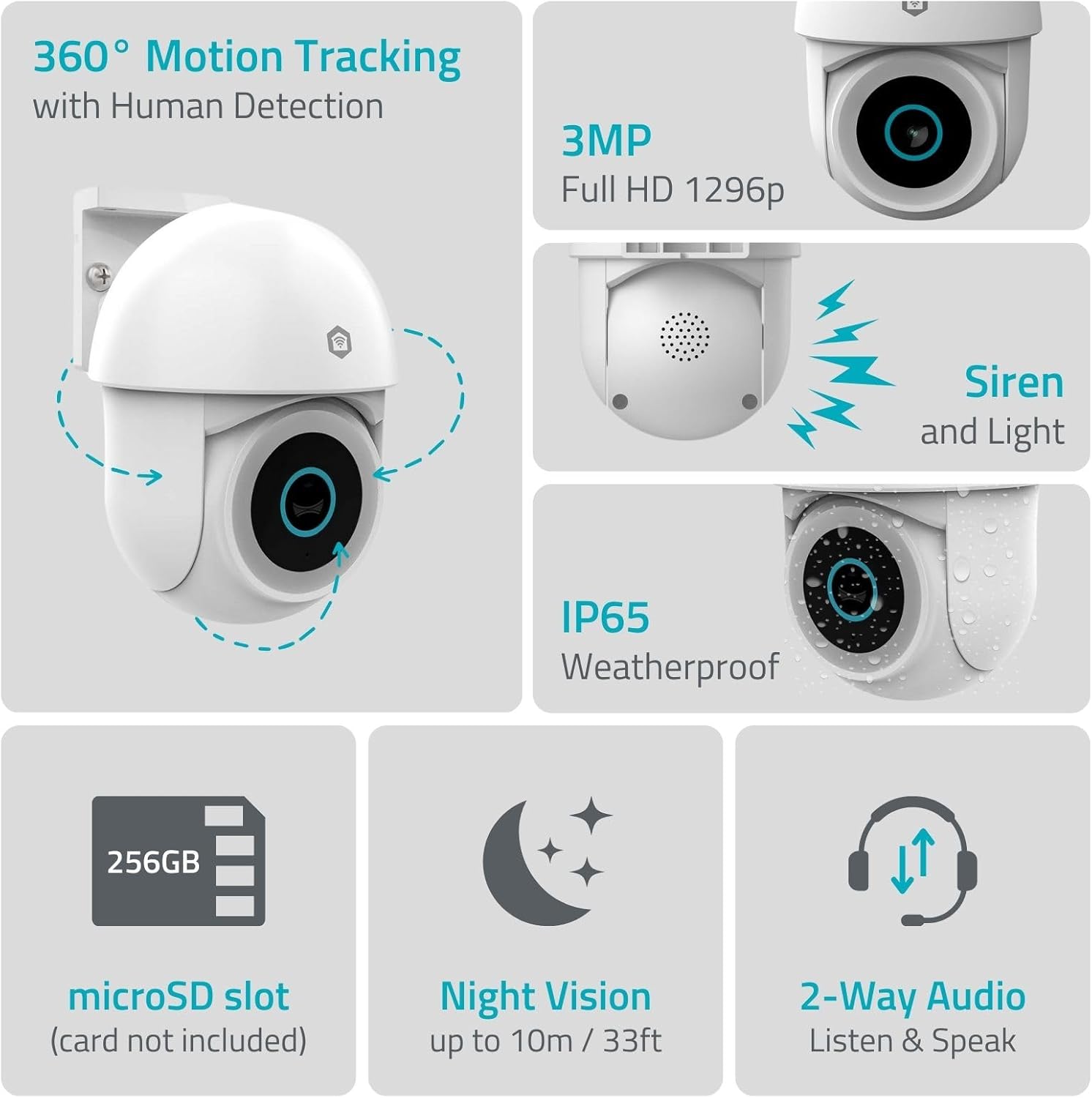
Imej 1.1: Selesaiview of NEDIS SmartLife Outdoor Camera features, including 360-degree motion tracking, 3MP resolution, siren and light, IP65 weatherproofing, microSD slot, night vision, and two-way audio.
2. Kandungan Pakej
Sila semak pakej untuk item berikut:
- NEDIS SmartLife Outdoor Pan-Tilt Spotlight Camera (WIFICO22CWT)
- Penyesuai Kuasa (5V DC)
- Pendakap dan Skru Pemasangan
- Panduan Mula Pantas (manual ini)
3. Persediaan
3.1. Pemasangan Apl
- Muat turun Nedis SmartLife aplikasi daripada App Store (iOS) atau Google Play Store (Android).
- Daftar untuk akaun baharu atau log masuk jika anda sudah mempunyai akaun.
3.2. Menghidupkan dan Sambungan Awal
- Sambungkan kamera ke penyesuai kuasa dan pasangkannya ke salur keluar elektrik.
- Wait for the camera's indicator light to flash, indicating it is ready for pairing.
- Open the Nedis SmartLife app, tap '+' to add a new device, and follow the on-screen instructions to connect the camera to your 2.4 GHz Wi-Fi network.
3.3. Pemasangan Kad MicroSD (Pilihan)
For local storage of recordings, install a microSD card (up to 256GB, not included).
- Locate the microSD card slot on the camera (refer to the camera diagram in the quick start guide).
- Carefully insert the microSD card into the slot until it clicks into place.
- Format the microSD card via the camera settings in the Nedis SmartLife app.
3.4. Memasang Kamera
The camera comes with a wall/ceiling mount. Choose a suitable location with a clear view and within Wi-Fi range.

Image 3.1: Camera dimensions for mounting reference.
- Mark the drilling positions using the mounting bracket as a template.
- Tebuk lubang dan masukkan palam dinding jika perlu.
- Secure the mounting bracket to the wall or ceiling with screws.
- Attach the camera to the mounting bracket and adjust its initial angle.
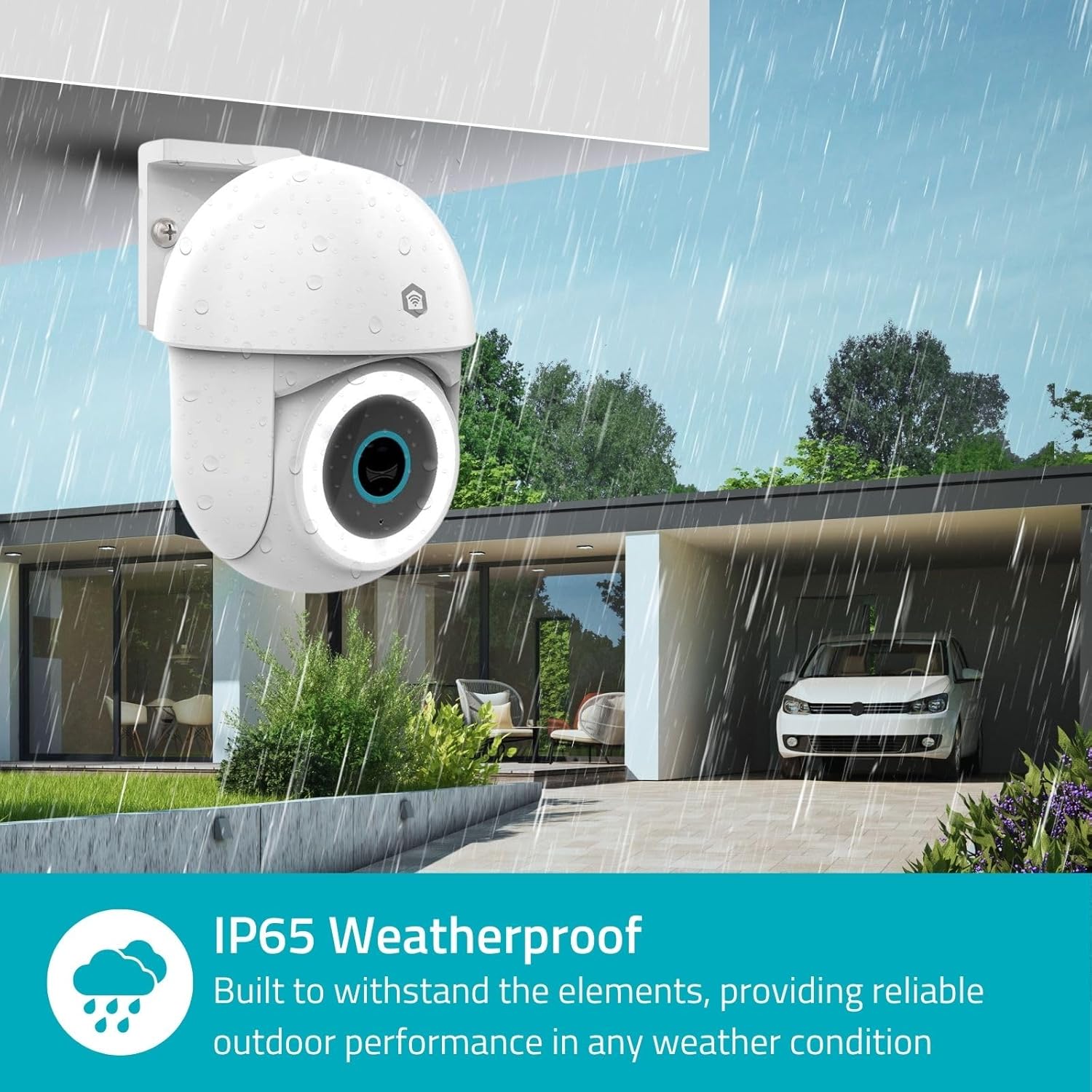
Image 3.2: The IP65 weatherproof design ensures reliable outdoor performance in various weather conditions.
4. Arahan Operasi
4.1. Hidup View dan Kawalan Pan/Tilt
Access the live feed from your camera through the Nedis SmartLife app. Use the on-screen controls to remotely pan (horizontal) and tilt (vertical) the camera to monitor a wide area.
4.2. Pengesanan dan Penjejakan Gerakan
The camera features advanced motion detection, including human detection, to minimize false alarms. You can customize detection zones within the app.
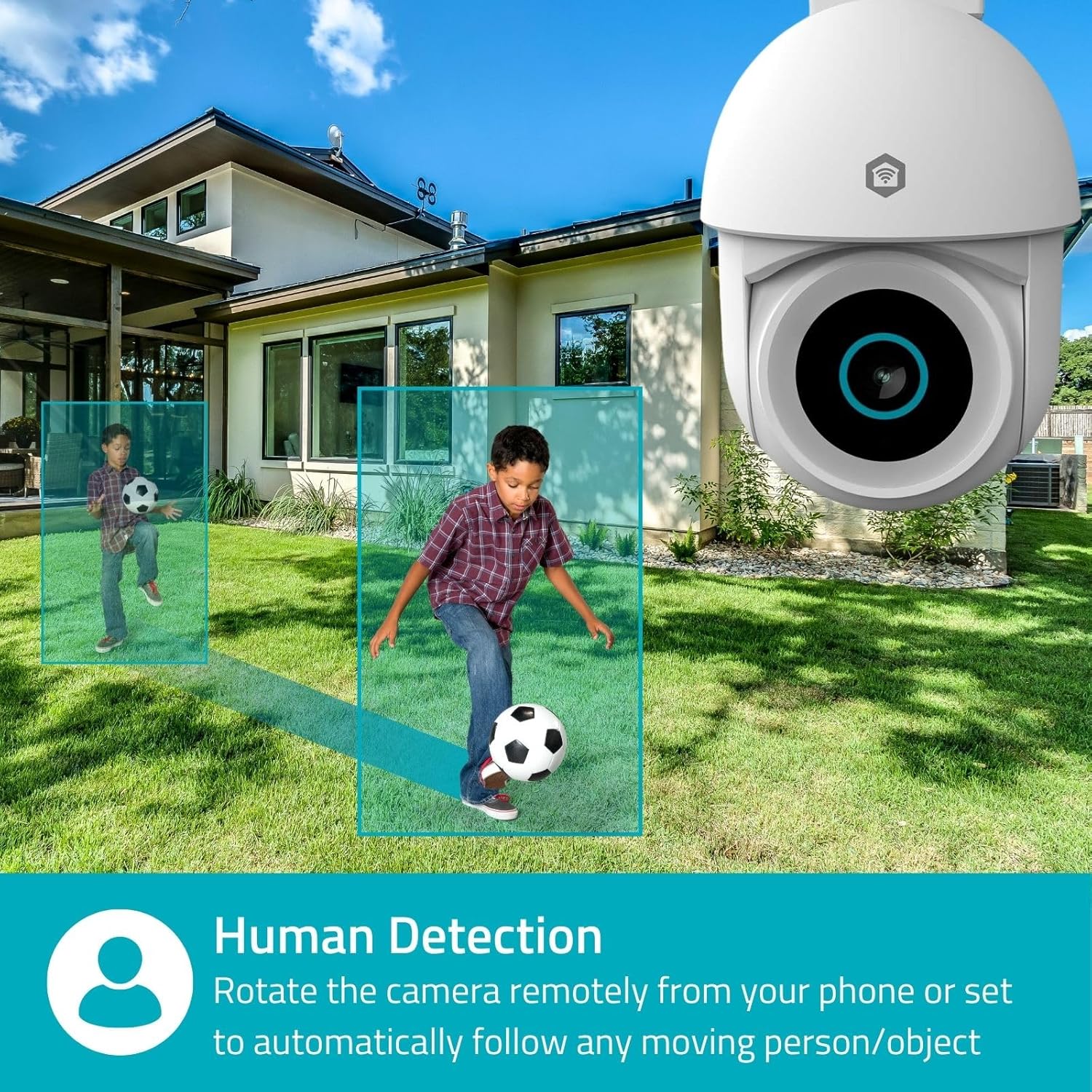
Image 4.1: Human Detection allows the camera to automatically follow moving persons or objects.
Dayakan Penjejakan Auto in the app settings to have the camera automatically follow detected movement.
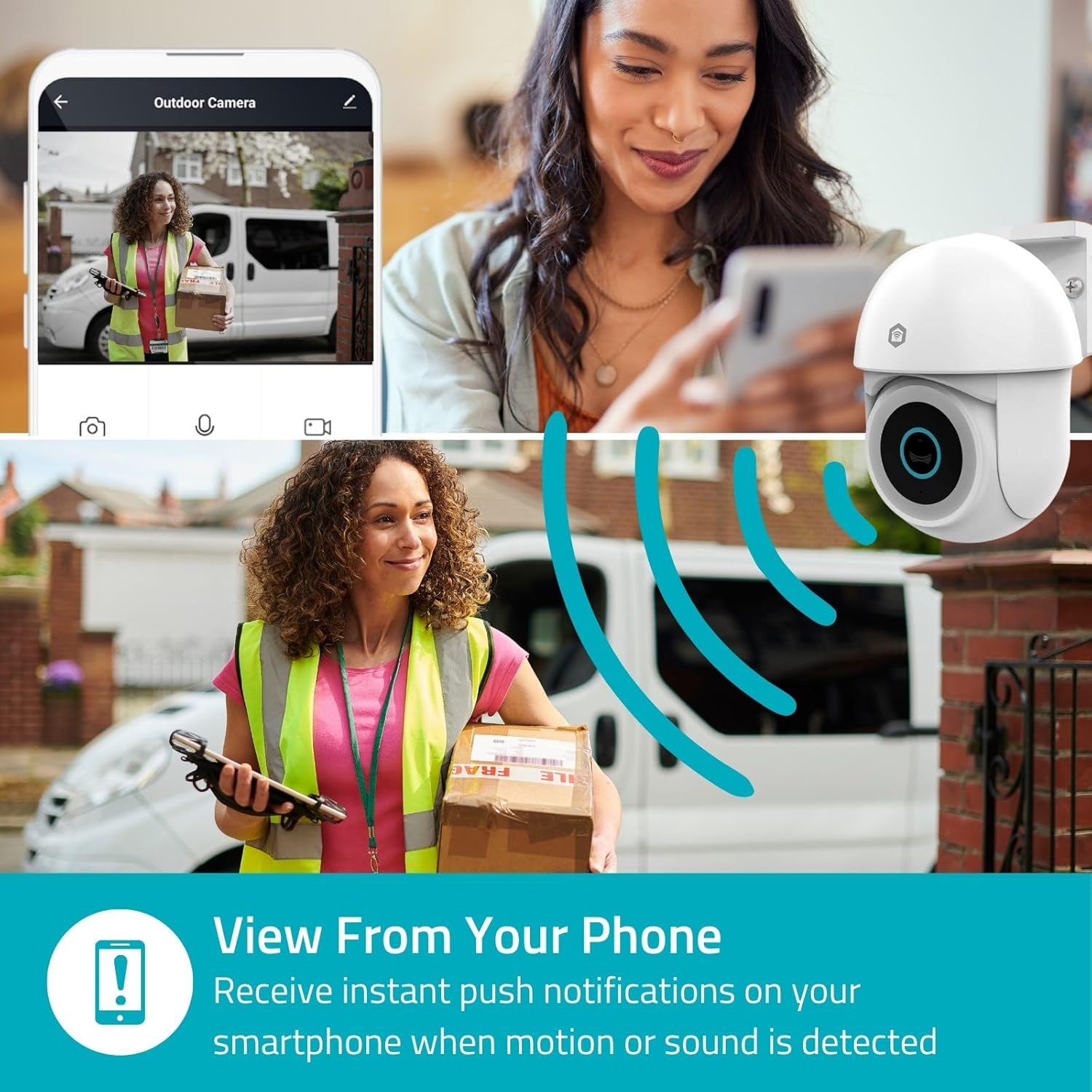
Image 4.2: Receive instant push notifications on your smartphone when motion or sound is detected.
4.3. Audio Dua Hala
Utilize the built-in microphone and speaker for two-way communication. You can listen to the environment and speak through the camera via the app.
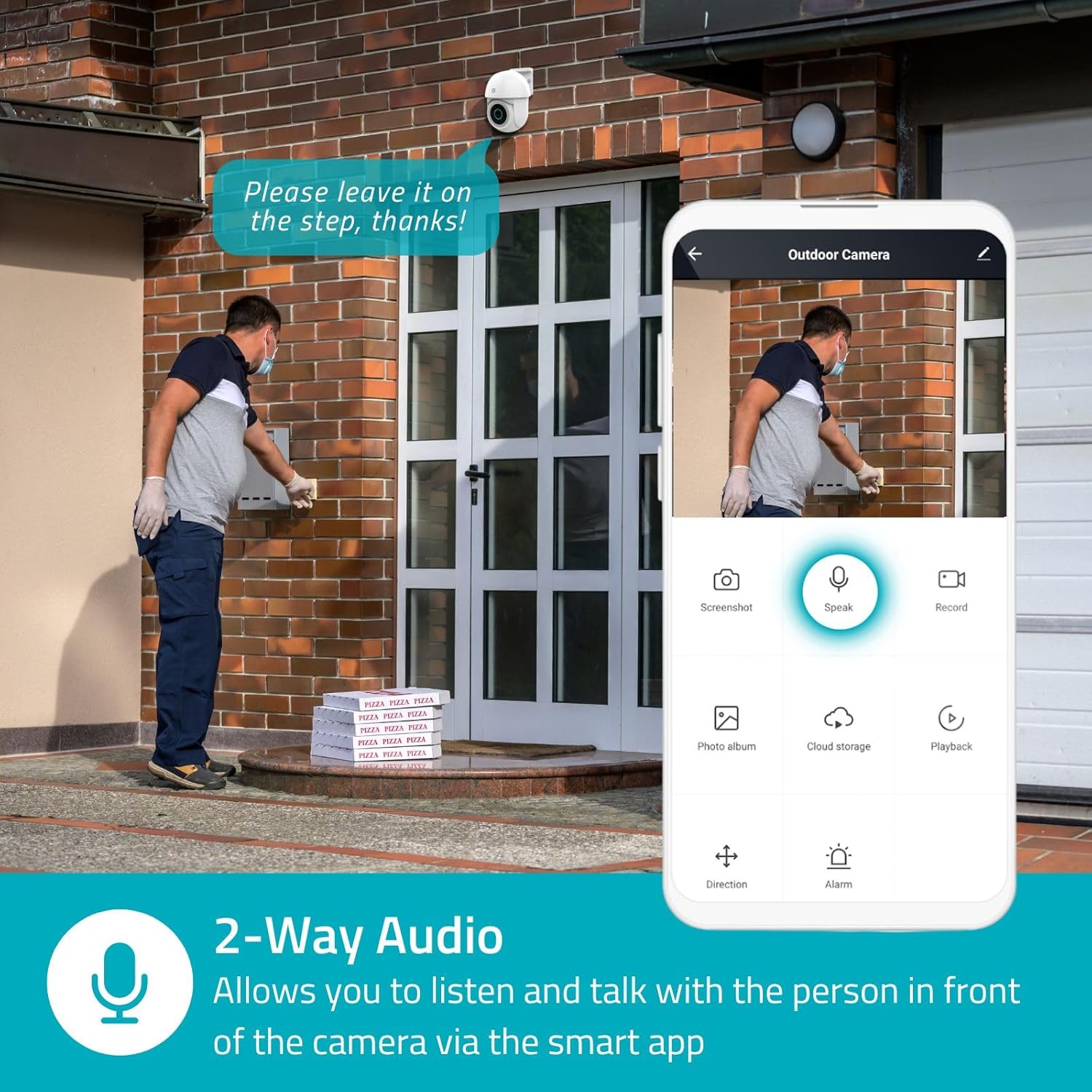
Image 4.3: Two-Way Audio allows you to listen and talk with individuals in front of the camera.
4.4. Penglihatan Malam
Kamera ini menyokong dua mod penglihatan malam:
- Penglihatan Malam Warna: Achieved using dimmable white LEDs, providing full-color images in low light.
- Penglihatan Malam Inframerah: Standard black and white night vision using infrared LEDs, effective up to 10 meters (33 feet).

Image 4.4: Comparison of Day Mode and Night Mode, illustrating the camera's 3MP resolution and 10m night vision capability.
4.5. Spotlight and Siren
When motion is detected, you can configure the camera to activate its white LEDs (spotlight) and/or a siren. This can deter intruders or provide illumination.

Image 4.5: The camera's light and siren can be activated upon motion detection to deter unwanted visitors.
4.6. Rakaman dan Main semula
Recordings can be stored on a microSD card (up to 256GB) or via optional cloud storage. Access and playback recorded footage through the Nedis SmartLife app.
4.7. Mod Privasi
Activate Privacy Mode in the app to temporarily disable recording and live view when you are home, ensuring your privacy.
4.8. Integrasi Rumah Pintar
The camera is compatible with Google Home and Amazon Alexa, allowing for voice control and integration into your smart home ecosystem.
5. Penyelenggaraan
- Pembersihan: Lap kanta dan badan kamera dengan lembut,amp kain. Jangan gunakan bahan kimia yang keras atau pembersih yang kasar.
- Kemas kini Firmware: Regularly check the Nedis SmartLife app for available firmware updates to ensure optimal performance and security.
- Bekalan Kuasa: Ensure the power adapter and cable are free from damage.
6. Penyelesaian masalah
6.1. Kamera Tidak Bersambung ke Wi-Fi
- Ensure your Wi-Fi network is 2.4 GHz. The camera does not support 5 GHz Wi-Fi.
- Pastikan kata laluan Wi-Fi dimasukkan dengan betul.
- Letakkan kamera lebih dekat dengan penghala Wi-Fi anda semasa persediaan.
- Mulakan semula penghala anda dan kamera.
6.2. Kualiti Video yang Buruk
- Check your Wi-Fi signal strength. A weak signal can affect video quality.
- Pastikan lensa kamera bersih dan bebas daripada halangan.
- Adjust the video resolution settings in the app if your network bandwidth is limited.
6.3. Motion Detection Not Working
- Sahkan bahawa pengesanan gerakan diaktifkan dalam tetapan aplikasi.
- Check the sensitivity settings and detection zones.
- Pastikan tiada halangan fizikal yang menghalang kamera view.
6.4. No Audio or Two-Way Audio Issues
- Check the microphone and speaker volume settings in the app.
- Pastikan mikrofon telefon pintar anda tidak disenyapkan semasa bercakap melalui aplikasi.
- Sahkan ketersambungan rangkaian untuk penghantaran audio masa nyata.
7. Spesifikasi
| Ciri | Spesifikasi |
|---|---|
| Nombor Model | WIFICO22CWT |
| Resolusi | 3 MP (1296p) |
| Ketersambungan | Wi-Fi (2.4 GHz) |
| Pan/Tilt Function | ya |
| Peringkat Cuaca | IP65 |
| Penglihatan Malam | Color (white LEDs) & IR (up to 10m) |
| Audio Dua Hala | ya |
| Pilihan Storan | MicroSD (up to 256GB, not included), Cloud Storage (optional) |
| Input Kuasa | 5V DC |
| Dimensi (L x W x H) | 10 x 8.3 x 11 cm |
| Berat badan | 292 gram |
| Ciri Khas | Human Detection, Auto-Tracking, Spotlight, Siren, Privacy Mode, Onvif support |
| Keserasian | Laman Utama Google, Amazon Alexa |
8. Waranti dan Sokongan
This product comes with a standard manufacturer's warranty. For detailed warranty information, please refer to the warranty card included in your package or visit the official NEDIS webtapak.
For technical support, troubleshooting assistance, or further inquiries, please contact NEDIS customer service through their official webtapak atau maklumat hubungan yang diberikan dalam pembungkusan produk.
Sumber Dalam Talian:
- Lawati NEDIS webtapak for product updates and support.
- Check the Nedis SmartLife app for FAQs and in-app support options.