pengenalan
This manual provides detailed instructions for the assembly, operation, maintenance, and troubleshooting of your FLEXISPOT One-Piece Electric Standing Desk. Please read this manual thoroughly before use to ensure proper function and safety.

Image: The FLEXISPOT One-Piece Electric Standing Desk, featuring a maple top and white frame, with a monitor, keyboard, mouse, and headphones. This desk offers a seamless and sturdy workspace.
Persediaan dan Perhimpunan
Your FLEXISPOT standing desk is shipped in two separate packages, which may arrive at different times. Ensure all components are present before beginning assembly.
Kandungan Pakej
- One-piece desktop (Maple Top, 40x24 inches)
- Electric lifting frame (White Frame)
- Control panel and motor
- Assembly hardware and tools (some assembly may require an electric drill, not included)
- Manual arahan
Arahan Perhimpunan
- Buka bungkusan semua komponen dan sahkan terhadap senarai bahagian yang disediakan dalam panduan pemasangan berasingan.
- Attach the lifting columns to the desktop, ensuring proper alignment.
- Install the foot supports to the lifting columns.
- Connect the control panel and motor cables according to the wiring diagram.
- Secure all connections and ensure the desk is stable.

Image: Desktop dimensions indicating a width of 40 inches, a depth of 24 inches, and a thickness of 1 inch. This illustrates the compact and sturdy design of the one-piece desktop.

Imej: A terperinci view of the dual-stage legs, highlighting their robust construction and the mechanism for continuous height adjustment from 28.1 to 45.7 inches.
Arahan Operasi
Pelarasan Ketinggian
The desk features an electric height control system, allowing for effortless adjustment. The height can be adjusted from a minimum of 28.1 inches to a maximum of 45.7 inches.
- Gunakan Up dan Bawah buttons on the control panel to manually adjust the desk to your desired height.
- The motor operates quietly, under 50 dB, ensuring a peaceful work environment.

Image: Visual representation of the desk's height adjustment capabilities, demonstrating its range from a minimum of 28.1 inches to a maximum of 45.7 inches, suitable for various user heights and preferences.

Image: A close-up of the desk surface with a graphic illustrating minimal noise during operation, emphasizing the smooth and quiet movement of the electric motor.
Pratetap Memori
The control panel includes 4 memory height presets, allowing you to save and quickly recall your preferred sitting and standing positions.
- Laraskan meja pada ketinggian yang diingini menggunakan butang Atas/Bawah.
- Tekan ke 'M' button (or similar memory set button, if applicable) followed by the desired preset number (1, 2, 3, or 4) to save the current height.
- Untuk mengingat semula ketinggian yang disimpan, hanya tekan butang nombor pratetap yang sepadan.

Imej: A terperinci view of the smart control panel, illustrating the LED display, the Up and Down adjustment buttons, and the four programmable memory preset buttons for quick height recall.
Ciri-ciri Tambahan
- Seamless One-Piece Desktop: The 1-inch thick desktop provides a smooth, gap-free, and stable surface.
- Cangkuk Fon Kepala: The desk includes a convenient headphone hook for organized storage.

Image: The desk showcasing its whole-piece desktop with smoothly rounded edges, emphasizing the seamless and durable surface design.
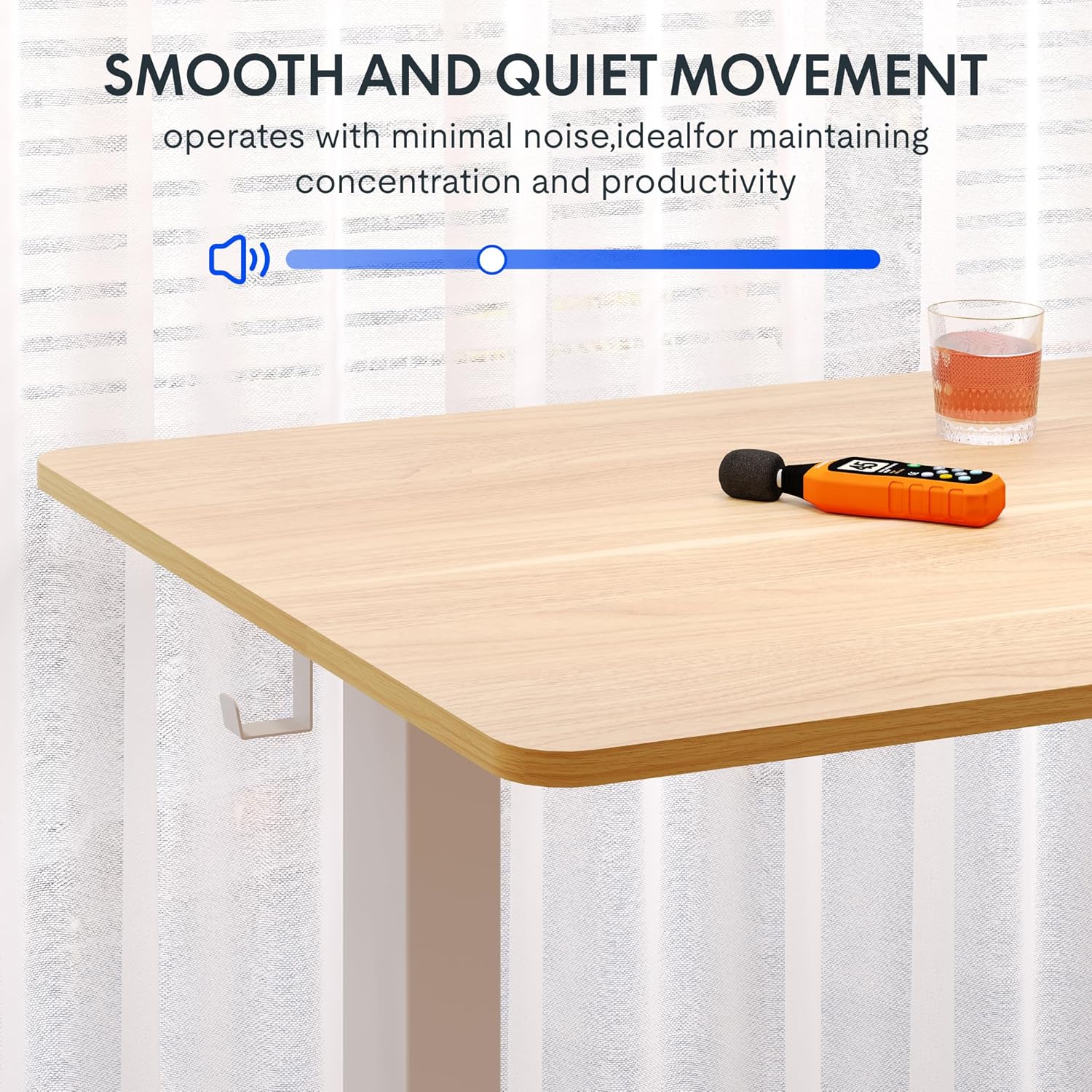
Image: A close-up of the two integrated desk hooks, designed for convenient storage of items such as headphones or bags, keeping your workspace tidy.
Penyelenggaraan dan Penjagaan
Penjagaan Am
- Bersihkan permukaan desktop dengan kain lembut,amp kain. Elakkan pembersih yang melelas atau bahan kimia yang keras.
- Periksa semua skru dan sambungan secara berkala untuk memastikan ia kekal ketat.
- Keep the desk away from direct heat sources and excessive moisture.
Langkah-langkah Keselamatan
- Do not exceed the maximum weight recommendation of 132 pounds on the desktop. The frame is built to hold up to 176 lbs, but the desktop's recommended limit is 132 lbs.
- Be cautious when adjusting the desk height to prevent injury or pinching. Ensure no objects are obstructing the desk's movement.
- Pastikan meja diletakkan di atas permukaan yang rata dan stabil sebelum digunakan.
- Jangan benarkan kanak-kanak mengendalikan meja tanpa pengawasan orang dewasa.
Menyelesaikan masalah
If you encounter any issues with your FLEXISPOT standing desk, please refer to the following common troubleshooting tips. For more complex problems, contact customer support.
| Masalah | Kemungkinan Punca | Penyelesaian |
|---|---|---|
| Meja tidak bergerak atau bertindak balas terhadap kawalan. | Power cable disconnected; motor overload; control panel error. | Check power connection. Unplug and replug the desk. Reduce weight on the desk. Perform a reset (refer to specific reset instructions in the full manual, if available). |
| Meja bergerak tidak sekata atau mengeluarkan bunyi yang luar biasa. | Sambungan longgar; pengagihan berat tidak sekata; halangan. | Ensure all assembly screws are tight. Redistribute weight evenly on the desktop. Check for any obstructions under or around the desk. |
| Memory presets are not working. | Incorrect saving procedure; temporary control panel glitch. | Re-save the memory presets following the operating instructions. Power cycle the desk. |
Spesifikasi Produk
- Jenama: FLEXISPOT
- model: Maple Top + White Frame, 40x24 Inches
- Dimensi Produk (D x W x H): 24"P x 40"L x 28"T (tinggi minimum)
- Julat Pelarasan Tinggi: 28.1" hingga 45.7"
- Bahan Desktop: Engineered Wood (Maple finish)
- Ketebalan Desktop: 1 Inch (One-Piece)
- Bahan Bingkai: Alloy Steel (White finish)
- Kapasiti Berat Maksimum: 132 Pounds (Desktop), 176 Pounds (Frame)
- Tahap Bunyi: Di bawah 50 dB
- Ciri Khas: 4 Memory Height Presets, Headphone Hook, Seamless One-Piece Desktop
- Perhimpunan Diperlukan: ya
- UPC: 840460428897
Waranti dan Sokongan
Maklumat Waranti
FLEXISPOT provides the following warranty for your electric standing desk:
- Bingkai, Motor dan Bahagian Mekanikal: Waranti terhad 5 tahun.
- Komponen elektronik: Waranti terhad 2 tahun.
Sila simpan bukti pembelian anda untuk tuntutan jaminan. Jaminan ini meliputi kecacatan bahan dan mutu kerja di bawah penggunaan biasa.
Sokongan Pelanggan
For technical assistance, warranty claims, or any questions regarding your FLEXISPOT product, please visit the official FLEXISPOT store or contact their customer service directly.
Official FLEXISPOT Store: Kedai FLEXISPOT di Amazon


