1. Pengenalan
This manual provides essential instructions for the safe and efficient use of your Blackview BV6200 Plus rugged smartphone. Please read this guide thoroughly before operating your device to ensure optimal performance and longevity. The Blackview BV6200 Plus is designed for durability, featuring a robust construction, a large capacity battery, and advanced communication capabilities.
2. Produk Lebihview
Si Hitamview BV6200 Plus is a rugged smartphone built to withstand challenging environments. It features a durable exterior, a powerful 11000mAh battery, a 3W ultra-loud speaker, and a high-resolution camera system. The device operates on Android 14 and supports dual SIM functionality.
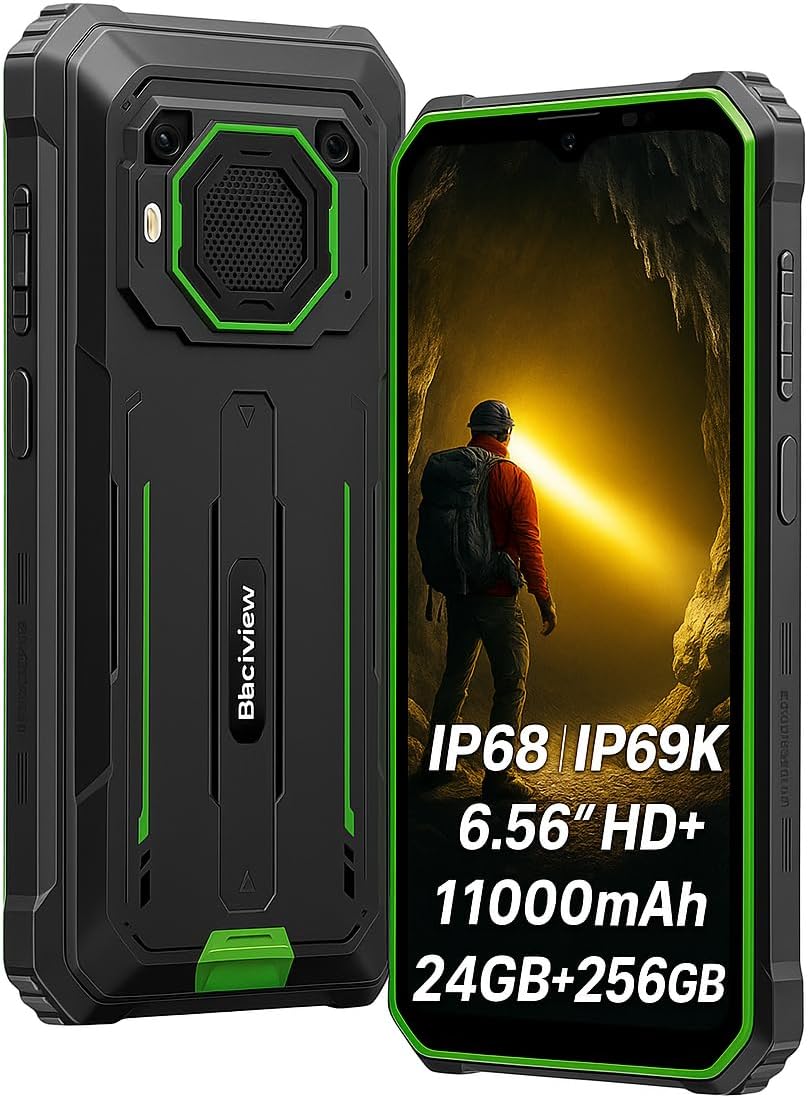
Rajah 2.1: Depan dan belakang view daripada Hitamview BV6200 Plus smartphone.
2.1 Kandungan Pakej
Upon unboxing, please verify that the following items are included:
- Hitamview BV6200 Plus Smartphone
- Kabel Jenis-C USB
- Penyesuai Kuasa
- Alat Ejector SIM
- Manual Pengguna (dokumen ini)
3. Persediaan
3.1 Pemasangan Kad SIM dan Kad SD
- Cari dulang kad SIM di sisi peranti.
- Masukkan alat ejektor SIM ke dalam lubang kecil di sebelah dulang dan tekan perlahan-lahan sehingga dulang terkeluar.
- Place your Nano-SIM card(s) and/or microSD card (up to 1TB) into the designated slots on the tray. Ensure the gold contacts face downwards.
- Masukkan semula dulang dengan berhati-hati ke dalam telefon sehingga ia berbunyi klik pada tempatnya.
3.2 Kuasa Awal Hidup
Press and hold the Power button (located on the right side of the device) for a few seconds until the Blackview logo appears. Follow the on-screen instructions to complete the initial setup, including language selection, Wi-Fi connection, and Google account setup.
3.3 Mengecas Peranti
Before first use, it is recommended to fully charge the device. Connect the USB Type-C cable to the phone's charging port and the other end to the power adapter. Plug the adapter into a wall outlet. The device supports 18W fast charging, allowing a full charge in approximately 3 hours.

Figure 3.1: The Blackview BV6200 Plus supports 18W fast charging.
4. Arahan Operasi
4.1 Fungsi Asas
- Membuat Panggilan: Buka apl Telefon, masukkan nombor dan ketik ikon panggilan.
- Menghantar Mesej: Buka aplikasi Mesej, ketik 'Mulakan sembang', masukkan penerima dan mesej, kemudian hantar.
- Kesambungan Internet: Sambung ke Wi-Fi melalui Tetapan > Rangkaian & internet > Wi-Fi atau dayakan data mudah alih melalui Tetapan > Rangkaian & internet > Rangkaian mudah alih.
4.2 Operasi Kamera
Si Hitamview BV6200 Plus features a 16MP AI rear camera and a 13MP AI front camera. Open the Camera app to capture photos and videos. Various modes, including an underwater camera mode, are available.

Figure 4.1: The 16MP AI rear camera system.
4.3 Ultra-Loud Speaker
The device is equipped with a 3W ultra-loud stereo speaker, capable of producing sound up to 98dB. This feature is ideal for outdoor use or situations where high volume is required.

Figure 4.2: Detail of the 3W ultra-loud stereo speaker.
4.4 Ciri Paparan
The 6.56-inch HD+ display offers clear visuals. It features an intelligent 90Hz dynamic refresh rate for smooth scrolling and responsive touch interactions.
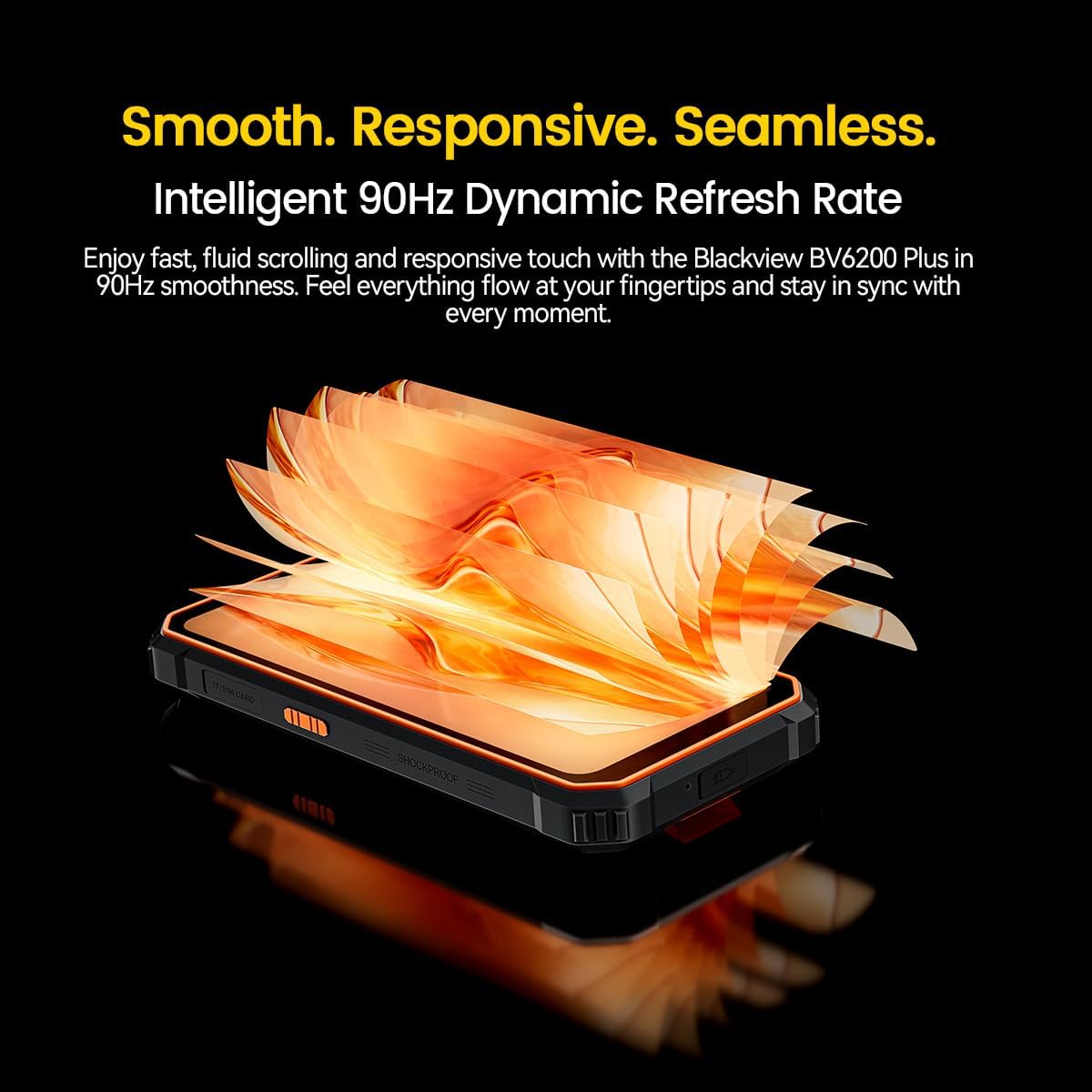
Figure 4.3: The 90Hz dynamic refresh rate display.
4.5 Mod Sarung Tangan
Si Hitamview BV6200 Plus includes a Glove Mode, allowing you to operate the touchscreen effectively even while wearing gloves. This is particularly useful in cold weather or industrial environments. To activate/deactivate Glove Mode, navigate to Settings > Smart Assistant > Glove Mode.
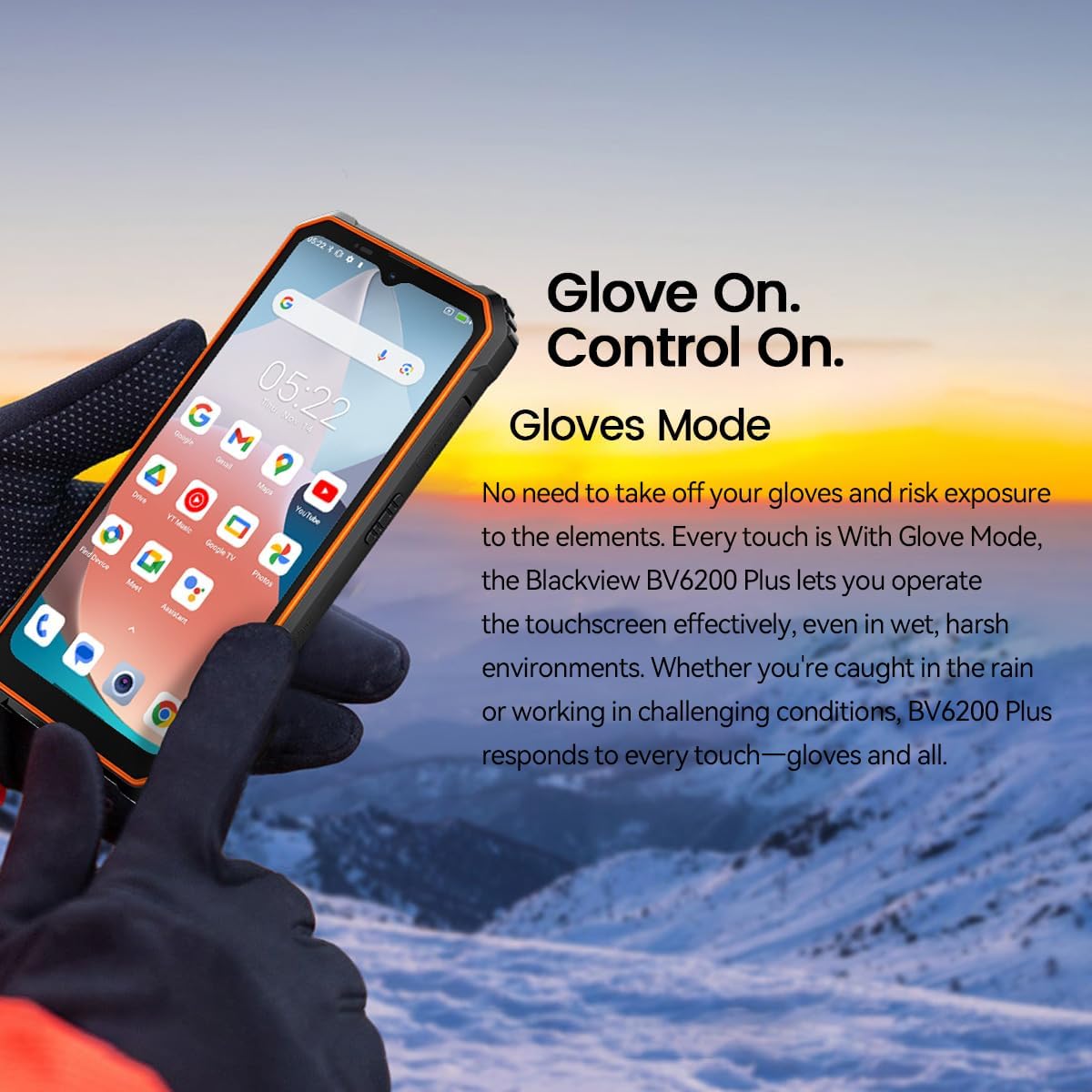
Figure 4.4: Operating the device with gloves using Glove Mode.
4.6 Fungsi NFC
The device supports Near Field Communication (NFC) for contactless payments, quick pairing with compatible devices, and data exchange. Ensure NFC is enabled in Settings > Connected devices > Connection preferences > NFC.
5. Penyelenggaraan
5.1 Water and Dust Resistance (IP68 & IP69K)
Si Hitamview BV6200 Plus is certified with IP68 and IP69K ratings, indicating resistance to dust ingress and water immersion. It can withstand submersion in water up to 1.5 meters for 30 minutes. While designed to be robust, avoid intentional prolonged submersion or exposure to high-pressure water jets beyond specified limits. Ensure all ports are securely closed before exposing the device to water or dust.
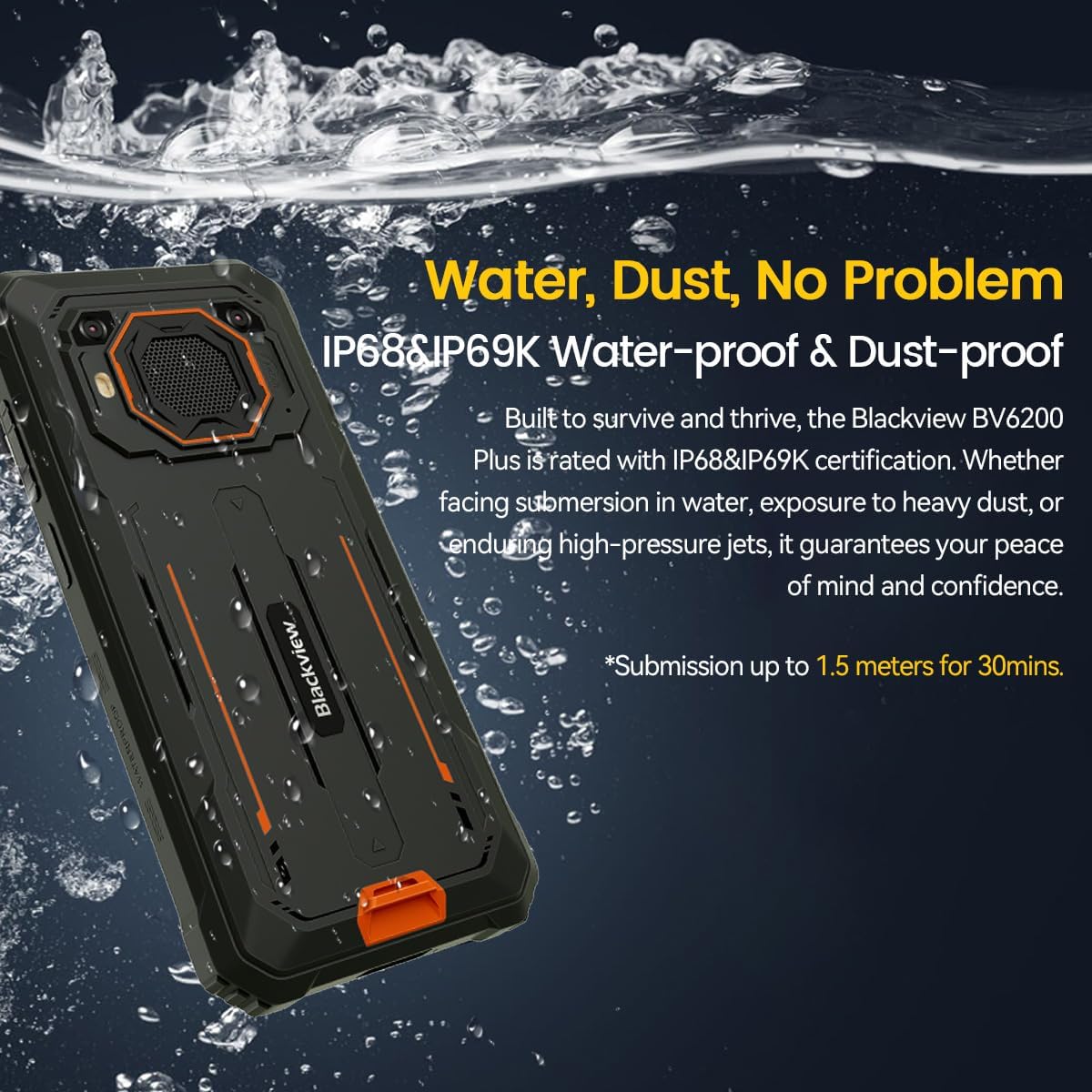
Figure 5.1: The device's water and dust resistance.
5.2 Drop Protection
The device features a reinforced, shock-absorbing frame and is MIL-STD 810H certified, providing 360° drop protection. It is designed to withstand drops from up to 1.2 meters. Despite its ruggedness, extreme impacts should still be avoided to prevent potential damage.

Figure 5.2: The device's robust drop protection design.
5.3 Penjagaan Bateri
Untuk memaksimumkan hayat bateri dan prestasi:
- Elakkan daripada mendedahkan peranti kepada suhu yang melampau.
- Gunakan hanya pengecas dan kabel asal yang disediakan.
- Jangan biarkan bateri dicas sepenuhnya dengan kerap.
- If the device will not be used for an extended period, charge it to about 50% before storing.
6. Penyelesaian masalah
Jika anda menghadapi masalah dengan Hitam andaview BV6200 Plus, refer to the following common solutions:
- Peranti tidak dihidupkan: Pastikan bateri telah dicas. Sambungkan ke pengecas selama sekurang-kurangnya 15 minit sebelum cuba menghidupkannya semula.
- Isu pengecasan: Check if the charging cable and adapter are securely connected. Try a different outlet or charging accessory.
- Masalah sambungan rangkaian: Verify that your SIM card is correctly inserted and activated. Check network settings and ensure mobile data or Wi-Fi is enabled. Restart the device.
- Apl ranap atau beku: Close and reopen the app. Clear the app's cache and data in Settings > Apps. If the issue persists, uninstall and reinstall the app.
- Skrin sentuh tidak bertindak balas: Restart the device. If the issue continues, perform a factory reset (backup data first).
For more complex issues, please contact Blackview sokongan pelanggan.
7. Spesifikasi
| Ciri | Spesifikasi |
|---|---|
| Jenama | Hitamview |
| Nombor Model | BV6200 PLUS |
| Sistem Operasi | Android 14 |
| Saiz Paparan | 6.56 Inci |
| Resolusi Paparan | 720 x 1280 |
| RAM | Up to 24GB (8GB + 16GB Extended) |
| Storan Dalaman | 256GB |
| Storan Boleh Dikembangkan | SD card slot up to 1TB |
| Kapasiti Bateri | Polimer Litium 11000mAh |
| Mengecas | Pengecasan Pantas 18W, Pengecasan Songsang 5W |
| Kamera Belakang | 16 Megapixels AI |
| Kamera Depan | 13 Megapixels AI |
| Penceramah | 3W Ultra-loud Stereo Speaker (98dB) |
| Ketersambungan | TYPE-C, GSM, 3G, 4G, Bluetooth, GPS, WIFI, NFC |
| Ketahanan | IP68 & IP69K Water/Dust Resistant, MIL-STD 810H Drop Protection |
| Kelajuan CPU | 1.6 GHz |
8. Waranti dan Sokongan
Hitam Andaview BV6200 Plus smartphone comes with a Waranti pengilang selama 2 tahun. Waranti ini meliputi kecacatan pembuatan di bawah penggunaan biasa. Sila simpan bukti pembelian anda untuk tuntutan waranti.
For technical support, warranty service, or further inquiries, please visit the official Blackview website or contact their customer service department. Contact information can typically be found on the Blackview rasmi webtapak atau dalam bahan pembungkusan.


