1. Pengenalan
The MAONO Wave T5 is a compact and advanced wireless lavalier microphone system designed for content creators. Weighing only 9g, it integrates cutting-edge technology to deliver broadcast-quality sound with adjustable noise cancellation. This manual provides essential information for setting up, operating, and maintaining your Wave T5 microphone system.

Figure 1: MAONO Wave T5 USB Type-C Wireless Lavalier Microphone System
2. Apa yang ada di dalam Kotak
Your MAONO Wave T5 package includes the following components:
- 2 x Pemancar Wave T5
- 1 x Wave T5 USB Type-C Receiver
- 1 x Sarung Pengecas Wave T5
- Wave T5 Cables (USB-A to USB-C charging cable)
- Wave T5 Accessory Kit (Magnetic Clips, Magnets, Windscreen, Magnetic Necklaces, TX Stickers)
- 1 x Beg Penyimpanan
- 1 x Manual Pengguna

Rajah 2: Kandungan Pakej
3. Produk Lebihview
The MAONO Wave T5 system consists of lightweight transmitters, a compact receiver, and a portable charging case.
3.1. Transmitters (TX)
Each transmitter weighs only 9g and features a magnetic design for flexible wearing options. They include independent buttons for mute and noise cancellation functions.
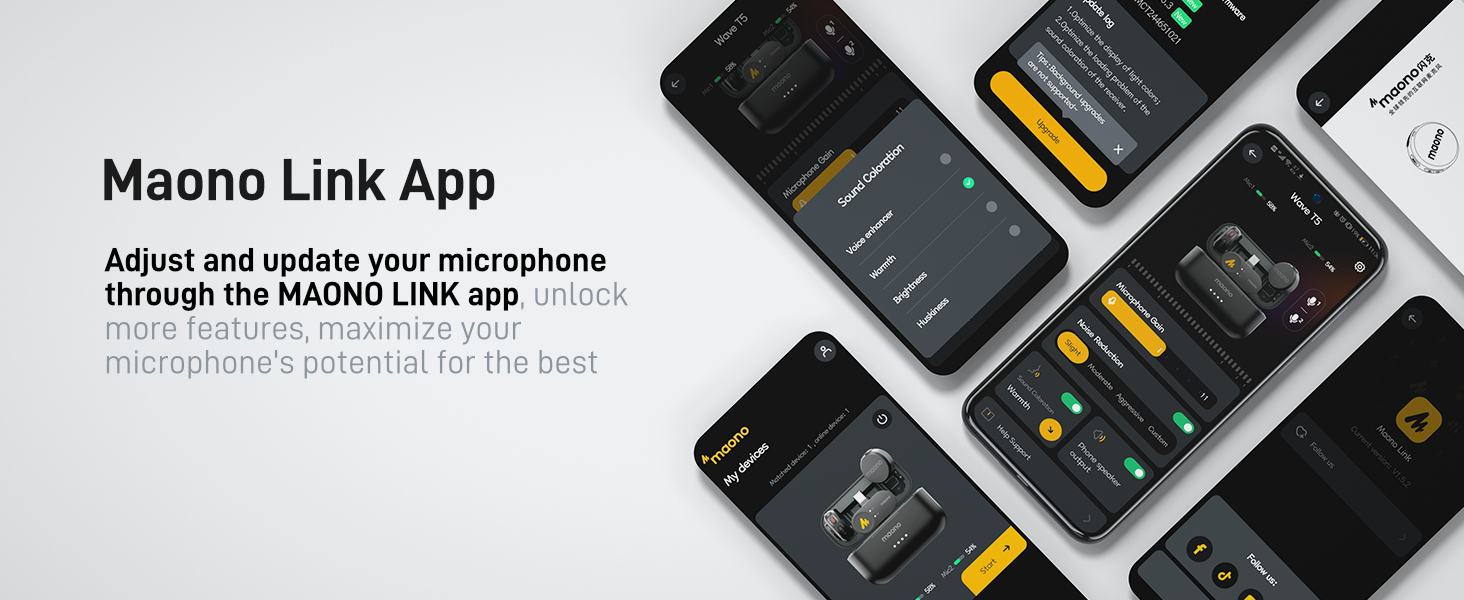
Figure 3: Transmitter with Wearing Options
3.2. USB Type-C Receiver (RX)
The receiver connects directly to your device via USB Type-C, offering plug-and-play convenience. It supports charging your phone while recording.
3.3. Kes Mengecas
The compact charging case stores and recharges both transmitters and the receiver, providing extended battery life for on-the-go use.
4. Persediaan
4.1. Pengecasan Awal
Before first use, fully charge the charging case and both transmitters. Connect the provided USB-A to USB-C cable to the charging case and a power source. The indicator lights on the case will show the charging status.
4.2. Menyambung ke Peranti Anda
The Wave T5 offers instant plug-and-play functionality. Simply insert the USB Type-C receiver into your compatible device (iPhone 15/16/17 series, Android phone, tablet, or laptop). The system will automatically pair.
4.3. Memakai Pemancar
Attach the transmitter using one of the provided methods:
- Klip magnet: Use the magnetic clip to secure the transmitter to your clothing.
- Kalung Magnetik: Pakai pemancar di leher anda menggunakan rantai magnet untuk penempatan yang tidak ketara.
- Magnet Langsung: Place a magnet inside your clothing and attach the transmitter magnetically from the outside.

Figure 4: Flexible Wearing Options
5. Arahan Operasi
5.1. Hidupkan/Mati Kuasa
The transmitters and receiver power on automatically when removed from the charging case and connect to a device. To power off, place them back into the charging case.
5.2. Pembatalan Bunyi
The Wave T5 features professional-level intelligent noise cancellation with a dedicated ENC chip. You can activate or adjust noise cancellation directly on the transmitter or through the MAONO LINK app.
- On-Device Control: Press the dedicated button on the transmitter to toggle noise cancellation.
- MAONO LINK App: Use the app to select from 3 modes and 14 levels of noise cancellation for precise adjustment.

Figure 5: Intelligent Noise Cancellation
Video 1: Demonstration of Noise Cancellation Feature
5.3. Voice Filters
Enhance your audio with multiple preset voice filters available through the MAONO LINK app. These filters are designed to optimize your voice for various recording scenarios, reducing the need for extensive post-production.

Figure 6: Smarter Voice Filters
5.4. Recording Modes (Mono/Stereo)
The system supports both mono and stereo recording. When using two transmitters, you can choose to output audio separately to two channels (stereo) or merge them into a single track (mono) for greater post-production flexibility. This setting can be adjusted via the MAONO LINK app.
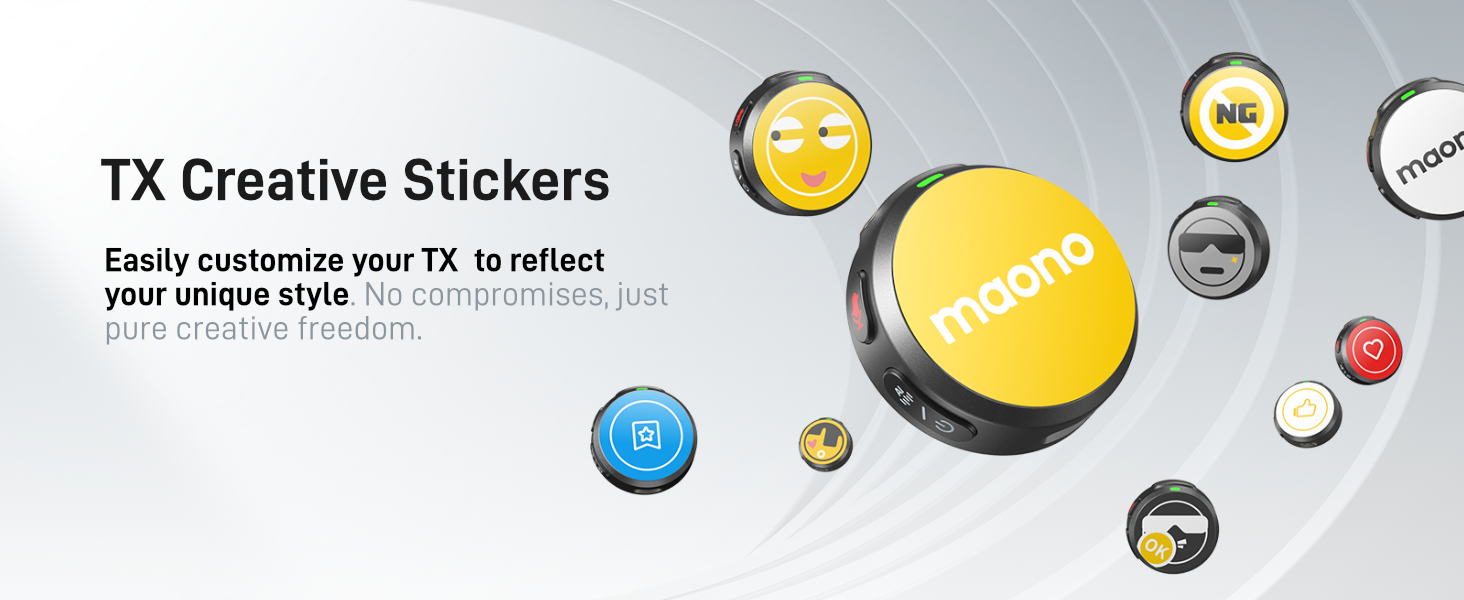
Figure 7: Mono and Stereo Recording
5.5. 1-Touch Recording & Mute
The transmitter features an independent button for quick actions:
- One-click Mute: Briefly press the button to mute/unmute the microphone.
- Long-press to Shoot: Long-press the button to control your phone to start or stop video recording or take photos.
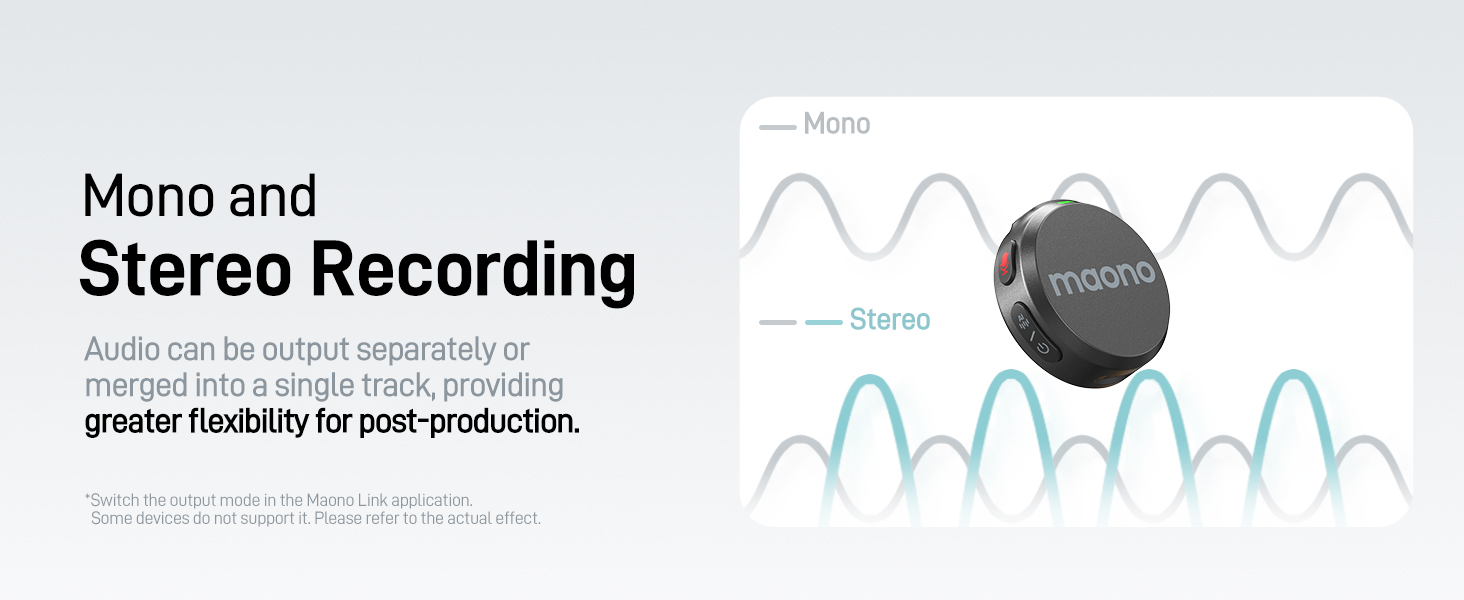
Figure 8: Enhanced User Experience
5.6. MAONO LINK App
Download the MAONO LINK app to unlock the full potential of your Wave T5. The app allows you to:
- Laraskan penguatan mikrofon.
- Fine-tune noise cancellation (3 modes, 14 levels).
- Select various voice filters.
- Switch between mono and stereo recording.
- Lakukan kemas kini perisian tegar.
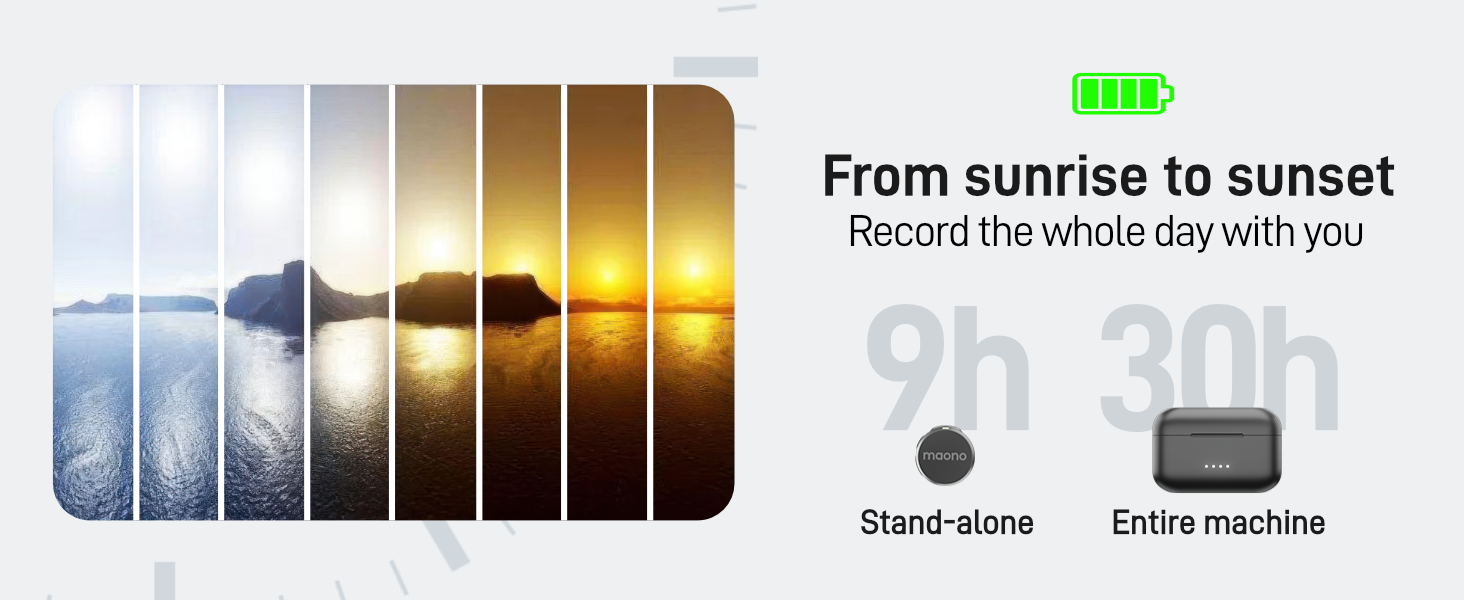
Figure 9: MAONO LINK App Interface
6. Ciri Prestasi
6.1. Studio-Grade Audio Quality
The Wave T5 delivers an 80dB signal-to-noise ratio, 120dB maximum sound pressure level, and 48kHz/24-bit audio format, ensuring subtle sound details are captured with a low noise floor.

Figure 10: Studio Quality Audio Details
6.2. Reliable Transmission
Utilizing frequency-hopping technology, the Wave T5 provides stable and clear audio transmission up to 300 meters (1000 feet), minimizing interference.

Figure 11: 300m Stable Audio Transmission
6.3. Extended Battery Life
Each transmitter offers up to 9 hours of battery life. With the compact charging case, the total usage time extends to 30 hours. The system also supports charging your phone while recording.
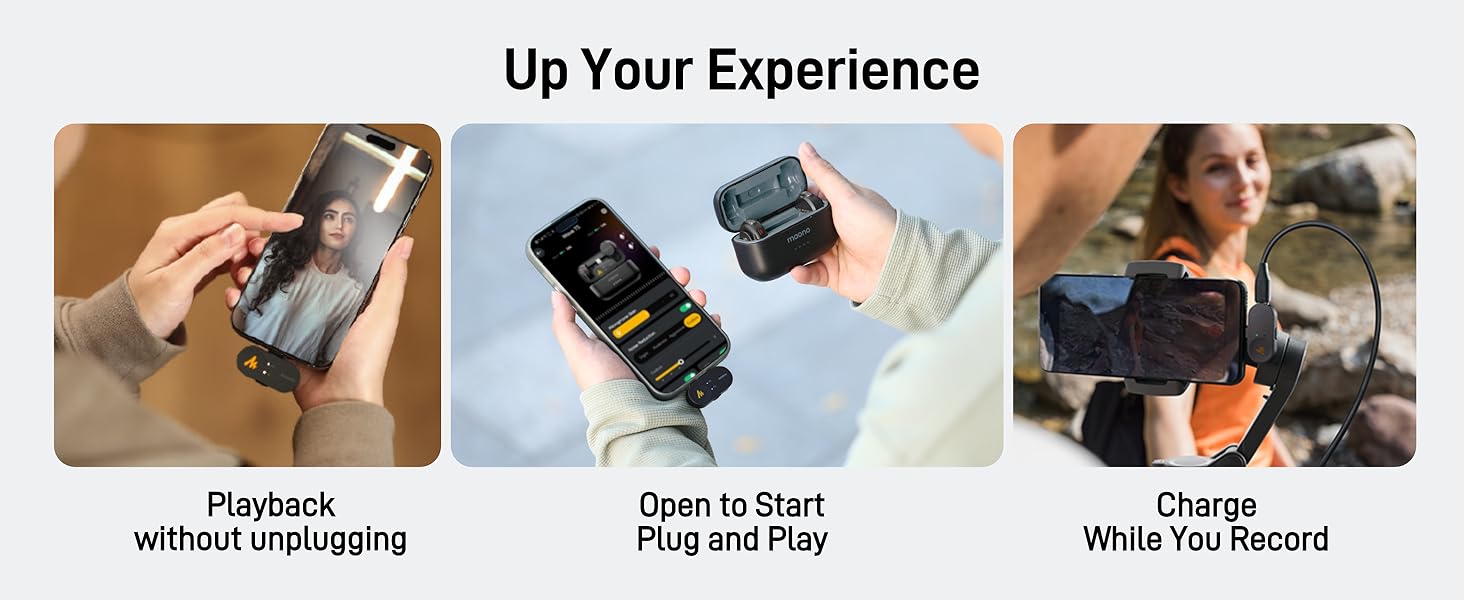
Rajah 12: Melanjutkan Hayat Bateri


