pengenalan
This manual provides detailed instructions for the setup, operation, and maintenance of your Transformers TF-T31 Bluetooth TWS Wireless Earbuds. Please read this manual thoroughly before using the product to ensure proper function and longevity.
Produk Selesaiview
Kandungan Pakej
- Transformers TF-T31 Wireless Earbuds (Left and Right)
- Kes Pengecasan
- Kabel Pengecasan USB Jenis-C
- Manual Pengguna (Dokumen Ini)
Ciri-ciri Utama
- Bluetooth 5.4: Provides a stable, fast, and low-power connection.
- Fungsi Dwi Mod: Switch between Gaming Mode for low latency audio and Music Mode for HiFi sound.
- Audio yang berkualiti tinggi: Features 13mm magnetically levitated drivers for rich, detailed sound with deep bass.
- Pembatalan Bunyi Persekitaran (ENC): Meningkatkan kejelasan panggilan dengan mengurangkan hingar ambien.
- Kawalan Sentuhan Intuitif: Manage music playback, calls, and mode switching directly from the earbuds.
- Jangka Hayat Bateri: Up to 5 hours of playback per charge, with the charging case providing up to 50 hours total.
- Reka bentuk ergonomik: Lightweight and comfortable for prolonged wear.
- Mechanical Shell Design: Unique aesthetic inspired by Transformers.

Image: The Transformers TF-T31 wireless earbuds and their distinctive mechanical shell charging case, shown in yellow.

Image: Close-up of the Transformers TF-T31 charging case, highlighting its unique mechanical shell design and the Transformers logo.
Persediaan
1. Mengecas Fon Telinga dan Sarung
Sebelum penggunaan pertama, cas sepenuhnya fon telinga dan bekas pengecas.
- Letakkan kedua-dua fon telinga ke dalam bekas pengecas. Pastikan ia diletakkan dengan betul.
- Connect the provided USB Type-C cable to the charging port on the case and plug the other end into a USB power source (e.g., wall adapter, computer).
- The LED digital display on the charging case will indicate the battery status during charging.
- Pengecasan biasanya mengambil masa kira-kira 1.5 jam untuk cas penuh.
Nota: The charging case has a 3.7V/300mAh battery, and each earbud has a 3.7V/30mAh built-in battery.
2. Berpasangan Bluetooth
Ikuti langkah-langkah ini untuk memasangkan fon telinga anda dengan peranti yang didayakan Bluetooth:
- Hidupkan kuasa: Open the charging case. The earbuds will automatically power on and enter pairing mode. You may hear an audible prompt.
- Aktifkan Bluetooth: On your device (smartphone, tablet, computer), go to the Bluetooth settings and ensure Bluetooth is enabled.
- Pilih Peranti: Look for "TF-T31" in the list of available Bluetooth devices and select it to connect.
- Pengesahan: Once connected, you will hear a confirmation sound from the earbuds, and your device will show "TF-T31" as connected.
Nota: Fon telinga akan menyambung semula secara automatik ke peranti gandingan terakhir apabila dikeluarkan daripada sarung, jika Bluetooth didayakan pada peranti.

Image: Diagram illustrating the advanced Bluetooth 5.4 technology, emphasizing stable and fast connection.
Arahan Operasi
Hidupkan/Mati Kuasa
- Hidupkan kuasa: Buka bekas pengecasan, atau tekan lama kawasan sentuh pada kedua-dua fon telinga selama 3 saat.
- Matikan: Letakkan fon telinga kembali ke dalam bekas pengecasan dan tutup penutup, atau tekan lama kawasan sentuh pada kedua-dua fon telinga selama 5 saat.
Kawalan Sentuh
The TF-T31 earbuds feature intuitive touch controls on the outer surface of each earbud. The functions are as follows:
| Tindakan | Fungsi |
|---|---|
| Ketik Tunggal (Kiri/Kanan) | Mainkan / Jeda muzik, Jawapan / Tamatkan panggilan |
| Dwiketik (Earbud Kanan) | Trek Seterusnya |
| Dwiketik (Earbud Kiri) | Trek Sebelumnya |
| Ketik Tiga Kali (Kiri/Kanan) | Switch between Gaming Mode and Music Mode |
| Long Press (Left/Right, 2 seconds) | Reject incoming call, Activate Voice Assistant |
Switching Modes (Gaming/Music)
The TF-T31 earbuds offer two distinct audio modes:
- Mod Permainan: Provides ultra-low latency audio synchronization, ideal for gaming and video playback to minimize delay between audio and visuals.
- Mod Muzik: Delivers rich HiFi sound with enhanced bass and clear highs, optimized for an immersive music listening experience.
To switch between modes, ketuk tiga kali the touch area on either earbud. You will hear an audible prompt indicating the current mode.
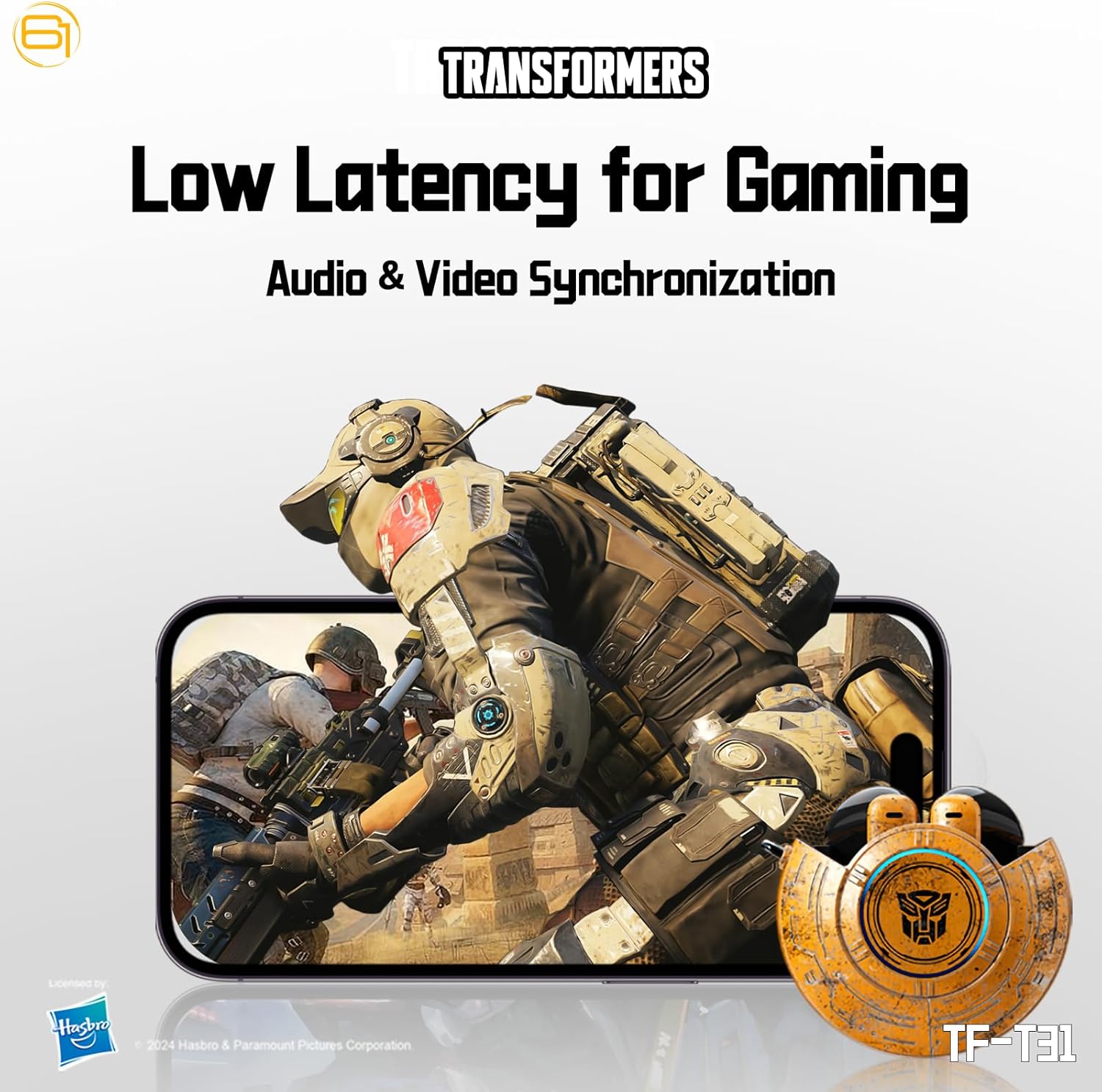
Image: Illustration of the earbuds providing low latency audio for gaming, showing a mobile gaming scenario.
Penyelenggaraan
Pembersihan
- Bersihkan fon telinga dan bekas pengecas dengan kerap menggunakan kain yang lembut, kering dan tidak berbulu.
- Jangan gunakan pembersih yang melelas, alkohol atau pelarut kimia.
- Keluarkan sebarang tahi telinga atau serpihan dari jaring telinga dengan lembut menggunakan berus kecil yang lembut atau kapas.
- Ensure the charging contacts on both the earbuds and the case are clean and dry to maintain proper charging.
Penyimpanan
- Apabila tidak digunakan, simpan fon telinga dalam bekas pengecasnya untuk melindunginya dan memastikan ia dicas.
- Simpan produk di tempat yang sejuk dan kering, jauh dari suhu yang melampau dan cahaya matahari langsung.
- Avoid exposing the earbuds or case to water or excessive moisture. While the product is water-resistant, it is not waterproof.
Menyelesaikan masalah
If you encounter issues with your TF-T31 earbuds, please refer to the following common problems and solutions:
Earbuds Not Pairing or Connecting
- Pastikan kedua-dua fon telinga dicas.
- Pastikan Bluetooth didayakan pada peranti anda.
- Place the earbuds back into the charging case, close the lid, wait a few seconds, then open it again to re-enter pairing mode.
- On your device, forget or delete "TF-T31" from your Bluetooth device list, then attempt to pair again.
- Cuba gandingkan dengan peranti lain untuk menolak isu khusus peranti.
Tiada Bunyi atau Kelantangan Rendah
- Periksa tahap kelantangan pada kedua-dua peranti anda yang disambungkan dan fon telinga.
- Pastikan fon telinga diletakkan dengan betul di telinga anda.
- Clean any debris from the earbud mesh that might be obstructing sound.
- Sambung semula fon telinga ke peranti anda.
Isu Pengecasan
- Sahkan bahawa kabel pengecas disambungkan dengan selamat pada kedua-dua bekas dan sumber kuasa.
- Pastikan sentuhan pengecas pada fon telinga dan bahagian dalam bekas bersih dan bebas daripada halangan.
- Cuba gunakan kabel USB Jenis-C atau penyesuai kuasa yang berbeza.
- Confirm the power source is active.
Earbuds Disconnect Frequently
- Ensure your device is within the Bluetooth transmission distance (26-32 feet or 8-10 meters) without significant obstacles.
- Elakkan persekitaran dengan gangguan elektromagnet yang kuat.
- Fully charge both the earbuds and the charging case.
Spesifikasi
| Ciri | Perincian |
|---|---|
| Nama Model | TF-T31 |
| Versi Bluetooth | Bluetooth 5.4 |
| Jarak Penghantaran Bluetooth | 26-32 kaki (8-10 meter) |
| Kapasiti Bateri Fon kepala | 3.7V/30mAh (each earbud) |
| Kapasiti Bateri Kes Pengecasan | 3.7V/300mAh |
| Port Pengecasan | Jenis-C |
| Masa Mengecas | Lebih kurang 1.5 jam |
| Battery Talk/Music Time | Sehingga 5 jam (earbud), sehingga 50 jam (dengan sarung pengecasan) |
| Julat Tindak Balas Kekerapan | 20Hz-20KHz |
| Impedans Pembesar Suara | 32Ω |
| Sensitiviti | 109dB±3dB |
| Jenis Kawalan | Kawalan Sentuh |
| Tahap Ketahanan Air | Tahan Air |
| Dimensi Produk | 3.15 x 3.15 x 4.72 inci |
| Berat Barang | 5.3 auns (0.15 Kilogram) |
Maklumat Keselamatan
- Perlindungan Pendengaran: Elakkan mendengar pada tahap kelantangan tinggi untuk tempoh yang lama untuk mengelakkan kerosakan pendengaran.
- Keselamatan Memandu: Do not use earbuds while driving or operating machinery where the inability to hear ambient sounds could pose a danger.
- Pendedahan Air: The earbuds are water-resistant, not waterproof. Do not submerge them in water or expose them to heavy rain. Dry them thoroughly if they get wet.
- Kanak-kanak: Jauhkan fon telinga dan bahagian kecil daripada kanak-kanak untuk mengelakkan bahaya tercekik.
- Keselamatan Bateri: Do not attempt to replace the built-in batteries. Do not expose batteries to excessive heat or direct sunlight. Dispose of batteries according to local regulations.
- Pembersihan: Use only recommended cleaning methods. Avoid harsh chemicals.
Waranti dan Sokongan
For warranty information or technical support, please refer to the documentation provided at the time of purchase or contact the retailer/manufacturer directly. Keep your proof of purchase for warranty claims.
You can visit the official Transformers store on Amazon for more product information: Transformers Store


