pengenalan
The Lytmi CozyClip D1 Open Clip Earbuds are designed for comfortable, all-day listening while maintaining awareness of your surroundings. Featuring an ultra-light open-ear design, Hi-Fi sound, AI-powered clear calls, and IP54 waterproof rating, these earbuds offer a unique audio experience. This manual provides essential information for setting up, operating, and maintaining your CozyClip D1 earbuds.
Apa yang ada dalam Kotak
- Lytmi CozyClip D1 Open-Ear Clip-on Earphones (1 pair)
- Sarung Pengecasan (1)
- Manual Pengguna (1)
- Kabel Pengecas Jenis-C (1)

Image: Lytmi CozyClip D1 packaging and included accessories.
Produk Selesaiview
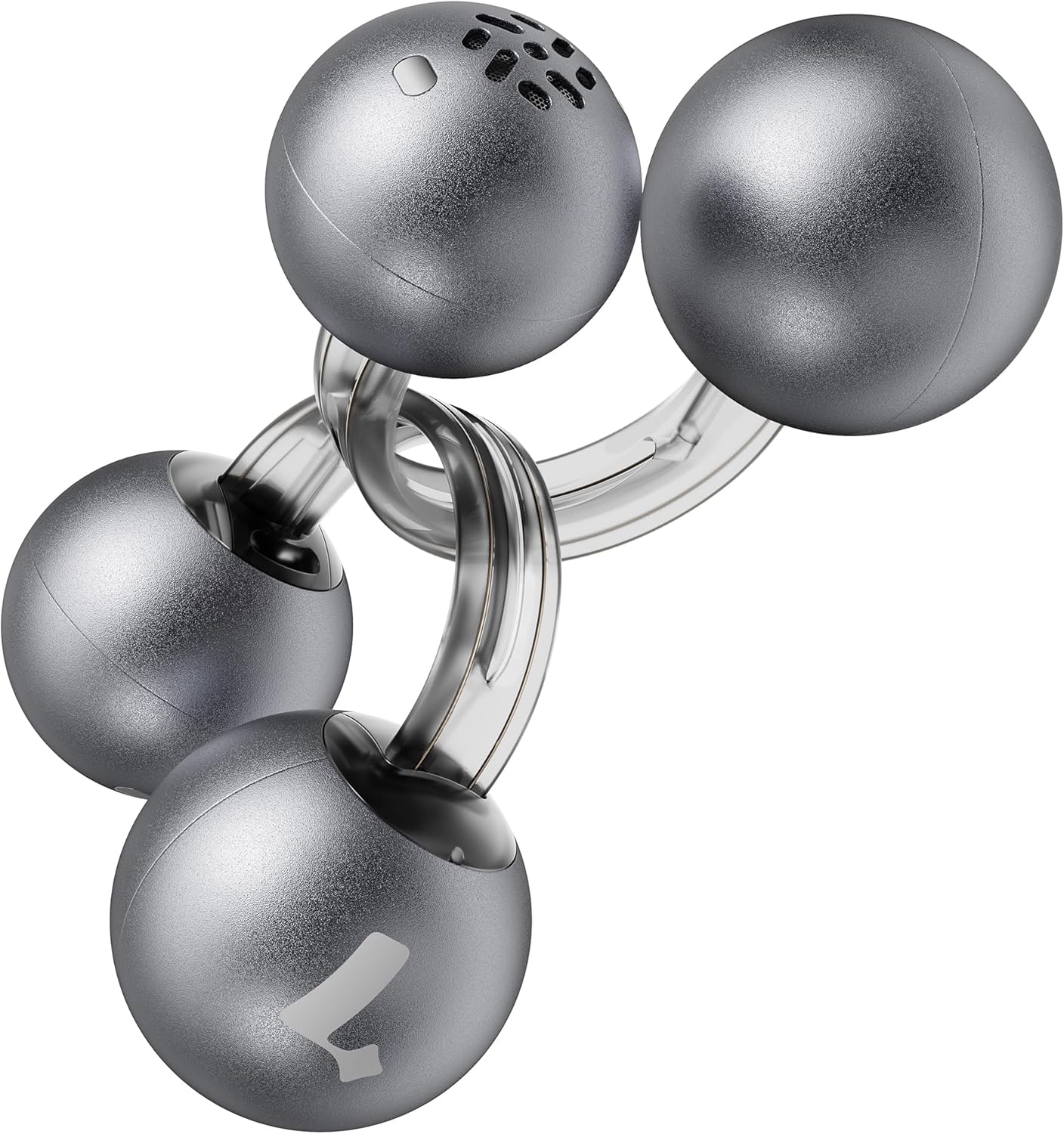
Image: Lytmi CozyClip D1 Earbuds, showcasing their open-ear clip design.

Image: Earbud resting on a feather, illustrating its ultra-lightweight design.
Ciri-ciri Utama:
- Reka Bentuk Telinga Terbuka: Weighing just 5.4g each, these earbuds clip onto your ear, providing comfort and allowing you to remain aware of your surroundings.
- Bunyi Hi-Fi: Experience immersive audio with enhanced bass and clear highs.
- Pengurangan Bunyi AI untuk Panggilan: Ensures crystal-clear calls by reducing environmental noise, even in windy conditions.
- Auto Left-Right Recognition: Earbuds are interchangeable; wear either earbud on either ear without manual configuration.
- Hayat Bateri yang Panjang: Up to 9 hours of playtime on a single charge, and up to 30 hours with the charging case.
- IP54 Kalis Air & Habuk: Designed to withstand sweat and water splashes, suitable for various activities and weather conditions.
- Bluetooth 5.4: Provides stable and efficient wireless connectivity with faster data transfer and extended signal range.
- Dual-Connection: Connect to two devices simultaneously and switch between them seamlessly.
Persediaan
1. Mengecas Fon Telinga dan Sarung
Sebelum penggunaan pertama, cas sepenuhnya fon telinga dan bekas pengecas.
- Letakkan fon telinga ke dalam bekas pengecas. Pastikan ia diletakkan dengan betul.
- Connect the Type-C charging cable to the charging port on the case and the other end to a USB power source.
- The indicator light on the case will show charging status. Once fully charged, the indicator will change or turn off.

Image: Charging case and earbuds, illustrating battery life.
2. Berpasangan dengan Peranti
- Buka bekas pengecas. Fon telinga akan memasuki mod berpasangan secara automatik.
- Pada peranti anda (telefon pintar, tablet, dll.), dayakan Bluetooth dan cari peranti yang tersedia.
- Select "Lytmi CozyClip D1" from the list of devices.
- Setelah disambungkan, gesaan suara akan mengesahkan gandingan yang berjaya.

Image: Quick pairing process with a smartphone.
3. Memakai Earbud
The CozyClip D1 earbuds feature an auto left-right recognition system, allowing you to wear either earbud on either ear.
- Gently clip the earbud onto your earlobe, positioning the speaker component near your ear canal.
- Adjust for a comfortable and secure fit. The flexible design ensures stability during movement.
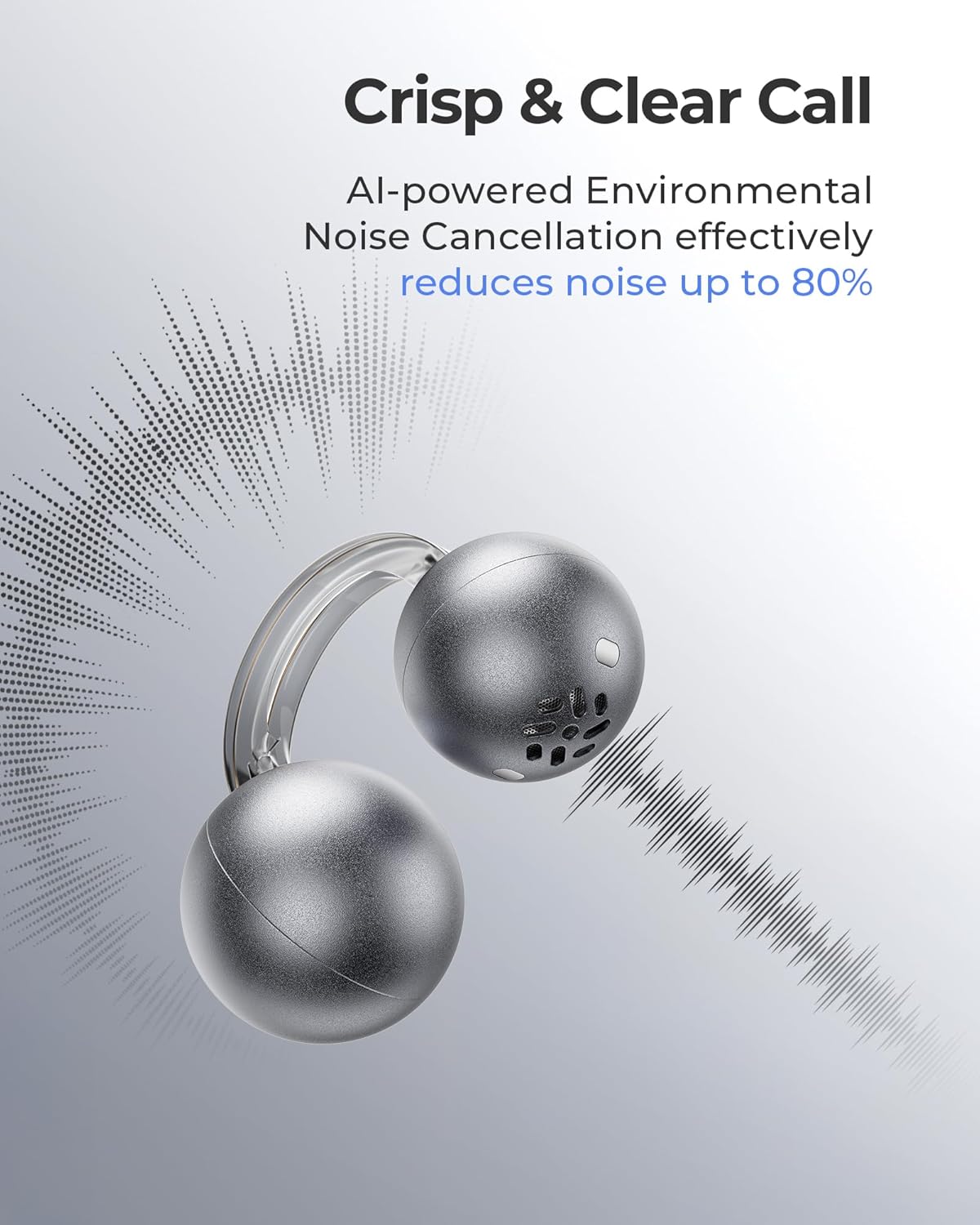
Image: Earbud worn on an ear, showing the secure fit.

Image: Wearing styles for awareness or full sound.
Arahan Operasi
Kawalan Sentuh
Fon telinga menampilkan kawalan sentuhan intuitif untuk menguruskan main balik audio dan panggilan.
- Ketik Dua Kali (Earbud Kiri atau Kanan): Answer a call, End a call, Play/Pause music.
- Triple Tap (Left or Right Earbud): Next track, Reject a call.

Image: Touch control gestures for playback and calls.
Dual-Connection
The CozyClip D1 earbuds support simultaneous connection to two devices.
- Pair the earbuds with your first device (e.g., smartphone).
- Putuskan sambungan fon telinga daripada tetapan Bluetooth peranti pertama.
- Pair the earbuds with your second device (e.g., laptop).
- Reconnect the earbuds to the first device from its Bluetooth settings. The earbuds will now be connected to both devices.
- Audio akan bertukar secara automatik kepada peranti yang memainkan kandungan atau menerima panggilan.

Image: Seamless switching between two connected devices.
Video Produk Rasmi
Video: Tamatview of the Lytmi CozyClip D1 Open Ear Clip-on Earbuds, demonstrating their design, fit, and key features in various usage scenarios.
Penyelenggaraan
- Pembersihan: Lap fon telinga dan bekas pengecas dengan kerap menggunakan kain lembut dan kering. Elakkan penggunaan bahan kimia yang keras atau bahan yang melelas.
- Storan: Apabila tidak digunakan, simpan fon telinga dalam bekas pengecasnya untuk melindunginya daripada habuk dan kerosakan.
- Pendedahan Air: While IP54 rated for water splashes and sweat, avoid submerging the earbuds in water. Ensure they are dry before placing them back in the charging case.
Menyelesaikan masalah
| Masalah | Penyelesaian |
|---|---|
| Fon telinga tidak berpasangan | Ensure earbuds are charged. Turn off and on Bluetooth on your device. Forget "Lytmi CozyClip D1" from your device's Bluetooth list and re-pair. |
| Tiada suara atau kelantangan rendah | Check device volume. Ensure earbuds are properly seated on your ears. Reconnect the earbuds to your device. |
| Fon telinga terjatuh | Adjust the clip for a more secure fit around your earlobe. Experiment with different positioning for optimal stability. |
| Kes pengecas tidak dicas | Verify the charging cable and power adapter are working correctly. Ensure the Type-C cable is fully inserted into the charging port. |
| Kawalan sentuhan tidak bertindak balas | Pastikan jari anda bersih dan kering. Cuba mulakan semula fon telinga dengan meletakkannya dalam bekas dan mengeluarkannya semula. |
Spesifikasi
| Ciri | Perincian |
|---|---|
| Nama Model | Lytmi CozyClip D1 |
| Teknologi Ketersambungan | Wayarles (Bluetooth 5.4) |
| Julat Bluetooth | 10 Meter |
| Hayat Bateri (Earbud) | Sehingga 9 Jam |
| Jumlah Masa Main (dengan Kes) | Sehingga 30 Jam |
| Masa Mengecas | 1 Hour (for earbuds) |
| Tahap Ketahanan Air | IP54 (kalis air & habuk) |
| Berat Barang (Fon Telinga) | 0.17 Auns (lebih kurang 5.4g) |
| Saiz Pemacu Audio | 12 Milimeter |
| Impedans | 32 Ohm |
| Respons Kekerapan | 20 KHz (Upper limit, typical range 20Hz-20kHz) |
| Kawalan Bunyi | Adaptive Noise Cancellation (for calls) |
| bahan | ABS+PC (for carrying case) |
| Kaedah Kawalan | Sentuh |
Waranti dan Sokongan
For warranty information, technical support, or further assistance, please refer to the official Lytmi webtapak atau hubungi perkhidmatan pelanggan mereka secara langsung. Simpan resit pembelian anda untuk tuntutan waranti.
You can visit the Lytmi Store for more information: Lytmi Official Store


