pengenalan
The Portronics Harmonics Twins S19 are truly wireless in-ear earbuds designed for a high-quality audio experience. They feature Bluetooth 5.3 for stable connectivity, intuitive touch controls, and Type C fast charging. This manual provides detailed instructions for setting up, operating, and maintaining your earbuds.
Apa yang ada dalam Kotak
- 2N Earbuds
- 1N Documentation (User Manual)
- 1N Charging Cable (Type C)
Produk Selesaiview
The Harmonics Twins S19 earbuds are designed for comfort and a secure fit, featuring a unique earbud design. The charging case is compact and lightweight, providing extended battery life.
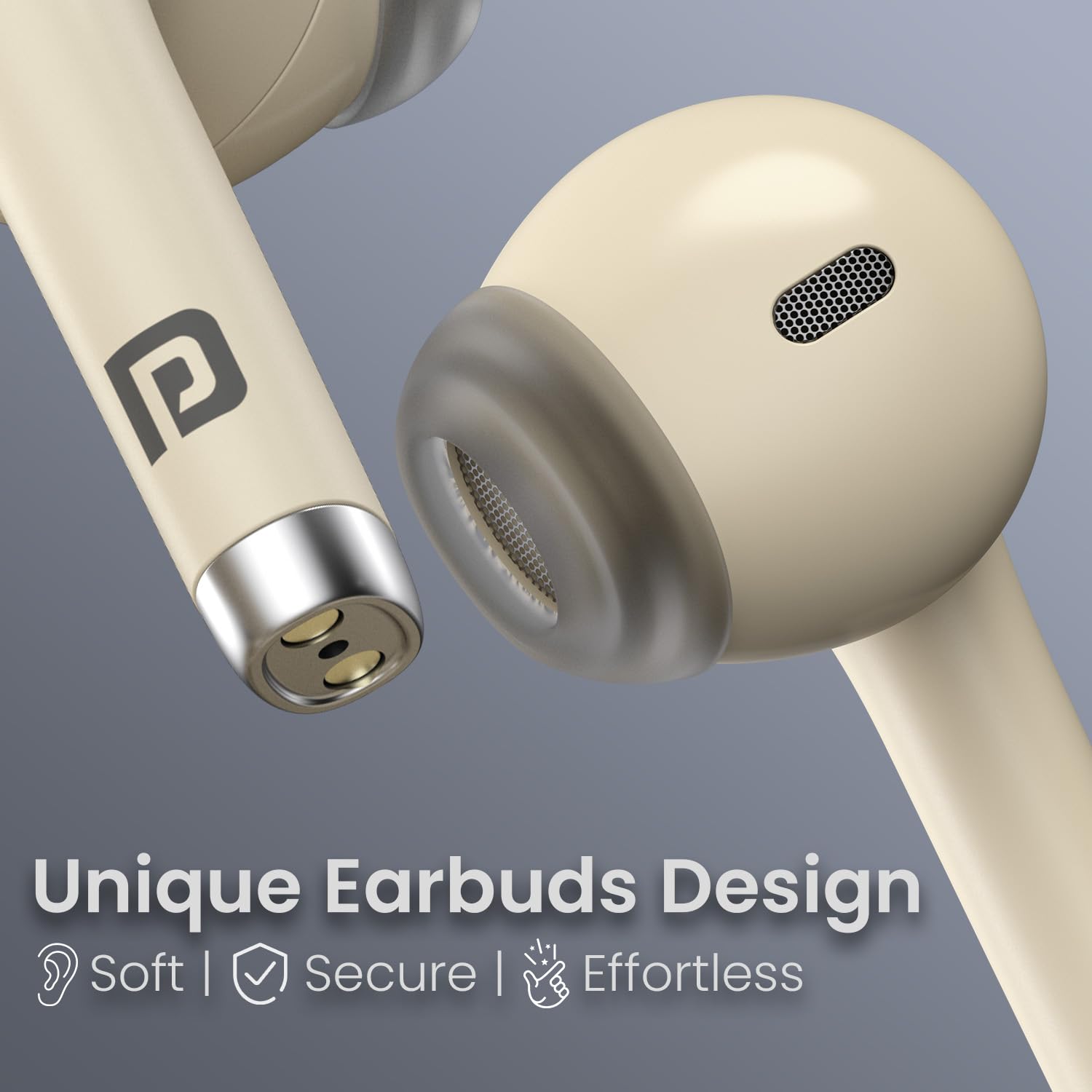
Image: Close-up of the Portronics Harmonics Twins S19 earbuds, highlighting their unique, soft, secure, and effortless design.
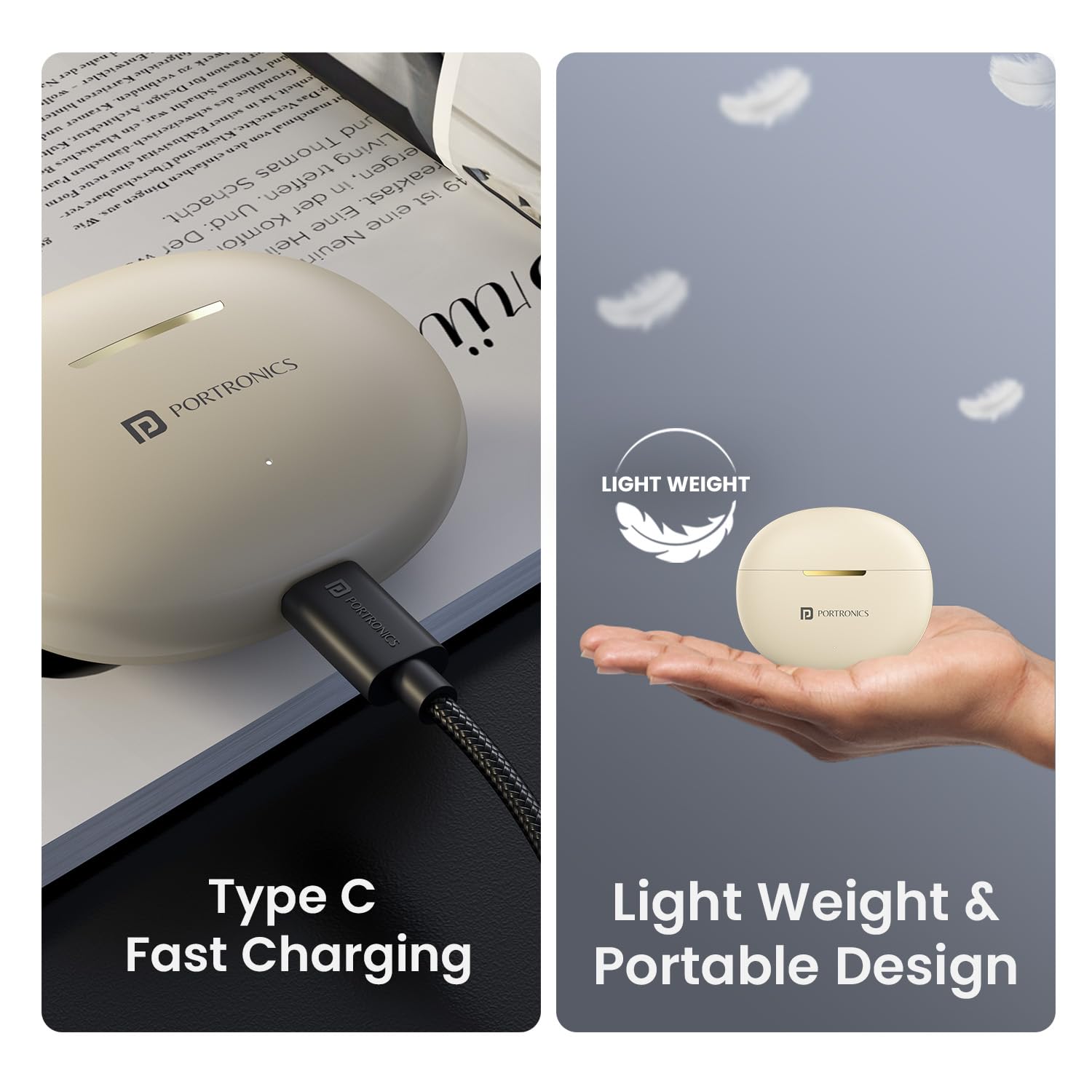
Image: The Portronics Harmonics Twins S19 earbuds and charging case, illustrating the lightweight and portable design, alongside the Type C fast charging port.
Persediaan
1. Mengecas Fon Telinga dan Sarung
Sebelum penggunaan pertama, cas sepenuhnya fon telinga dan bekas pengecas.
- Connect the provided Type C charging cable to the charging port on the case.
- Sambungkan hujung kabel yang satu lagi ke penyesuai kuasa USB (tidak disertakan).
- Lampu penunjuk pada bekas akan menunjukkan status pengecasan. Setelah dicas sepenuhnya, lampu akan bertukar atau padam.
- Place the earbuds into the charging case to charge them. The earbuds will charge automatically when placed correctly in the case.
The earbuds and case offer up to 30 hours of playtime on a single charge, with fast charging capabilities.
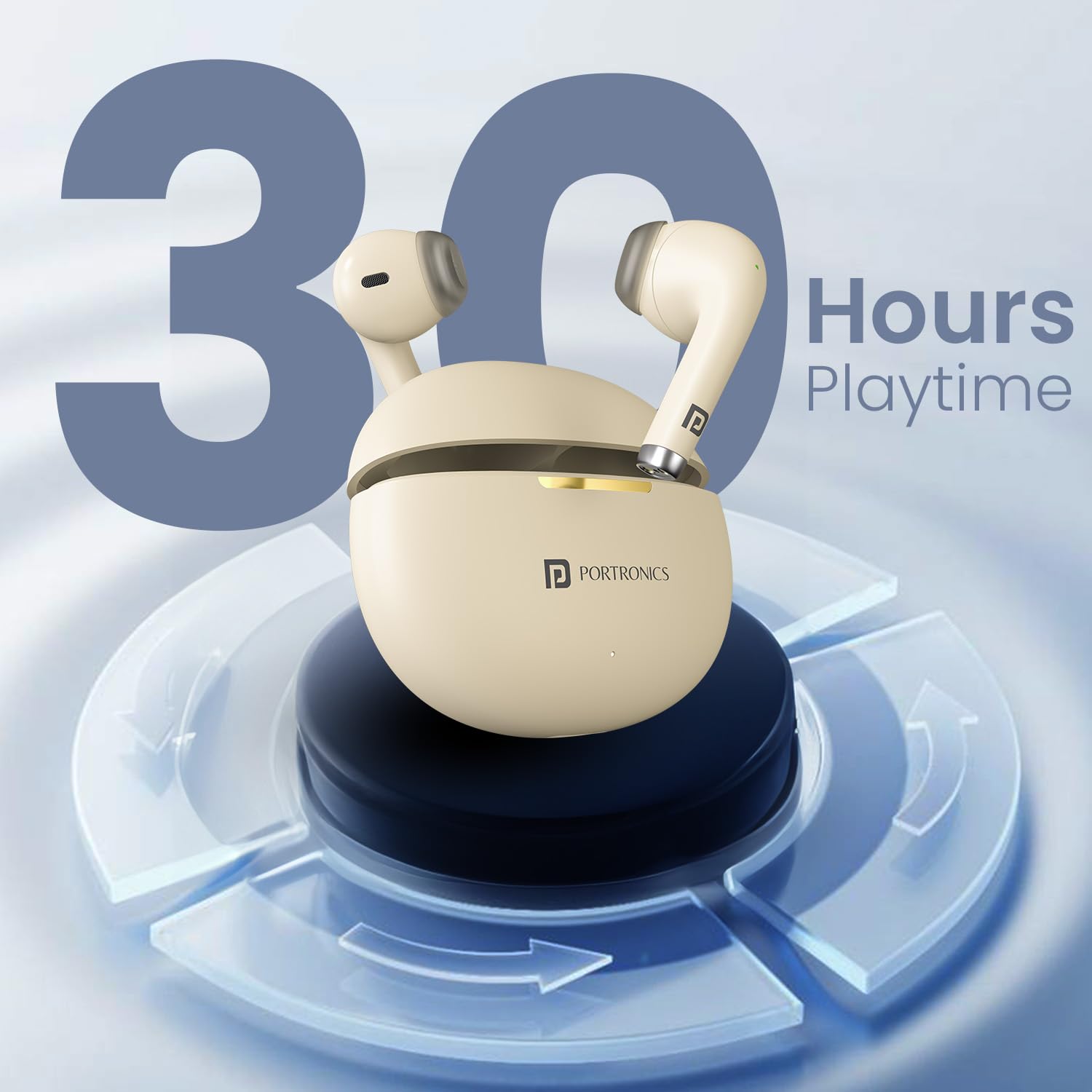
Image: The Portronics Harmonics Twins S19 earbuds in their charging case, illustrating the 30 hours of playtime capacity.
2. Berpasangan dengan Peranti
The Harmonics Twins S19 use Bluetooth 5.3 for stable and low-latency connectivity.
- Buka bekas pengecas. Fon telinga akan memasuki mod berpasangan secara automatik.
- Pada peranti anda (telefon pintar, tablet, komputer riba), pergi ke tetapan Bluetooth dan hidupkan Bluetooth.
- Cari untuk peranti yang tersedia dan pilih "Portronics Harmonics Twins S19" daripada senarai.
- Setelah disambungkan, anda akan mendengar nada pengesahan dan fon telinga akan sedia untuk digunakan.
The earbuds offer instant connectivity once paired.
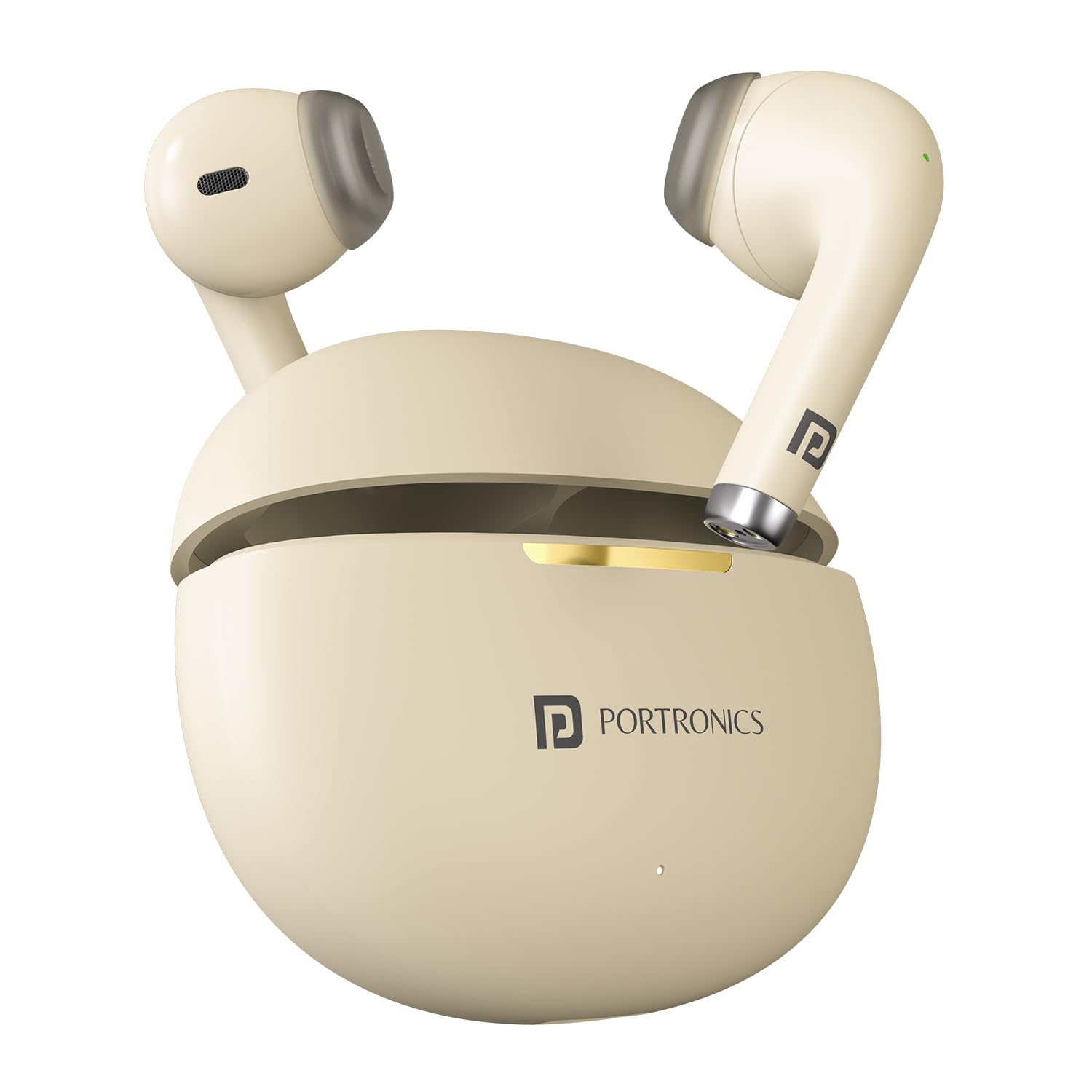
Image: The Portronics Harmonics Twins S19 earbuds next to a smartphone, illustrating instant connectivity via Bluetooth V5.3.
Arahan Operasi
Kawalan Sentuh
The Harmonics Twins S19 earbuds feature intuitive touch controls for managing music, calls, and voice assistance.
- Single Click Left Earbud: Pick/End Calls, Play/Pause Music
- Single Click Right Earbud: Pick/End Calls, Play/Pause Music
- Double Click Left Earbud: Previous Track Song
- Double Click Right Earbud: Next Track Song
- Tiga Tekan: Mod Permainan/Muzik
- Long Press (Call): Panggilan Tolak
- Tekan Lama 3s: Pembantu Suara

Image: Diagram illustrating the touch control functions on the Portronics Harmonics Twins S19 earbuds for music, calls, and voice assistant.
Mod Permainan/Muzik
Switch between Game Mode for low-latency audio during gaming and Music Mode for an optimized listening experience.
- Tiga Tekan either earbud to toggle between Game Mode and Music Mode.
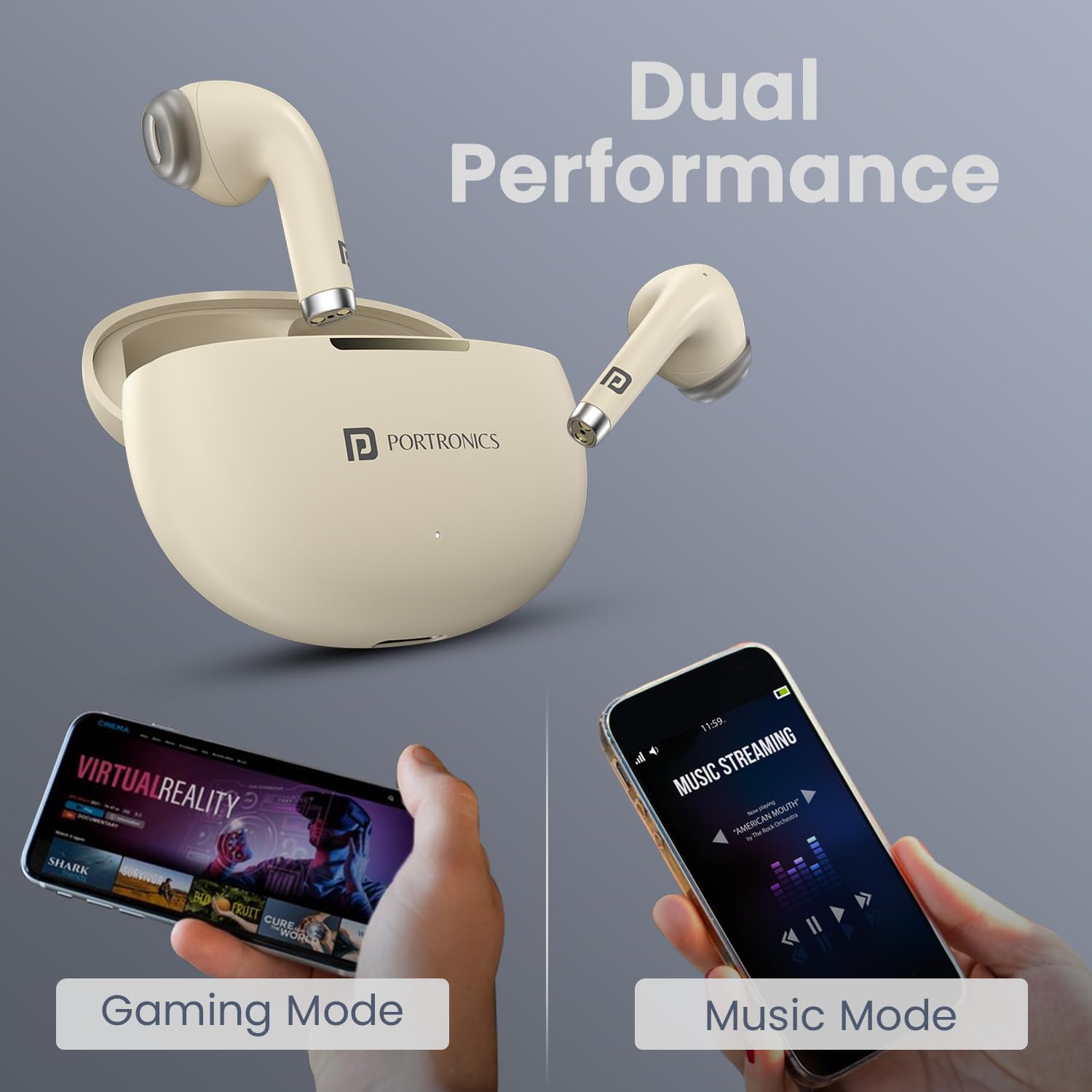
Image: The Portronics Harmonics Twins S19 earbuds demonstrating their dual performance capabilities for both gaming and music streaming.
Bantuan Suara
Access your smartphone's voice assistant directly from the earbuds.
- Tekan lama (3 saat) either earbud to activate the voice assistant.
Penyelenggaraan
To ensure the longevity and optimal performance of your Portronics Harmonics Twins S19 earbuds, follow these maintenance guidelines:
- Pembersihan: Bersihkan fon telinga dan bekas pengecas secara berkala dengan kain yang lembut, kering dan tidak berbulu. Elakkan menggunakan bahan kimia yang keras atau bahan yang melelas.
- Tahan Air: The earbuds are IPX5 water resistant, meaning they are protected against low-pressure water jets from any direction. This makes them rainproof, splashproof, and sweatproof. However, they are not designed for submersion in water. Do not expose them to excessive moisture or liquids.
- Storan: Apabila tidak digunakan, simpan fon telinga dalam bekas pengecasnya untuk melindunginya dan memastikan ia dicas. Simpan di tempat yang sejuk dan kering jauh dari suhu yang melampau.
- mengecas: Use only the provided Type C cable for charging. Avoid using damaged cables or chargers.
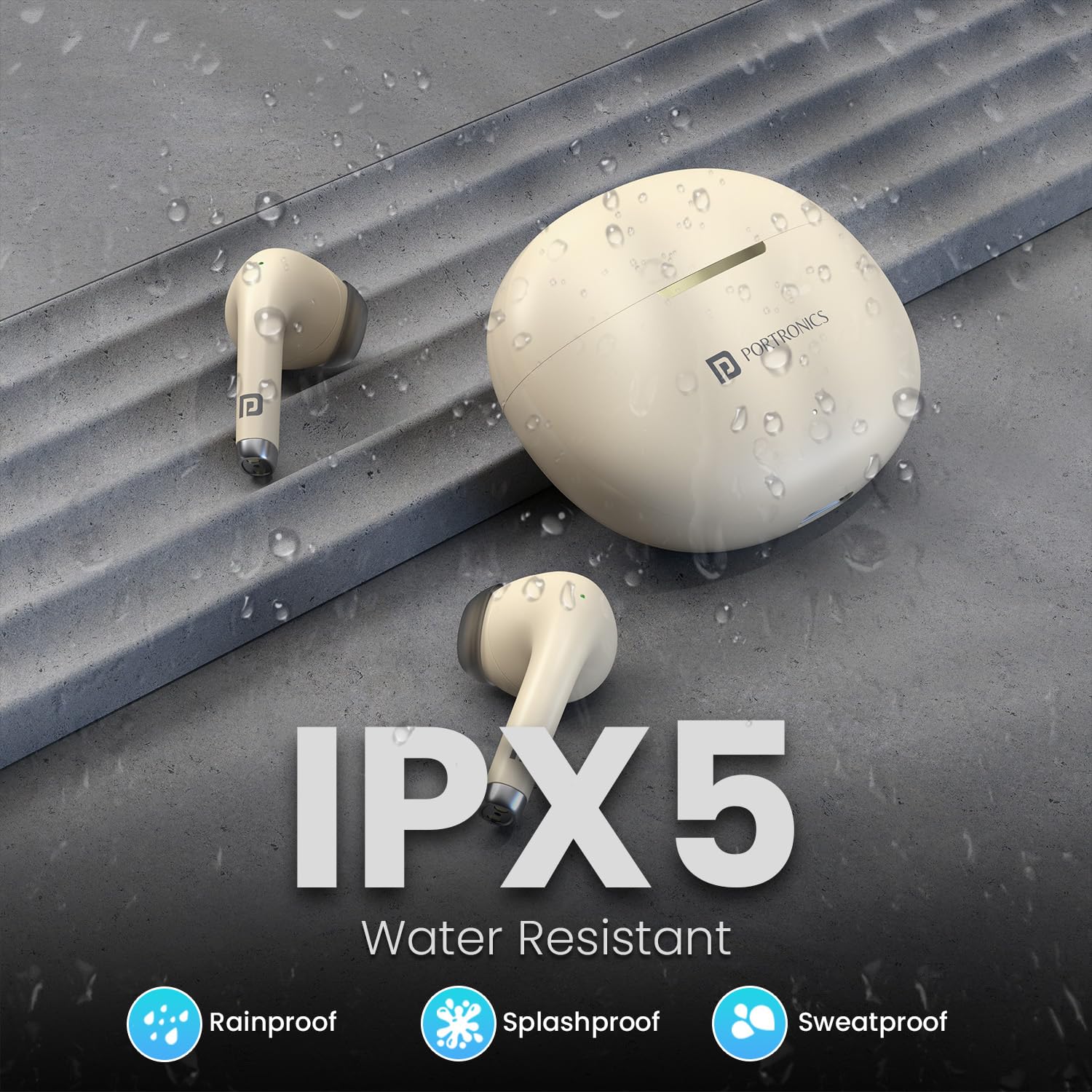
Image: The Portronics Harmonics Twins S19 earbuds and charging case, highlighting their IPX5 water-resistant rating, indicating protection against rain, splashes, and sweat.
Menyelesaikan masalah
If you encounter any issues with your Harmonics Twins S19 earbuds, refer to the following common solutions:
| Masalah | Penyelesaian |
|---|---|
| Fon telinga tidak berpasangan |
|
| Tiada bunyi dari satu fon telinga |
|
| Isu pengecasan |
|
| Kelantangan rendah atau kualiti bunyi yang lemah |
|
Spesifikasi
| Ciri | Perincian |
|---|---|
| Nama Model | Kembar Harmonik S19 |
| Nombor Model Item | POR-2215 |
| Teknologi Ketersambungan | Wayarles (Bluetooth) |
| Versi Bluetooth | 5.3 |
| Jenis Pemacu Audio | Pemandu Dinamik |
| Saiz Pemandu | 13mm Bass Driver |
| Hayat Bateri | Sehingga 30 Jam (dengan kes pengecasan) |
| Jenis Pengecasan | Pengecasan Cepat Jenis C |
| Kaedah Kawalan | Kawalan Sentuh |
| Ciri Khas | Touch Control, Bluetooth 5.3, Type C Fast Charging, Voice Assistance, Truly Wireless Design, Game/Music Mode |
| Tahan Air | IPX5 (Rainproof, Splashproof, Sweatproof) |
| bahan | Plastik ABS |
| Berat Barang | 110 Gram |
| Dimensi Produk | 8.7 x 9.6 x 4.4 cm |
| Peranti Serasi | Telefon Pintar, Tablet, Komputer Riba, Komputer Desktop |

Imej: Keratan rentas view of a Portronics Harmonics Twins S19 earbud, highlighting the 13mm dynamic bass driver for superior sound.
Waranti dan Sokongan
Your Portronics Harmonics Twins S19 earbuds come with a standard brand warranty. For specific warranty details, please refer to the documentation included in your product box or visit the official Portronics webtapak.
For any support, queries, or assistance, you can contact Portronics customer service:
- e-mel: help@portronics.com
- telefon: +91 9555-245-245


