pengenalan
Thank you for choosing the CASCHO G10 Bluetooth Headset. This manual provides detailed instructions for setting up, operating, maintaining, and troubleshooting your new headset. Please read this manual carefully before use to ensure optimal performance and longevity of your device.
Produk Selesaiview
Ciri-ciri Utama
- Teknologi Bluetooth 5.3: Ensures stable connection, fast pairing, and extended range.
- CVC8.0 & ENC Call Noise Cancellation: Advanced noise-canceling technology for clear calls.
- Hayat Bateri yang Panjang: Up to 20 hours of talking time and 250 hours of standby time.
- Tahan Air IP7: Provides protection against water splashes and sweat.
- Fungsi Redam: Allows you to mute your voice during calls for privacy.
- Paparan led: Indicates battery status and other relevant information.
Kandungan Pakej
- 1 x CASCHO G10 Bluetooth Headset
- 1 x Kabel Pengecasan
- Manual Pengguna
Gambarajah Produk

Rajah 1: Umum view of the CASCHO G10 Bluetooth Headset.
Persediaan
1. Mengecas Alat Dengar
Before first use, fully charge the headset. Connect the charging cable to the headset's charging port and a USB power source. The LED display will indicate the charging status. A full charge takes approximately 1.5 hours.
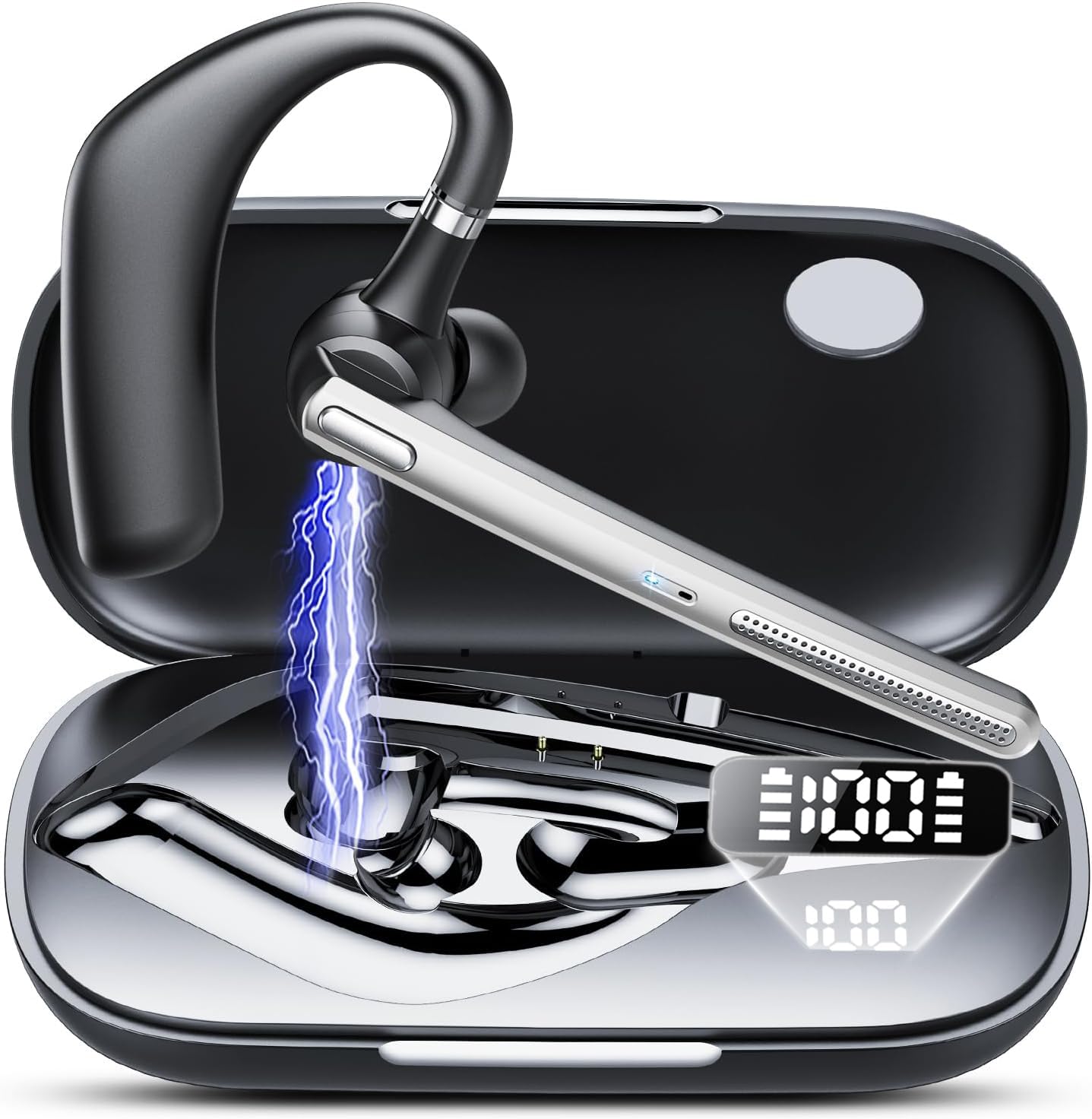
Figure 2: Headset showing battery life and LED display. The charging case has a 500mAh capacity.
2. Menghidupkan/Mematikan
- Hidupkan kuasa: Tekan dan tahan Butang Berbilang Fungsi selama 3 saat sehingga penunjuk LED berkelip biru.
- Matikan: Press and hold the Multi-function Button for 5 seconds until the LED indicator flashes red and then turns off.
3. Berpasangan Bluetooth
- Pastikan alat dengar dimatikan.
- Press and hold the Multi-function Button for 5-7 seconds until the LED indicator flashes red and blue alternately, indicating pairing mode.
- Pada peranti anda (telefon pintar, tablet, dll.), dayakan Bluetooth dan cari peranti yang tersedia.
- Select "CASCHO G10" from the list of devices.
- Setelah dipasangkan, penunjuk LED akan berkelip biru perlahan-lahan.

Figure 3: Bluetooth 5.3 technology provides stable connection, fast pairing (approx. 2 seconds), and an extended range.
4. Memakai Alat dengar
Gently place the ear hook over your ear and adjust the earpiece to fit comfortably in your ear canal. Ensure the microphone is positioned towards your mouth for optimal call clarity.
Arahan Operasi
Pengurusan Panggilan
- Jawab/Tamatkan Panggilan: Tekan Butang Berbilang fungsi sekali.
- Tolak Panggilan: Tekan dan tahan Butang Pelbagai fungsi selama 2 saat.
- Redam/Nyahredam: During a call, click the mute button once. The other party will not hear your voice.
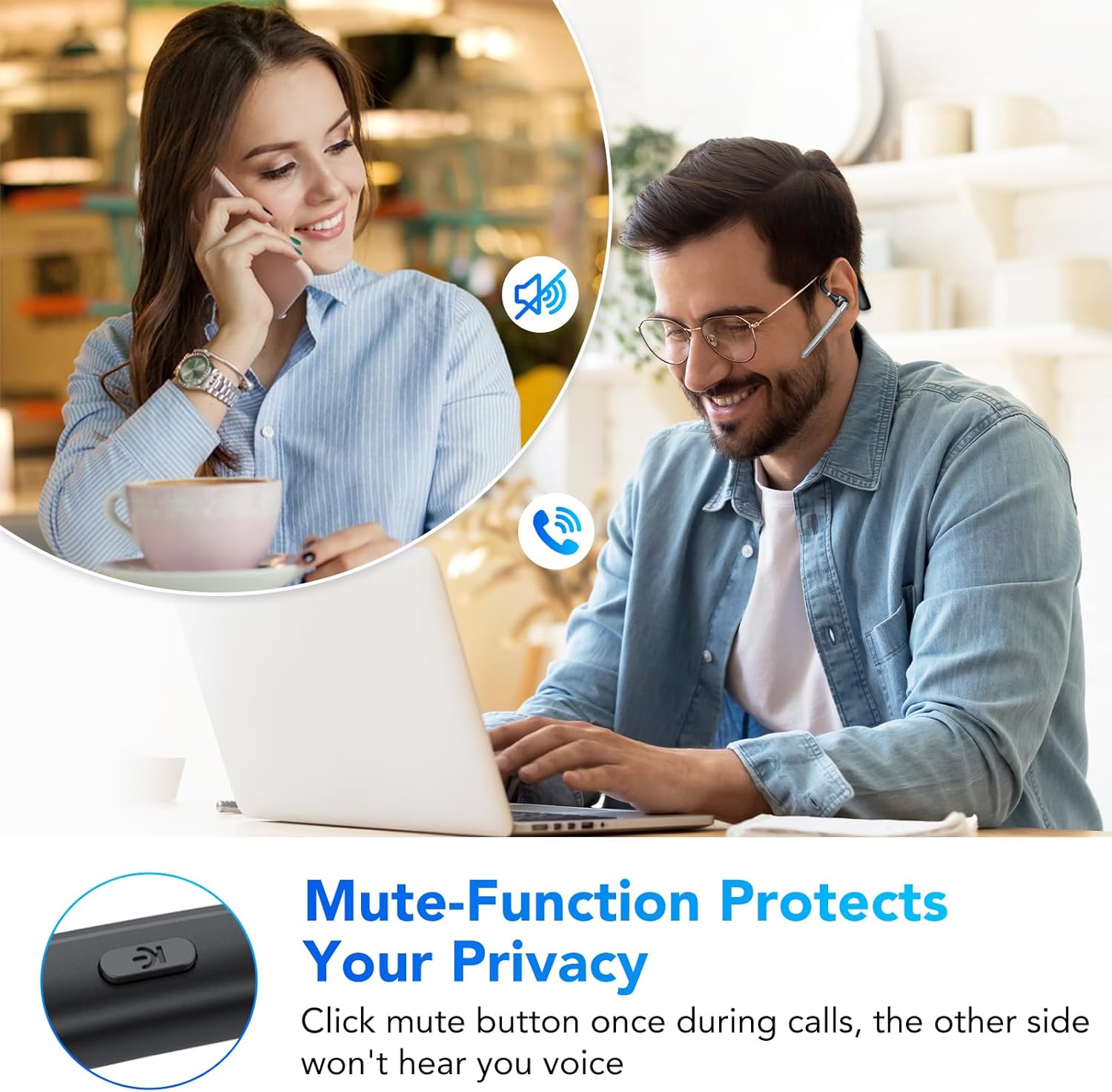
Figure 4: The mute function protects your privacy during calls.
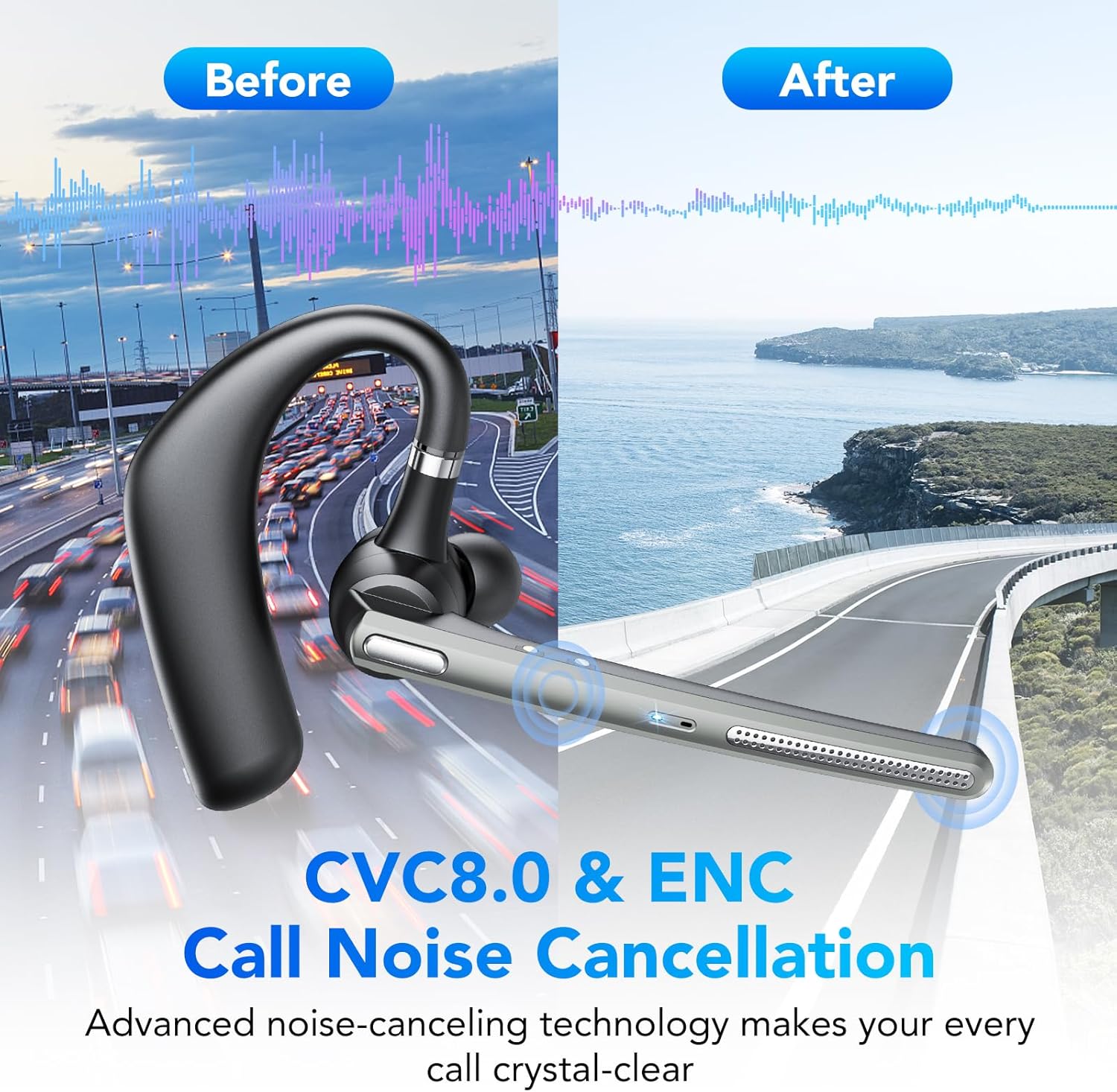
Figure 5: CVC8.0 & ENC Call Noise Cancellation ensures crystal-clear calls even in noisy environments.
Main balik Muzik
- Main/Jeda: Tekan Butang Berbilang fungsi sekali.
- Lagu Seterusnya: Tekan dua kali Butang Pelbagai fungsi.
- Trek Sebelumnya: Triple-press the Multi-function Button.
Kawalan Kelantangan
- Kelantangan: Tekan butang Kelantangan Naik.
- Perlahankan suara: Tekan butang Kurangkan Kelantangan.
Pembantu Suara
Press and hold the Volume Down button for 2 seconds to activate your device's voice assistant (e.g., Siri, Google Assistant).
Penyelenggaraan
Pembersihan
Wipe the headset with a soft, dry cloth. Do not use abrasive cleaners or solvents. For the earpiece, gently clean with a cotton swab if necessary.
Penyimpanan
Store the headset in a cool, dry place away from direct sunlight and extreme temperatures. When not in use for extended periods, charge the headset at least once every three months to preserve battery life.
Rintangan Air (IP7)
The headset is IP7 water-resistant, meaning it can withstand splashes and sweat. However, it is not designed for submersion in water. Avoid exposing it to heavy rain or swimming.
Menyelesaikan masalah
| Masalah | Kemungkinan Punca | Penyelesaian |
|---|---|---|
| Alat dengar tidak dihidupkan. | Bateri lemah. | Caskan set kepala sepenuhnya. |
| Tidak boleh berpasangan dengan peranti. | Fon kepala tidak dalam mod berpasangan; Bluetooth dimatikan pada peranti; peranti terlalu jauh. | Ensure headset is in pairing mode (red/blue flashing LED). Turn on Bluetooth on your device. Move headset closer to device. |
| No sound during calls/music. | Kelantangan terlalu rendah; alat dengar tidak disambungkan; output audio yang dipilih salah. | Increase volume on headset and device. Reconnect headset. Check device's audio output settings. |
| Kualiti panggilan yang lemah. | Weak signal; environmental noise. | Move closer to your device. Ensure microphone is positioned correctly. CVC8.0 & ENC should minimize environmental noise. |
Spesifikasi
| Nombor Model: | G10 |
| Jenama: | CASCHO |
| Teknologi Ketersambungan: | Wayarles (Bluetooth 5.3) |
| Ciri Khas: | Noise Cancellation (CVC8.0 & ENC), Mute Function |
| Tahap Rintangan Air: | IP7 (kalis air) |
| Jenis Bateri: | Litium-ion |
| Masa Bercakap: | Sehingga 20 jam |
| Masa Siap sedia: | Sehingga 250 jam |
| Kapasiti Kes Pengecasan: | 500mAh |
| Masa Pengecasan: | lebih kurang 1.5 jam |
| Berat: | 150 Gram |
| Bahan: | plastik |
| warna: | Kelabu Besi |
| Faktor Bentuk: | In-Ear (Intra-Auriculaire) |
| Komponen yang Disertakan: | Headset, Charging Cable |
Waranti dan Sokongan
For warranty information or technical support, please refer to the documentation provided at the time of purchase or contact your retailer. Keep your proof of purchase for warranty claims.


