pengenalan
The Sentry Over the Ear Wireless Active Noise Cancelling Headphones are designed to provide an immersive audio experience with advanced noise cancellation. These headphones offer up to -20dB of noise reduction, ensuring a focused listening environment. Featuring Bluetooth V5.3 for seamless wireless connectivity, a long-lasting battery, and a comfortable, foldable design, they are ideal for travel and daily use. Integrated controls allow for easy management of audio and calls.
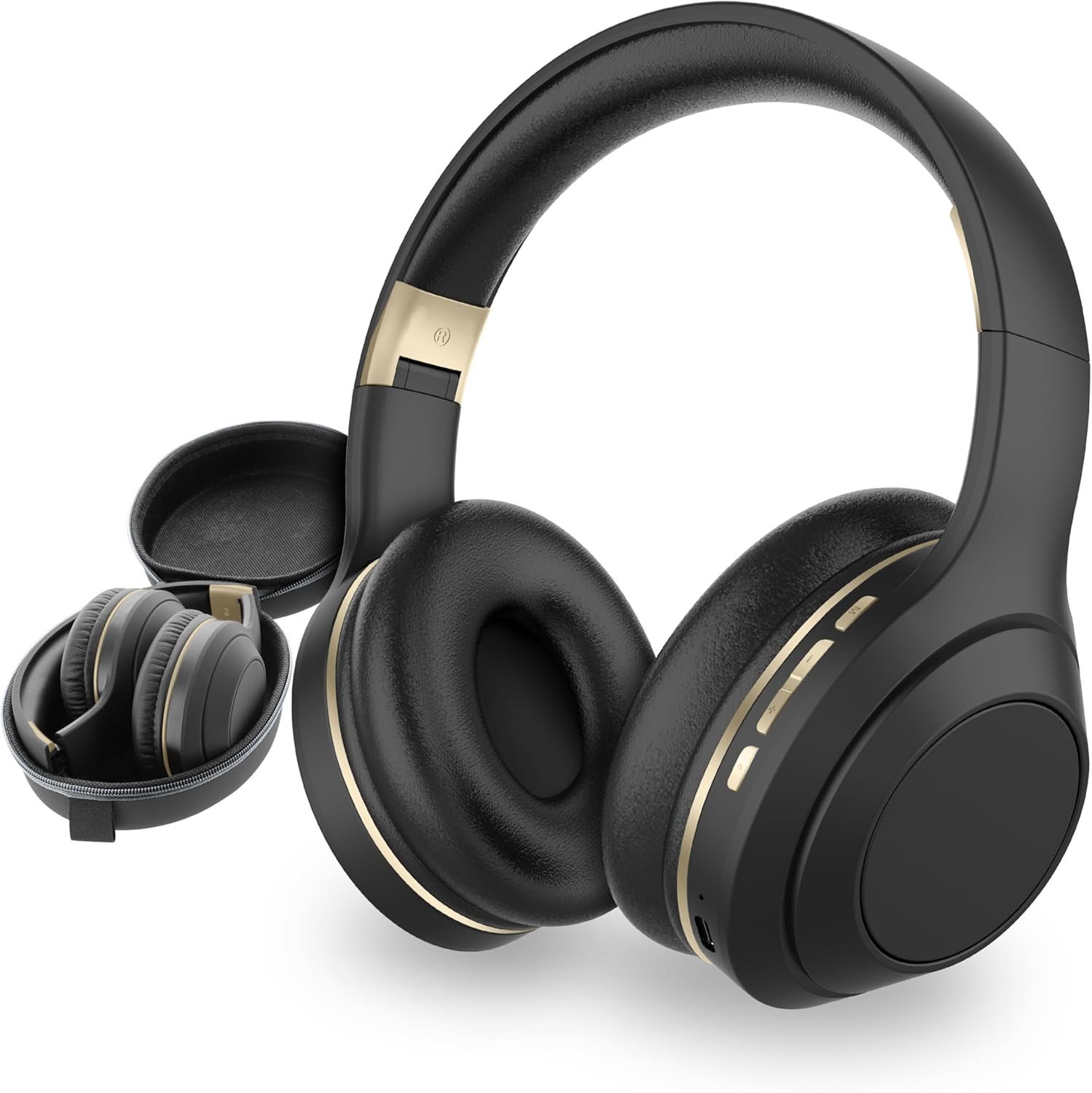
Figure 1: SENTRY OSH Over Ear Bluetooth Wireless Headphones and Carrying Case.
Apa yang ada dalam Kotak
Upon opening your SENTRY OSH headphone package, you will find the following items:
- SENTRY OSH Over Ear Bluetooth Wireless Headphones
- USB C Charging Wire
- Sarung Pelindung
- Manual Pengguna (dokumen ini)

Figure 2: The included hard shell carrying case provides protection and portability for your headphones.
Ciri-ciri Produk
Advanced Noise Cancellation
These headphones are equipped with Active Noise Cancellation (ANC) technology, effectively blocking out ambient noise by up to -20dB. This feature allows for an isolated listening experience, minimizing distractions from your surroundings. The ANC is particularly effective at reducing mid to high-frequency sounds.

Figure 3: Key features including Active Noise Cancellation and Bluetooth V5.3.

Figure 4: Awareness Mode allows you to stay connected to your surroundings while enjoying audio.
Wireless Connectivity (Bluetooth V5.3)
Experience seamless audio streaming with Bluetooth V5.3, offering up to 30 feet of stable, unbreakable connectivity. No application is required for pairing, ensuring a straightforward connection process with your devices. On-ear buttons provide convenient control over volume, track skipping, and call management.

Figure 5: Bluetooth 5.3 technology ensures stable and efficient wireless connection.
Jangka Hayat Bateri
The integrated 400mAh battery provides up to 22 hours of uninterrupted listening with Active Noise Cancellation enabled. A full charge requires approximately 3 hours using the included USB-C charging cable.

Figure 6: Enjoy long listening sessions with the extended battery life and quick charging capability.
Comfortable and Compact Design
Ergonomic over-ear cups and an adjustable headband ensure a snug and comfortable fit, even during prolonged listening periods. The bi-folding design allows the headphones to be compactly stored in the included carrying case, making them highly portable.

Figure 7: Studio-grade earpads provide comfort for all-day wear.
Deep Bass Technology
Experience vibrant soundscapes with deep bass, clear vocals, and balanced stereo sound that brings your favorite music to life.

Figure 8: Deep Bass Technology enhances your audio experience.
Persediaan
1. Mengecas Fon Kepala
Before first use, fully charge your SENTRY OSH headphones. Connect the included USB-C charging cable to the charging port on the headphones and the other end to a compatible USB power source (e.g., computer USB port, wall adapter). The charging indicator light will show the charging status. A full charge takes approximately 3 hours.
2. Menghidupkan/Mematikan
To power on the headphones, press and hold the Power button (located on the right earcup) for a few seconds until you hear an audible prompt or see the indicator light illuminate. To power off, press and hold the Power button again until the headphones shut down.
3. Berpasangan Bluetooth
- Pastikan fon kepala dimatikan.
- Tekan dan tahan butang Kuasa sehingga lampu penunjuk berkelip dengan cepat, menunjukkan mod berpasangan.
- Pada peranti anda (telefon pintar, tablet, komputer riba), navigasi ke tetapan Bluetooth.
- Cari untuk available devices and select "SENTRY OSH" from the list.
- Once connected, the indicator light on the headphones will change, and you will hear a confirmation sound.
Fon kepala akan menyambung semula secara automatik ke peranti gandingan terakhir apabila dihidupkan, jika Bluetooth peranti aktif dan dalam julat.
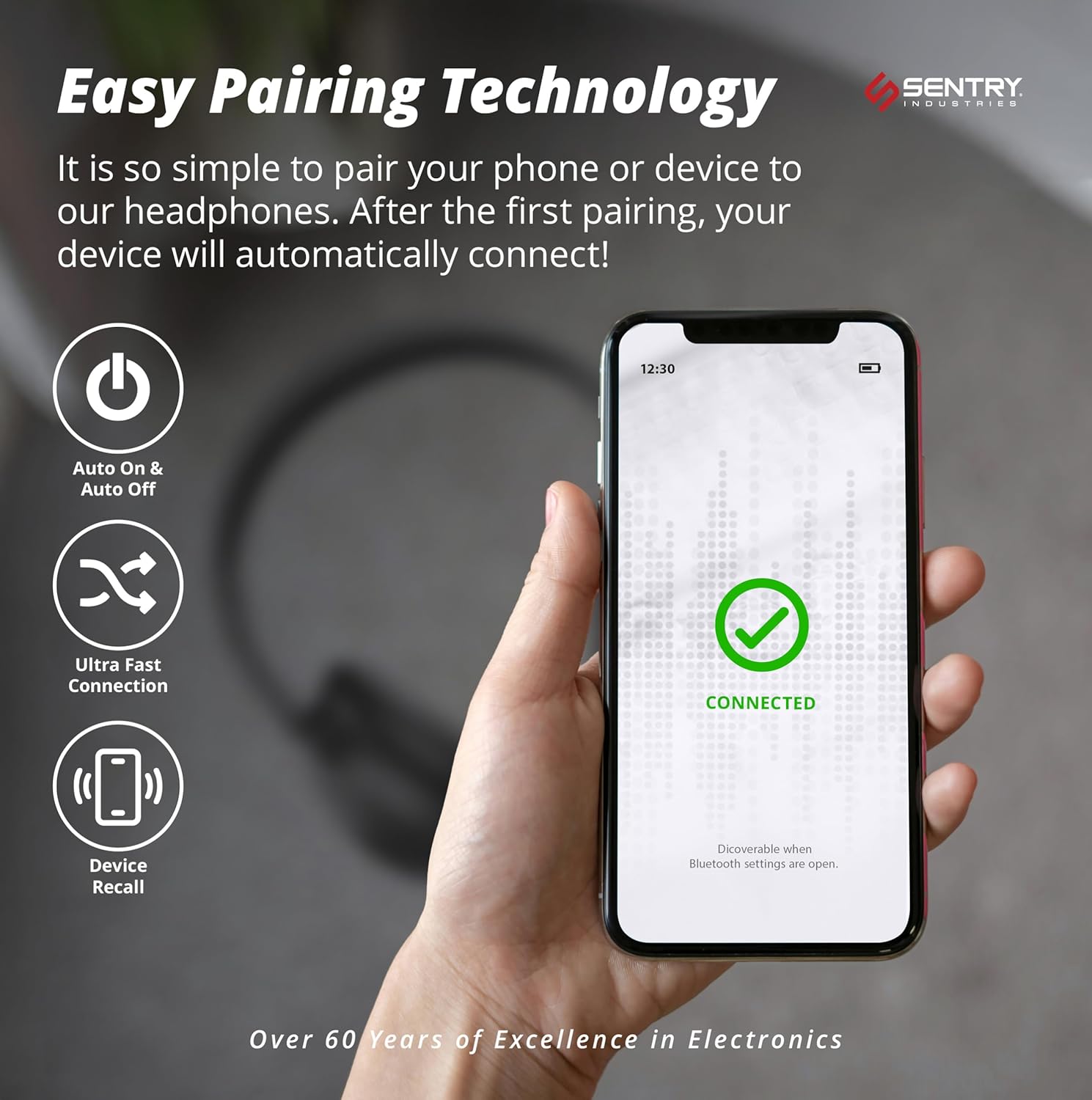
Figure 9: Easy pairing technology ensures quick and hassle-free connection to your devices.
Arahan Operasi
Audio Playback Controls
- Main/Jeda: Tekan butang Pelbagai fungsi (selalunya butang kuasa atau butang main/jeda khusus) sekali.
- Lagu Seterusnya: Tekan dan tahan butang Naik Kelantangan.
- Trek Sebelumnya: Tekan dan tahan butang Kurangkan Kelantangan.
- Kelantangan: Tekan pendek butang Kelantangan Naik.
- Perlahankan suara: Tekan pendek butang Kurangkan Kelantangan.
Pengurusan Panggilan
- Jawab/Tamatkan Panggilan: Tekan butang Pelbagai fungsi sekali.
- Tolak Panggilan: Tekan dan tahan butang Berbilang fungsi selama 2 saat.
- Dail Semula Nombor Terakhir: Tekan dua kali butang Berbilang fungsi.
Kawalan Pembatalan Bunyi Aktif (ANC).
To activate or deactivate the Active Noise Cancellation feature, locate the dedicated ANC button (often on one of the earcups, as indicated in the video description). Press this button to toggle ANC on or off. You may hear a slight change in ambient sound when toggling this feature.
Penyelenggaraan
- Pembersihan: Gunakan kain lembut dan kering untuk membersihkan fon kepala. Jangan gunakan pembersih atau pelarut yang melelas.
- Storan: When not in use, store the headphones in their protective carrying case to prevent damage. Avoid exposing them to extreme temperatures or humidity.
- Penjagaan Bateri: Untuk memanjangkan hayat bateri, elakkan daripada menyahcas sepenuhnya fon kepala dengan kerap. Mengecasnya dengan kerap, walaupun tidak digunakan secara berterusan.
- Tahan Air: The headphones are water resistant. However, avoid submerging them in water or exposing them to heavy rain.
Menyelesaikan masalah
| Masalah | Kemungkinan Punca | Penyelesaian |
|---|---|---|
| Fon kepala tidak dihidupkan. | Bateri lemah. | Cas fon kepala sepenuhnya menggunakan kabel USB-C yang disediakan. |
| Tidak boleh berpasangan dengan peranti. | Fon kepala tiada dalam mod berpasangan; peranti Bluetooth dimatikan; terlalu jauh dari peranti. | Ensure headphones are in pairing mode (flashing indicator light). Turn on Bluetooth on your device. Move headphones closer to the device (within 30 feet). Forget previous pairings on your device and try again. |
| Tiada bunyi atau kelantangan rendah. | Kelantangan terlalu rendah; fon kepala tidak disambungkan; output audio yang dipilih pada peranti salah. | Increase volume on both headphones and connected device. Reconnect headphones. Check device's audio output settings. |
| ANC buzzing sound. | Interference or a specific frequency interaction. | Try toggling the ANC feature off and on. If the issue persists, contact customer support. |
| Headphones feel loose or uncomfortable. | Ikat kepala tidak dilaraskan dengan betul. | Adjust the headband to ensure a snug and comfortable fit over your ears. |
Spesifikasi
| Ciri | Perincian |
|---|---|
| Nama Model | OVHDBKZ |
| Kawalan Bunyi | Active Noise Cancellation (-20dB Reduction) |
| Teknologi Ketersambungan | Wayarles, Bluetooth V5.3 |
| Julat Bluetooth | Sehingga 30 Kaki |
| Hayat Bateri | Up to 22 Hours (with ANC) |
| Masa Mengecas | 3 Jam |
| Jack Fon Kepala | 3.5 mm Jack, USB C Charging |
| Respons Kekerapan | 20 Hz - 20,000 Hz |
| Sensitiviti | 100 dB |
| Impedans | 40 Ohm |
| Saiz Pemacu Audio | 40 Milimeter |
| Jenis Kawalan | Kawalan Sentuh, Butang |
| Penempatan Telinga | On Ear (Form Factor: Over Ear) |
| bahan | Plastic (Headphones), Fabric (Carrying Case) |
| Tahap Ketahanan Air | Tahan Air |
| Berat Barang | 1.38 paun |
| UPC | 080068071303 |
Waranti & Sokongan
Jaminan Hari 90
Sentry Industries offers an extensive 90-day warranty on all products. This guarantee provides free replacement for defective or damaged products within 90 days of purchase.
Sokongan Pelanggan
Sentry Industries is an American company with over 60 years in business. For assistance or inquiries, a customer support line is operated out of our New York office to ensure you receive the help you need.
For more information, visit the official SENTRY store: Kedai SENTRY di Amazon


