pengenalan
This manual provides detailed instructions for the proper use and maintenance of your T-fun NC45 Active Noise Cancelling Headphones. Please read this guide thoroughly before using the product to ensure optimal performance and longevity.

Image: T-fun NC45 Active Noise Cancelling Headphones in black.
Apa yang ada dalam Kotak
Sahkan bahawa semua item terdapat dalam pakej anda:
- Fon Kepala Pembatal Bunyi Aktif NC45
- Kabel Audio 3.5mm
- Type-A to Type-C Charging Cable
- Digital User Manual (downloadable)
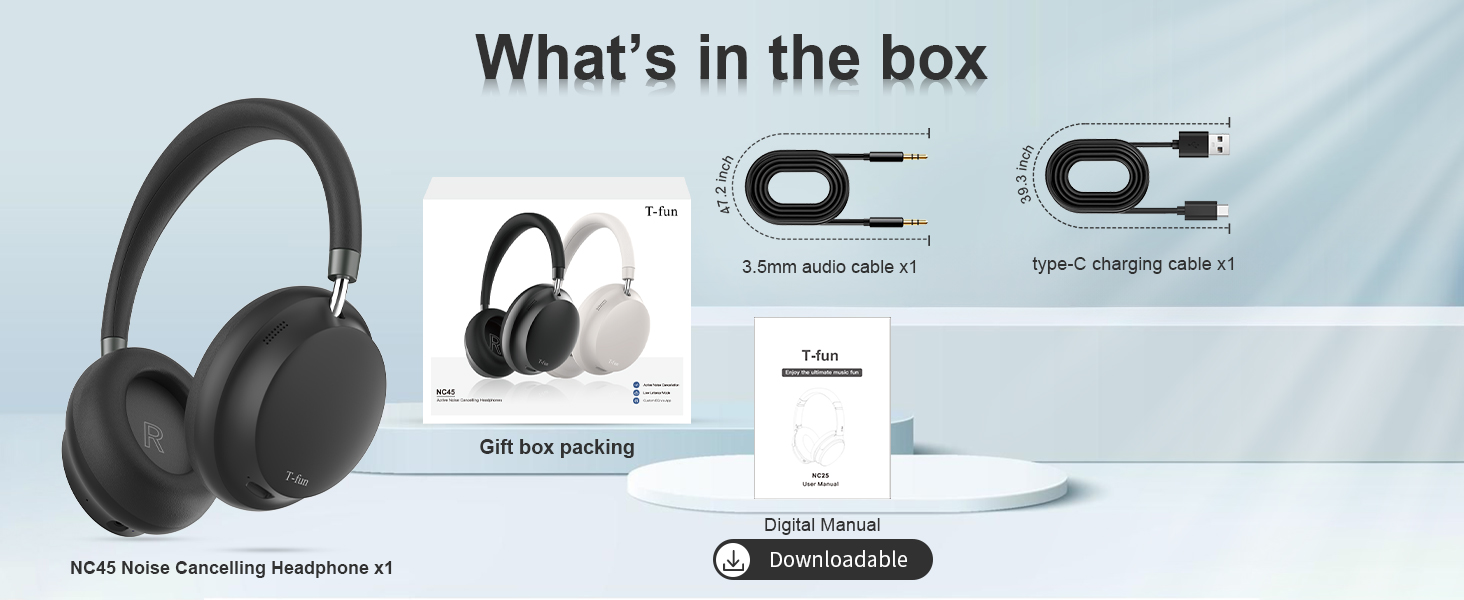
Image: Contents of the T-fun NC45 headphone package, including headphones, cables, and manual.
Kawalan dan Fungsi
The T-fun NC45 headphones feature intuitive controls for managing audio playback, calls, and Active Noise Cancellation (ANC).
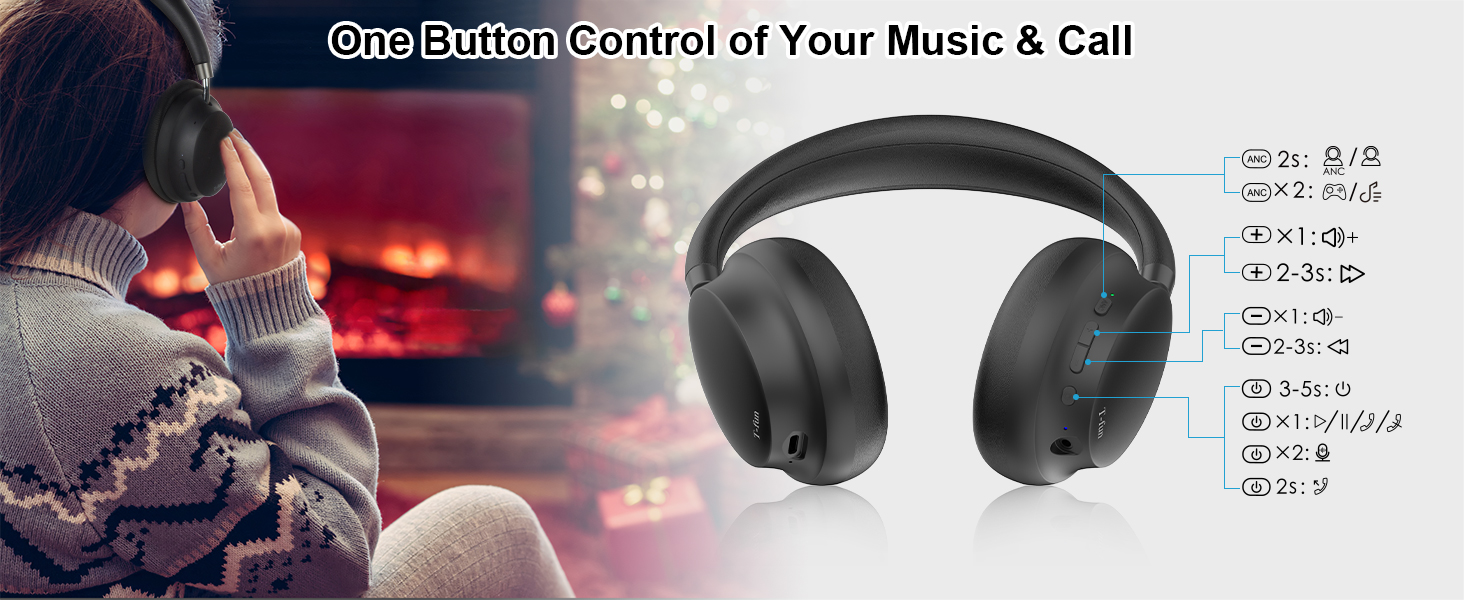
Image: Detailed diagram of the T-fun NC45 headphone controls.
Fungsi Butang:
- ANC Button (Left Earcup):
- Press for 2 seconds: Toggle Active Noise Cancellation (ANC) ON/OFF.
- Multi-function Button (Right Earcup):
- Tekan sekali: Main/Jeda muzik, Jawab/Tamatkan panggilan.
- Press and hold for 2 seconds: Reject call.
- Press and hold for 3 seconds: Activate voice assistant (Siri, Google Assistant).
- Volume Up (+) Button (Right Earcup):
- Press once: Increase volume.
- Press and hold for 2-3 seconds: Next track.
- Volume Down (-) Button (Right Earcup):
- Press once: Decrease volume.
- Press and hold for 2-3 seconds: Previous track.
- Power Button (Right Earcup):
- Press and hold for 3-5 seconds: Power ON/OFF.
- Press twice: Toggle Low Latency Mode.
Persediaan
1. Mengecas Fon Kepala
Before first use, fully charge your T-fun NC45 headphones.
- Connect the Type-C charging cable to the charging port on the headphones.
- Sambungkan hujung kabel yang satu lagi ke penyesuai kuasa USB (tidak disertakan) atau port USB komputer.
- Penunjuk LED akan menunjukkan status pengecasan. Pengecasan penuh mengambil masa kira-kira 2 jam.
- Once fully charged, the LED indicator will change or turn off, depending on the model.
Pengecasan pantas selama 10 minit memberikan masa mendengar selama kira-kira 3 jam.

Image: Battery life and quick charge information.
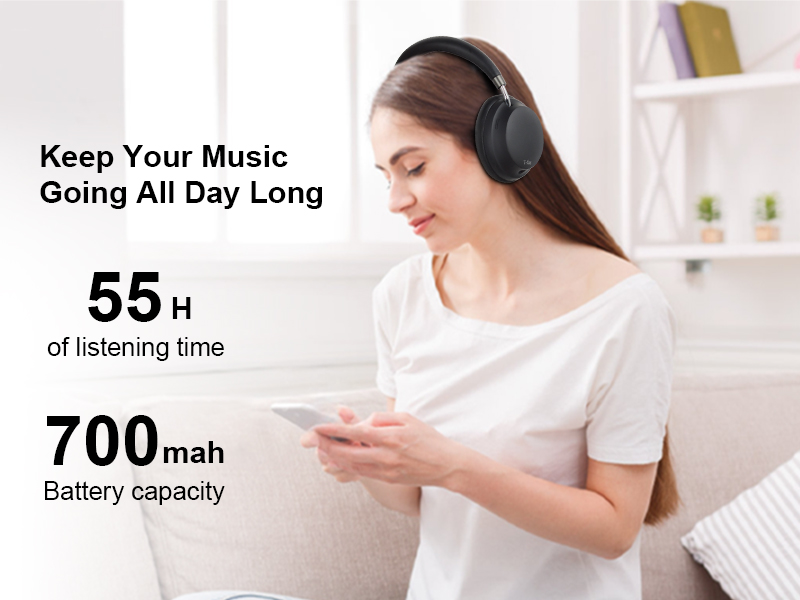
Image: Headphones in use, highlighting 55 hours of listening time.
2. Menghidupkan/Mematikan
- Hidupkan kuasa: Tekan dan tahan butang Kuasa selama 3-5 saat sehingga penunjuk LED berkelip.
- Matikan: Tekan dan tahan butang Kuasa selama 3-5 saat sehingga penunjuk LED dimatikan.
3. Berpasangan Bluetooth
- Pastikan fon kepala dimatikan.
- Tekan dan tahan butang Kuasa selama lebih kurang 5-7 saat sehingga penunjuk LED berkelip merah dan biru secara berselang-seli, menunjukkan mod berpasangan.
- Pada peranti anda (telefon pintar, tablet, komputer riba), dayakan Bluetooth.
- Cari untuk available Bluetooth devices and select "T-fun NC45" from the list.
- Once connected, the LED indicator will flash blue slowly, and you will hear an audible confirmation.
The headphones support Bluetooth 5.3 for a stable connection up to 15 meters (50 feet).
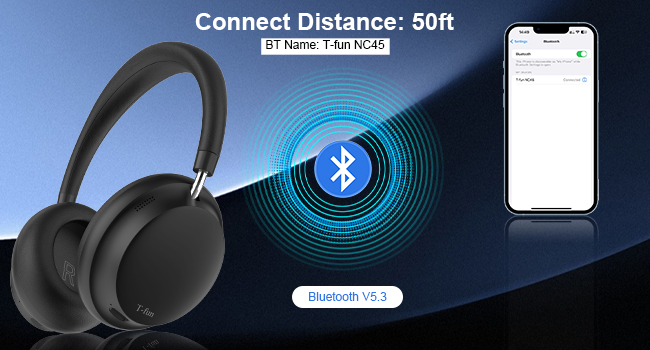
Image: Bluetooth pairing illustration with connection range.
Arahan Operasi
1. Pembatalan Bunyi Aktif (ANC)
The T-fun NC45 headphones feature active noise cancellation to reduce ambient sounds by up to 28dB.
- To activate ANC: Press the ANC button on the left earcup for 2 seconds. The ANC indicator light will illuminate.
- To deactivate ANC: Press the ANC button again for 2 seconds. The ANC indicator light will turn off.

Image: Active Noise Cancellation feature demonstration.
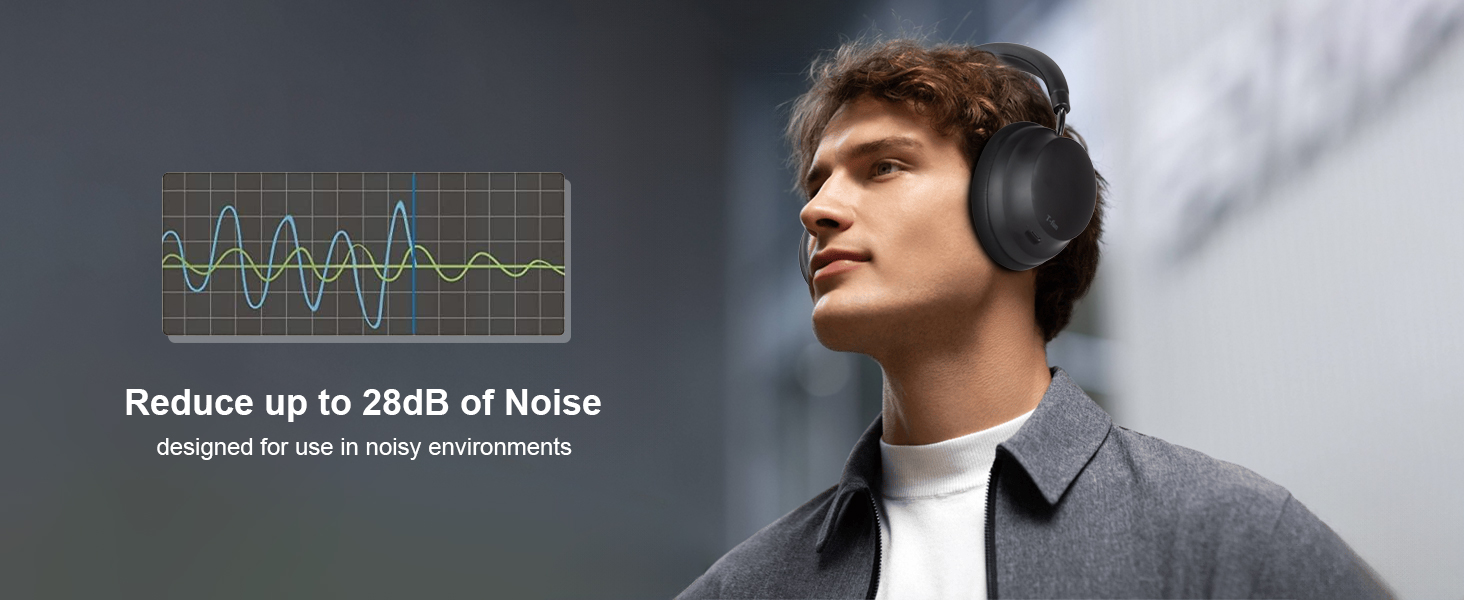
Image: Man wearing headphones, demonstrating noise reduction.
2. T-fun App Customization
Enhance your listening experience by customizing equalizer settings and other features via the dedicated T-fun app.
- Download the T-fun app from the Google Play Store or Apple App Store.
- Open the app and follow the on-screen instructions to connect your NC45 headphones.
- Within the app, you can adjust the equalizer, manage ANC modes, and access other personalized settings.

Image: T-fun app interface for customization.
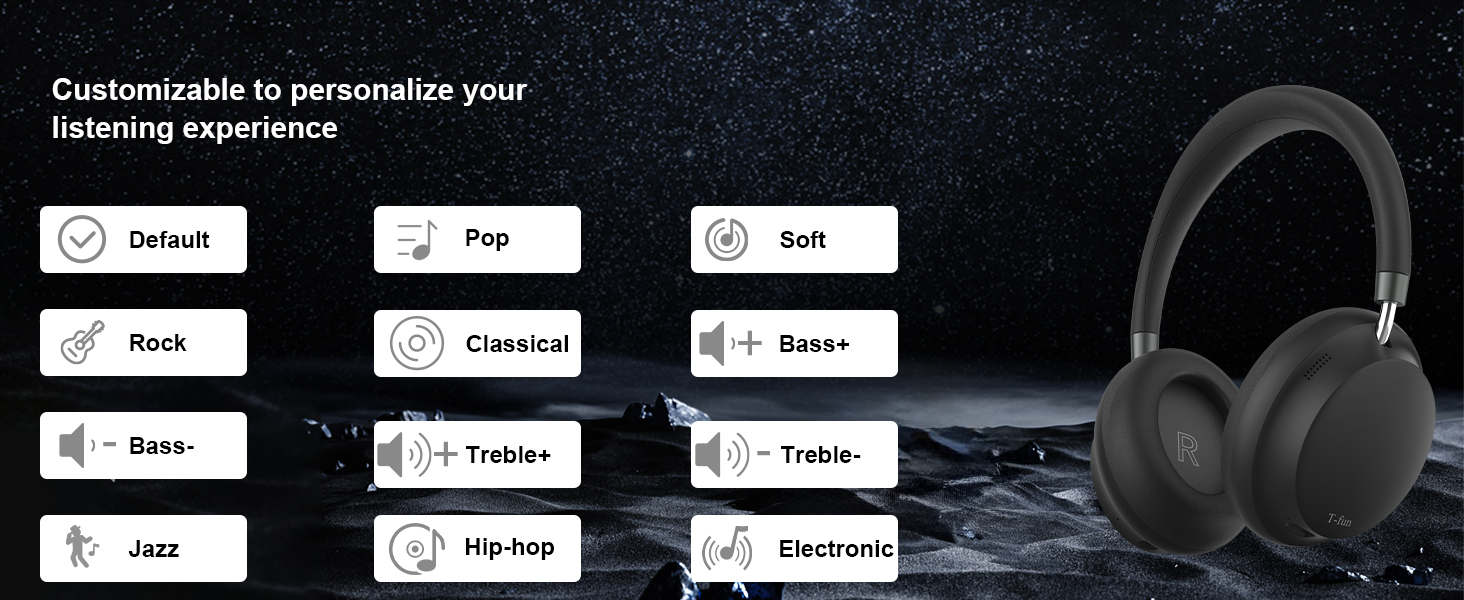
Image: Equalizer customization options in the T-fun app.
3. Mod Latensi Rendah
The 50ms ultra-low latency mode ensures synchronized audio and video, ideal for gaming, movies, and video calls.
- To activate Low Latency Mode: Double-press the Power button.
- To deactivate Low Latency Mode: Double-press the Power button again.

Image: Low Latency Mode for gaming and video.
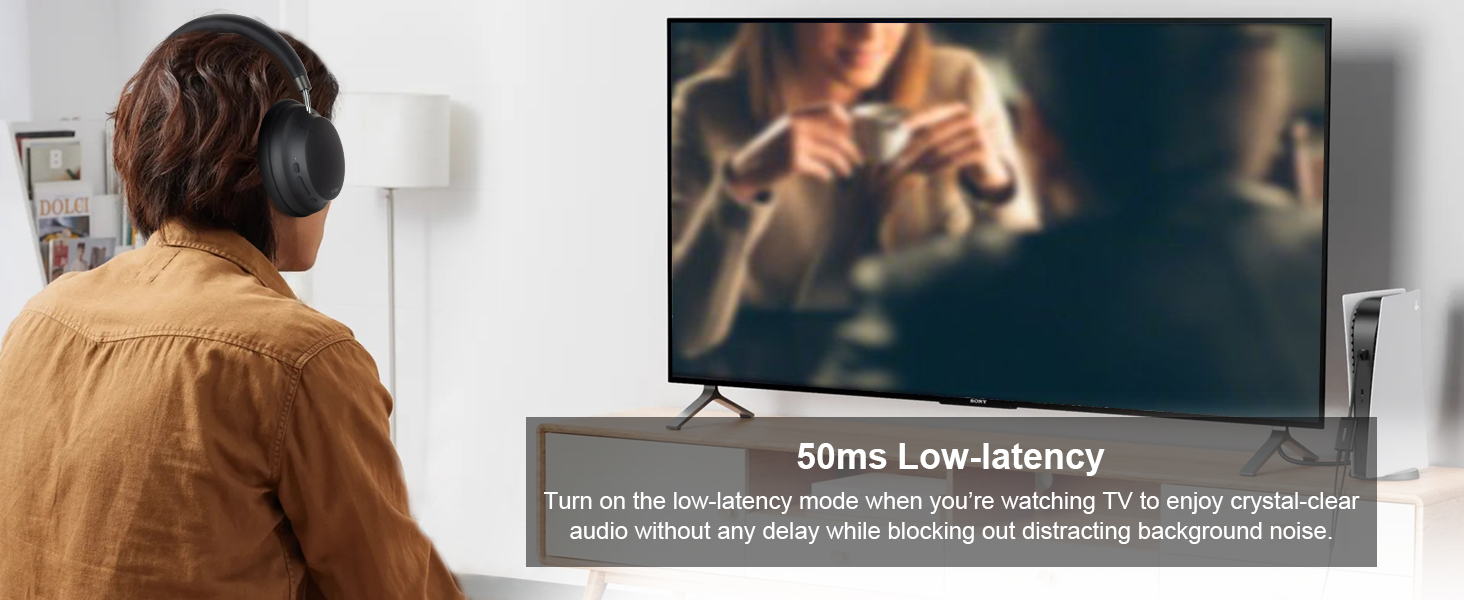
Image: Man watching TV with headphones, demonstrating low latency.
4. Mod Berwayar
You can use the T-fun NC45 headphones in wired mode using the included 3.5mm audio cable, which is useful when the battery is depleted or for devices without Bluetooth.
- Sambungkan satu hujung kabel audio 3.5mm ke bicu audio pada fon kepala.
- Sambungkan hujung yang satu lagi ke port 3.5mm sumber audio anda.
Note: In wired mode, ANC, microphone, and volume buttons may not function.

Image: Wireless and wired connection modes.
5. Ketersambungan Berbilang Titik
The headphones can connect to two Bluetooth devices simultaneously, allowing seamless switching between audio sources.
- Pair the headphones with the first device as described in the Bluetooth Pairing section.
- Lumpuhkan Bluetooth pada peranti pertama.
- Pasangkan fon kepala dengan peranti kedua.
- Dayakan semula Bluetooth pada peranti pertama. Fon kepala kini harus disambungkan ke kedua-dua peranti.
You can now listen to music from one device and automatically switch to a call on the other without re-pairing.

Image: Multi-device connectivity with laptop and smartphone.
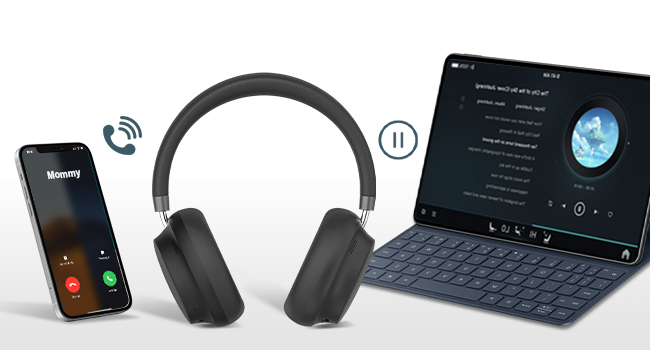
Image: Multipoint connection for calls and music.
6. Built-in Microphone and Voice Assistant
The NC45 headphones include a built-in microphone for clear calls and support voice assistants like Siri and Google Assistant.
- Menjawab / Menamatkan Panggilan: Tekan butang Pelbagai fungsi sekali.
- Menolak Panggilan: Tekan dan tahan butang Berbilang fungsi selama 2 saat.
- Mengaktifkan Pembantu Suara: Tekan dan tahan butang Berbilang fungsi selama 3 saat.

Image: Woman using headphones for a video call.
Penyelenggaraan
Pembersihan
- Lap fon kepala dengan kain lembut dan kering.
- Jangan gunakan pembersih yang kasar, pelarut atau semburan kimia.
- Elakkan mendapatkan kelembapan ke dalam mana-mana bukaan.
Penyimpanan
- Simpan fon kepala di tempat yang sejuk dan kering jauh dari cahaya matahari langsung dan suhu yang melampau.
- When not in use for extended periods, store them in their protective case (if included) to prevent damage.
Comfort and Ear Health
To maintain optimal comfort and ear health, it is recommended to remove the headphones every 1-2 hours during extended use.
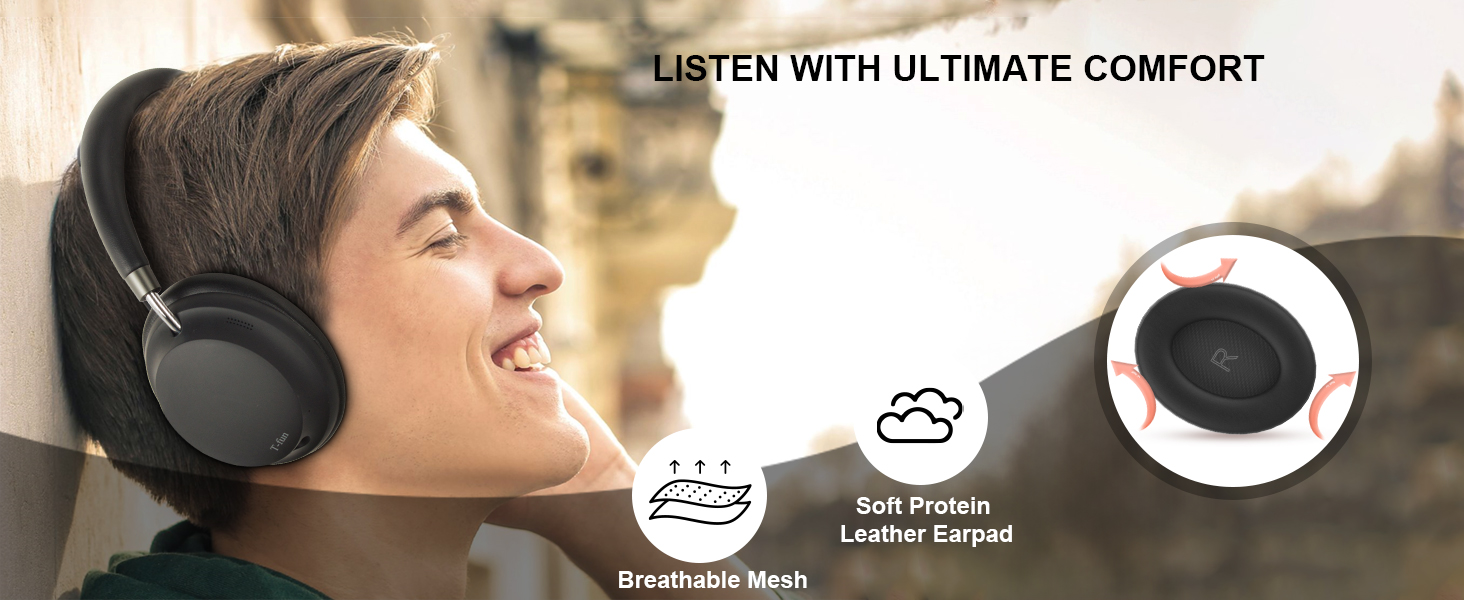
Image: Comfort features of the headphones.
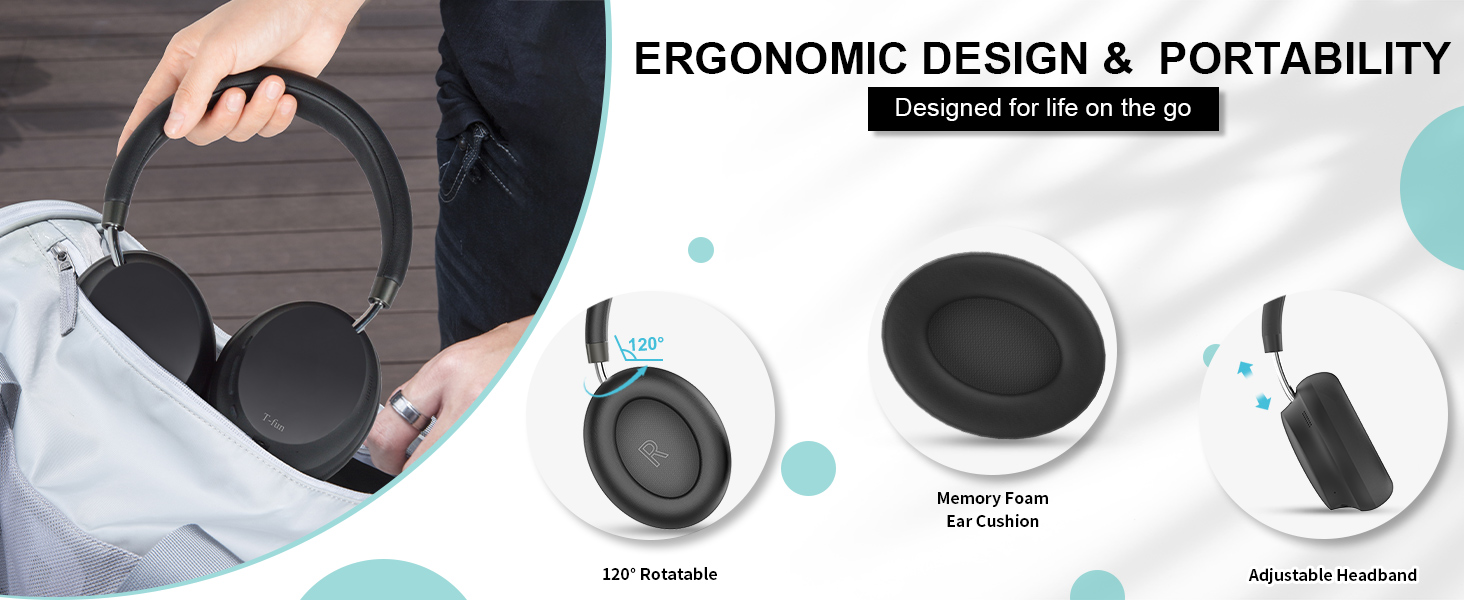
Image: Ergonomic design and portability features.
Menyelesaikan masalah
| Masalah | Kemungkinan Punca | Penyelesaian |
|---|---|---|
| Fon kepala tidak dihidupkan. | Bateri lemah. | Cas fon kepala sepenuhnya. |
| Tidak boleh berpasangan dengan peranti. | Fon kepala tiada dalam mod berpasangan; Bluetooth dimatikan pada peranti; peranti terlalu jauh. | Ensure headphones are in pairing mode (flashing red/blue). Turn on Bluetooth on your device. Move device closer to headphones (within 15m). |
| Tiada bunyi atau kelantangan rendah. | Volume too low; incorrect audio source; wired mode limitations. | Increase volume on headphones and device. Ensure correct audio output is selected on your device. Note that some controls are limited in wired mode. |
| ANC tidak berkesan. | ANC not activated; specific noise types. | Ensure ANC is activated (ANC indicator light on). ANC is most effective for low-frequency, constant noise. |
| Sound delay in games/videos. | Low Latency Mode not active. | Activate Low Latency Mode by double-pressing the Power button. |
Spesifikasi Teknikal
| Ciri | Spesifikasi |
|---|---|
| Nama Model | NC45 |
| Kawalan Bunyi | Pembatalan Bunyi Aktif (sehingga 28dB) |
| Teknologi Ketersambungan | Wayarles (Bluetooth), Berwayar (Bicu 3.5mm) |
| Komunikasi Tanpa Wayar | Bluetooth 5.3 |
| Julat Bluetooth | 15 Meter (50 kaki) |
| Saiz Pemacu Audio | Pemacu Dinamik 40 Milimeter |
| Respons Kekerapan | 20-20000 Hz |
| Sensitiviti | 105 dB |
| Impedans | 32 Ohm |
| Latensi Audio | 50 Milliseconds (Low Latency Mode) |
| Hayat Bateri | Up to 55 Hours (ANC mode) |
| Masa Mengecas | Lebih kurang 2 Jam |
| bahan | PC + ABS |
| Berat Barang | 14.9 auns |
| Jenis Kawalan | Button, App Control |
| Peranti Serasi | Telefon bimbit, Desktop, Komputer riba, Tablet |
Waranti dan Sokongan
Maklumat Waranti
T-fun products are designed for reliability and performance. For specific warranty details and terms, please refer to the warranty card included with your product or visit the official T-fun website. Some users have reported an 18-month extended warranty available upon product registration.
Sokongan Pelanggan
If you encounter any issues or have questions regarding your T-fun NC45 headphones, please contact T-fun customer support. You can find contact information on the official T-fun webtapak atau melalui platform pembelian anda.
Lawati T-fun Store on Amazon untuk maklumat lanjut.