1. Produk Lebihview
The BESTHERM ILLO CONNECT 2000W is a Wi-Fi connected ceramic dry inertia electric radiator designed for efficient and homogeneous heating of indoor spaces. It features a ceramic heating core that provides lasting warmth even after the unit is switched off. This radiator offers smart control options via mobile applications and includes various energy-saving modes.
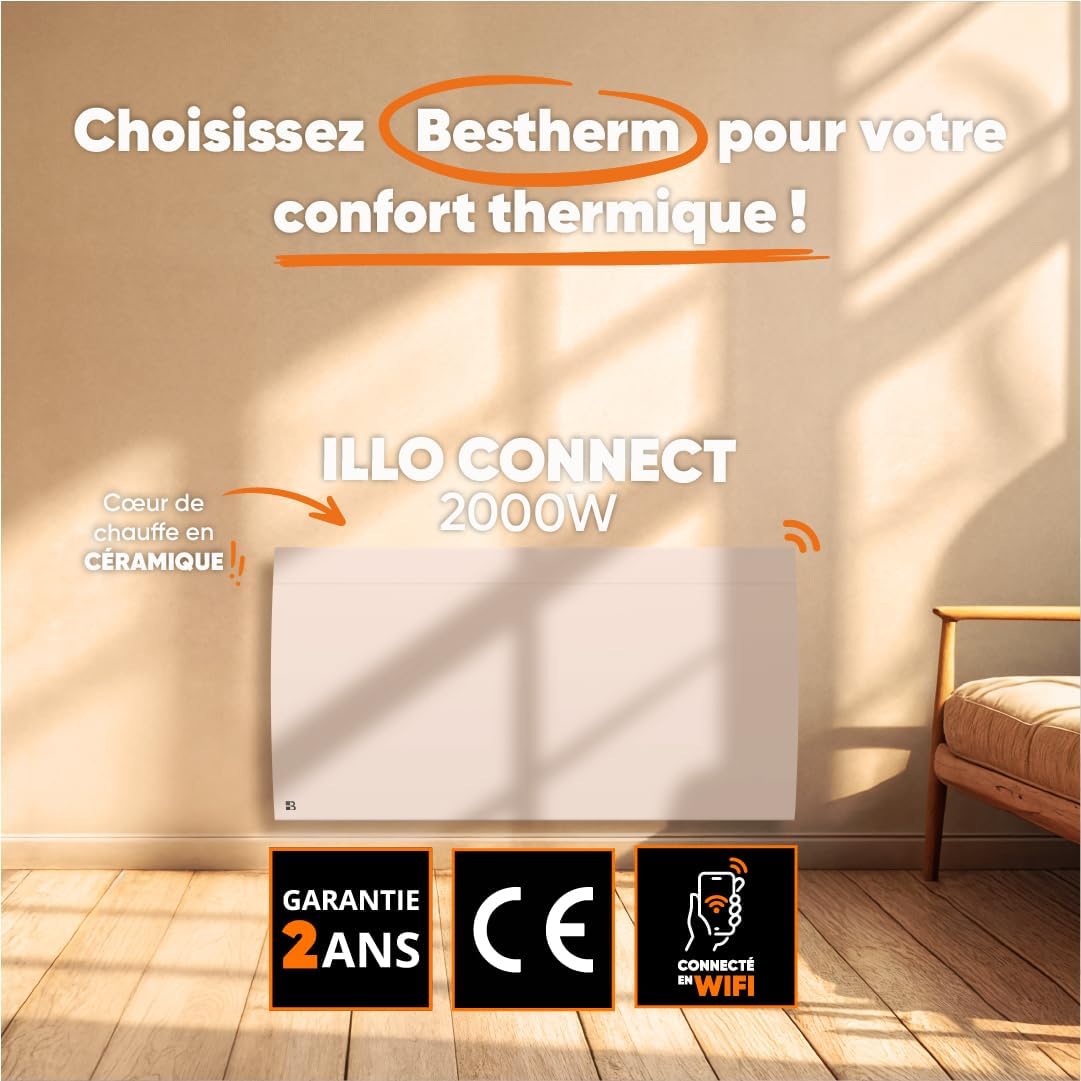
Imej 1.1: Depan view of the BESTHERM ILLO CONNECT 2000W electric radiator.
2. Maklumat Keselamatan
Sila baca semua arahan keselamatan dengan teliti sebelum pemasangan dan penggunaan. Simpan manual ini untuk rujukan pada masa hadapan.
- Keselamatan Elektrik: Ensure the power supply matches the radiator's requirements. Do not operate with a damaged cord or plug. Avoid overloading electrical circuits.
- penempatan: Install the radiator on a stable, flat surface or securely wall-mount it. Maintain adequate clearance from combustible materials (curtains, furniture). Do not cover the radiator.
- Kanak-kanak dan Orang Terdedah: Perkakas ini boleh digunakan oleh kanak-kanak berumur 8 tahun dan ke atas dan orang yang kurang keupayaan fizikal, deria atau mental atau kurang pengalaman dan pengetahuan jika mereka telah diberi penyeliaan atau arahan mengenai penggunaan perkakas dengan cara yang selamat dan memahami bahaya yang terlibat . Kanak-kanak tidak boleh bermain dengan perkakas. Pembersihan dan penyelenggaraan pengguna tidak boleh dibuat oleh kanak-kanak tanpa pengawasan.
- Perlindungan Terlalu Panas: The radiator is equipped with an overheat protection system. If it overheats, it will automatically shut off. Unplug the unit and allow it to cool before restarting.
- Pembersihan: Always unplug the radiator before cleaning. Use a soft, damp kain. Jangan gunakan pembersih yang melelas atau rendam unit di dalam air.
- Penggunaan Dalaman Sahaja: This appliance is designed for indoor use only. Do not use outdoors or in wet environments.
3. Kandungan Pakej
Sahkan bahawa semua komponen terdapat dalam pakej:
- BESTHERM ILLO CONNECT 2000W Electric Radiator
- Wall mounting kit (brackets, screws, anchors)
- Manual Pengguna
4. Ciri-ciri Produk
- Ceramic Dry Inertia Heating Core: Provides homogeneous and long-lasting heat distribution.
- Kesambungan Wi-Fi: Remote control via Tuya or Smart Life mobile applications.
- Smart Energy Savings: Customizable weekly programming, 6 Pilot Wire modes, and 4 operating modes.
- Reka Bentuk Elegan: Discreet finish with an integrated LCD screen.
- Keselamatan yang Dipertingkatkan: Electronic thermostat, parental lock, and overheat protection.

Image 4.1: Detail of the ceramic heating core, highlighting its efficient design.
5. Pemasangan
The BESTHERM ILLO CONNECT 2000W radiator is designed for wall mounting. Ensure you have the appropriate tools and follow local electrical codes.
5.1. Memilih Lokasi
- Select a wall location away from direct drafts, windows, and doors for optimal performance.
- Ensure there is sufficient clearance around the radiator (minimum 15 cm from the floor, 30 cm from the ceiling, and 20 cm from sides).
- The wall must be capable of supporting the radiator's weight (approximately 11.1 kg).
5.2. Memasang Radiator
- Mark the desired mounting points on the wall using the provided template or by measuring the bracket positions on the back of the radiator.
- Drill holes at the marked points and insert the wall anchors.
- Pasangkan kurungan pelekap pada dinding menggunakan skru.
- Carefully lift the radiator and hook it onto the installed wall brackets. Ensure it is securely seated.
- Connect the radiator to a suitable electrical outlet.

Imej 5.1: Belakang view of the radiator, showing mounting points for wall installation.
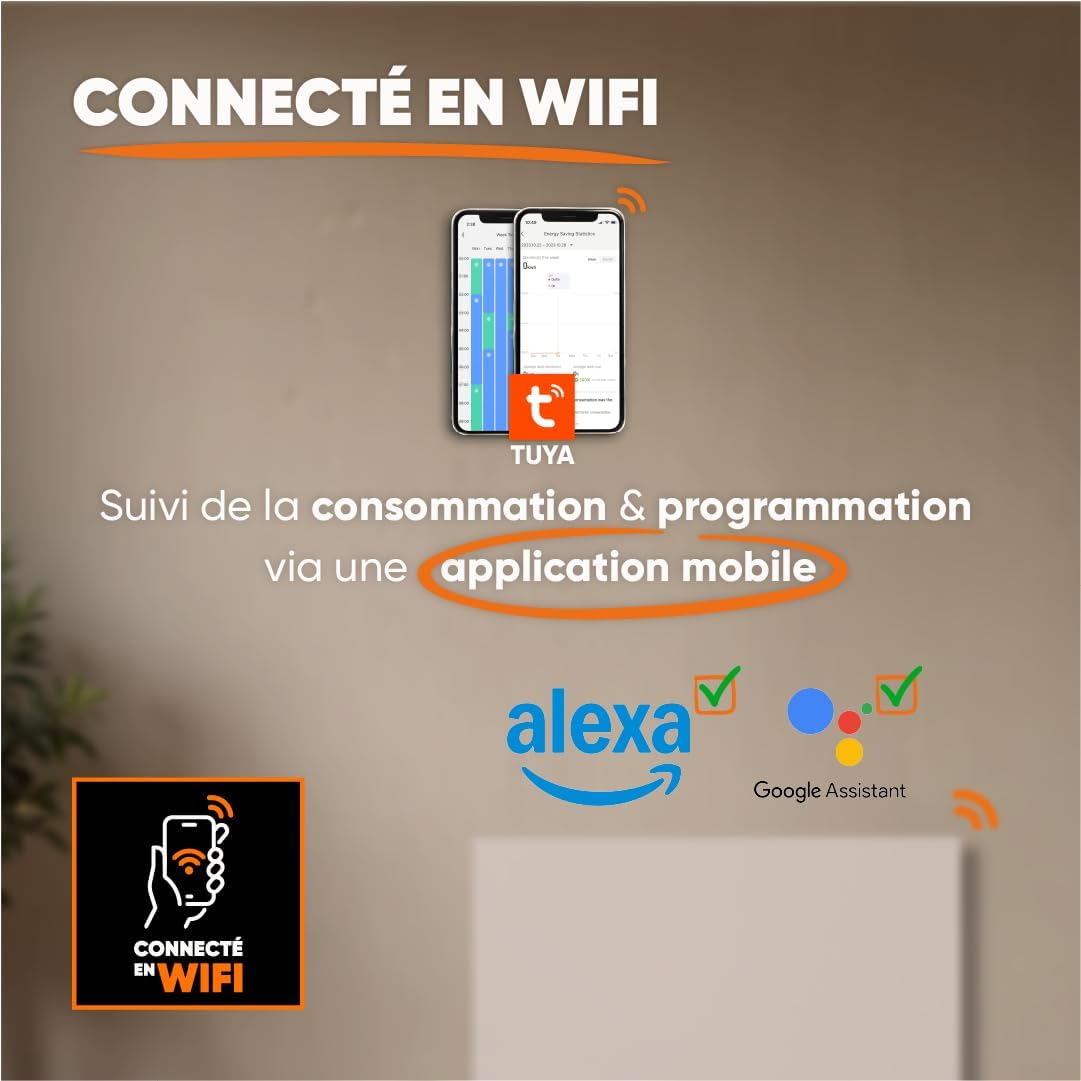
Image 5.2: Radiator dimensions (85 cm width, 45 cm height, 11 cm depth) and weight (11.1 kg).
For detailed visual instructions on installation and programming, scan the QR code below or visit the BESTHERM YouTube channel:

Image 5.3: Scan this QR code to access installation and programming videos.
Video resources: Saluran YouTube BESTHERM
6. Persediaan
6.1. Penghidupan Awal
After installation, plug the radiator into a grounded electrical outlet. The LCD screen will illuminate, indicating the unit is powered on. Follow the on-screen prompts for initial setup, such as setting the current time and date.
6.2. Sambungan Wi-Fi
The ILLO CONNECT 2000W radiator can be controlled remotely via a mobile application. This requires a 2.4 GHz Wi-Fi network.
- Muat turun Tuya Smart or Kehidupan Pintar aplikasi daripada gedung aplikasi telefon pintar anda (tersedia untuk iOS dan Android).
- Register or log in to your account within the application.
- Ensure your radiator is powered on and in pairing mode (refer to the radiator's display for specific instructions, usually indicated by a blinking Wi-Fi icon).
- In the app, tap '+' to add a new device. Select 'Heater' or 'Radiator' from the device list.
- Follow the in-app instructions to connect the radiator to your Wi-Fi network. This typically involves entering your Wi-Fi password.
- Once connected, you can control the radiator, monitor consumption, and set programming schedules from your smartphone. The radiator is also compatible with voice assistants like Amazon Alexa and Google Assistant.

Image 6.1: The radiator supports Wi-Fi connectivity via the Tuya Smart or Smart Life app, and is compatible with Alexa and Google Assistant for smart home integration.
7. Arahan Operasi
7.1. Panel Kawalan Selesaiview
The radiator features an integrated LCD screen and control buttons for direct operation. Refer to the specific icons and button functions detailed in the full product manual for precise control.
7.2. Mod Operasi
The radiator offers 4 distinct operating modes to suit various heating needs:
- Mod Keselesaan: Mengekalkan suhu selesa yang ditetapkan.
- Mod Eko: Reduces the temperature by a few degrees compared to Comfort Mode for energy savings.
- Mod Perlindungan Fros: Maintains a minimum temperature (e.g., 7°C) to prevent freezing.
- Mod Program: Follows a pre-set weekly heating schedule.
7.3. Pengaturcaraan Mingguan
Customize your heating schedule for each day of the week to optimize energy consumption. This can be done directly on the radiator's control panel or more conveniently through the Tuya/Smart Life mobile application.
7.4. Pilot Wire Modes (6 Modes)
For installations with a pilot wire system, the radiator supports 6 different pilot wire commands, allowing integration into a centralized heating management system. Consult a qualified electrician for pilot wire connection and configuration.
7.5. Kunci Kanak-kanak
To prevent accidental changes to settings, activate the child lock feature. This will disable the physical control buttons on the radiator. The child lock can typically be activated and deactivated by pressing and holding a specific button combination on the control panel, or via the mobile app.
8. Penyelenggaraan
8.1. Pembersihan
Regular cleaning helps maintain the radiator's efficiency and appearance.
- Before cleaning, always unplug the radiator from the power outlet and allow it to cool completely.
- Lap permukaan luar dengan lembut, damp kain. Jangan gunakan pembersih yang melelas, pelarut atau bahan kimia yang keras, kerana ini boleh merosakkan kemasan.
- Pastikan tiada air memasuki komponen dalaman.
- Dust the air vents regularly to ensure proper airflow.
8.2. Penyimpanan
If storing the radiator for an extended period, ensure it is clean and dry. Store it in a cool, dry place, preferably in its original packaging, to protect it from dust and damage.
9. Penyelesaian masalah
Jika anda menghadapi masalah dengan radiator anda, rujuk masalah dan penyelesaian biasa berikut:
| Masalah | Kemungkinan Punca | Penyelesaian |
|---|---|---|
| Radiator tidak menyala. | No power, power cord loose, overheat protection activated. | Check power outlet, ensure cord is securely plugged in. Unplug and allow to cool for 30 minutes if overheat protection is suspected. |
| Tiada keluaran haba. | Temperature setting too low, operating mode incorrect, child lock active. | Increase target temperature. Select an appropriate operating mode (e.g., Comfort). Deactivate child lock. |
| Sambungan Wi-Fi gagal. | Incorrect Wi-Fi password, router too far, 5 GHz network used, radiator not in pairing mode. | Verify Wi-Fi password. Move radiator closer to router. Ensure router is broadcasting 2.4 GHz. Put radiator into pairing mode. |
| Radiator mengeluarkan bunyi yang luar biasa. | Normal expansion/contraction, loose mounting. | Minor clicking is normal during heating/cooling. Check mounting screws for tightness. If noise persists or is loud, contact support. |
If the problem persists after attempting these solutions, please contact BESTHERM customer support.
10. Spesifikasi
| Ciri | Spesifikasi |
|---|---|
| Jenama | Bestherm |
| Model | ILLO CONNECT 2000W |
| Output Kuasa | 2000W |
| Kaedah Pemanasan | Convection, Ceramic Dry Inertia |
| warna | putih |
| Ciri Khas | Child Lock, Wi-Fi Connectivity |
| Penggunaan Dalaman/Luar | Dalaman |
| Sumber Kuasa | Kabel Elektrik |
| Dimensi Produk (D x W x H) | 11 cm x 85 cm x 45 cm |
| Berat Produk | 11.1 kg |
| Jenis Pemasangan | Lekap di dinding |
| Saiz Bilik yang Disyorkan | 15 hingga 20 m² |
11. Waranti dan Sokongan
11.1. Waranti
The BESTHERM ILLO CONNECT 2000W radiator comes with a Waranti 2 tahun from the date of purchase, covering manufacturing defects under normal use conditions. Please retain your proof of purchase for warranty claims.
11.2. Sokongan Pelanggan
Our after-sales service is based in France, providing fast and efficient support to ensure your satisfaction.

Image 11.1: BESTHERM After-Sales Service contact information.
- Soalan Lazim Dalam Talian: Lawati kami website for frequently asked questions: www.bestherm.fr/pages/faq
- Sokongan Telefon: 03 20 47 05 37
- Sokongan E-mel: sav@hom-y.fr


