pengenalan
This manual provides essential instructions for the setup, operation, and maintenance of your VTech Super Sound Karaoke Portable Bluetooth System. Please read this manual thoroughly before using the product to ensure proper function and longevity.
The VTech Super Sound Karaoke system is a versatile, portable entertainment device designed for both adults and children. It features Bluetooth connectivity, two wired microphones, dynamic sound output, and built-in party lights to enhance your karaoke experience. It can also function as a portable speaker for various audio sources.
Kandungan Pakej
Before proceeding with setup, please verify that all components are present in the package:
- VTech Super Sound Karaoke Portable Bluetooth System Unit
- Two Wired Microphones
- Penyesuai Kuasa
- Manual Pengguna (dokumen ini)
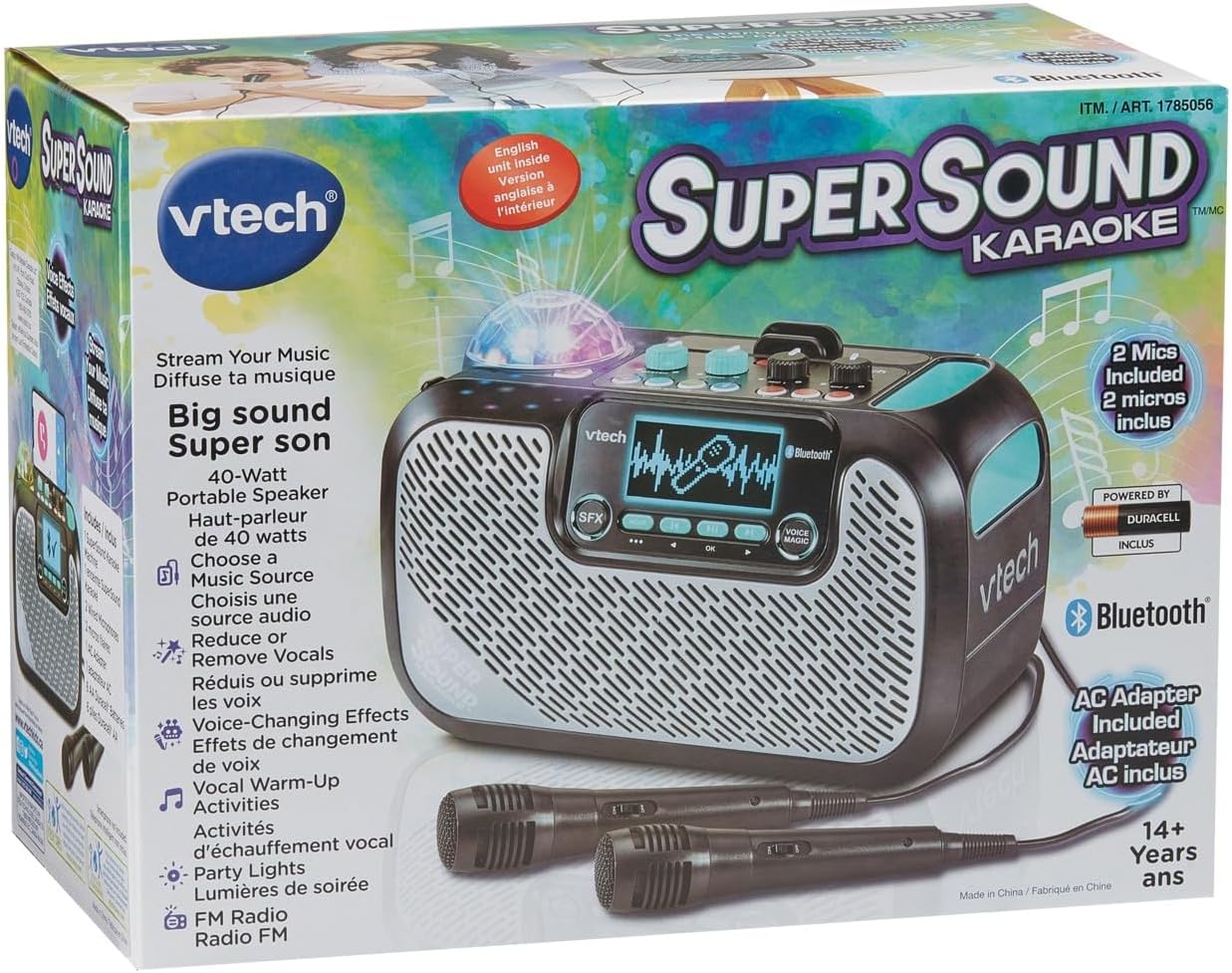
Image: The VTech Super Sound Karaoke machine shown in its retail packaging, highlighting its features and included accessories.
Persediaan
Sambungan Kuasa
- Connect the provided power adapter to the DC input port on the back of the karaoke machine.
- Plug the power adapter into a standard electrical outlet (AC 1.1E+2 Volts).
- Tekan butang Kuasa yang terletak di panel atas untuk menghidupkan unit.
Sambungan Mikrofon
The system includes two wired microphones. Locate the microphone input jacks on the front or side of the unit and firmly insert the microphone cables.
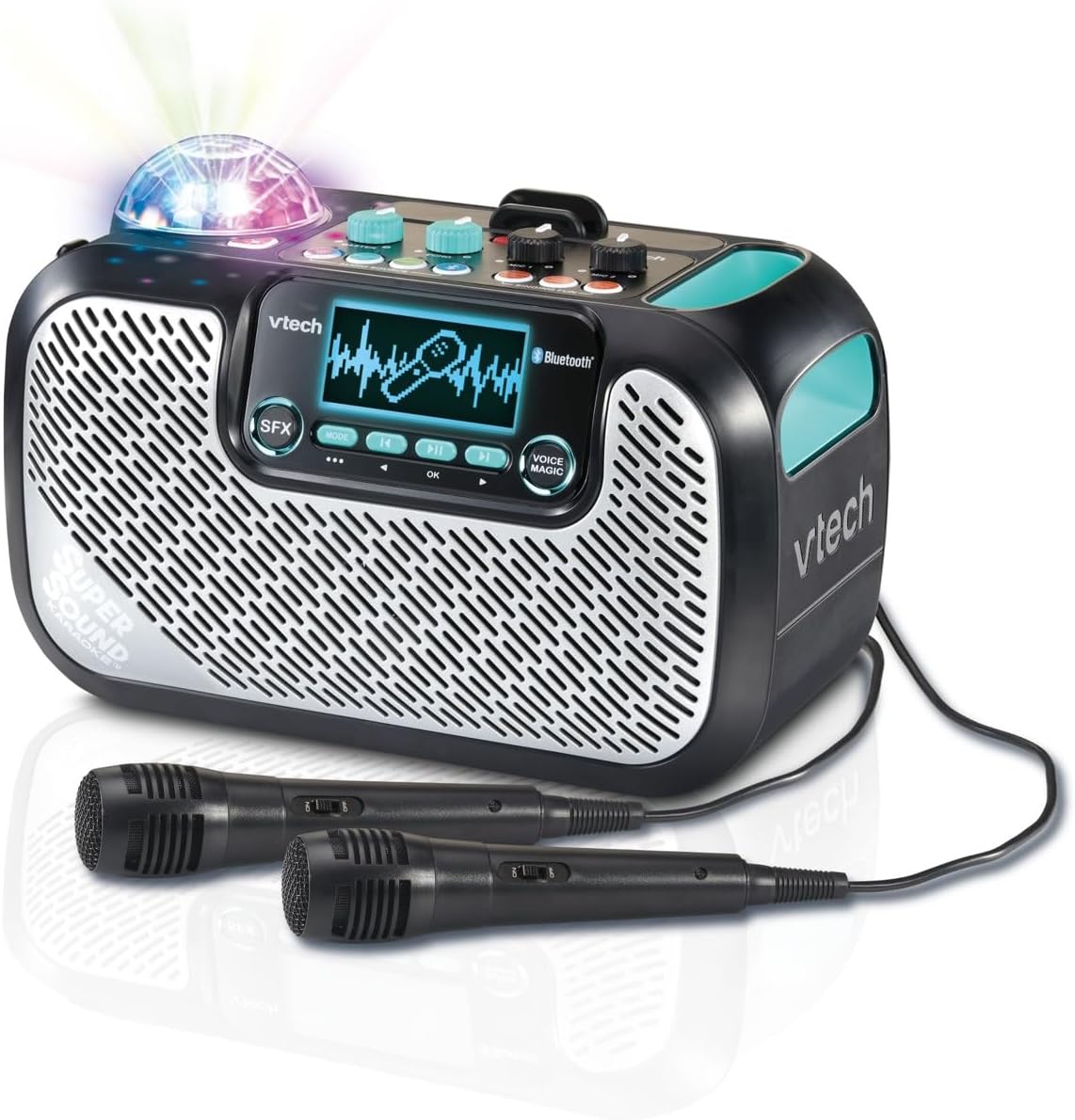
Image: The VTech Super Sound Karaoke machine with its two wired microphones connected and ready for use. The main unit features a display screen and various control buttons.
Arahan Operasi
Kawal Selesaiview

Imej: Atas ke bawah view of the VTech Super Sound Karaoke machine, detailing the layout of its control panel including master volume, echo, microphone volume controls, and audio source selection buttons.
- Butang Kuasa: Menghidupkan atau mematikan unit.
- Tombol Kelantangan Induk: Melaraskan tahap output bunyi keseluruhan.
- Tombol Gema: Controls the echo effect applied to the vocals.
- Mic 1 / Mic 2 Volume Knobs: Adjusts the individual volume levels for each connected microphone.
- Audio Source Buttons (Line In, Micro SD, Radio, Bluetooth): Selects the desired audio input mode.
- Singing Fun Buttons (Singing Effect, Voice Changer, Activities): Activates various vocal effects and interactive singing activities.
- Butang SFX: Triggers sound effects.
- Navigation Buttons (Play/Pause, Skip, OK): Controls media playback and menu navigation on the display.
- Voice Magic Button: Activates features like vocal removal or reduction from tracks.
Menyambungkan Sumber Audio
The VTech Super Sound Karaoke system supports multiple audio input methods:
- Bluetooth: Press the Bluetooth button. The unit will enter pairing mode. On your smartphone, tablet, or other compatible device, search for and select "VTech Karaoke" to connect.
- Radio FM: Press the Radio button. Use the navigation buttons to tune to desired FM stations.
- Kad MicroSD: Insert a microSD card containing MP3 audio files into the designated slot. Press the Micro SD button to access content.
- Input Bantu (Barisan Masuk): Connect an external audio device (e.g., smartphone, tablet) using a 3.5 mm audio cable (not included) to the Line In port. Press the Line In button.
Using Microphones and Voice Effects
Once microphones are connected and an audio source is playing:
- Adjust individual microphone volumes using the Mic 1 and Mic 2 knobs.
- Use the Echo knob to add a reverberation effect to your voice.
- Explore the Singing Effect and Voice Changer buttons for various vocal modifications (e.g., harmony, robot voice).
- The Voice Magic feature can reduce or remove lead vocals from songs, allowing you to sing along more prominently.
Lampu Pesta
The integrated multicolored party lights automatically activate when the unit is in use, creating a dynamic visual experience. There is no separate control for the party lights; they operate in conjunction with the audio playback.
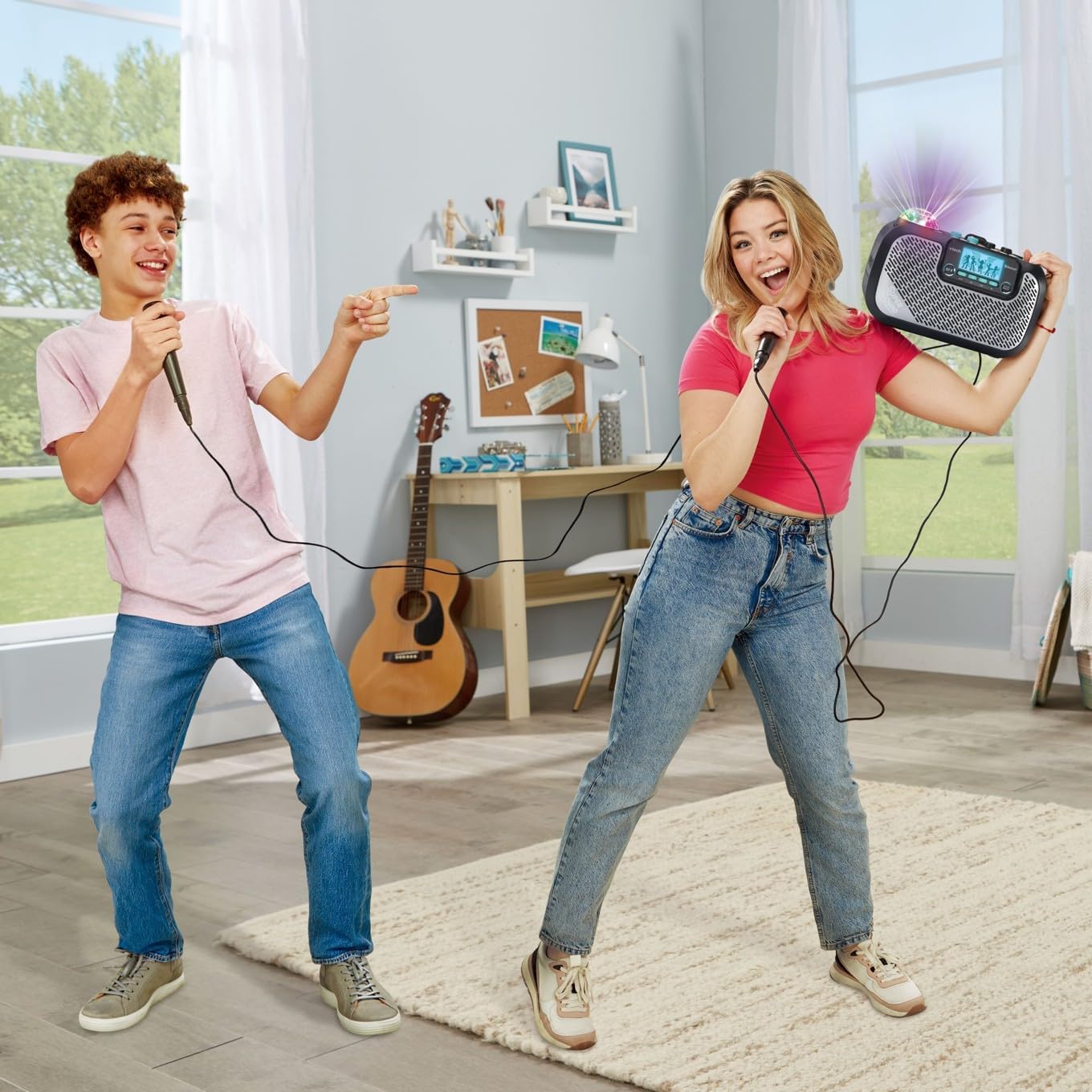
Image: Two individuals enjoying the VTech Super Sound Karaoke machine, demonstrating the use of microphones and the visual effect of the integrated party lights during a performance.
Penyelenggaraan
Pembersihan
To maintain the appearance and functionality of your karaoke system:
- Pastikan unit dimatikan dan dicabut plagnya sebelum membersihkannya.
- Lap permukaan luar dengan kain lembut dan kering.
- Jangan gunakan pembersih yang melelas, pelarut atau bahan kimia yang keras, kerana ini boleh merosakkan kemasan.
- Elakkan mendapatkan kelembapan ke dalam mana-mana bukaan atau port.
Penyimpanan
When not in use, store the karaoke system in a cool, dry place, away from direct sunlight and extreme temperatures. Disconnect all cables and microphones before storing.
Menyelesaikan masalah
If you encounter issues with your VTech Super Sound Karaoke system, refer to the following common problems and solutions:
| Masalah | Kemungkinan Punca | Penyelesaian |
|---|---|---|
| Tiada kuasa | Penyesuai kuasa tidak disambungkan atau alur keluar rosak. | Ensure power adapter is securely plugged into the unit and a working electrical outlet. |
| Tiada suara dari pembesar suara | Master volume too low; incorrect audio source selected; external device volume too low. | Increase Master Volume. Verify the correct audio source (Bluetooth, Line In, Micro SD, Radio) is selected. Check volume on connected external device. |
| Tiada suara dari mikrofon | Microphones not connected properly; Mic volume knobs too low. | Ensure microphones are fully plugged into their respective jacks. Increase Mic 1 and Mic 2 volume knobs. |
| Isu berpasangan Bluetooth | Unit tidak dalam mod berpasangan; peranti terlalu jauh; gangguan. | Press the Bluetooth button to enter pairing mode. Ensure your device's Bluetooth is on and within range. Try restarting both devices. |
| Static on FM Radio | Isyarat lemah; gangguan. | Reposition the unit to improve reception. Try a different station. |
Spesifikasi
| Ciri | Perincian |
|---|---|
| Nombor Model | 80-547480 |
| Berat Barang | 5.1 paun (lebih kurang 2.3 kg) |
| Dimensi Produk | 10.47 x 6.5 x 8.5 inci (26.6 x 16.5 x 21.6 cm) |
| Sumber Kuasa | Plug In Electric |
| Voltage | 1.1E+2 Volt (AC) |
| Jenis Penyambung | 3.5 mm Jack (Aux In), microSD card slot, Bluetooth |
| Peranti Serasi | Smartphone, Tablet, Speaker, Headphone |
| Ciri Khas | AM/FM Radio, Adjustable Microphone Sensitivity, Portable, Party Lights, Voice Effects |
| Komponen yang Disertakan | Microphone (x2), Power Adapter, User Manual |
Waranti dan Sokongan
For warranty information and customer support, please refer to the documentation included with your product at the time of purchase or visit the official VTech webtapak. Simpan resit pembelian anda sebagai bukti pembelian untuk tuntutan waranti.


