1. Pengenalan
Welcome to the Haylou Solar Neo Smartwatch user manual. This guide provides essential information for setting up, operating, maintaining, and troubleshooting your new smartwatch. Please read this manual thoroughly to ensure optimal performance and longevity of your device.
2. Produk Lebihview
The Haylou Solar Neo is a feature-rich smartwatch designed to enhance your daily life with health monitoring, fitness tracking, and communication capabilities. It features a vibrant 1.53-inch HD display and a durable design.
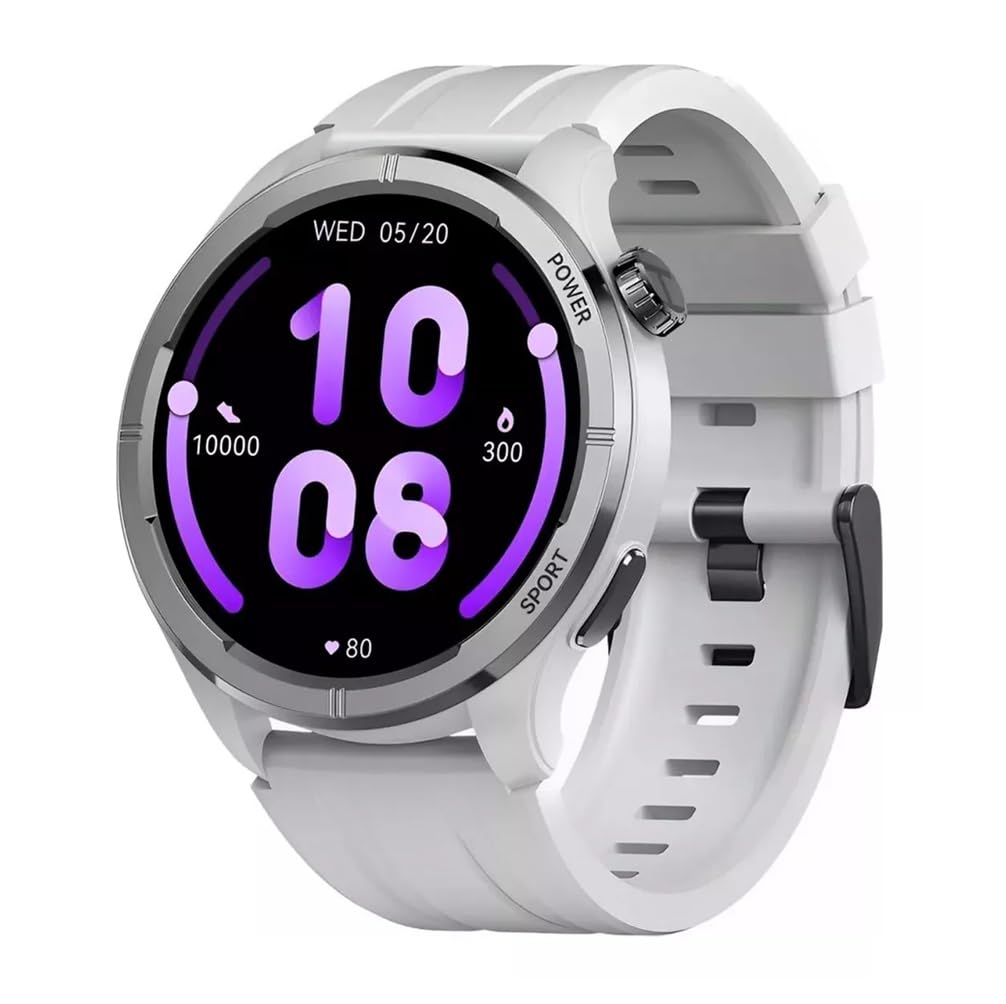
Rajah 2.1: Depan view of the Haylou Solar Neo Smartwatch. This image displays the watch's round face, white strap, and a digital-analog hybrid display with green accents, indicating various metrics.
Ciri-ciri Utama:
- 1.53-inch HD Display for clear visuals.
- Up to 30 days battery life in basic mode, 7 days in daily use.
- Bluetooth calling functionality.
- Comprehensive health tracking: heart rate, SpO2, sleep, stress, female health, respiratory training.
- Over 100 sports modes for diverse fitness activities.
- Smart message notifications.
- Customizable watch faces.
3. Persediaan
3.1 Mengecas Jam Pintar
Before first use, fully charge your Haylou Solar Neo Smartwatch. Connect the magnetic charging cable to the charging contacts on the back of the watch and plug the USB end into a power adapter (5V/1A recommended).
3.2 Pemasangan Apl dan Berpasangan
- Download the official Haylou Fun app from your smartphone's app store (iOS or Android).
- Buka aplikasi dan buat akaun atau log masuk.
- Pastikan Bluetooth didayakan pada telefon pintar anda.
- In the Haylou Fun app, navigate to 'Device' and select 'Add Device'.
- Select 'Haylou Solar Neo' from the list of available devices.
- Follow the on-screen prompts in the app and on your watch to complete the pairing process. Confirm the pairing request on both devices.
4. Arahan Operasi
4.1 Navigasi Asas
- Leret ke atas/bawah: Akses tetapan atau pemberitahuan pantas.
- Leret Kiri/Kanan: Navigate through widgets (e.g., heart rate, weather, activity data).
- Tekan Butang Kuasa: Wake/sleep screen, return to watch face, or access the app list.
- Press Sport Button: Quickly launch workout modes.
Rajah 4.1: sebelah view of the smartwatch highlighting the power button (rotating crown) and the sport shortcut button.
4.2 Menyesuaikan Muka Jam
The Haylou Solar Neo offers hundreds of watch face options. To change the watch face:
- On the watch face screen, long-press the display.
- Swipe left or right to browse through pre-installed watch faces.
- Tap to select your desired watch face.
- More watch faces can be downloaded and customized via the Haylou Fun app.

Rajah 4.2: A selection of customizable watch faces available for the Haylou Solar Neo Smartwatch.
5. Ciri-ciri Pemantauan Kesihatan
The smartwatch provides comprehensive health tracking to help you monitor your well-being.
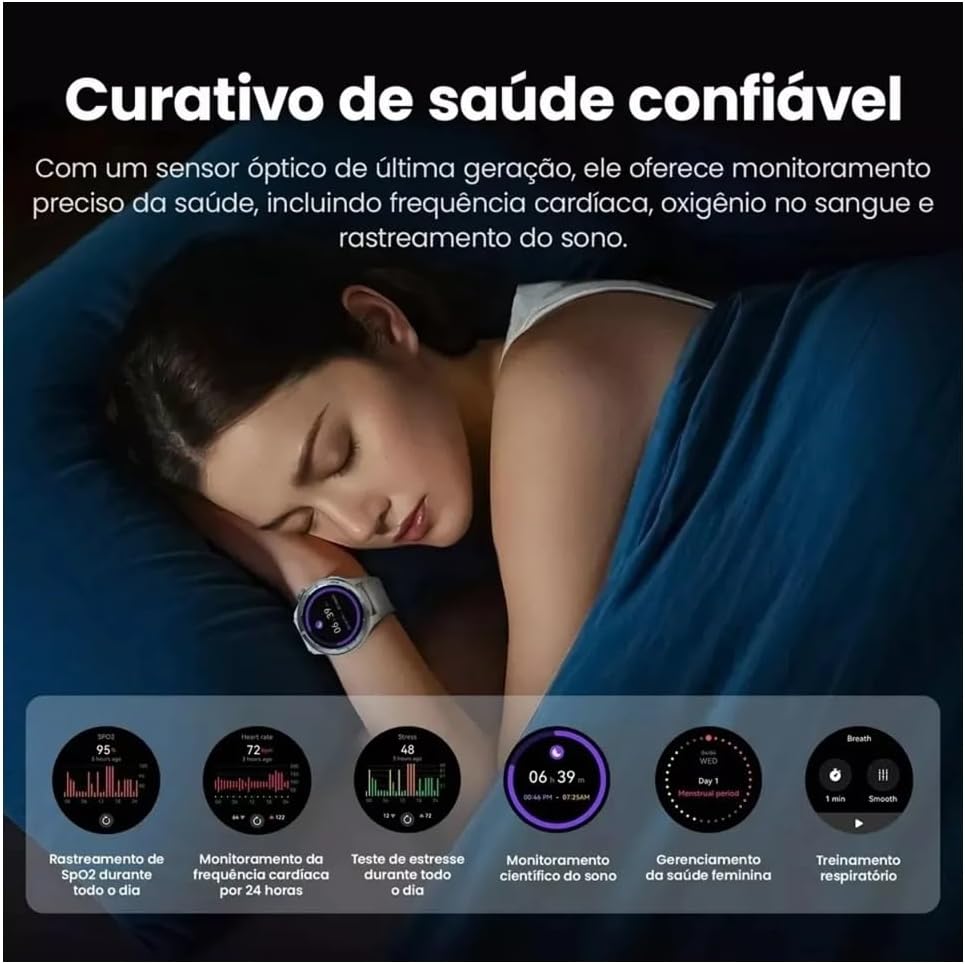
Rajah 5.1: Health monitoring features in action, showing sleep tracking and various health data points.
5.1 Pemantauan Kadar Jantung
Jam tangan ini sentiasa memantau kadar denyutan jantung anda. View your real-time heart rate on the watch or detailed historical data in the Haylou Fun app.
5.2 Blood Oxygen (SpO2) Tracking
Measure your blood oxygen saturation levels directly from your wrist. For accurate readings, ensure the watch is snug on your wrist and remain still during measurement.
5.3 Pemantauan Tidur
Wear the watch to bed to track your sleep patterns, including deep sleep, light sleep, and awake times. Detailed analysis is available in the app.
5.4 Stress Monitoring and Respiratory Training
The watch can estimate your stress levels throughout the day. Utilize the guided respiratory training feature to help manage stress.
5.5 Penjejakan Kesihatan Wanita
For female users, the watch supports tracking of menstrual cycles and provides predictive reminders when configured in the Haylou Fun app.
6. Penjejakan Kecergasan
The Haylou Solar Neo supports over 100 sports modes to accurately track your workouts.
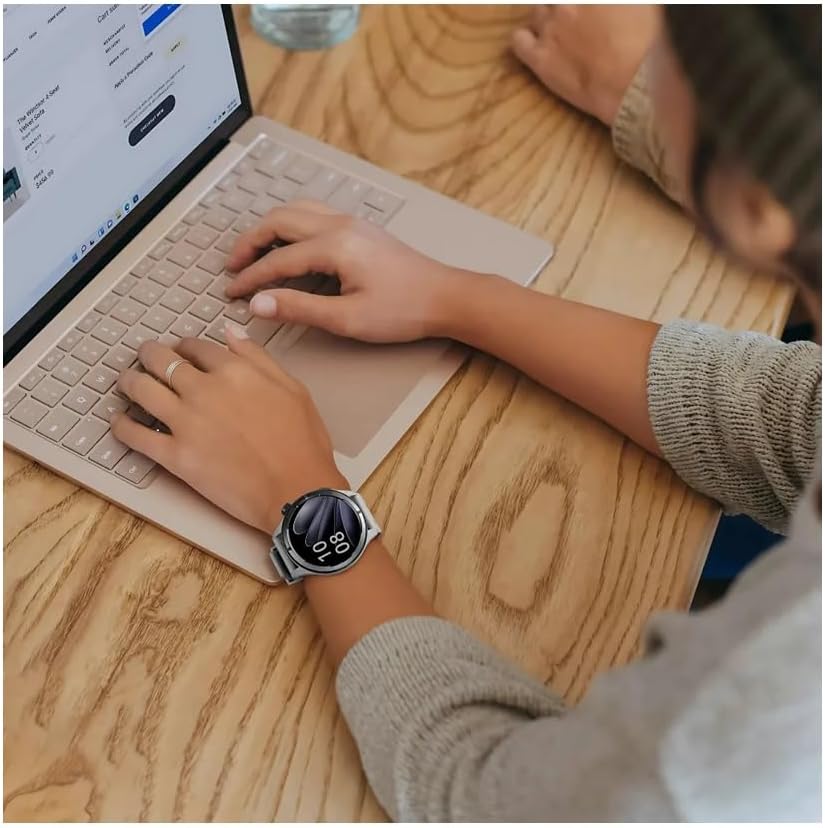
Rajah 6.1: Smartwatch displaying workout data and various sports mode options during physical activity.
6.1 Memulakan Senaman
- Press the 'Sport' button on the side of the watch to quickly access the sports mode list.
- Alternatively, navigate to the 'Workout' app from the main menu.
- Select your desired activity (e.g., Outdoor Running, Cycling, Walking).
- Tap to start the workout. The watch will begin recording data such as duration, calories burned, and heart rate.
6.2 Ending a Workout
During a workout, swipe right to pause or end the activity. Confirm your choice on the screen.
7. Panggilan dan Pemberitahuan Bluetooth
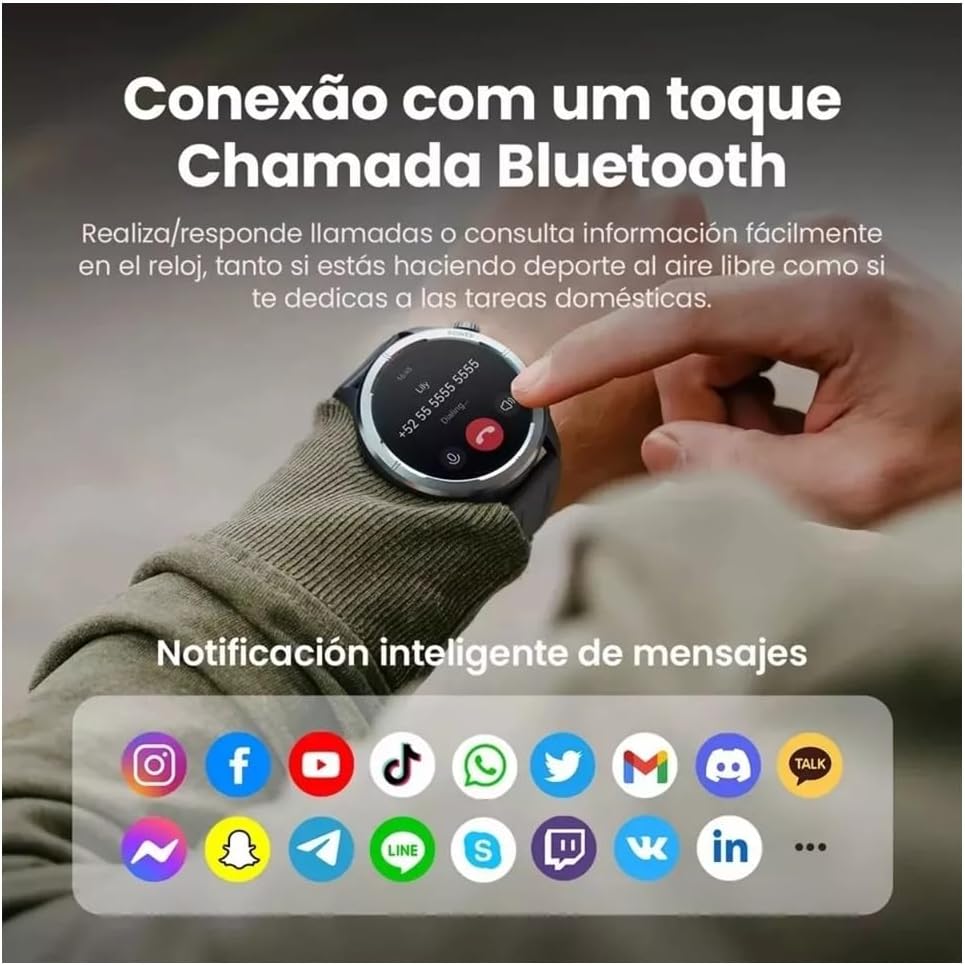
With its built-in microphone and speaker, the Haylou Solar Neo allows you to make and receive calls directly from your wrist when connected to your smartphone.

Rajah 7.1: Smartwatch displaying a Bluetooth call and various app notification icons.
7.1 Membuat dan Menerima Panggilan
- Untuk membuat panggilan: Access the 'Phone' app on your watch, dial a number, or select a contact from your synced phonebook.
- Untuk menerima panggilan: Apabila panggilan masuk, jam tangan akan memaparkan ID pemanggil. Ketik ikon hijau untuk menjawab atau ikon merah untuk menolak.
7.2 Pemberitahuan Pintar
Once paired with your smartphone, the watch will display notifications from various apps (e.g., messages, social media, emails). Ensure notification permissions are enabled in both your phone's settings and the Haylou Fun app.
8. Penyelenggaraan
8.1 Membersihkan Jam Tangan Pintar Anda
Regularly clean your watch and strap to prevent skin irritation and maintain device hygiene. Use a soft, lint-free cloth. For stubborn dirt, dampLap kain sedikit dengan air. Elakkan menggunakan bahan kimia yang keras atau bahan yang melelas.
8.2 Tahan Air
The Haylou Solar Neo is designed with a certain level of water resistance. Refer to the specifications for details (e.g., IP68). Avoid prolonged exposure to water, hot water, or steam, and do not press buttons underwater.
8.3 Penjagaan Bateri
To prolong battery life, avoid extreme temperatures. Charge the watch fully before long periods of inactivity. Do not let the battery completely drain frequently.
9. Penyelesaian masalah
9.1 Jam Tangan Tidak Menyala
- Pastikan jam tangan dicas sepenuhnya. Sambungkannya ke pengecas selama sekurang-kurangnya 30 minit.
- Tekan dan tahan butang kuasa selama 10-15 saat untuk memaksa mulakan semula.
9.2 Tidak Dapat Dipasangkan dengan Telefon
- Pastikan Bluetooth didayakan pada telefon dan jam tangan anda.
- Pastikan jam tangan berada dalam julat telefon anda.
- Mulakan semula telefon dan jam tangan anda.
- Clear the Bluetooth cache on your phone (Android) or forget the device and try pairing again.
- Ensure the Haylou Fun app is updated to the latest version.
9.3 Data Kesihatan yang Tidak Tepat
- Pastikan jam tangan dipakai dengan kemas di pergelangan tangan anda, kira-kira satu jari lebar di atas tulang pergelangan tangan.
- Keep the sensor clean and free from sweat or dirt.
- Elakkan pergerakan berlebihan semasa pengukuran.
9.4 Pemberitahuan Tidak Muncul
- Check if notification permissions are granted for the Haylou Fun app in your phone's settings.
- Ensure the Haylou Fun app is running in the background and not being closed by your phone's power-saving features.
- Verify that 'Do Not Disturb' mode is not active on either your watch or phone.
10. Spesifikasi
| Pengeluar | haylou |
| Nombor Model | NEOS |
| Saiz Paparan | 1.53 inci |
| Teknologi Ketersambungan | Bluetooth |
| Standard Komunikasi Tanpa Wayar | Bluetooth |
| Ciri Khas | Panggilan suara |
| Komposisi Sel Bateri | Polimer Litium |
| GPS | GPS terbina dalam |
| Bentuk Barang | Bulat |
| Kapasiti Storan | 32 GB |
| Dimensi Penghantaran | 17.5 x 9.9 x 3.2 cm |
| Berat Barang | 30 gram |
11. Maklumat Keselamatan
- Jangan cuba membuka atau mengubah suai peranti.
- Jauhkan peranti daripada suhu ekstrem, cahaya matahari langsung dan nyalaan api terbuka.
- Elakkan mendedahkan peranti kepada hentaman atau jatuhan yang kuat.
- Rujuk profesional perubatan sebelum memulakan sebarang rejimen senaman baharu, terutamanya jika anda mempunyai masalah kesihatan yang sedia ada.
- Jika anda mengalami kerengsaan kulit atau ketidakselesaan akibat memakai jam tangan ini, hentikan penggunaan dan berjumpa doktor.
12. Waranti dan Sokongan
Your Haylou Solar Neo Smartwatch comes with a standard manufacturer's warranty. For detailed warranty terms and conditions, please refer to the warranty card included in the product packaging or visit the official Haylou website. For technical support or service inquiries, please contact Haylou customer service through their official channels.