1. Pengenalan
Terima kasih kerana membeliasing the Arafuna NDR111B Portable DAB/DAB+/FM Radio. This manual provides essential information for setting up, operating, and maintaining your device. Please read it carefully before use and keep it for future reference.
Maklumat Keselamatan
- Jangan dedahkan peranti kepada hujan, lembapan atau suhu yang melampau.
- Elakkan daripada membuka peranti; rujuk servis kepada kakitangan yang berkelayakan.
- Jauhkan daripada medan magnet yang kuat.
- Gunakan hanya kabel pengecas Jenis-C yang disediakan.
2. Produk Lebihview
The Arafuna NDR111B is a versatile portable radio offering DAB/DAB+, FM, and Bluetooth connectivity. It features a clear LCD display, 40 preset stations, dual alarms, and a sleep timer, all powered by a built-in rechargeable battery.
Apa yang ada dalam Kotak
- Arafuna NDR111B Portable Radio
- Kabel Pengecas USB Jenis-C
- Manual Pengguna
Kawalan dan Komponen
Familiarize yourself with the radio's layout:
Imej: Depan view of the Arafuna NDR111B Portable Radio, showing the speaker grille, LCD display, and control buttons.

Imej: Sisi view of the Arafuna NDR111B Portable Radio, highlighting the Type-C charging port, headphone jack, and volume knob.
- Paparan LCD: Shows time, station information, mode, and battery status.
- Butang Kuasa: Menghidupkan/mematikan radio.
- Butang Mod: Switches between DAB, FM, and Bluetooth modes.
- Tombol Kelantangan: Melaraskan kelantangan audio.
- Butang Penalaan/Navigasi: Used for tuning stations, navigating menus, and setting alarms.
- Butang Pratetap (1-5): Quick access to saved stations.
- Butang FAV: Saves and recalls favorite stations.
- Antena: Lanjutkan untuk penerimaan radio yang optimum.
- Port Pengecasan Jenis-C: Untuk mengecas bateri dalaman.
- Bicu Fon Kepala 3.5mm: Untuk mendengar secara peribadi.
3. Persediaan
Pengecasan Awal
Before first use, fully charge the radio. Connect the provided Type-C USB cable to the radio's charging port and the other end to a USB power adapter (not included) or a computer USB port. The battery indicator on the LCD display will show charging status.

Image: The Arafuna NDR111B radio connected to a Type-C charging cable, illustrating its high battery capacity and charging method.
Sambungan Antena
For optimal radio reception, extend the telescopic antenna fully. Adjust its position for the best signal quality.
4. Arahan Operasi
Hidupkan/Mati Kuasa
- Tekan ke kuasa butang untuk menghidupkan atau mematikan radio.
Selecting Radio Modes (DAB/DAB+/FM)
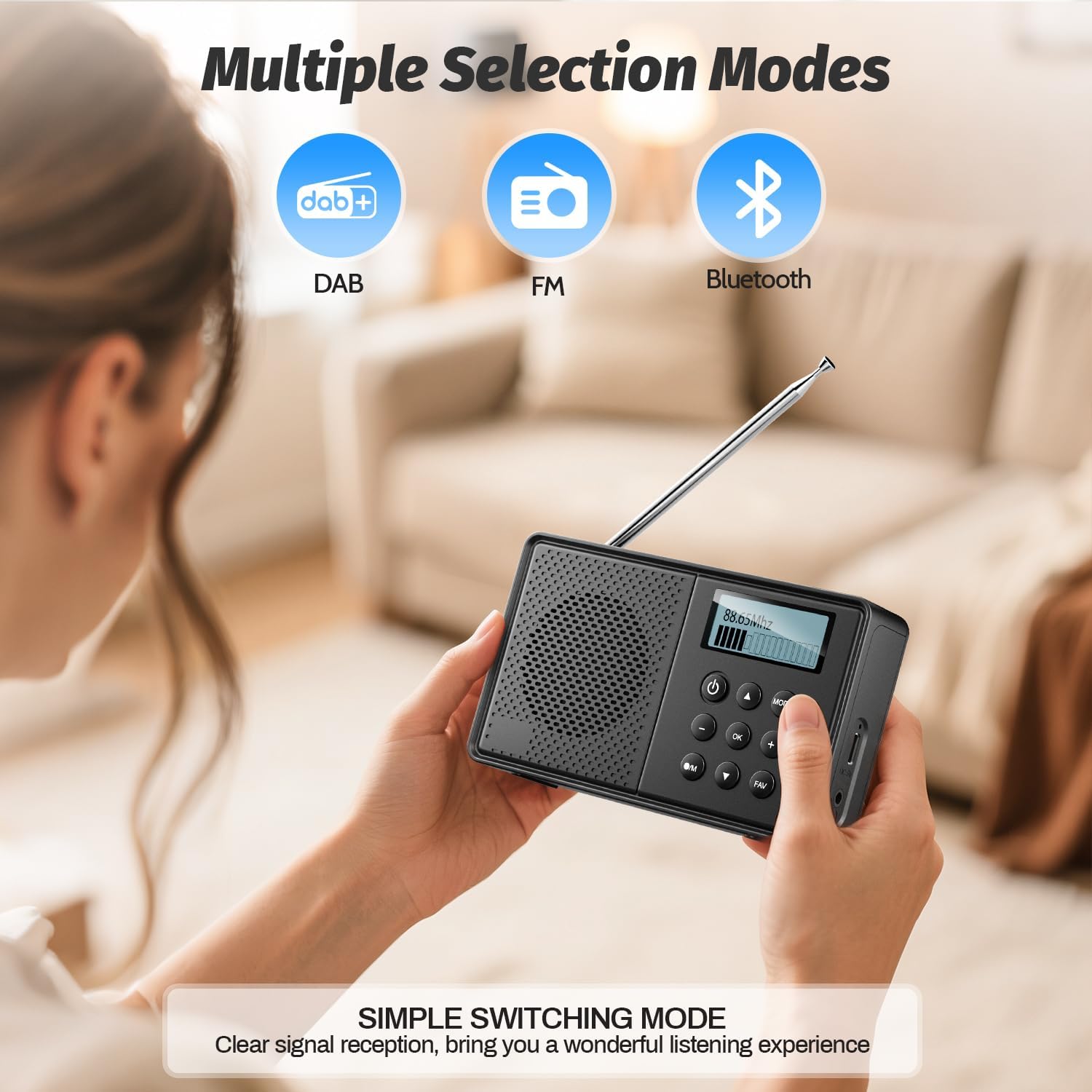
- Tekan ke MODE button repeatedly to cycle through DAB, FM, and Bluetooth modes.
Image: The Arafuna NDR111B radio displaying icons for DAB, FM, and Bluetooth modes, indicating multiple selection options.
Operasi Radio DAB/DAB+
- In DAB mode, the radio will automatically scan for available stations upon first use.
- Use the navigation buttons to browse through the list of available DAB stations.
- Tekan OK untuk memilih stesen.
Operasi Radio FM
- In FM mode, you can perform an auto-scan or manual tuning.
- To auto-scan, press and hold the IMBAS button (if available) or follow on-screen prompts.
- For manual tuning, use the navigation buttons to adjust the frequency.

Image: The Arafuna NDR111B radio illustrating its auto-scan feature and the ability to store 40 preset stations (20 DAB, 20 FM).
Menyimpan dan Mengingat Semula Pratetap
The radio allows you to store up to 40 stations (20 DAB / 20 FM).
To Save a Station:
- Tune ke stesen yang anda inginkan.
- Tekan dan tahan butang FAV butang selama 2 saat.
- Use the navigation buttons to select a preset number (1-20 for DAB, 1-20 for FM).
- Tekan OK untuk mengesahkan.

Image: A visual guide showing three steps to store favorite stations using the FAV and OK buttons on the Arafuna NDR111B radio.
To Recall a Station:
- Tekan ke FAV butang secara ringkas.
- Use the navigation buttons to select the desired preset number.
- Tekan OK untuk mengesahkan.

Image: A visual guide showing three steps to recall favorite stations using the FAV and OK buttons on the Arafuna NDR111B radio.
Kesambungan Bluetooth
- Tukar kepada mod Bluetooth menggunakan MODE button. The display will show "Bluetooth".
- On your smartphone, tablet, or other Bluetooth device, enable Bluetooth and search for "NDR111B".
- Select "NDR111B" to pair. Once connected, you can stream audio to the radio.
- Nota: Bluetooth headphones are not supported for output.

Image: The Arafuna NDR111B radio demonstrating Bluetooth connectivity with various devices like smartphones, PCs, and tablets. A note indicates that Bluetooth headphones are not supported.
Tetapan Penggera Dwi
You can set two independent alarms for different schedules (e.g., weekdays and weekends).
- Access the alarm settings via the menu.
- Set the desired alarm time, source (buzzer or radio station), and frequency (daily, weekdays, weekends).
- Tekan OK untuk menyimpan.
- Nota: Alarms function only when the radio is connected to a power supply.
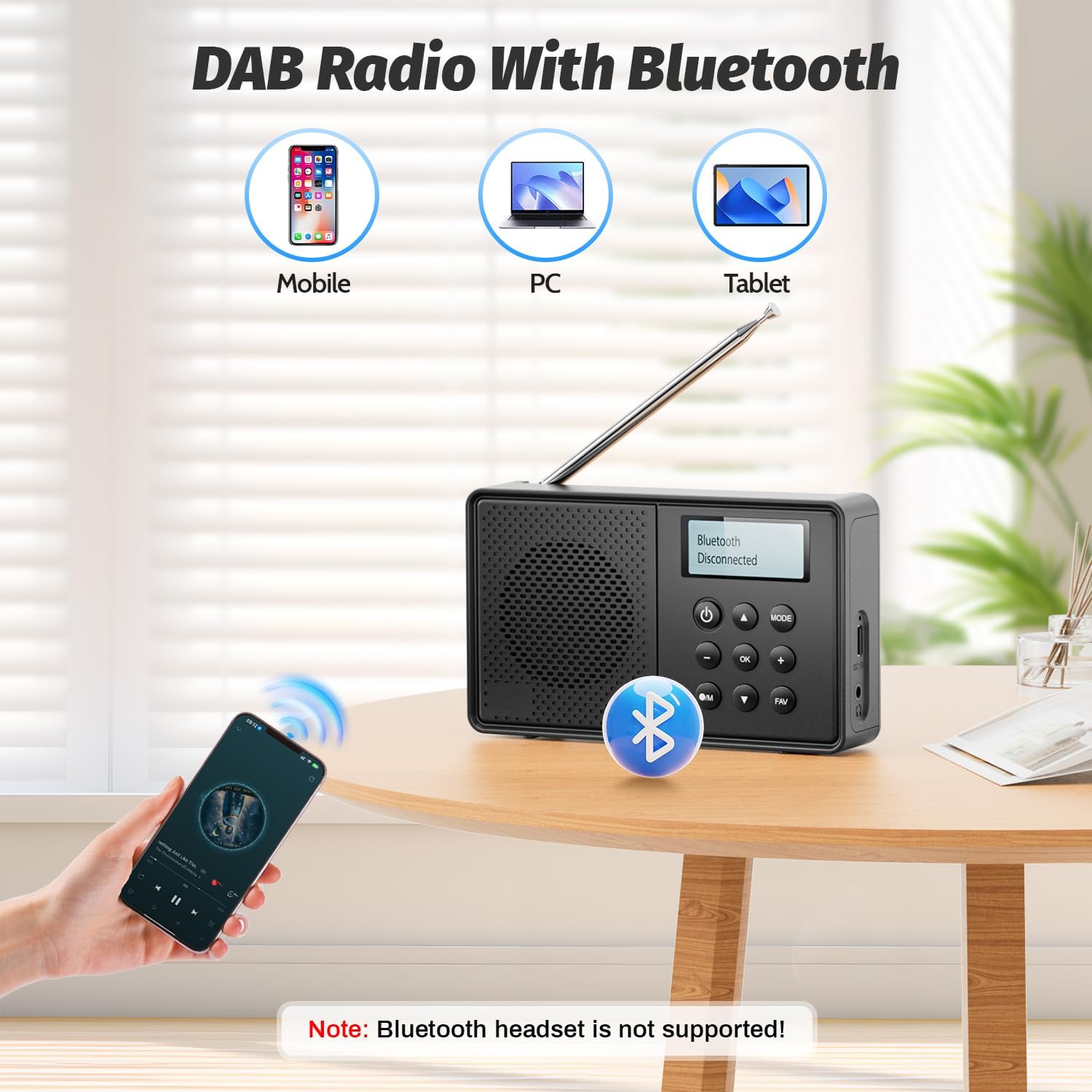
Image: The Arafuna NDR111B radio on a table next to a sleeping person, with an overlay showing the dual alarm and sleep timer settings. A note clarifies that alarms work only when connected to power.
Tidur Fungsi Pemasa
The sleep timer allows the radio to turn off automatically after a set period (15-90 minutes).
- Access the sleep timer settings via the menu.
- Select the desired duration (e.g., 15, 30, 60, 90 minutes).
- Radio akan dimatikan secara automatik selepas masa yang dipilih.
Penggunaan Fon Kepala
- Plug 3.5mm wired headphones into the headphone jack for private listening.
5. Mengecas
The Arafuna NDR111B features a built-in lithium battery that provides up to 5 hours of playback and can be fully recharged in approximately 2.5 hours via the Type-C port.
- Connect the Type-C cable to the radio and a power source.
- The battery icon on the display will indicate charging status.
- Disconnect the cable once fully charged to preserve battery life.
6. Penyelenggaraan
- Bersihkan radio dengan kain lembut dan kering. Jangan gunakan pembersih atau pelarut yang melelas.
- Jauhkan peranti daripada habuk dan cahaya matahari langsung.
- If not used for a long period, charge the battery periodically to maintain its health.
7. Penyelesaian masalah
| Masalah | Kemungkinan Punca | Penyelesaian |
|---|---|---|
| Tiada kuasa | Bateri habis | Cas radio menggunakan kabel Jenis-C. |
| Penerimaan radio yang lemah | Antena tidak dipanjangkan atau kawasan isyarat lemah | Extend the telescopic antenna fully and adjust its position. Try moving to a different location. |
| Bluetooth tidak bersambung | Peranti tidak dalam mod berpasangan atau di luar julat | Ensure the radio is in Bluetooth mode. Check that your device's Bluetooth is on and within 10 meters. |
| Penggera tidak berbunyi | Radio not connected to power or alarm not set correctly | Connect the radio to a power source. Verify alarm settings (time, source, frequency). |
8. Spesifikasi
| Ciri | Perincian |
|---|---|
| Jenama | Arafuna |
| Model | NDR111B |
| Dimensi Produk | 12 x 2 x 6 cm |
| Berat Barang | 230 g |
| Teknologi Penala | DAB/DAB+/FM |
| Kumpulan Radio yang Disokong | DAB, DAB+, FM |
| Frequency (DAB/DAB+) | 174-240 MHz |
| Frequency (FM) | 87.5-108 MHz |
| Teknologi Ketersambungan | Bluetooth |
| Paparan | LCD |
| Kuasa Keluaran Pembesar Suara | 3 Watt |
| Sumber Kuasa | Dikuasakan Bateri (termasuk 1 bateri Lithium Ion) |
| Kapasiti Bateri | 2200 mAh (approx. 5 hours playback) |
| Masa Mengecas | lebih kurang 2.5 jam (melalui Jenis-C) |
| Ciri-ciri Tambahan | DAB Plus Radio, Dual Alarm, Sleep Timer, 40 Presets |
9. Waranti dan Sokongan
Arafuna products are designed for reliability and performance. For warranty information, technical support, or customer service inquiries, please refer to the contact details provided on the product packaging or the official Arafuna webtapak. Simpan resit pembelian anda sebagai bukti pembelian.
10. Video Produk
Membuka Kotak dan Selesaiview
Video: An unboxing video of a similar product, demonstrating the initial setup and components. This video provides a visual guide to what to expect when opening your Arafuna NDR111B radio.
Demonstrasi Produk
Video: A practical product illustration, showcasing the features and functionality of the radio in use. This video helps visualize how to operate the various modes and settings.
Radio Features Overview
Video: A demonstration of a portable FM radio, highlighting its features and ease of use. While not the exact model, it provides a general understanding of portable radio operation.
Radio Mudah Alih dengan Bluetooth
Video: Tayangan videoasing a portable radio with Bluetooth functionality, similar to the Arafuna NDR111B. It illustrates how to use the radio for both traditional broadcasts and Bluetooth audio streaming.


