1. Pengenalan
Thank you for choosing the DYONDER Wireless Controller. This controller is designed to provide a superior gaming experience across multiple platforms, including PS4, PS4 Slim, PS4 Pro, and PC. Featuring a 1000mAh battery, dual vibration feedback, a 6-axis motion sensor, and responsive joysticks, it offers immersive and precise control for your favorite games. This manual provides detailed instructions on setup, operation, maintenance, and troubleshooting to ensure optimal performance.

Imej: Depan view of the DYONDER Wireless Controller in black.
2. Ciri-ciri Produk
- Keserasian Kuat: Works seamlessly with PS4, PS4 Slim, PS4 Pro, and PC.
- Hayat Bateri yang Panjang: Built-in 1000mAh battery provides over 15 hours of playtime with only 2 hours of charging.
- Dual Vibration Feedback: Features dual vibration motors with 4 levels of feedback for an immersive gaming experience.
- Upgraded Joystick: Enhanced responsiveness and precision for faster reactions and reduced input lag or drift.
- 6-Axis Motion Sensor: Provides superior motion sensing for intuitive control in supported games.
- Pengecasan USB-C: Modern USB-C port for convenient and fast charging.
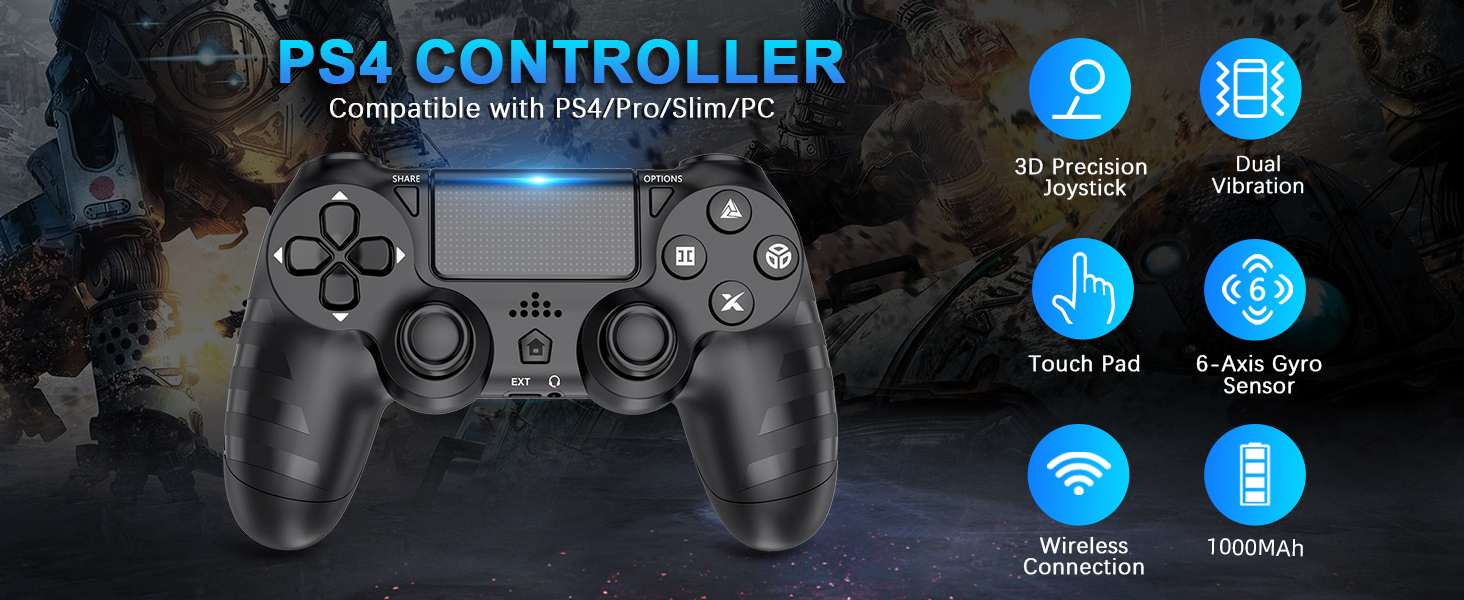
Imej: Selesaiview of key features of the DYONDER Wireless Controller.
3. Susun Atur Pengawal
Familiarize yourself with the various buttons and components of your DYONDER Wireless Controller:

Image: Labeled diagram of the controller's buttons and interfaces.
- Butang SHARE: Used for sharing gameplay content.
- Butang OPTIONS: Accesses in-game menus and options.
- D-Pad: Input arah.
- Butang Tindakan (Segitiga, Bulatan, Palang, Petak): Butang input permainan utama.
- Kayu Joy Kiri/Kanan: Analog input for movement and camera control.
- Pad sentuh: Multi-touch input surface.
- Butang rumah: Returns to the console's home screen or powers on/off.
- Antara Muka Lanjutan: For accessories.
- Jack fon kepala: For connecting headsets.
- Bar Lampu LED: Indicates player number, charging status, and in-game information.
- Charging Socket (USB-C): For charging the controller.
4. Persediaan dan Sambungan
Initial Connection to PS4 Console:
- Pastikan konsol PS4 anda dihidupkan.
- Connect the DYONDER Wireless Controller to your PS4 console using the included USB-C charging cable.
- Tekan ke Rumah button on the controller. The controller will sync with the console.
- Once synced, you can disconnect the USB-C cable for wireless play.
Menyambung ke PC:
- For PC connection, hold the KONGSI butang dan RUMAH butang serentak selama 3 saat.
- The controller's LED light bar will start flashing rapidly, indicating it is in pairing mode.
- On your PC, go to Bluetooth settings and select the DYONDER Wireless Controller to pair.
- Once paired, the LED light bar will turn solid, indicating a successful connection.
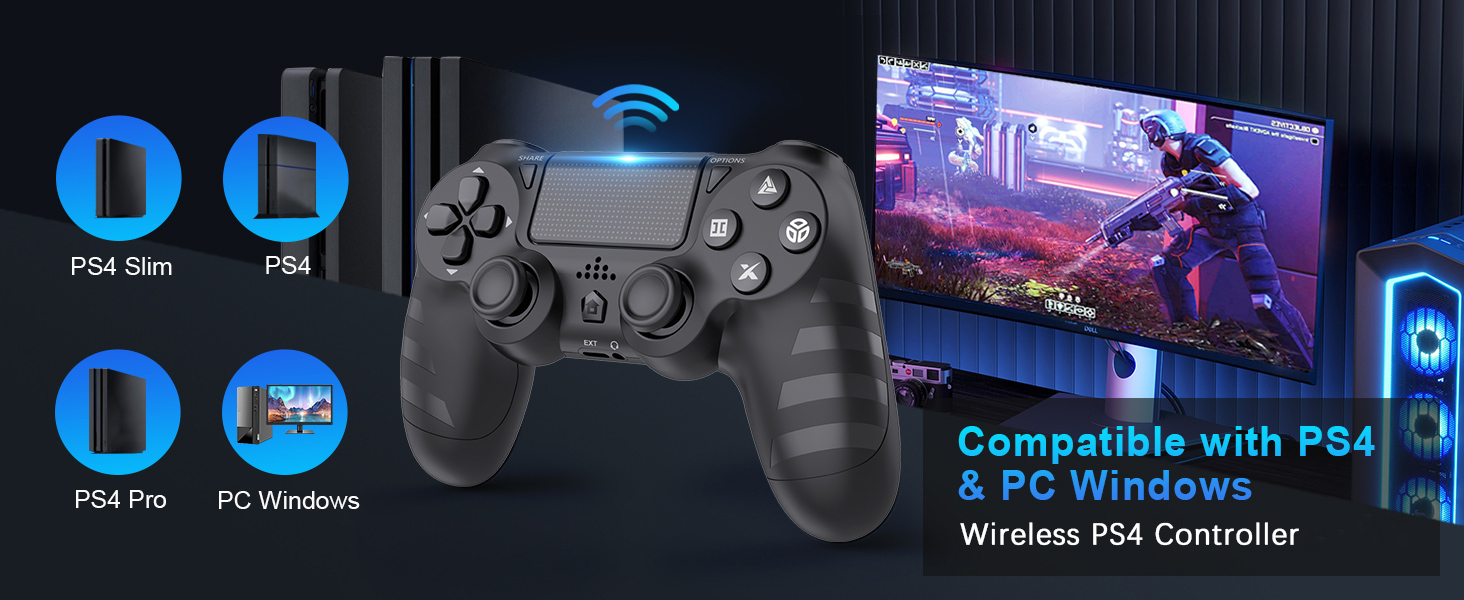
Image: Visual representation of controller compatibility with various platforms.
5. Operasi
Dual Vibration Feedback:
The controller features dual vibration motors that provide tactile feedback during gameplay. This enhances immersion by simulating in-game actions such as impacts, explosions, and environmental effects. The vibration intensity can vary based on the game and its settings.
6-Axis Motion Sensor:
Equipped with a highly sensitive 6-axis motion sensor (accelerometer and gyroscope), the controller allows for intuitive motion-based controls in compatible games. You can tilt, rotate, and shake the controller to interact with the game environment.

Image: Illustration of the controller's 6-Axis Gyro Sensor in action.
Fungsi Pad Sentuh:
The integrated touchpad supports multi-touch gestures, allowing for unique interactions in games that utilize this feature. It can also function as a clickable button.
Jack Audio:
Connect your headset to the 3.5mm audio jack for in-game audio and voice chat (where supported by the game and console/PC settings).
6. Pengecasan dan Hayat Bateri
The DYONDER Wireless Controller is equipped with a built-in 1000mAh rechargeable lithium-ion battery.
- Masa Pengecasan: Kira-kira 2 jam untuk pengecasan penuh menggunakan kabel USB-C yang disertakan.
- Masa main: Up to 15 hours of continuous gameplay on a full charge.
Penunjuk Pengecasan:
While charging, the LED light bar on the controller will typically display an amber light. Once fully charged, the light will turn off or change color depending on the console/PC status.
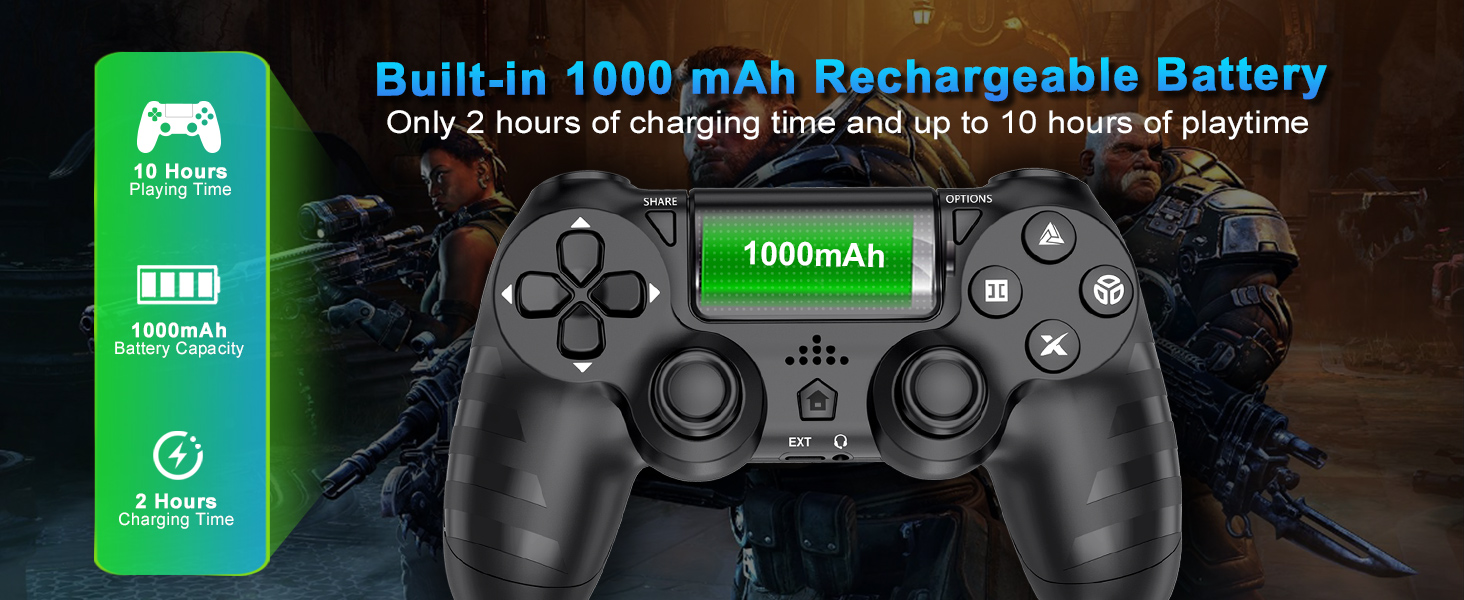
Image: Battery capacity and charging details for the controller.
7. Penyelenggaraan
- Pembersihan: Gunakan kain lembut dan kering untuk mengelap pengawal. Untuk kotoran degil, sedikit dampen kain dengan air. Elakkan menggunakan bahan kimia yang keras atau pembersih yang kasar.
- Storan: Simpan pengawal di tempat yang sejuk dan kering jauh dari cahaya matahari langsung dan suhu yang melampau.
- Penjagaan Bateri: Untuk memanjangkan hayat bateri, elakkan daripada menyahcas sepenuhnya pengawal dengan kerap. Mengecasnya dengan kerap, walaupun tidak digunakan untuk tempoh yang lama.
- Pengendalian: Do not drop the controller or subject it to strong impacts. Avoid pulling the cable forcefully when disconnecting.
8. Penyelesaian masalah
| Masalah | Kemungkinan Punca | Penyelesaian |
|---|---|---|
| Controller does not connect/pair. | Low battery, out of range, pairing mode not activated, interference. | Charge the controller fully. Ensure it's within range of the console/PC. Re-enter pairing mode (SHARE + HOME for 3 seconds). Try connecting with the USB-C cable first. |
| Kelewatan input atau ketidakresponsifan. | Wireless interference, low battery, software issue. | Ensure no strong wireless interference. Charge the controller. Restart the console/PC and controller. |
| Joystick drift. | Wear and tear, dust/debris. | Try resetting the controller (small button on the back). Clean around the joystick base. If persistent, contact support. |
| Headset microphone not working. | Headset compatibility, console/PC audio settings, controller defect. | Ensure your headset is fully plugged in. Check audio input/output settings on your PS4 or PC. Test with another headset if possible. If the issue persists, it may indicate a hardware problem. |
| Pengawal tidak mengecas. | Faulty cable, faulty charging port, power source issue. | Try a different USB-C cable and a different power source (e.g., another USB port on console/PC, wall adapter). Ensure the cable is securely connected. |
9. Spesifikasi
| Ciri | Perincian |
|---|---|
| Model | B0DH22GT2B |
| Jenama | DYONDER |
| Keserasian | PS4, PS4 Slim, PS4 Pro, PC |
| Kapasiti Bateri | 1000mAh Litium Ion |
| Masa Mengecas | lebih kurang 2 jam |
| Masa bermain | Sehingga 15 jam |
| Ketersambungan | Wireless (Bluetooth), USB-C |
| Penderia | 6-Axis Motion Sensor (Accelerometer, Gyroscope) |
| Maklum balas | Dual Vibration Motors (4 levels) |
| Audio | Bicu Fon Kepala 3.5mm |
| Berat Barang | 9.9 auns (lebih kurang 280g) |
| Dimensi Pakej | 6.5 x 4.37 x 2.6 inci |
10. Video Produk Rasmi
Video: Selesai ringkasview of the DYONDER Wireless Controller in pink, highlighting features like dual vibration, sensitive joysticks, and anti-slip texture.
Video: A quick look at the black DYONDER Wireless Controller, showcasing reka bentuk dan ciri-cirinya.
11. Waranti dan Sokongan
For warranty information, technical support, or any inquiries regarding your DYONDER Wireless Controller, please refer to the contact information provided on the product packaging or visit the official DYONDER webtapak. Simpan resit pembelian anda untuk tuntutan waranti.
