pengenalan
This manual provides essential instructions for setting up, operating, and maintaining your Back Bay Audio Tempo 30 Wireless Earbuds. Please read thoroughly before use.
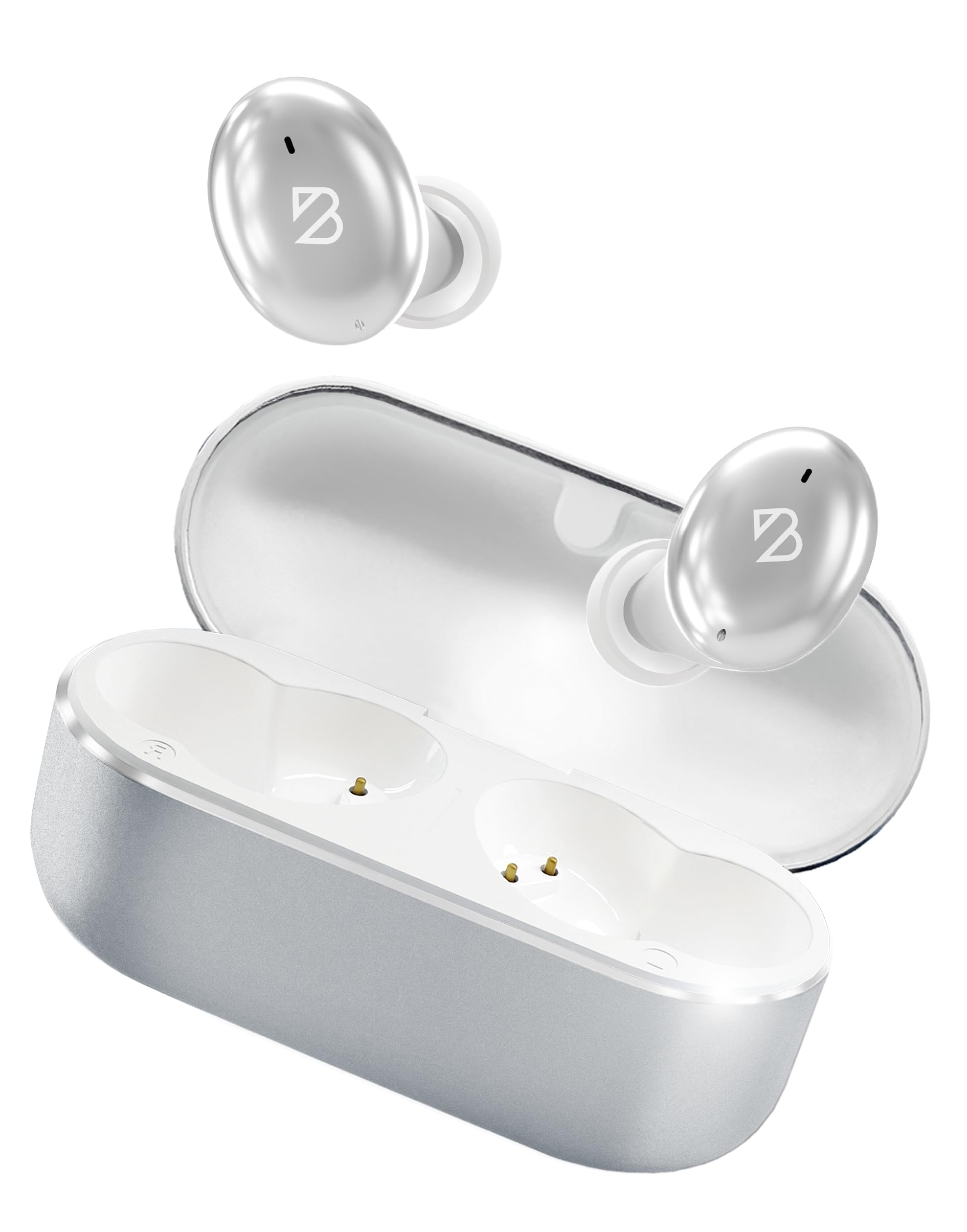
Image: Back Bay Audio Tempo 30 Wireless Earbuds in silver, showcasing reka bentuk anggun mereka.
Apa yang ada dalam Kotak
- Back Bay Audio Tempo 30 Wireless Earbuds
- Kes Pengecasan
- Kabel Pengecas USB-C
- Multiple Sizes of Eartips (6 pairs)
- Manual Pengguna

Image: The Tempo 30 earbuds in their charging case, accompanied by a selection of different sized eartips for a customized fit.
Persediaan
1. Mengecas Fon Telinga dan Sarung
Before first use, fully charge your Tempo 30 earbuds and charging case. The charging case provides an additional 24 hours of battery life, extending total playtime to 32 hours.
- Sambungkan kabel USB-C yang disediakan ke port pengecasan pada bekas dan ke sumber kuasa.
- The LED indicator on the case will flash while charging and turn solid when fully charged.
- Place the earbuds into the charging case to charge them. The case display will show the charge level.

Image: The Tempo 30 charging case with earbuds, illustrating the USB-C charging port and the digital battery display.
2. Berpasangan dengan Peranti Anda
The Tempo 30 earbuds are designed for simple pairing with any Bluetooth-enabled device.
- Ensure earbuds are charged and inside the charging case.
- Buka penutup bekas pengecasan. Fon telinga akan memasuki mod berpasangan secara automatik.
- On your device (phone, computer, etc.), go to Bluetooth settings and select "Back Bay Tempo 30" from the list of available devices.
- Once connected, you will hear an audio prompt "Device Connected".
3. Optimal Fit for Small Ears
The Tempo 30 earbuds come with 6 different ear-tip sizes to ensure a comfortable and secure fit, especially for smaller ear canals. Experiment with different sizes to find the best seal for optimal sound quality and comfort.

Image: A close-up of the Tempo 30 earbuds highlighting the multiple ear-tip options designed for a comfortable fit in small ears.
Arahan Operasi
Kawalan Sentuh
The Tempo 30 earbuds feature intuitive touch controls on each earbud for managing audio playback, calls, and sound modes.
| Tindakan | Earbud Kiri | Earbud Kanan |
|---|---|---|
| Kawalan Kelantangan | Single Tap: Volume Down | Single Tap: Volume Up |
| Main/Jeda | Double Tap (either earbud) | |
| Lagu Seterusnya | Tahan selama 2 saat | |
| Mod Bass Hidup/Mati | Ketik Tiga Kali | |
| Pembantu Suara | Ketik Tiga Kali | |
| Mod Kawalan Bunyi | Hold for 2 seconds (cycles through Transparency, Noise Blocking, Off) | |
| Hidupkan/Mati Kuasa | Hold for 5 seconds (either earbud) or place in charging case | |
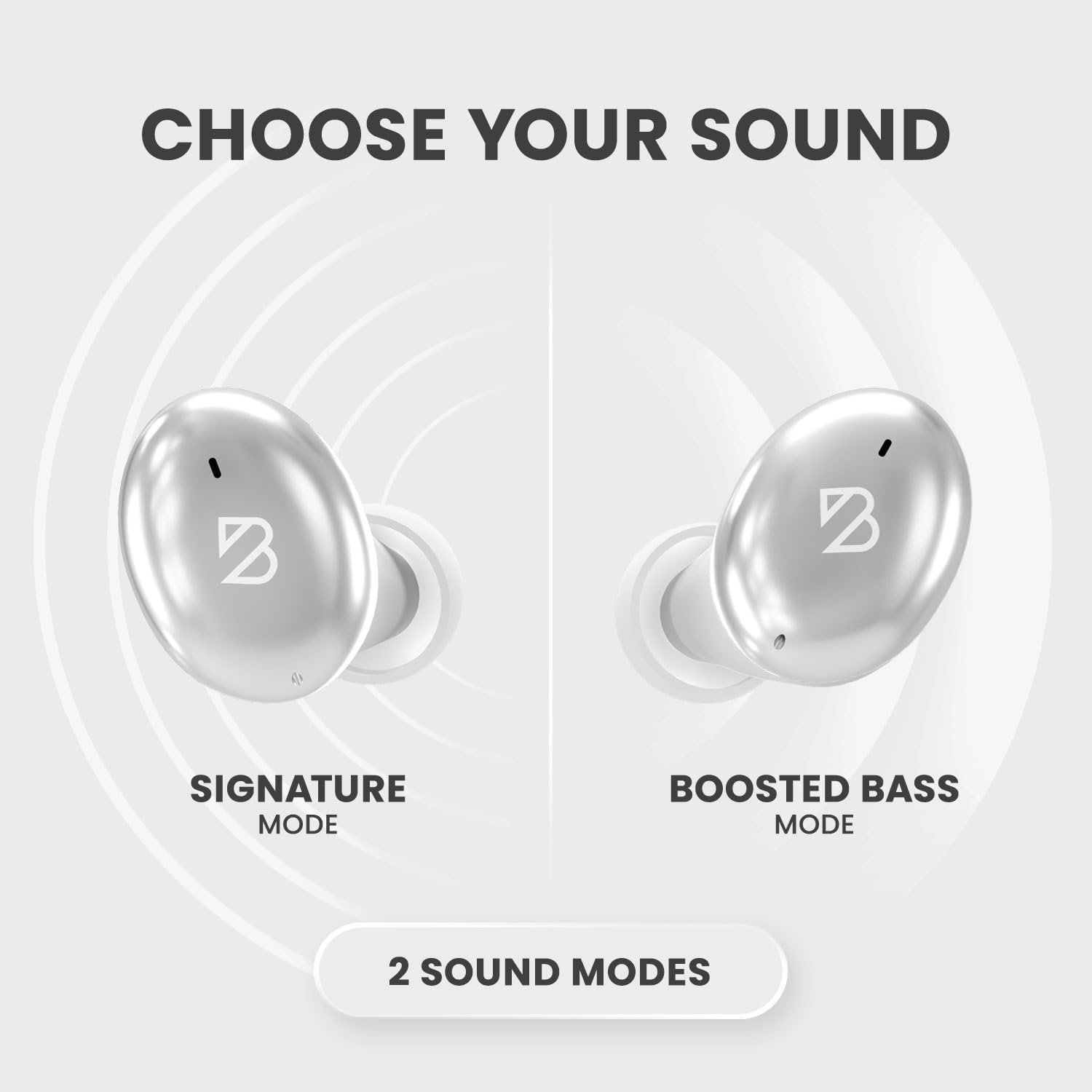
Image: A visual representation of the Tempo 30 earbuds, illustrating the two available sound modes: Signature Mode and Boosted Bass Mode.
Mod Bunyi
- Signature Mode: Provides a balanced audio experience.
- Boosted Bass Mode: Enhances low frequencies for a more powerful sound, ideal for workouts or gaming. Activate by triple-tapping the right earbud.
Kawalan Bunyi
The Tempo 30 offers three noise control modes:
- Mod Ketelusan: Membenarkan bunyi ambien melalui, memastikan anda sedar tentang persekitaran anda.
- Noise Blocking Mode: Mengurangkan hingar luaran secara aktif untuk pengalaman mendengar yang mengasyikkan.
- Mati: Melumpuhkan ciri kawalan hingar.
Cycle through these modes by holding the left earbud for 2 seconds.
Penyelenggaraan
- Pembersihan: Regularly clean the eartips and charging contacts with a soft, dry cloth.
- Tahan Air: The Tempo 30 earbuds are IPX7-rated waterproof, making them resistant to sweat and rain. They are not designed for swimming.

Image: The Tempo 30 earbuds shown with water droplets, emphasizing their IPX7 water-resistant rating.
Menyelesaikan masalah
- Tiada Isu Bunyi/Gandingan: Ensure earbuds are charged. Turn off and on your device's Bluetooth, then re-attempt pairing.
- Satu Earbud Tidak Berfungsi: Place both earbuds back in the charging case, close the lid, and wait for 10 seconds. Then open and try again.
- Kualiti Bunyi Lemah: Check ear-tip fit. Ensure earbuds are clean and free of debris.
Spesifikasi
- Nama Model: Back Bay Tempo 30
- Teknologi Ketersambungan: Bluetooth 5.0
- Hayat Bateri: Sehingga 32 jam (8 jam fon telinga + 24 jam bekas pengecasan)
- Tahap Rintangan Air: IPX7 (Sweatproof, Water Resistant - Not for Swimming)
- Kawalan Bunyi: Sound Isolation (Transparency Mode, Noise Blocking Mode)
- Jenis Pemacu Audio: Pemandu Dinamik
- mikrofon: Built-in for calls with CVC 8.0 Mic Noise Cancelling
- Kaedah Kawalan: Sentuh
- Bahan: Metal, Premium ABS Plastic
- Berat Barang: 45 Gram (1.59 auns)
- Dimensi Produk: 1.1 x 2.9 x 1.8 inci

Image: Diagram showing the dimensions of the Tempo 30 earbuds and their charging case.
Video Produk Rasmi
Video: An official product video from Back Bay Brand showcasing the Tempo 30 Wireless Bluetooth Earbuds and their features for workouts.
Waranti dan Sokongan
For warranty information and customer support, please refer to the contact details provided in the packaging or visit the official Back Bay Audio webtapak.