pengenalan
This manual provides detailed instructions for the setup, operation, maintenance, and troubleshooting of your Amazon Basics Pro Series Wireless Noise Cancelling ANC Over Ear Headphones. Please read this manual thoroughly before using the product to ensure proper function and longevity.

Image: The Amazon Basics Pro Series Wireless Noise Cancelling ANC Over Ear Headphone in black, showcasing reka bentuknya yang anggun.
Kandungan Pakej
Sahkan bahawa semua item terdapat dalam pakej:
- Amazon Basics Pro Series Wireless Noise Cancelling ANC Over Ear Headphone
- Kabel Pengecasan USB Jenis-C
- Kabel AUX 3.5mm
- Manual Pengguna (dokumen ini)
Persediaan
1. Pengecasan Awal
Before first use, fully charge the headphones. Connect the supplied USB Type-C charging cable to the headphone's charging port and the other end to a USB power source (e.g., computer USB port or wall adapter). The LED indicator will show charging status and turn off or change color when fully charged.
A full charge provides up to 74 hours of playback at 50% volume with ANC off, or 34 hours with ANC on.
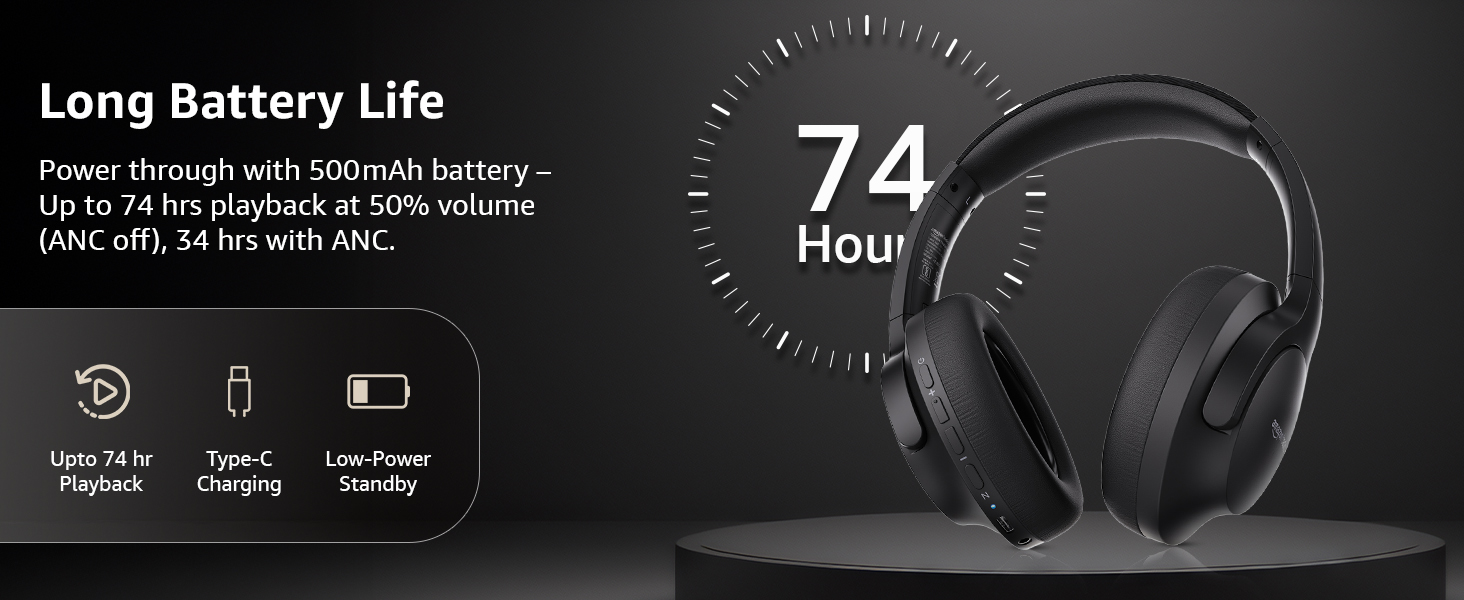
Image: An illustration highlighting the long battery life of the headphones, indicating up to 74 hours of playback.
2. Berpasangan Bluetooth
- Pastikan fon kepala dicas dan dimatikan.
- Tekan dan tahan butang kuasa sehingga penunjuk LED berkelip biru dan merah, menunjukkan mod berpasangan.
- Pada peranti anda (telefon pintar, tablet, komputer riba), dayakan Bluetooth dan cari peranti yang tersedia.
- Select "AB-IBT-82ANC" from the list of found devices.
- Once connected, the LED indicator will turn solid blue or flash slowly.
The headphones support dual pairing, allowing connection to two devices simultaneously for seamless switching.

Image: The headphones shown connected to both a smartphone and a laptop, illustrating the multi-pairing capability.
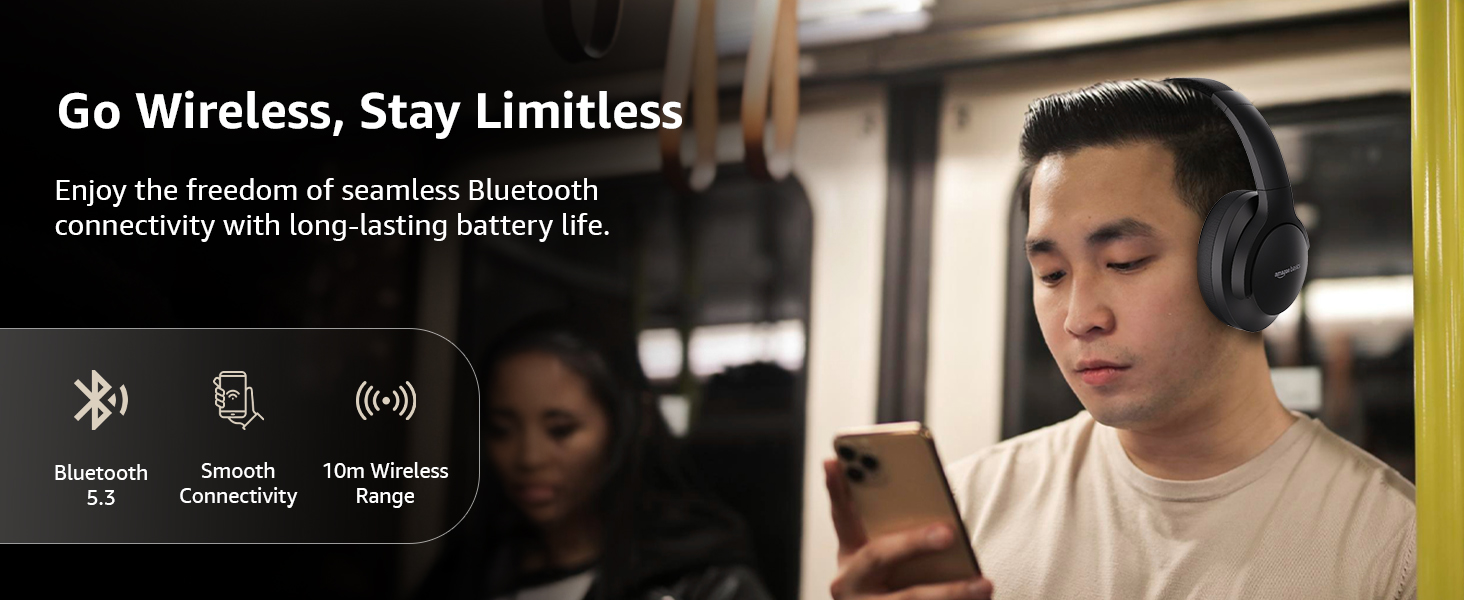
Image: A visual representation of the wireless capabilities, including Bluetooth 5.3 and a 10-meter wireless range.
3. Sambungan Berwayar (Mod AUX)
For a wired connection, plug the 3.5mm AUX cable into the headphone's AUX port and the other end into your audio device's 3.5mm jack. This mode does not require battery power.
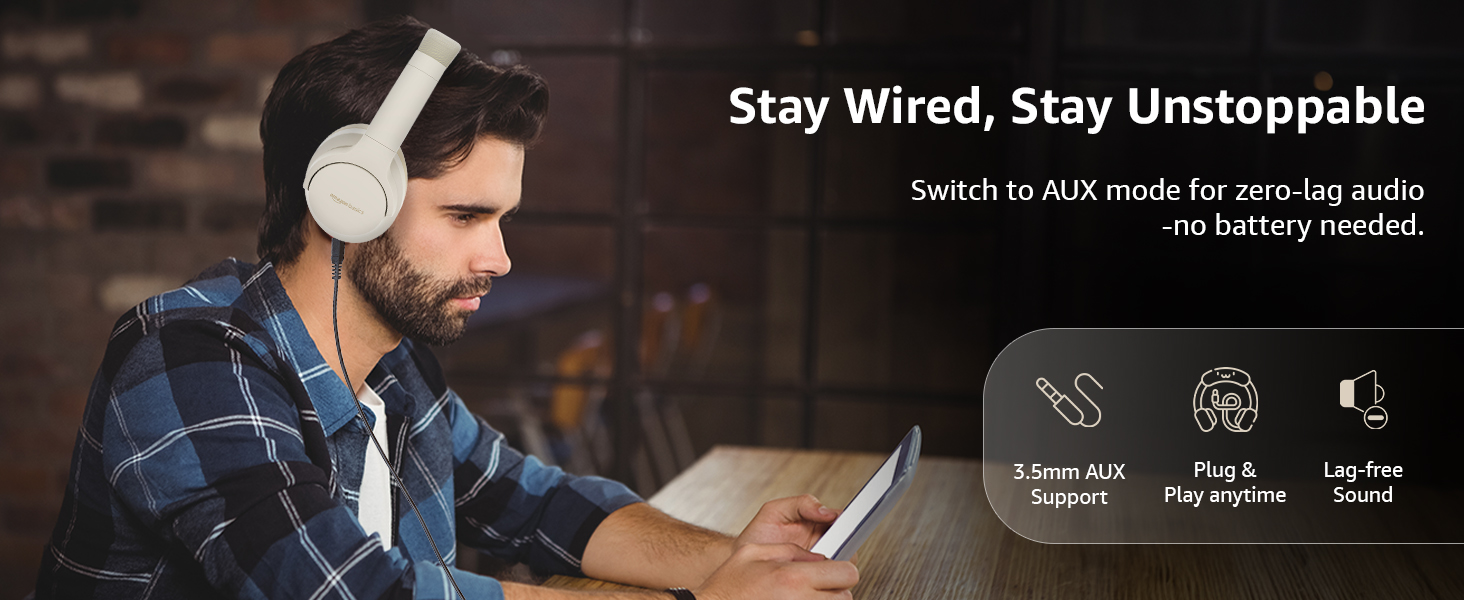
Image: A user demonstrating the wired AUX connection, emphasizing lag-free audio without needing battery power.
Arahan Operasi
1. Hidupkan/Mati Kuasa
- Hidupkan kuasa: Tekan dan tahan butang kuasa selama lebih kurang 3 saat.
- Matikan: Tekan dan tahan butang kuasa selama lebih kurang 5 saat.
2. Accessible Controls
Fon kepala mempunyai kawalan intuitif yang terletak pada cup telinga:
- Jilid Naik / Laluan Seterusnya: Tekan pendek untuk kelantangan, tekan lama untuk trek seterusnya.
- Turunkan Volume / Lagu Sebelumnya: Tekan pendek untuk kelantangan turun, tekan lama untuk trek sebelumnya.
- Main/Jeda/Jawab Panggilan: Tekan butang berbilang fungsi sekali sahaja.
- Tamatkan Panggilan: Single press the multi-function button during a call.
- Tolak Panggilan: Tekan lama butang berbilang fungsi semasa panggilan masuk.
- Aktifkan Pembantu Suara (Siri/Google Assistant): Tekan dua kali butang berbilang fungsi.
- ANC Hidup / Mati: Dedicated ANC button to toggle Active Noise Cancellation.
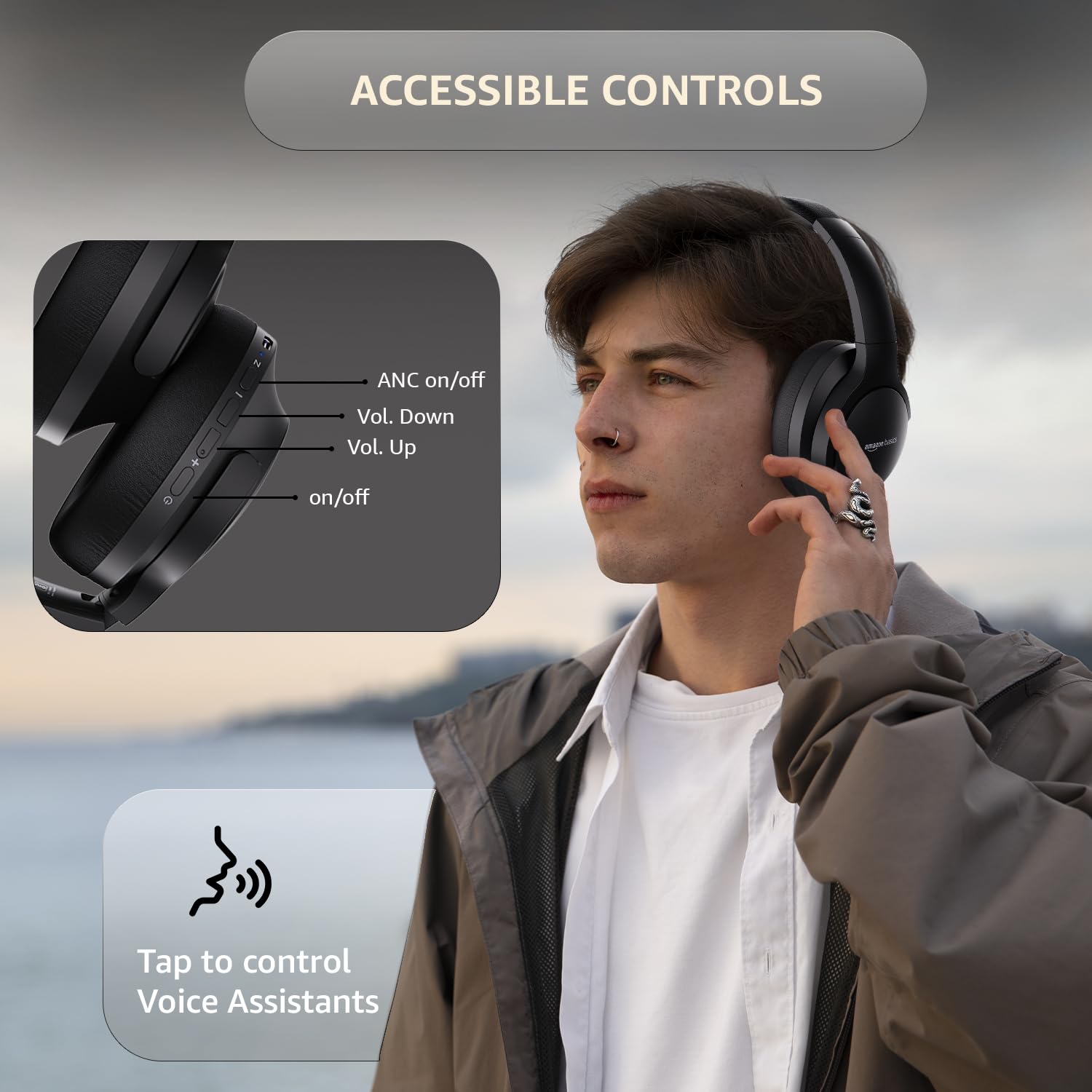
Image: A detailed diagram illustrating the location and function of the accessible controls on the headphone earcup.
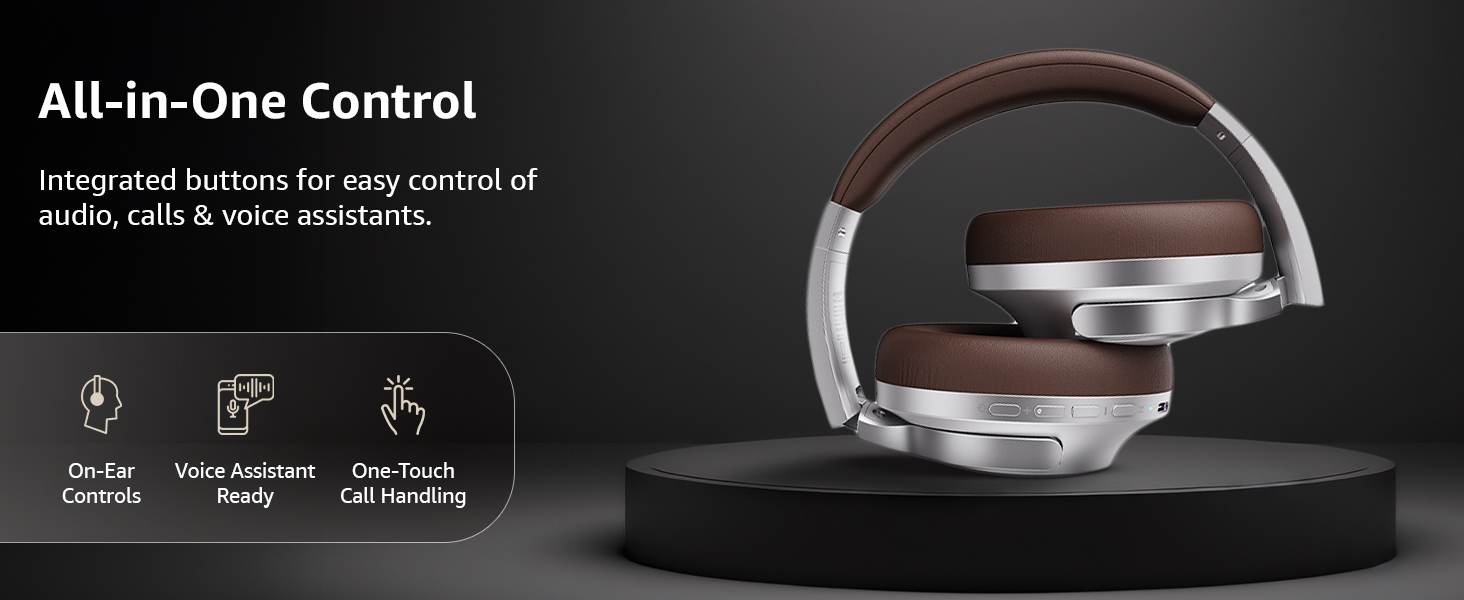
Imej: Tamatview of the integrated controls, highlighting ease of use for audio, calls, and voice assistants.
3. Pembatalan Bunyi Aktif (ANC)
The Active Noise Cancellation feature reduces ambient noise, providing a more immersive listening experience. Press the dedicated ANC button to activate or deactivate this feature. Note that ANC functionality may slightly reduce overall battery life.

Image: A person wearing the headphones in a public setting, illustrating the effectiveness of Active Noise Cancellation in reducing distractions.

Image: A graphic emphasizing the benefits of Active Noise Cancellation, including enhanced sound clarity and immersive audio.
4. Audio Quality and Drivers
The headphones are equipped with 40mm drivers, designed to deliver rich bass, clear mids, and precise highs for a balanced audio experience.
Imej: Meletup view diagram illustrating the 40mm drivers, which are responsible for the headphone's sound output.
Penyelenggaraan
1. Pembersihan
- Lap fon kepala dengan kain lembut, kering dan tidak berbulu.
- Jangan gunakan pembersih, pelarut atau pembersih semburan yang kasar terus pada fon kepala.
- Clean the ear cushions gently with a damp cloth if necessary, and allow them to air dry completely before use.
2. Penyimpanan
When not in use, store the headphones in a cool, dry place, away from direct sunlight and extreme temperatures. The headphones feature a sleek and foldable design for convenient storage and portability.
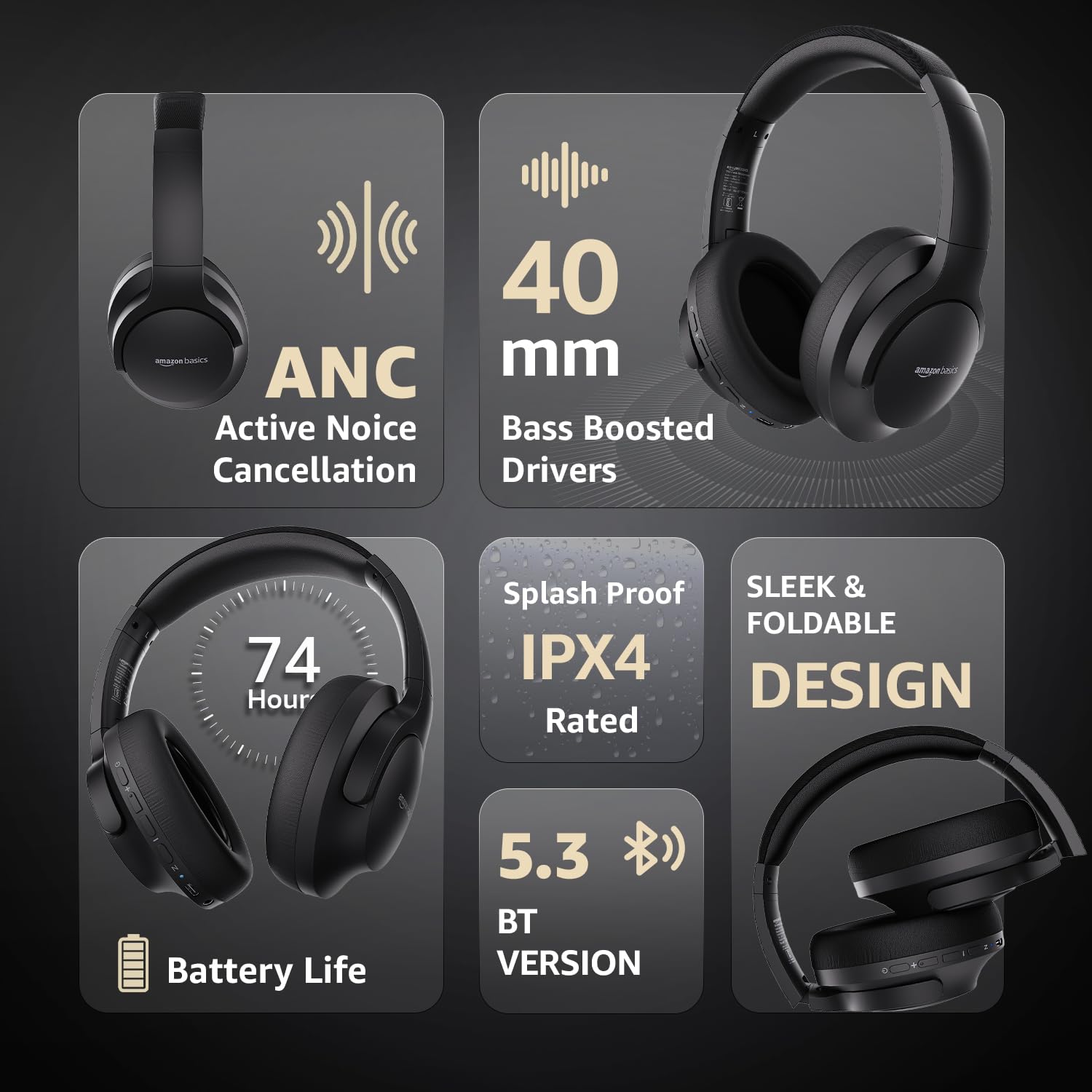
Image: An infographic highlighting key features, including the sleek and foldable design of the headphones for easy storage.
3. Penjagaan Bateri
- Elakkan menyahcas sepenuhnya bateri dengan kerap.
- Cas fon kepala secara berkala, walaupun tidak digunakan untuk tempoh yang lama, untuk mengekalkan kesihatan bateri.
- Jangan dedahkan bateri kepada suhu tinggi.
Menyelesaikan masalah
| Masalah | Kemungkinan Punca | Penyelesaian |
|---|---|---|
| Fon kepala tidak dihidupkan. | Bateri lemah. | Charge the headphones fully using the supplied USB Type-C cable. |
| Tidak boleh berpasangan melalui Bluetooth. | Fon kepala tiada dalam mod berpasangan; peranti Bluetooth dimatikan; terlalu jauh dari peranti. | Ensure headphones are in pairing mode (flashing blue/red). Turn Bluetooth on your device. Move headphones closer to the device (within 10m). |
| Tiada bunyi. | Kelantangan terlalu rendah; sumber audio yang salah; fon kepala tidak bersambung. | Increase volume on headphones and device. Verify correct audio output on device. Re-pair Bluetooth or check AUX cable connection. |
| ANC tidak berfungsi dengan berkesan. | ANC tidak diaktifkan; bunyi persekitaran terlalu tinggi. | Tekan butang ANC untuk mengaktifkannya. ANC paling berkesan terhadap hingar frekuensi rendah dan malar. |
Spesifikasi
| Ciri | Perincian |
|---|---|
| Nombor Model | AB-IBT-82ANC |
| Teknologi Ketersambungan | Tanpa Wayar (Bluetooth 5.3), Berwayar (AUX 3.5mm) |
| Saiz Pemandu | 40 mm |
| Kapasiti Bateri | Polimer Litium 500 mAh |
| Hayat Bateri (ANC Mati) | Sehingga 74 jam (pada volum 50%) |
| Hayat Bateri (ANC Hidup) | Up to 34 hours (at 100% volume), 62 hours (at 50% volume) |
| Port Pengecasan | USB Jenis-C |
| Julat Tanpa Wayar | Sehingga 10 meter |
| Penilaian Ketahanan Air | IPX4 (Kali Percikan) |
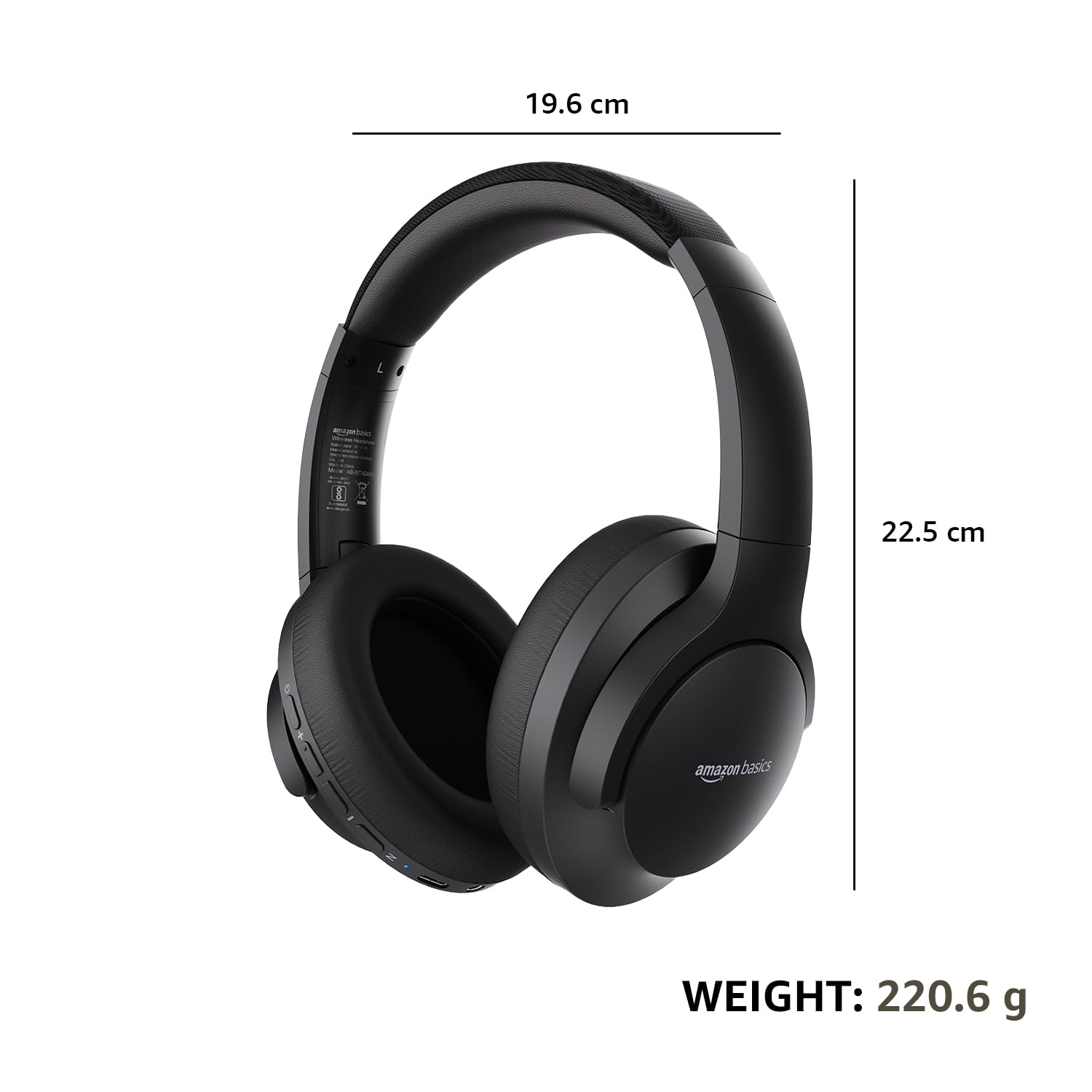
| Dimensions (Headphone) | 19.61 x 22.5 x 8.72 cm |
| Berat (Fon kepala) | 220.6 g |
| bahan | Plastik, Poliuretana (PU) |
| Peranti Serasi | Telefon Bimbit, Konsol Permainan, Komputer Riba, Tablet |

Image: A visual representation of the headphone's dimensions and weight for reference.
Keselesaan dan Reka Bentuk
The headphones are designed for extended wear with an over-ear fit, soft ear cushions, and an adjustable headband, ensuring comfort during long listening sessions.

Image: A person wearing the headphones, demonstrating the comfortable over-ear fit.
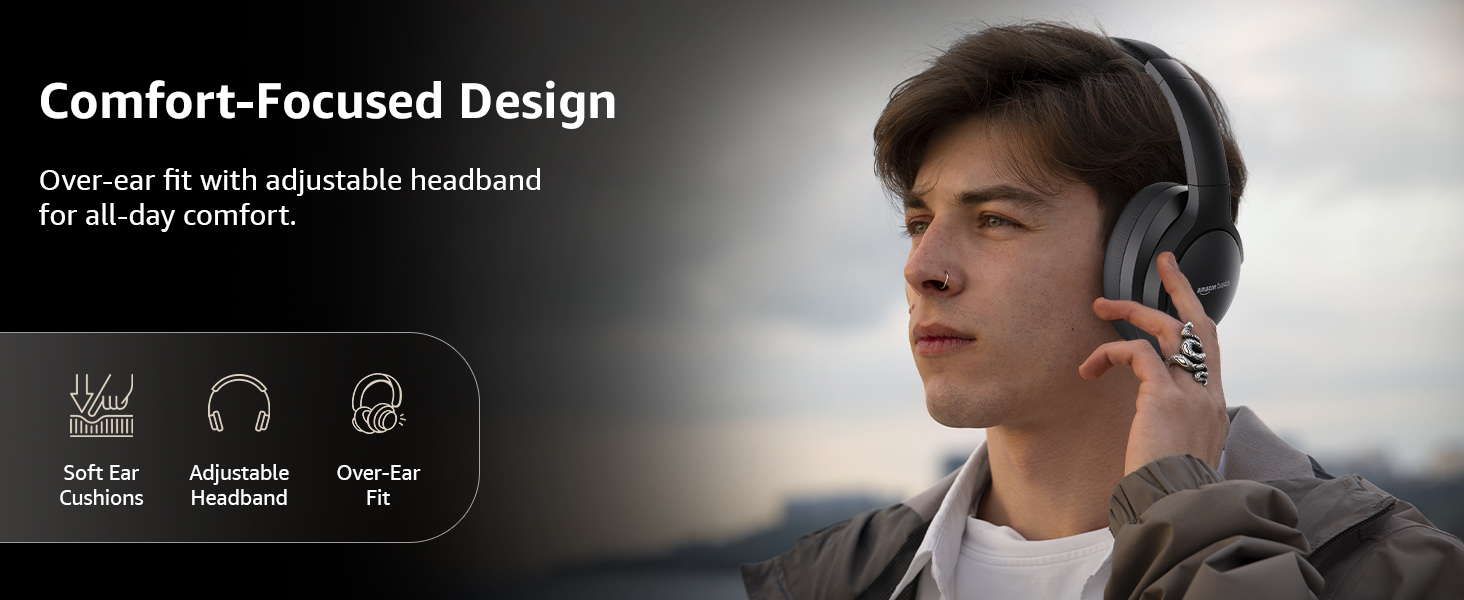
Image: A graphic detailing the comfort-focused design elements, including soft ear cushions and an adjustable headband.
Waranti dan Sokongan
Warranty information for your Amazon Basics Pro Series Wireless Noise Cancelling ANC Over Ear Headphones is typically provided with the product packaging or can be found on the Amazon Basics official website. For technical support or warranty claims, please refer to the contact information provided with your purchase or visit the Amazon Basics support page.
Sila simpan bukti pembelian anda untuk sebarang pertanyaan berkaitan waranti.