pengenalan
Thank you for choosing the Portronics Mopcop Pro (POR-2670). This 2-in-1 device combines the functionality of a powerful handheld vacuum cleaner and an air blower, designed for versatile cleaning in various environments such as cars, homes, and appliances. Its cordless design and rechargeable battery offer convenience and portability. Please read this manual thoroughly before use to ensure proper operation and maintenance.
Apa yang ada dalam Kotak
Buang semua barang dengan berhati-hati dan pastikan anda telah menerima yang berikut:
- 1N Vacuum Cleaner
- 1N Tuyere (Blower Nozzle)
- 5N Nozzles (various types for different cleaning tasks)
- Kabel Pengecasan 1N (Jenis-C)
- 1N User Documentation
Produk Selesaiview
The Portronics Mopcop Pro is designed for ease of use and efficient cleaning. Familiarize yourself with its main components:
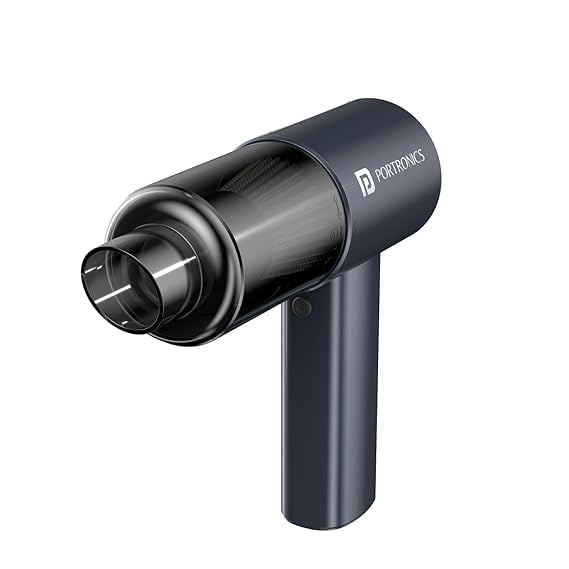

Komponen Utama:
- Unit Utama: Mengandungi motor, bateri dan butang kawalan.
- Dust Collection Bin: Transparent bin for collecting debris during vacuuming.
- Penapis HEPA: Terletak di dalam tong sampah, menapis zarah halus.
- Butang Kuasa: For turning the device on/off and adjusting suction/blower modes.
- Port Pengecasan Jenis-C: Untuk mengecas semula bateri dalaman.
- Nozzle Attachment Points: Front for vacuuming, rear for blowing.
Persediaan
1. Mengecas Peranti
Before first use, fully charge the Mopcop Pro. Connect the provided Type-C charging cable to the charging port on the device and to a suitable USB power adapter (not included). The charging indicator light will show the charging status. A full charge typically takes approximately 4 hours, providing up to 15 minutes of working time.

2. Memasang Nozel
The Mopcop Pro comes with various nozzles for different tasks. To attach a nozzle:
- Untuk Memvakum: Select the desired nozzle and firmly insert it into the front opening of the device.
- Untuk Bertiup: Select the tuyere (blower nozzle) or other appropriate nozzle and firmly insert it into the rear opening of the device.
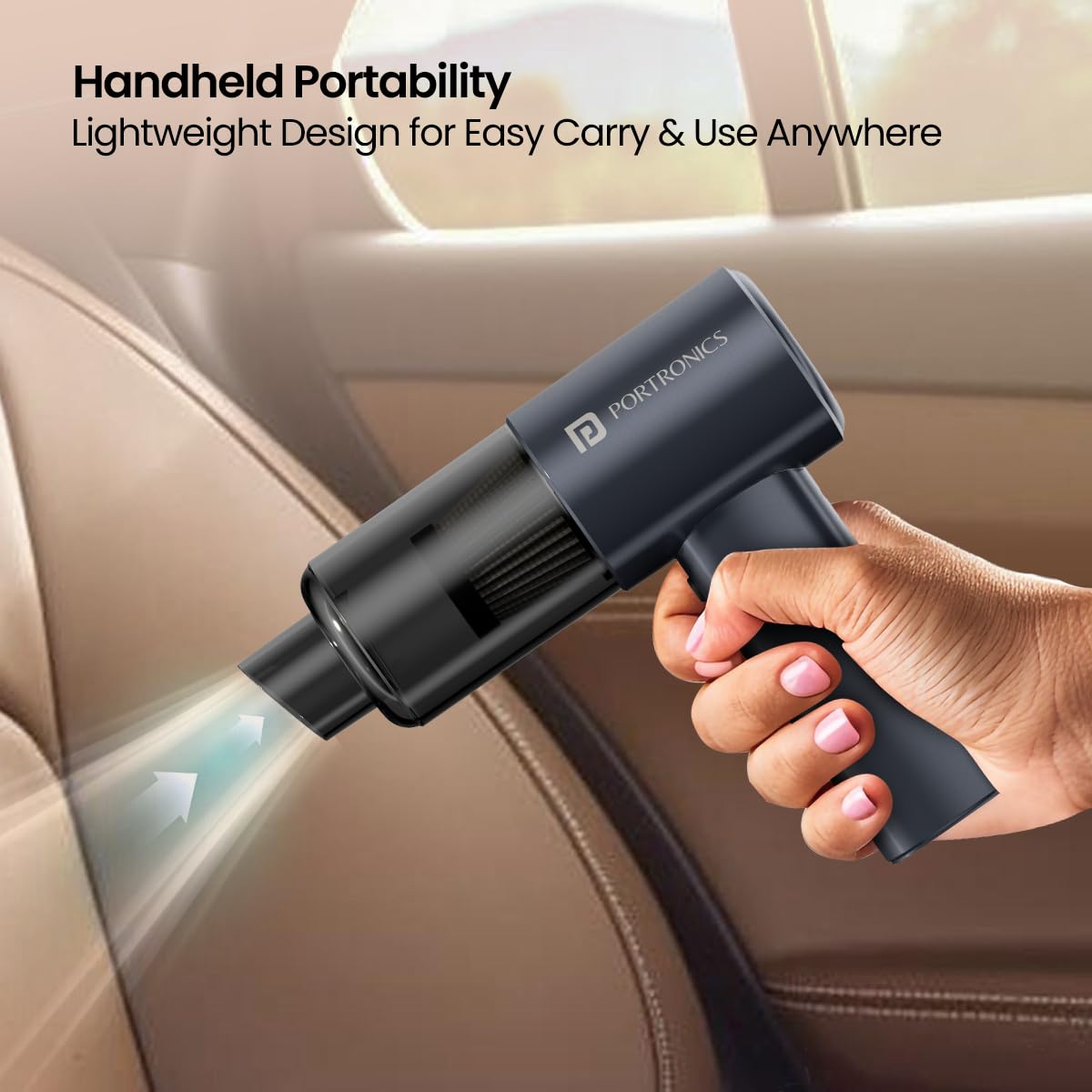
Watch this video for a visual guide on attaching nozzles and using the device:
Official product video demonstrating nozzle attachment, vacuuming, and blowing functions of the Portronics Mopcop Pro.
Arahan Operasi
1. Hidupkan/Mati Kuasa dan Pemilihan Mod
Press the power button to turn the device on. Subsequent presses may cycle through different suction/blower power modes (if available) or turn the device off. Refer to the device's specific button functionality for detailed operation.
2. Using the Vacuum Function
Attach the appropriate vacuum nozzle to the front of the device. Turn on the Mopcop Pro and move the nozzle over the area to be cleaned. The powerful 10,000 Pa suction is effective for dust particles, cigarette ash, and pet hairs.

3. Using the Air Blower Function
Attach the tuyere or other suitable nozzle to the rear of the device. Turn on the Mopcop Pro. Direct the airflow towards the area where you want to blow away dust or debris. This is useful for keyboards, car vents, or other hard-to-reach spots.
Penyelenggaraan
Regular maintenance ensures optimal performance and extends the lifespan of your Mopcop Pro.
1. Emptying the Dust Collection Bin
After each use, or when the dustbin appears full, detach it from the main unit and empty its contents into a waste bin. Ensure the dustbin is securely reattached before next use.
2. Membersihkan Penapis HEPA
The HEPA filter is washable and reusable. Periodically remove the filter from the dustbin and rinse it under running water. Allow the filter to air dry completely before reinserting it into the dustbin. Do not use the device with a wet filter.

Menyelesaikan masalah
If you encounter issues with your Mopcop Pro, refer to the following common problems and solutions:
- Peranti tidak dihidupkan:
- Ensure the battery is charged. Connect the device to the charger and allow sufficient time for charging.
- Periksa sama ada butang kuasa ditekan dengan betul.
- Kuasa sedutan rendah:
- Empty the dust collection bin if it is full.
- Clean the HEPA filter. A clogged filter can significantly reduce suction.
- Ensure nozzles are securely attached and not blocked.
- Hayat bateri pendek:
- Pastikan peranti dicas sepenuhnya sebelum digunakan.
- Battery performance may decrease over time with prolonged use.
- Device is overheating:
- Turn off the device and allow it to cool down for at least 30 minutes.
- Check for blockages in the nozzles or air vents that might be straining the motor.
If the problem persists after attempting these solutions, please contact Portronics customer support.
Spesifikasi
| Jenama | Portronics |
| Nama Model | MopCop Pro (POR-2670) |
| Ciri Khas | Comfortable Hand-held Grip, Light-Weight & Portable, Multi-Purpose Nozzles Included, Rechargeable Built-In Battery |
| Jenis Penapis | Penapis HEPA |
| Adakah Ia Tanpa Kord? | ya |
| Wattage | 60 Watt |
| Penggunaan yang Disyorkan | All floors, multi-purpose cleaning |
| Faktor Bentuk | pegang tangan |
| warna | Hitam |
| Dimensi Produk | 17.3L x 27.5W x 6H Sentimeter |
| Kaedah Kawalan | Touch (Push Button Controller) |
| Bateri | 1 bateri Polimer Litium (termasuk) |
| bahan | Plastik ABS |
| Berat Barang | 545 g |
| Negara Asal | China |
Waranti & Sokongan
Portronics products are designed for reliability and performance. For warranty information, please refer to the warranty card included in your product packaging or visit the official Portronics website. For any technical assistance, product inquiries, or support, please contact Portronics customer service:
- e-mel: help@portronics.com
- telefon: +91 9555-245-245
- Alamat Pengilang: Portronics Digital Pvt ltd, First Floor Property No D 8 Upper Basement Sector 8 Noida Uttar Pradesh 201301


