1. Pengenalan
Welcome to the artfone F20 Senior Flip Phone user manual. This guide provides detailed instructions on how to set up, operate, and maintain your new phone. The artfone F20 is designed for ease of use, featuring large buttons, a clear display, and essential functions for reliable communication.
Please read this manual carefully to ensure proper use and to get the most out of your device. Keep it for future reference.
2. Kandungan Pakej
Upon opening your artfone F20 package, please verify that all items listed below are present and in good condition:
- artfone F20 Senior Flip Phone
- Bateri Litium-ion Boleh Dicas semula
- Kabel Pengecas USB
- Penyesuai Kuasa
- Manual Pengguna
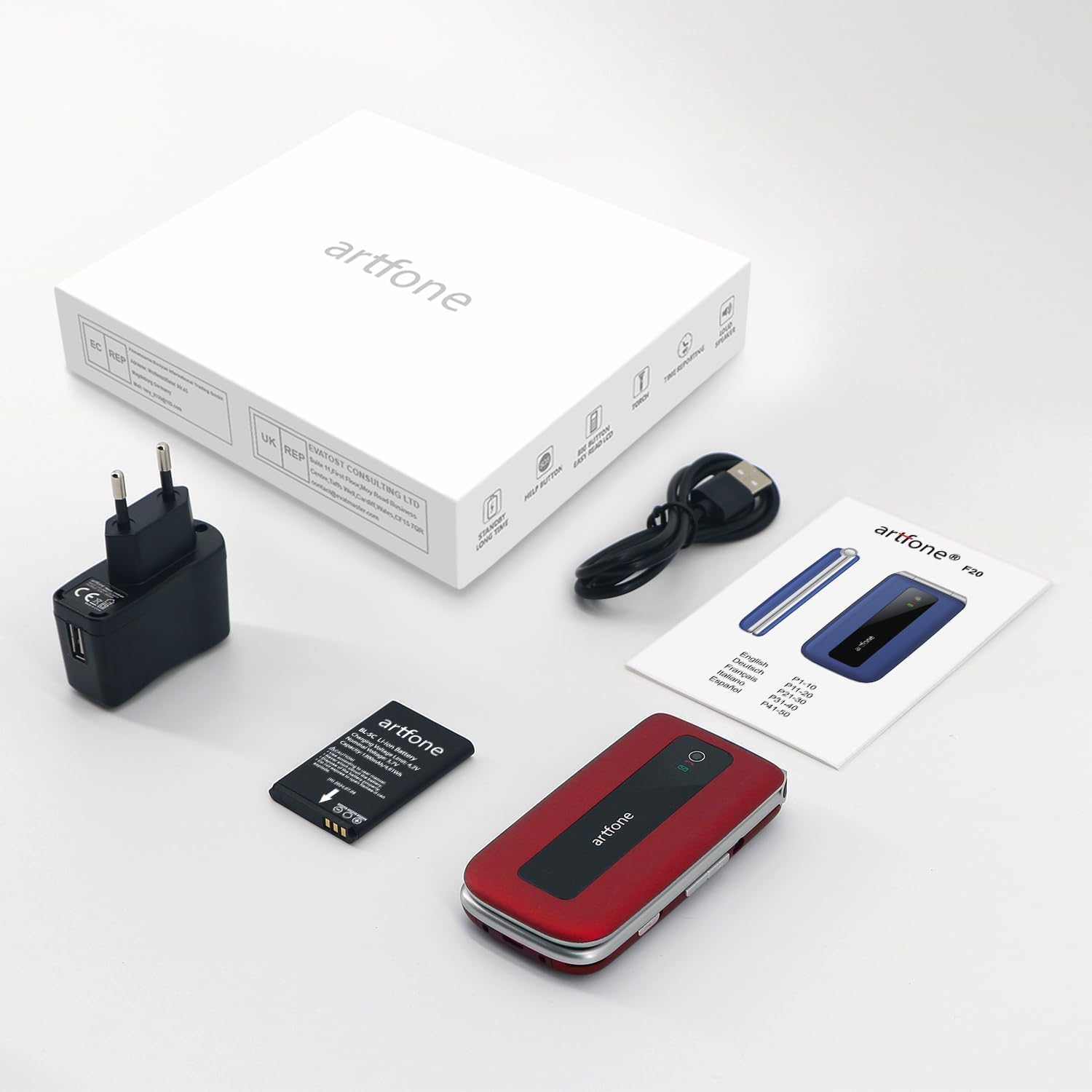
Image: The artfone F20 phone, charger, battery, and user manual laid out, representing the typical package contents.
3. Telefon Selesaiview
Familiarize yourself with the various parts of your artfone F20 phone:

Imej: Berbilang views of the artfone F20 flip phone, illustrating its design from the front, back, sides, and in both open and closed positions.
- Skrin Paparan: 2.4-inch color display for menus, contacts, and messages.
- Pad kekunci: Large, easy-to-read buttons for dialing and navigation.
- Kekunci Navigasi: Central button for selection, directional keys for menu navigation.
- Call/End Buttons: Green button to make/answer calls, red button to end calls or power off.
- Butang SOS: Dedicated button on the back for emergency calls.
- Lampu suluh: Lampu bersepadu untuk kemudahan.
- Butang Kelantangan: Located on the side for adjusting call and media volume.
- Port Pengecasan: USB Type C port at the bottom for charging.
- Speaker/Receiver: For audio output during calls and media playback.

Imej: A terperinci view of the artfone F20's keypad, highlighting the large, well-spaced buttons for easy dialing and text input.
4. Persediaan
4.1 Pemasangan Bateri
- Tanggalkan penutup belakang telefon dengan membukanya perlahan-lahan dari takuk.
- Insert the Lithium-ion battery into the battery compartment, ensuring the gold contacts align with the phone's terminals.
- Gantikan penutup belakang, tekan dengan kuat sehingga ia berbunyi pada tempatnya.
4.2 Pemasangan Kad SIM dan Kad Mikro SD
The artfone F20 supports dual SIM cards (2G) and a Micro SD card up to 32GB for expanded storage.
- With the battery removed, locate the SIM card slots and Micro SD card slot.
- Carefully insert your SIM card(s) into the designated slots, ensuring the cut corner aligns correctly.
- If desired, insert a Micro SD card into its slot.
- Pasang semula bateri dan penutup belakang.
4.3 Initial Power On and Language Setting
- Tekan dan tahan butang Tamatkan Panggilan/Kuasa butang (butang merah) sehingga skrin menyala.
- The phone may prompt you to select a language. Use the navigation keys to select your preferred language (e.g., English) and press the central OK butang untuk mengesahkan.
- Enter your SIM PIN if prompted.
5. Arahan Operasi
5.1 Membuat dan Menerima Panggilan
- Untuk Membuat Panggilan: Dail nombor menggunakan papan kekunci dan tekan butang Panggil butang (butang hijau).
- Untuk Menjawab Panggilan: Apabila telefon berdering, tekan butang Panggil butang (butang hijau).
- Untuk Menamatkan Panggilan: Tekan ke Tamatkan Panggilan button (red button).
5.2 Menghantar dan Menerima SMS
- Dari menu utama, navigasi ke Mesej.
- Pilih Tulis Mesej to compose a new SMS.
- Masukkan nombor penerima atau pilih daripada kenalan.
- Type your message and press Hantar.
5.3 Panggilan Cepat
You can assign frequently called numbers to speed dial keys (2-9).
- Pergi ke tetapan > Dail Cepat.
- Select a number key (e.g., '2') and assign a contact or enter a new number.
- To use speed dial, press and hold the assigned number key from the idle screen.
5.4 SOS Emergency Call Function
The SOS button allows you to quickly contact up to 5 pre-set family numbers in an emergency.

Image: A finger pressing the prominent SOS button located on the back of the artfone F20 flip phone, indicating its emergency call feature.
- Setting SOS Numbers: Pergi ke tetapan > Tetapan SOS. Add up to 5 emergency contact numbers.
- Using SOS: Dalam keadaan kecemasan, tekan dan tahan butang SOS on the back of the phone for a few seconds. The phone will automatically call the pre-set numbers in sequence until one answers, and also send an emergency SMS.
5.5 Radio FM
Untuk mendengar radio FM:
- Navigasi ke Radio FM daripada menu utama.
- You may need to connect headphones (not included) to act as an antenna.
- Use the navigation keys to scan for stations or manually tune to a frequency.
5.6 Lampu suluh
The built-in flashlight can be activated for convenience.
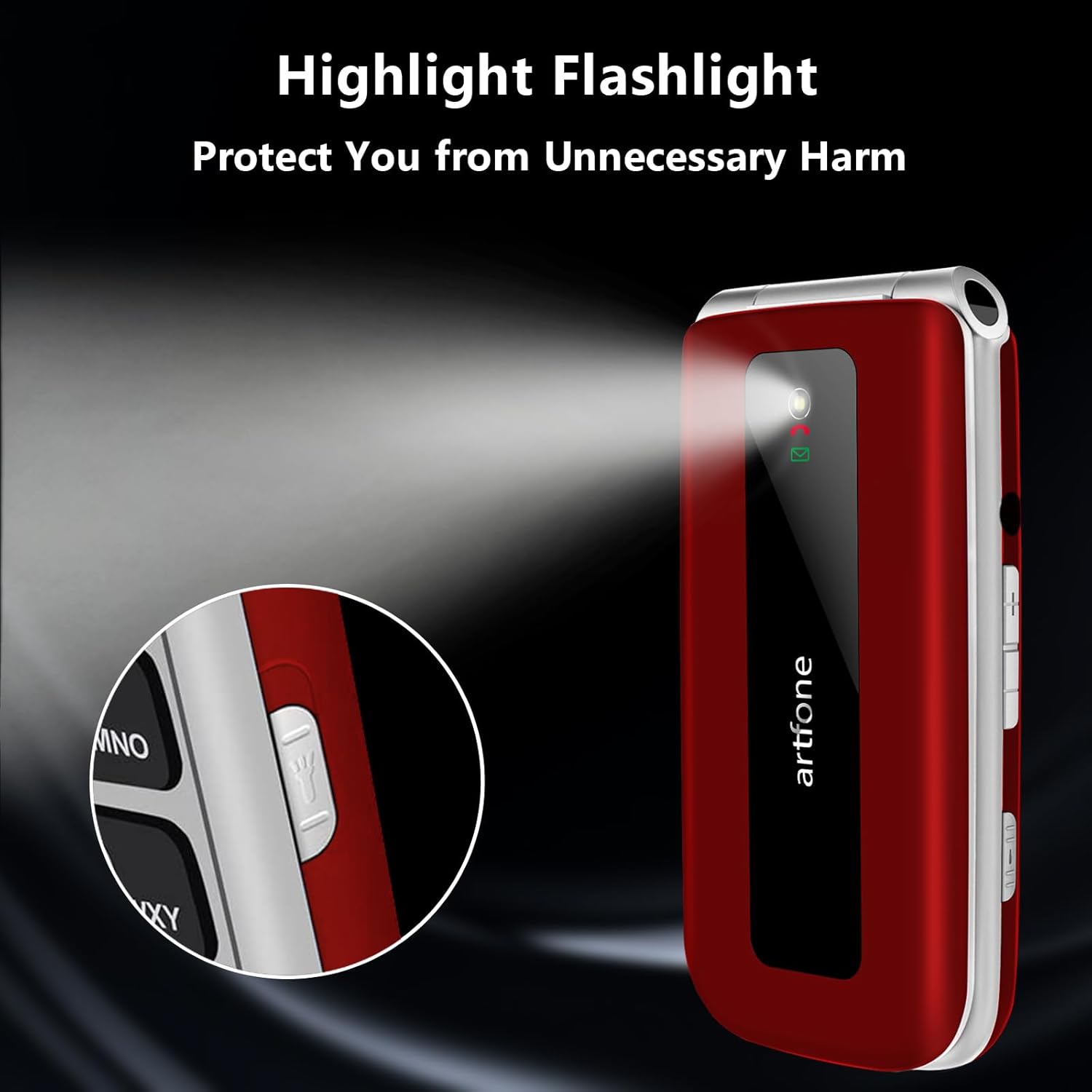
Image: The artfone F20 flip phone with its powerful flashlight activated, casting a bright beam of light.
To turn on/off the flashlight, locate the dedicated flashlight switch or button on the side of the phone, or access it through the phone's menu.
5.7 Fungsi Lain
The artfone F20 includes several other useful functions:
- Bluetooth: For connecting to wireless headsets or other devices.
- Kalendar: To keep track of dates and appointments.
- Kalkulator: For basic arithmetic.
- penggera: Tetapkan berbilang penggera untuk peringatan.
- Audio Player/Video Player/Image Viewer: For multimedia playback and viewing files disimpan pada kad Micro SD.
- Perakam Bunyi: To record voice notes.
- Mod Pesawat: Disables all wireless communication.

Image: A visual representation of the artfone F20's user-friendly interface, displaying clear icons for various functions like contacts, messages, SOS, and settings.
6. Penyelenggaraan
6.1 Penjagaan Bateri
- Cas bateri sepenuhnya sebelum penggunaan pertama.
- Elakkan daripada mendedahkan bateri kepada suhu yang melampau.
- Use only the original charger and cable provided with the phone.
- If the phone will not be used for an extended period, charge it periodically to maintain battery health.
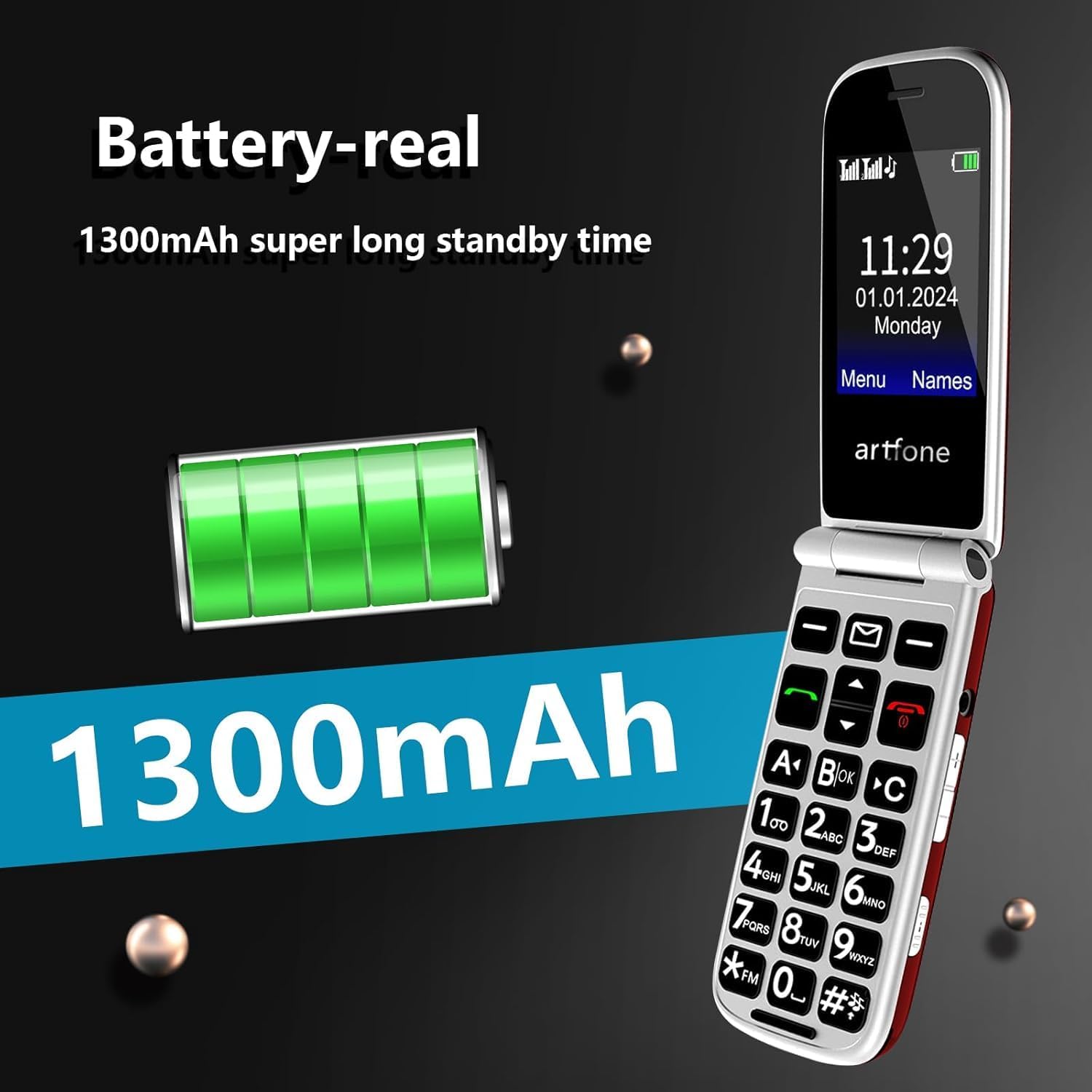
Image: An illustration highlighting the 1300mAh battery of the artfone F20, emphasizing its capacity for extended standby time.
6.2 Pembersihan dan Penyimpanan
- Wipe the phone with a soft, dry cloth. Do not use liquid cleaners or aerosols.
- Keep the phone away from dust, moisture, and direct sunlight.
- Elakkan daripada menjatuhkan telefon atau terkena impak yang kuat.
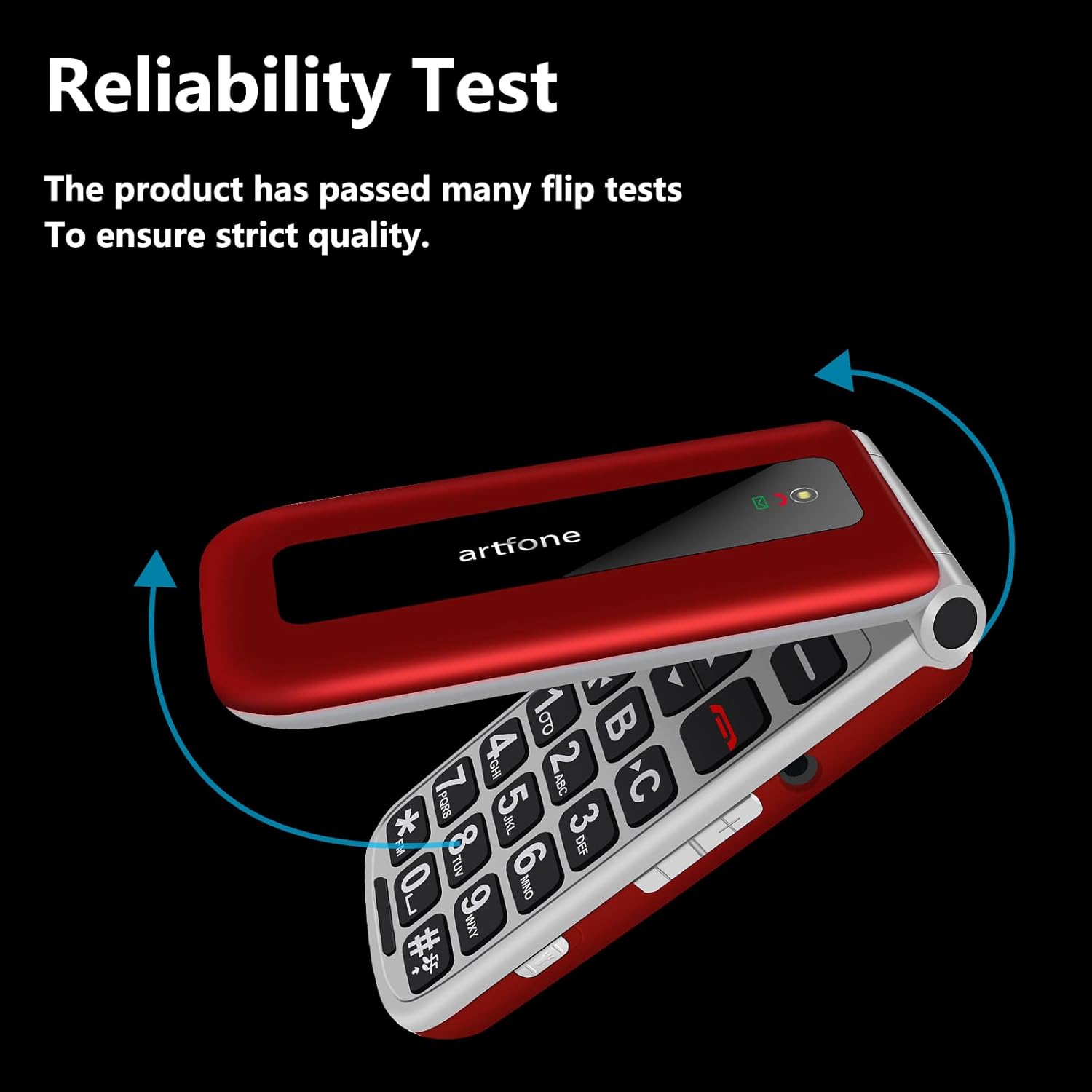
Image: The artfone F20 flip phone in motion, demonstrating its robust flip mechanism and indicating its reliability through testing.
7. Penyelesaian masalah
If you encounter issues with your artfone F20, refer to the following common problems and solutions:
| Masalah | Penyelesaian yang Mungkin |
|---|---|
| Telefon tidak dihidupkan | Pastikan bateri dipasang dan dicas dengan betul. Sambungkan pengecas dan cuba lagi. |
| Tidak boleh membuat atau menerima panggilan | Check if the SIM card is properly inserted and activated. Ensure you have network coverage. |
| Kualiti panggilan yang lemah | Move to an area with better network reception. Ensure the speaker/receiver is not obstructed. |
| SOS button not working | Verify that emergency contact numbers are correctly set in the SOS settings. |
| Bateri cepat habis | Reduce screen brightness, close unused applications, or check for background processes. |
Jika masalah berterusan, sila hubungi sokongan pelanggan.
8. Spesifikasi
Key technical specifications for the artfone F20:
| Ciri | Spesifikasi |
|---|---|
| Nama Model | F20 |
| Jenama | artfone |
| Sistem Operasi | artfone OS |
| Saiz Skrin | 2.4 Inci |
| Resolusi Skrin | 320 x 240 |
| Teknologi Selular | 2G |
| Sokongan Kad SIM | Dual SIM |
| Sokongan Kad Memori | Micro SD hingga 32GB |
| Kapasiti Bateri | 1300 mAh Litium-ion |
| Kelajuan CPU | 1000 MHz |
| RAM | 64 MB |
| Ketersambungan | USB Jenis C, Bluetooth |
| Ciri Khas | SOS Button, Large Buttons, FM Radio, Flashlight, Speed Dial |
9. Waranti dan Sokongan
9.1 Maklumat Waranti
Your artfone F20 phone comes with a standard manufacturer's warranty. Please refer to the warranty card included in your package for specific terms, conditions, and duration. Keep your proof of purchase for warranty claims.
9.2 Sokongan Pelanggan
If you have any questions, require technical assistance, or experience issues not covered in this manual, please contact artfone customer support. Contact details can typically be found on the manufacturer's webtapak atau pada pembungkusan.
For the latest information and support, visit the official artfone weblaman web atau halaman sokongan peruncit tempat anda membeli produk tersebut.


