pengenalan
The BLU G33 is a modern Android smartphone designed for everyday use, offering a vibrant display, reliable performance, and essential camera capabilities. This manual provides comprehensive instructions to help you set up, operate, maintain, and troubleshoot your device, ensuring an optimal user experience.
Apa yang ada dalam Kotak
Upon unboxing your BLU G33, please verify that all the following items are included:
- Telefon Pintar BLU G33
- Kabel USB
- Quick Start Guide (if applicable, not listed in provided data)
- Protective Case (if applicable, not listed in provided data)
- Screen Protector (pre-installed or included, if applicable, not listed in provided data)
If any items are missing or damaged, please contact BLU customer support.
Persediaan
1. Memasukkan Kad SIM dan MicroSD
The BLU G33 supports GSM Quad Band and various LTE bands for cellular connectivity. It also supports a MicroSD card for expandable storage up to 128GB.
- Cari dulang SIM di sisi peranti.
- Masukkan alat ejektor SIM (jika disediakan) ke dalam lubang kecil di sebelah dulang untuk membukanya.
- Carefully place your Nano-SIM card(s) and/or MicroSD card into the designated slots on the tray, ensuring correct orientation.
- Tolak dulang kembali ke dalam telefon dengan lembut sehingga rata dengan badan peranti.
2. Hidupkan dan Persediaan Awal
After inserting your cards, you can power on your device for the first time.
- Press and hold the Power button located on the side of the phone until the BLU logo appears.
- Follow the on-screen prompts to complete the initial setup process. This typically includes selecting your language, connecting to a Wi-Fi network, setting up your Google account, and configuring security features.
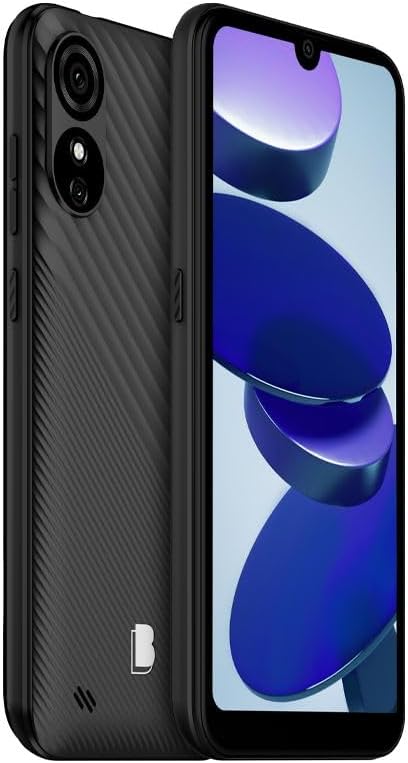
Rajah 1: Depan dan belakang view of the BLU G33 smartphone, highlighting its design and camera placement.
Mengendalikan Peranti Anda
Paparan dan Navigasi
The BLU G33 features a 6.26-inch Curved Glass display with a resolution of 480 x 960 pixels. Navigate the interface using touch gestures such as tapping, swiping, pinching, and spreading.
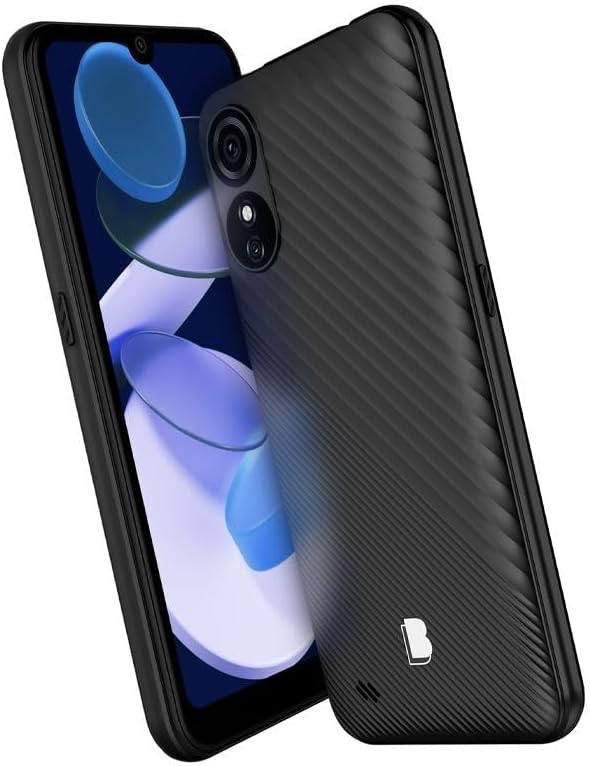
Rajah 2: Bersudut view of the BLU G33, showcasing its 6.26-inch display and ergonomic design.
Fungsi Kamera
Capture moments with the G33's Dual 5MP rear camera with LED Flash and a 5MP selfie camera. The device supports video capture at 1080p at 30 frames per second.
- Mengambil gambar: Buka aplikasi Kamera, bingkaikan tangkapan anda dan ketik butang pengatup.
- Merakam Video: Tukar ke mod video dalam aplikasi Kamera dan ketik butang rakam untuk mula/berhenti.
- Swafoto: Switch to the front camera for self-portraits.
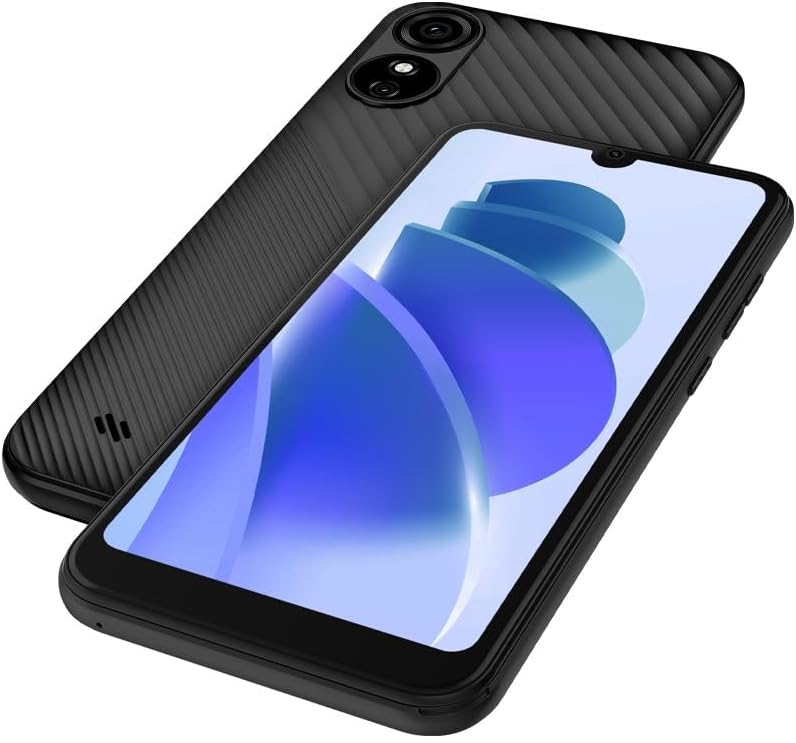
Rajah 3: Belakang dan hadapan view of the BLU G33, emphasizing the camera system.
Prestasi dan Storan
The G33 is powered by a UNISOC 9863 chipset with a 1.6GHz Quad-Core CPU. It comes with 32GB of internal storage and 2GB of RAM, ensuring smooth operation for daily tasks. Storage can be expanded with a MicroSD card up to 128GB.
Ketersambungan
The device supports GSM Quad Band, 3G (850/900/1700/1900), and LTE (2/4/5/12/17/25/26/41/66/71) for robust cellular connectivity. Bluetooth is also available for connecting to wireless accessories.
Sistem Operasi
The BLU G33 runs on Android 13, providing a user-friendly interface and access to a wide range of applications via the Google Play Store.
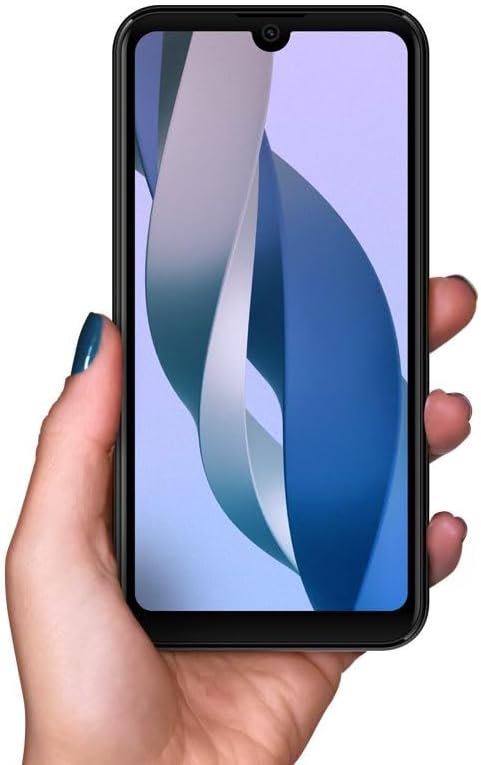
Figure 4: The BLU G33 held in hand, illustrating its comfortable grip and display size.
Penyelenggaraan
Penjagaan Bateri
The BLU G33 is equipped with a 3000 mAh battery. To prolong battery life:
- Elakkan suhu yang melampau.
- Gunakan kabel USB yang disediakan untuk mengecas.
- Elakkan menyahcas sepenuhnya bateri dengan kerap.
- Urus penggunaan aplikasi latar belakang dan kecerahan skrin.
Membersihkan Peranti Anda
Gunakan kain lembut dan tidak berbulu untuk membersihkan skrin dan badan telefon anda. Elakkan menggunakan bahan kimia yang keras atau bahan yang melelas.
Kemas Kini Perisian
Semak dan pasang kemas kini perisian secara kerap untuk memastikan peranti anda mempunyai ciri terkini, tampung keselamatan dan peningkatan prestasi. Navigasi ke Tetapan > Sistem > Kemas kini sistem untuk menyemak kemas kini.
Menyelesaikan masalah
This section addresses common issues you might encounter with your BLU G33.
| Masalah | Penyelesaian |
|---|---|
| Peranti tidak dihidupkan | Pastikan bateri telah dicas. Sambungkan ke pengecas selama sekurang-kurangnya 15 minit, kemudian cuba hidupkan semula. |
| Prestasi perlahan atau pembekuan | Close unused apps, clear cache, restart the device. Consider uninstalling rarely used applications to free up RAM and storage. |
| Cannot connect to Wi-Fi/Cellular network | Toggle Wi-Fi/Cellular data off and on. Restart the device. Verify SIM card is properly inserted. Check network settings. |
| Bateri cepat habis | Reduce screen brightness, disable unnecessary features (Bluetooth, GPS), limit background app refresh, check battery usage in settings. |
Spesifikasi
Detailed technical specifications for the BLU G33 smartphone:
| Ciri | Perincian |
|---|---|
| Nama Model | G33 |
| Nombor Model Item | G0890UU |
| Sistem Operasi | Android 13.0 |
| Saiz Skrin | 6.26 Inci |
| Resolusi | 480 x 960 piksel |
| Kelajuan CPU | 1600 MHz (1.6 GHz Quad-Core) |
| Saiz Terpasang Memori RAM | 2 GB |
| Kapasiti Penyimpanan Memori | 32 GB (Internal), MicroSD up to 128GB |
| Kamera Belakang | Dual 5MP + LED Flash |
| Kamera Depan | Kamera Selfie 5MP |
| Resolusi Tangkapan Video | 1080p@30fps |
| Kapasiti Bateri | 3000 Miliamp jam |
| Teknologi Komunikasi Tanpa Wayar | Cellular (GSM Quad Band, 3G: 850/900/1700/1900, LTE: 2/4/5/12/17/25/26/41/66/71) |
| Teknologi Ketersambungan | Bluetooth |
| warna | Black | 32 GB |
| Berat Barang | 14 auns |
| Dimensi Pakej | 7 x 4 x 2 inci |
Waranti dan Sokongan
BLU products typically come with a limited manufacturer's warranty. For specific warranty terms and conditions, please refer to the warranty card included with your product or visit the official BLU website. For technical support, troubleshooting assistance beyond this manual, or service inquiries, please contact BLU customer support through their official channels.
Anda boleh mendapatkan lebih banyak maklumat dan sumber sokongan di BLU Store on Amazon or the official BLU webtapak.


