pengenalan
This manual provides detailed instructions for the safe and efficient use of your Tronsmart Mirtune H1 Outdoor Bluetooth Speaker. Please read this manual thoroughly before operating the device and retain it for future reference. The Tronsmart Mirtune H1 is a portable, waterproof, and dustproof speaker designed for outdoor use, featuring powerful sound, long playtime, and an integrated carabiner for easy portability.
Kandungan Pakej
Sahkan bahawa semua item yang disenaraikan di bawah disertakan dalam pakej anda:
- 1x Tronsmart Mirtune H1 Portable Outdoor Speaker
- 1x Kabel Pengecas Jenis-C
- 1x Manual Pengguna
- Kad Waranti
Produk Selesaiview
Komponen Pembesar Suara
The Tronsmart Mirtune H1 features intuitive controls and a robust design for outdoor adventures.

Imej: Depan view of the Tronsmart Mirtune H1 speaker in blue, displaying the volume down (-), play/pause (triangle), and volume up (+) buttons, along with the Tronsmart logo and the integrated carabiner at the top.
- Integrated Carabiner: Located at the top of the speaker for easy attachment to backpacks, belts, or other gear.
- Butang Turun Kelantangan (-): Tekan untuk mengurangkan kelantangan.
- Play/Pause Button (Triangle): Tekan untuk memainkan atau menjeda audio.
- Butang Naik Kelantangan (+): Tekan untuk menambah kelantangan.
- Port Pengecasan Jenis-C: Located on the side, used for charging the speaker.
- mikrofon: Terbina dalam untuk panggilan bebas tangan.

Imej: A terperinci view of the Tronsmart Mirtune H1's integrated carabiner, showing its spring-loaded mechanism for secure attachment.
Persediaan
Mengecas Speaker
Before initial use, fully charge the speaker to ensure optimal performance.
- Sambungkan kabel pengecas Jenis-C yang disediakan ke port pengecasan pembesar suara.
- Sambungkan hujung kabel yang satu lagi ke penyesuai kuasa USB (tidak disertakan) atau port USB komputer.
- Lampu penunjuk pengecasan akan menyala semasa pengecasan dan padam setelah dicas sepenuhnya.
A full charge takes approximately 2.6 hours and provides up to 20 hours of playtime at 50% volume.

Image: Two Tronsmart Mirtune H1 speakers, one blue and one black, with a large graphic displaying '20H' and a battery icon, emphasizing the speaker's extended playtime.
Berpasangan Bluetooth
Follow these steps to connect your Tronsmart Mirtune H1 speaker to a Bluetooth-enabled device:
- Hidupkan kuasa: Press and hold the Power button (often integrated with the Play/Pause button or a separate button, refer to product for exact location) until the indicator light flashes, indicating it's in pairing mode.
- Aktifkan Bluetooth: Dayakan Bluetooth pada telefon pintar, tablet atau peranti audio anda yang lain.
- Pilih Penceramah: In your device's Bluetooth settings, search for available devices and select "Tronsmart Mirtune H1".
- Sahkan Sambungan: Once connected, the speaker will emit an audible confirmation, and the indicator light will remain solid.
The speaker utilizes advanced Bluetooth 5.3 technology for a stable and efficient connection.
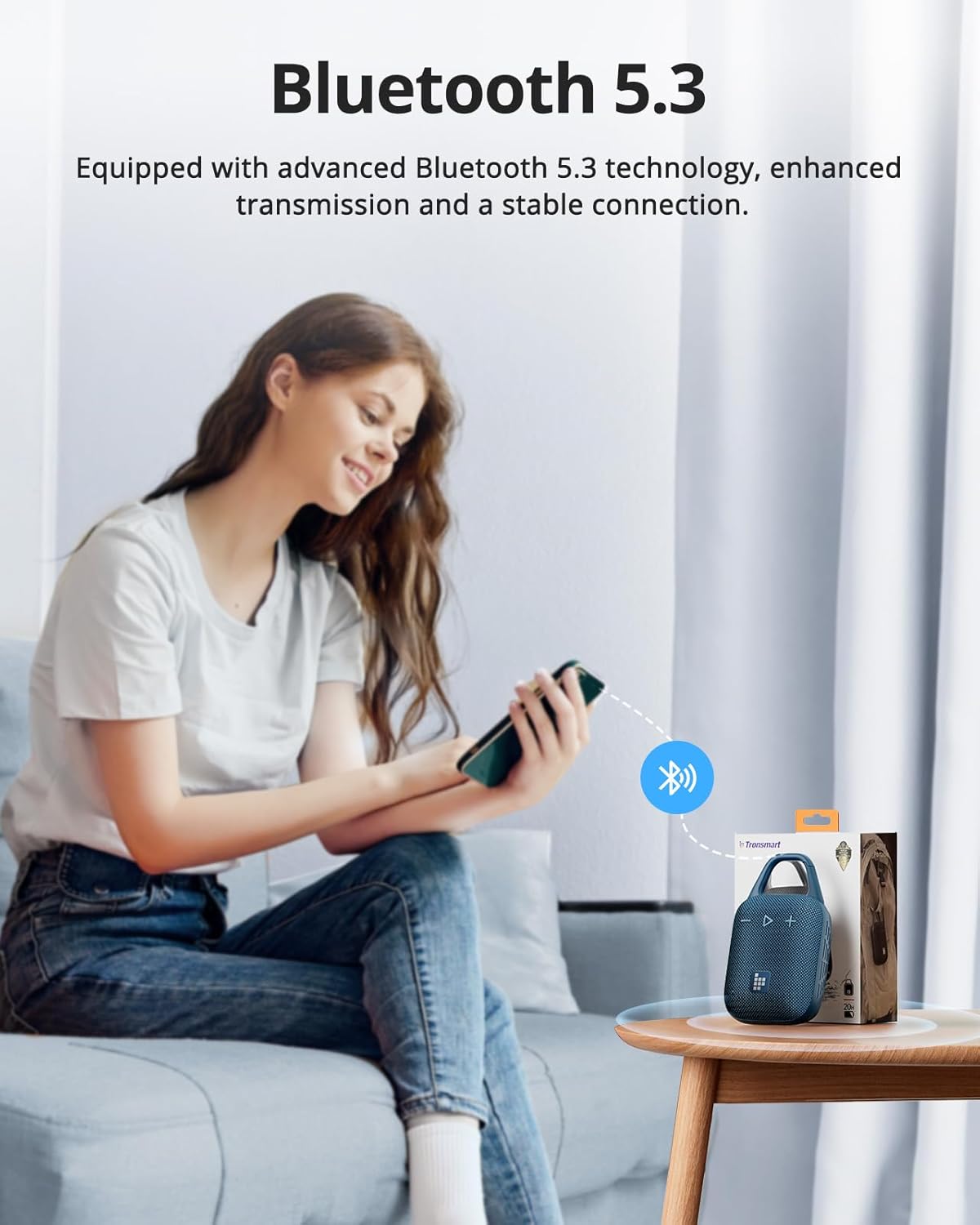
Image: A person sitting on a couch, holding a smartphone that displays a Bluetooth connection icon, with a Tronsmart Mirtune H1 speaker and its packaging on a nearby table, illustrating the Bluetooth 5.3 pairing process.
Mengendalikan Speaker
Kawalan Asas
- Hidupkan/Mati Kuasa: Press and hold the Power button (or Play/Pause button if combined) for 2-3 seconds.
- Main/Jeda: Short press the Play/Pause (triangle) button.
- Kelantangan: Tekan sebentar butang '+'.
- Perlahankan suara: Tekan sebentar butang '-'.
- Lagu Seterusnya: Tekan lama butang '+'.
- Trek Sebelumnya: Tekan lama butang '-'.
Panggilan Bebas Tangan
The built-in microphone allows for convenient hands-free calls when connected to your smartphone.
- Jawab Panggilan: Tekan sebentar butang Main/Jeda.
- Tamatkan Panggilan: Tekan sebentar butang Main/Jeda semasa panggilan.
- Tolak Panggilan: Tekan lama butang Main/Jeda.
Customizable EQ via Tronsmart App
Enhance your audio experience by customizing the equalizer settings through the Tronsmart App.
- Download the Tronsmart App from your device's app store.
- Connect your Mirtune H1 speaker to your device via Bluetooth.
- Open the Tronsmart App and select your Mirtune H1 speaker.
- Access the EQ settings to adjust sound profiles to your preference.

Image: A Tronsmart Mirtune H1 speaker placed on a wooden outdoor table, next to a hand holding a smartphone that shows the Tronsmart App's equalizer screen, demonstrating the customizable EQ feature.
Gandingan Stereo Tanpa Wayar
For a more immersive audio experience, you can pair two Tronsmart Mirtune H1 speakers together to create a stereo sound system.
- Ensure both Mirtune H1 speakers are powered on and not connected to any other Bluetooth device.
- On one speaker (this will be the primary speaker), press and hold the Bluetooth pairing button (if available, or refer to specific instructions in the app/manual for TWS pairing) until it enters TWS pairing mode.
- The two speakers will automatically connect to each other. Once connected, the primary speaker's indicator light will flash, and the secondary speaker's light will remain solid.
- Connect your device to the primary speaker via Bluetooth as described in the
Dokumen Berkaitan - Mirtune H1

Manual Pengguna dan Spesifikasi Pembesar Suara Luar Mudah Alih Tronsmart MIRTUNE S100
Manual pengguna terperinci dan spesifikasi untuk Pembesar Suara Luar Mudah Alih Tronsmart MIRTUNE S100, meliputi fungsi butang, ketersambungan, penggunaan aplikasi dan butiran teknikal.
Manual Pengguna Tronsmart MIRTUNE C2
Manual pengguna untuk pembesar suara luar mudah alih Tronsmart MIRTUNE C2, termasuk penyata FCC dan maklumat pendedahan RF.
Tronsmart Mirtune S100 Portable Outdoor Speaker User Manual
This user manual provides instructions for the Tronsmart Mirtune S100 portable outdoor speaker, covering button configuration, stereo pairing, Bluetooth connection, and app usage.
Tronsmart Mirtune S100 Portable Outdoor Speaker User Manual
User manual for the Tronsmart Mirtune S100 portable outdoor speaker, covering button configuration, stereo pairing, dual audio modes, Tronsmart App connection, and specifications.
Manual Pengguna Pembesar Suara Tanpa Wayar Tronsmart Element Groove
Manual pengguna untuk Pembesar Suara Wayarles Tronsmart Element Groove, perincian ciri, konfigurasi butang, fungsi, spesifikasi, pasangan Bluetooth, mod TWS, AUX-in, mod kad Micro SD/TF, penunjuk LED, mod tidur, petua, amaran dan maklumat waranti.
Manual Pengguna Pembesar Suara Tanpa Wayar Tronsmart Element T2 Plus
User manual for the Tronsmart Element T2 Plus Wireless Speaker, covering setup, Bluetooth connection, TWS pairing, NFC streaming, AUX-IN mode, TF card playback, charging, and specifications.