1. Maklumat Keselamatan
Please read all safety instructions carefully before using the Portronics Mopcop handheld vacuum cleaner. Retain this manual for future reference.
- Do not immerse the vacuum cleaner, charging cable, or adapter in water or other liquids.
- Jauhkan peranti daripada kanak-kanak dan haiwan peliharaan.
- Jangan vakum bahan mudah terbakar atau mudah terbakar, abu panas atau objek tajam.
- Gunakan hanya kabel pengecasan dan penyesuai yang disediakan.
- Jangan kendalikan pembersih vakum jika ia rosak atau tidak berfungsi.
- Ensure the HEPA filter is properly installed before use.
- Elakkan daripada mendedahkan bateri kepada suhu yang melampau atau cahaya matahari langsung.
2. Produk Lebihview
The Portronics Mopcop is a versatile, rechargeable handheld vacuum cleaner designed for efficient cleaning in both home and car environments. Its cordless design, powerful suction, and multi-function nozzles make it ideal for various cleaning tasks.
Komponen yang Disertakan:
- Portronics Mopcop Handheld Vacuum Cleaner
- Penapis HEPA yang boleh dibasuh (prapasang)
- Muncung Penyedut Mulut Lebar
- Long Mouth Suction Nozzle
- Flexible Hose Suction Nozzle
- Brush Mouth Suction Nozzle
- Kabel Pengecasan

Image: Portronics Mopcop handheld vacuum cleaner shown with its various attachments and the HEPA filter.
3. Persediaan
3.1 Charging the Vacuum Cleaner
Before first use, fully charge the vacuum cleaner. The device features a powerful rechargeable battery for cordless operation.
- Connect the charging cable to the charging port on the vacuum cleaner.
- Plug the other end of the charging cable into a suitable power source (e.g., wall adapter, car charger).
- Lampu penunjuk pengecasan akan menyala. Setelah dicas sepenuhnya, lampu mungkin berubah warna atau padam, bergantung pada model.
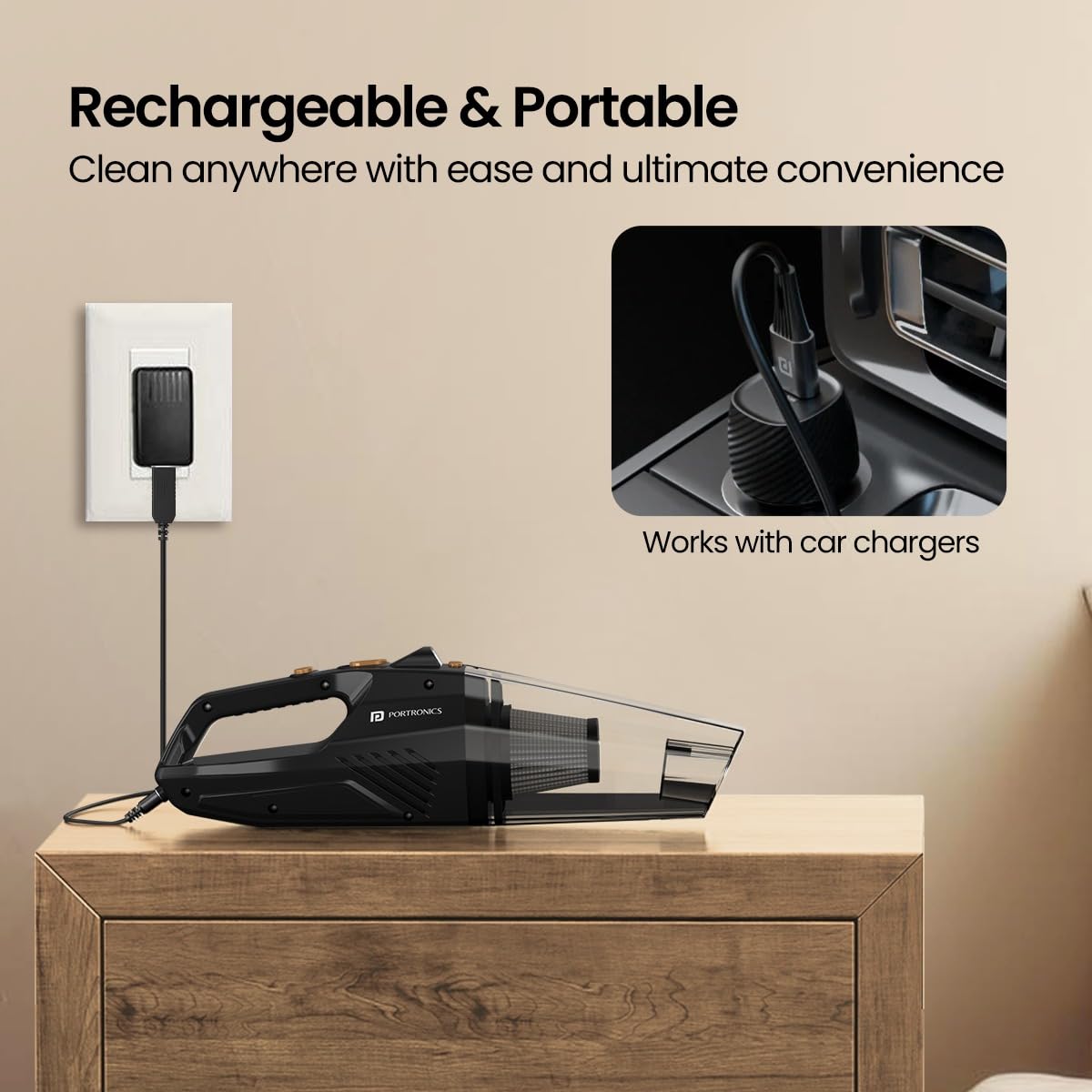
Image: The Portronics Mopcop vacuum cleaner connected to a wall charger and an illustration of it being compatible with car chargers.
3.2 Memasang Nozel
Select the appropriate nozzle for your cleaning task and attach it firmly to the suction inlet of the vacuum cleaner.

Image: A visual guide to the four included nozzles: Wide Mouth, Long Mouth, Flexible Hose, and Brush Mouth Suction Nozzles, with their recommended uses.
4. Arahan Operasi
4.1 Menghidupkan/Mematikan
Press the power button located on the handle to turn the vacuum cleaner on. Press it again to turn the device off.
4.2 Using the Nozzles
- Wide Mouth Suction Nozzle: Ideal for cleaning larger surfaces like carpets, floors, and car mats.
- Long Mouth Suction Nozzle: Designed for reaching narrow gaps and crevices, such as between sofa cushions or car seats.
- Flexible Hose Suction Nozzle: Provides extended reach for cleaning under furniture, beds, or other hard-to-access areas.
- Brush Mouth Suction Nozzle: Suitable for delicate surfaces and for dislodging dust from keyboards, dashboards, or upholstery.

Image: The Portronics Mopcop vacuum cleaner being used to clean the interior of a car, demonstrating its portable and sleek design.
4.3 Using the Built-in Flashlight
The integrated LED flashlight helps illuminate dark areas, ensuring thorough cleaning under seats, in corners, or other poorly lit spaces. Activate the flashlight by pressing its dedicated button.

Image: The vacuum cleaner's built-in flashlight is shown in action, brightening a dark area of a car's interior for effective cleaning.
4.4 Sedutan Berkuasa
The Mopcop delivers strong suction power to effectively pick up dust particles, pet hairs, and other debris from various surfaces.

Image: The vacuum cleaner actively removing debris from a sofa, illustrating its strong suction capability.
4.5 Video Demonstrasi Produk
Video: A brief demonstration of the Portronics Mopcop handheld vacuum cleaner in use, showcasing its features like powerful suction, various nozzles, and ease of cleaning.
5. Penyelenggaraan
Regular maintenance ensures optimal performance and extends the lifespan of your Portronics Mopcop vacuum cleaner.
5.1 Mengosongkan Bekas Habuk
Empty the dust container regularly, especially when it appears full, to maintain strong suction power.
- Pastikan pembersih vakum dimatikan.
- Detach the dust container from the main body of the vacuum cleaner.
- Berhati-hati mengosongkan serpihan yang terkumpul ke dalam tong sampah.
- Reattach the dust container securely.
5.2 Membersihkan Penapis HEPA
The Mopcop features a washable and reusable HEPA filter. Clean it regularly to prevent clogging and maintain filtration efficiency.
- Keluarkan penapis HEPA dari bekas habuk.
- Rinse the filter under running water until it is clean. Do not use detergents or hot water.
- Allow the filter to air dry completely before reinserting it into the vacuum cleaner. Ensure it is fully dry to prevent damage to the motor.
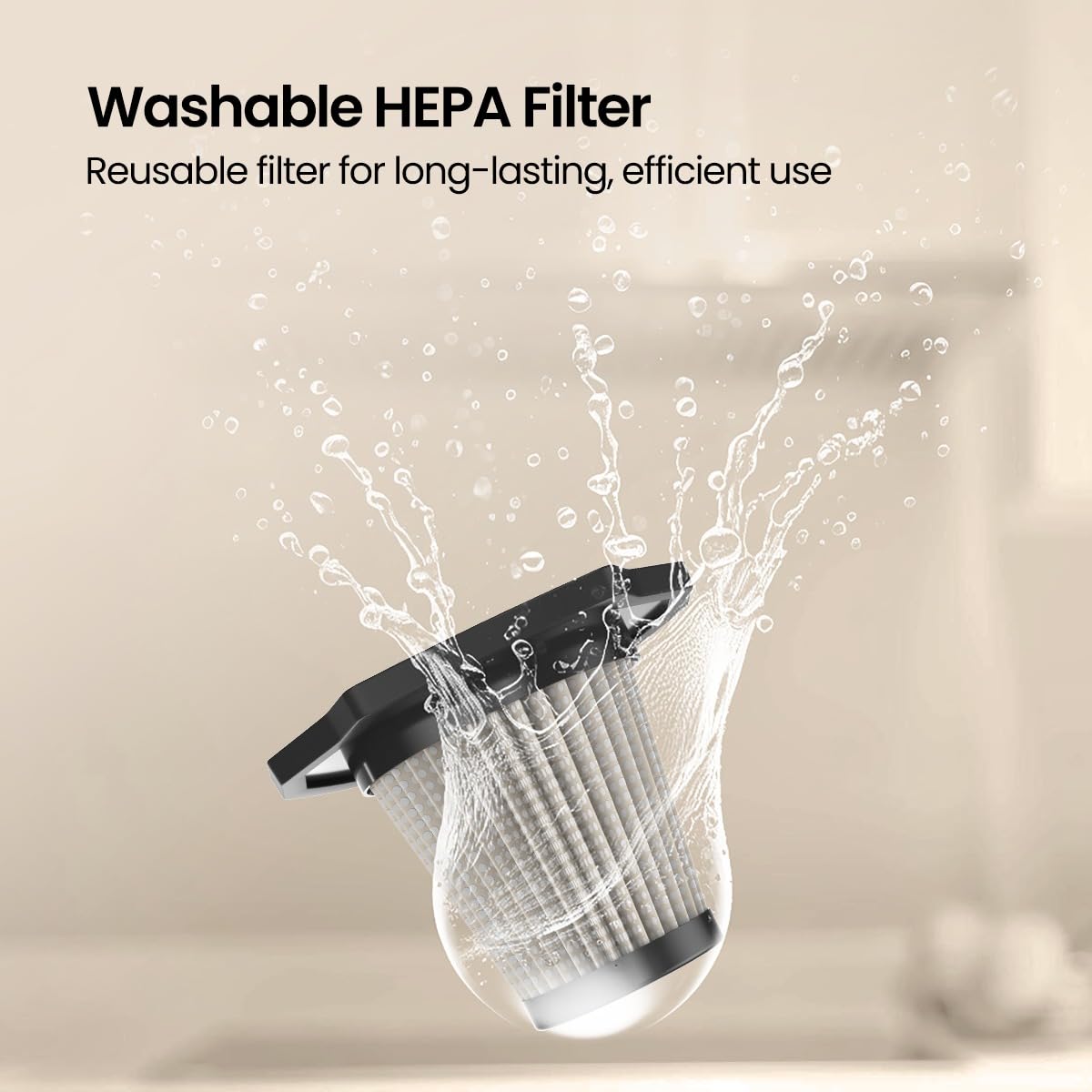
Image: A hand rinsing the washable HEPA filter under a faucet, demonstrating the ease of cleaning for long-lasting performance.
6. Penyelesaian masalah
If you encounter any issues with your Portronics Mopcop, refer to the following common problems and solutions:
| Masalah | Kemungkinan Punca | Penyelesaian |
|---|---|---|
| Pembersih hampagas tidak dihidupkan. | Bateri habis. | Caskan pembersih vakum sepenuhnya. |
| Kuasa sedutan rendah. | Bekas habuk penuh. | Kosongkan bekas habuk. |
| Kuasa sedutan rendah. | Penapis HEPA tersumbat. | Bersihkan atau gantikan penapis HEPA. |
| Kuasa sedutan rendah. | Nozzle or suction inlet is blocked. | Remove any obstructions from the nozzle or inlet. |
| Penunjuk pengecasan tidak berfungsi. | Kabel pengecas atau penyesuai rosak. | Try a different charging cable or adapter. Ensure connections are secure. |
7. Spesifikasi
- Nama Model: Mopcop
- Nombor Model Item: POR-2573
- Jenama: Portronics
- Faktor Bentuk: pegang tangan
- warna: Hitam
- Bahan: Plastik ABS
- Sumber Kuasa: Dikuasakan Bateri
- Is It Cordless?: ya
- Wattage: 120 Watt
- Voltage: 12 Volt
- Jenis Penapis: Penapis HEPA (Boleh Dicuci)
- Dimensi Produk: 10L x 10W x 35H Sentimeter
- Berat Barang: 400 Gram
- Bateri: 1 bateri CR5 diperlukan (termasuk)
- Ciri Khas: HEPA, Portable, Built-in Flashlight
8. Waranti & Sokongan
Portronics products are designed for reliability and performance. For warranty information and customer support, please refer to the official Portronics webtapak atau hubungi perkhidmatan pelanggan mereka secara langsung.
- Pengeluar: Portronics Digital Pvt Ltd
- E-mel hubungan: help@portronics.com
- Telefon Perhubungan: +91 9555-245-245
- Alamat Pengilang: First Floor Property No D 8 Upper Basement Sector 8 Noida Uttar Pradesh 201301
Please keep your purchase receipt as proof of purchase for warranty claims.


