1. Pengenalan
This manual provides detailed instructions for the setup, operation, and maintenance of your WIITHINK HD Blu-Ray DVD Player (Model WTB-978). This player is designed to deliver a high-definition cinematic experience with versatile disc and multimedia playback capabilities. Please read this manual thoroughly before using the product to ensure proper operation and to maximize your enjoyment.
2. Kandungan Pakej
Sila sahkan bahawa semua item yang disenaraikan di bawah disertakan dalam pakej anda:
- 1 x WIITHINK Blu-Ray DVD Player (Model WTB-978)
- 1 x Alat Kawalan Jauh (Bateri tidak termasuk)
- 1 x Kabel HDMI
- 1 x AV Cable
- 1 x Manual Arahan

Image: Contents of the WIITHINK Blu-Ray DVD Player package. This image displays the Blu-ray DVD player, its remote control, an HDMI cable, an RCA (AV) cable, and the instruction manual, illustrating all items included in the box.
3. Persediaan
3.1 Menyambung ke Televisyen Anda
The WIITHINK Blu-Ray DVD Player offers multiple connectivity options to suit your television or home theater system.
- Sambungan HDMI (Disyorkan untuk Kualiti HD):
For the best audio and video quality, connect the included HDMI cable from the HDMI OUT port on the player to an HDMI IN port on your television. Select the corresponding HDMI input on your TV.
- Sambungan AV (RCA):
Use the included AV cable to connect the player to your TV. Match the colored plugs (Yellow for Video, White for Left Audio, Red for Right Audio) from the player's AV OUT ports to the corresponding AV IN ports on your TV. Select the AV input on your TV.
- Coaxial Audio Connection:
For digital audio output to a compatible receiver or sound system, connect a coaxial cable (not included) from the Coaxial OUT port on the player to the Coaxial IN port on your audio device.
3.2 Sambungan Kuasa
After connecting the player to your TV, plug the player's power cord into a standard electrical outlet.
3.3 Bateri Kawalan Jauh
Masukkan dua bateri AAA (tidak disertakan) ke dalam alat kawalan jauh, pastikan kekutuban yang betul.
4. Arahan Operasi
4.1 Menghidupkan/Mematikan
Tekan ke KUASA button on the front panel of the player or on the remote control to turn the unit on or off.
4.2 Main Semula Cakera
This player supports a wide range of disc formats, including Blu-ray Discs (Region A/1), standard DVDs (Region Free), CDs, and VCDs.
- Tekan ke BUKA/TUTUP butang pada panel hadapan atau alat kawalan jauh untuk membuka dulang cakera.
- Place a disc gently onto the disc tray with the label side facing up.
- Tekan ke BUKA/TUTUP button again to close the tray. The player will automatically begin reading the disc.
- Use the remote control's navigation buttons (ATAS, BAWAH, KIRI, KANAN, OK) to select options from the disc menu.
- Tekan MAIN/JEDA untuk memulakan atau menjeda main semula.
- Tekan BERHENTI untuk menamatkan main balik.
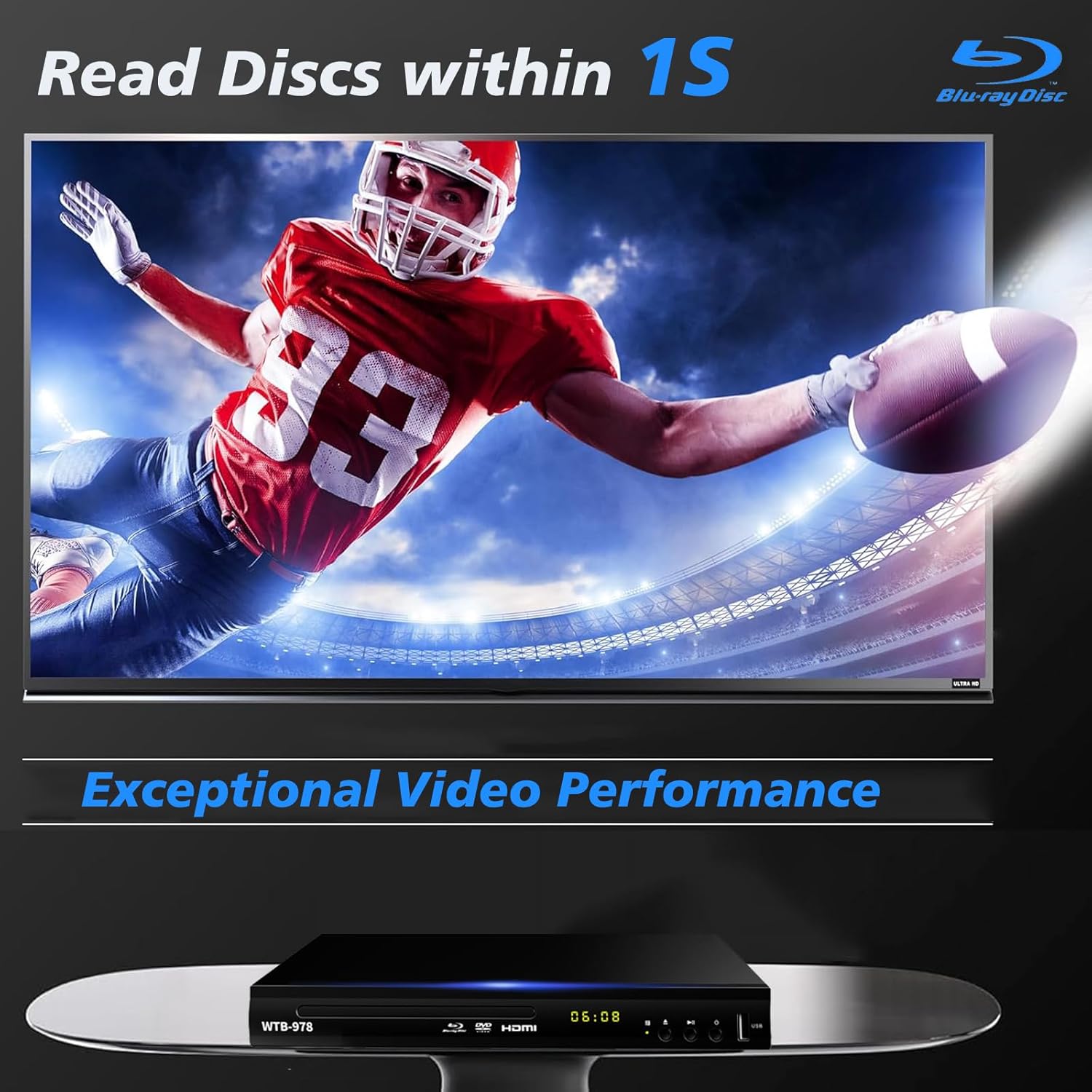
Image: The Blu-Ray DVD player is shown with a screen displaying a high-definition football game, emphasizing its exceptional video performance and quick disc reading capabilities.

Image: A Blu-Ray DVD player with its disc tray open, revealing a Blu-ray disc. The image highlights the player's ability to deliver 1080P HD picture quality, with a film strip graphic above suggesting movie playback.

Image: The Blu-Ray DVD player is positioned in front of a world map, illustrating its "ALL Region Free" capability for DVD playback across multiple countries, while also specifying support for Blu-ray Discs from Region A/1.
4.3 Main Semula Multimedia USB
The player features a USB input for playing multimedia files from external storage devices (up to 2TB USB flash drives/HDDs).
- Insert your USB flash drive or external HDD into the USB port on the front of the player.
- The player should automatically detect the USB device and display a menu. If not, navigate to the USB input using the remote control.
- Use the navigation buttons to browse through your files (MP4, AVI, MP3, etc.) and press OK untuk memilih dan bermain.
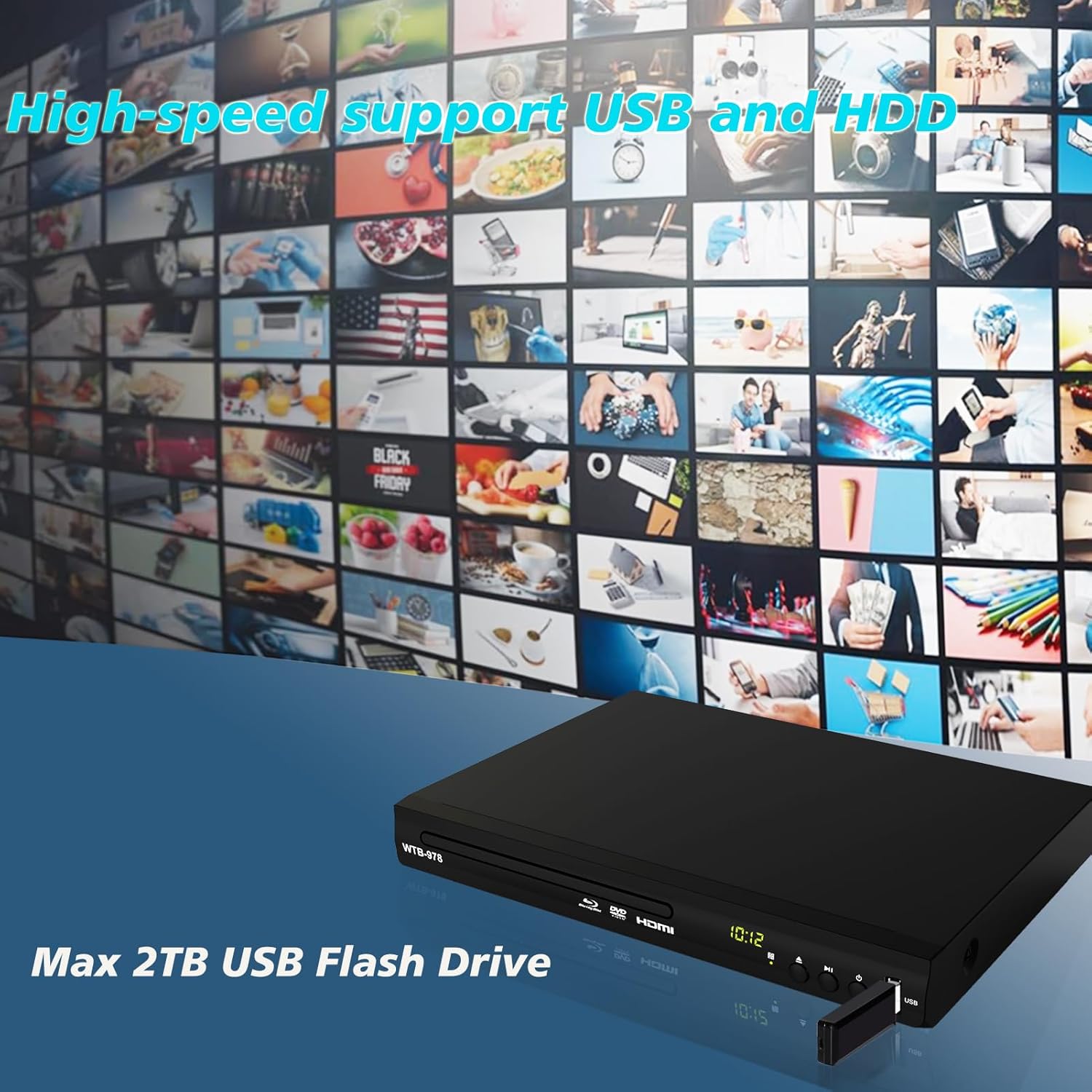
Image: The Blu-Ray DVD player is shown with a USB flash drive inserted into its port, set against a background of numerous video thumbnails, illustrating its high-speed support for USB and HDD multimedia playback.
4.4 Audio Features (Dolby & DTS)
The player supports Dolby and DTS audio formats for an immersive sound experience. Ensure your audio receiver or sound system is properly connected and configured to utilize these features.
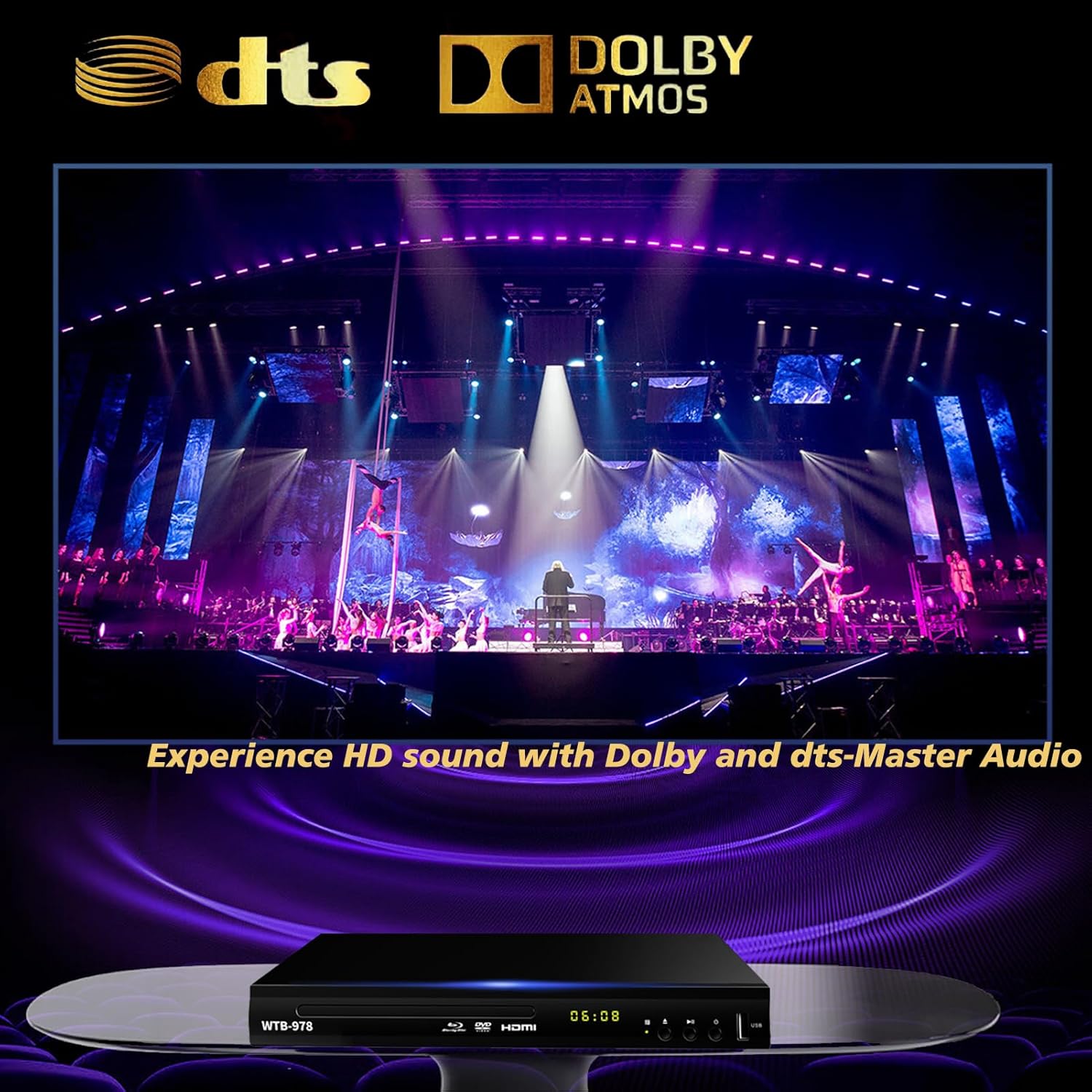
Image: The Blu-Ray DVD player is displayed with prominent DTS and Dolby logos, and a concert scene on the screen, highlighting its capability to deliver HD sound with Dolby and DTS-Master Audio.
4.5 Sambung Semula Main Semula
The player features a resume function, allowing it to continue playback from where it was last paused, even after being powered off.

Image: Two television screens illustrate the resume playback feature. The first screen shows a video paused, and the second shows the video resuming from the exact point after the player was powered off, demonstrating seamless continuity.
5. Penyelenggaraan
- Pembersihan: Use a soft, dry cloth to clean the exterior of the player. Do not use liquid cleaners or abrasive chemicals.
- Penjagaan Cakera: Handle discs by their edges. Keep them clean and free of scratches. Use a soft, lint-free cloth to wipe discs from the center outwards.
- Pengudaraan: Ensure the player has adequate ventilation. Do not block the ventilation openings.
- Storan: Simpan pemain di tempat yang sejuk dan kering jauh dari cahaya matahari langsung dan suhu yang melampau.
6. Penyelesaian masalah
| Masalah | Kemungkinan Punca | Penyelesaian |
|---|---|---|
| Tiada kuasa | Kord kuasa tidak disambungkan; Salur keluar kuasa tidak aktif. | Pastikan kord kuasa dipasang dengan selamat. Uji alur keluar dengan peranti lain. |
| Tiada gambar | Incorrect input selected on TV; Loose HDMI/AV cable connection. | Select the correct HDMI or AV input on your TV. Check cable connections at both ends. |
| Tiada bunyi | Kabel audio tidak disambungkan; Kelantangan TV/penerima terlalu rendah atau diredam. | Ensure audio cables (HDMI/AV/Coaxial) are properly connected. Increase volume and check mute settings on TV/receiver. |
| Cakera tidak dimainkan | Disc is dirty, scratched, or inserted incorrectly; Incorrect disc region. | Clean the disc. Ensure the disc is inserted label-side up. Verify Blu-ray disc region (Region A/1 supported). DVDs are region-free. |
| Alat kawalan jauh tidak berfungsi | Bateri mati atau dipasang dengan salah; Halangan antara alat kawalan jauh dan pemain. | Replace batteries, ensuring correct polarity. Remove any obstructions and point the remote directly at the player's sensor. |
7. Spesifikasi
- model: WTB-978
- Resolusi: 1920x1080 (1080p)
- Peranti Serasi: Televisyen
- Ciri Khas: Surround Sound, Standard DVDs All-Region Free, Anti-Shock, Noise Reduction Technology, Blu-Ray Region A discs support
- Mod Output Audio: Keliling
- Format Audio yang Disokong: DTS, Dolby
- Jenis Penyambung: RCA, USB, HDMI, Coaxial
- Media Types Supported: CD, DVD, VCD, Blu-Ray Disc (BD, BD-R, BD-RE, DVD-R/RW, DVD+R/RW, DVD-Video, VCD, CD, CD-R/RW)
- Disokong File Formats (USB): MP4, AVI, MP3
- USB Drive Support: Max 2TB USB Flash Drive/HDD
- Dimensi (L x W x H): Approximately 10.24 in x 7.56 in x 1.57 in
- Berat: Kira-kira 1.62 kg
8. Waranti dan Sokongan
For warranty information and technical support, please refer to the contact details provided on the product packaging or visit the official WIITHINK webtapak. Simpan resit pembelian anda sebagai bukti pembelian.
For further assistance, you may contact WIITHINK customer service through their official channels.


