1. Pengenalan
The Lexar Professional Silver Plus 512GB microSDXC UHS-I Memory Card is engineered for high-speed performance and durability, making it suitable for videographers, gamers, and users of action cameras, drones, and smartphones. This card provides ample storage and fast data transfer rates to support demanding applications like 4K UHD video recording and rapid burst photography.
Termasuk dalam pakej:
- Lexar Professional Silver Plus 512GB microSDXC UHS-I Memory Card
- SD Adapter for microSD
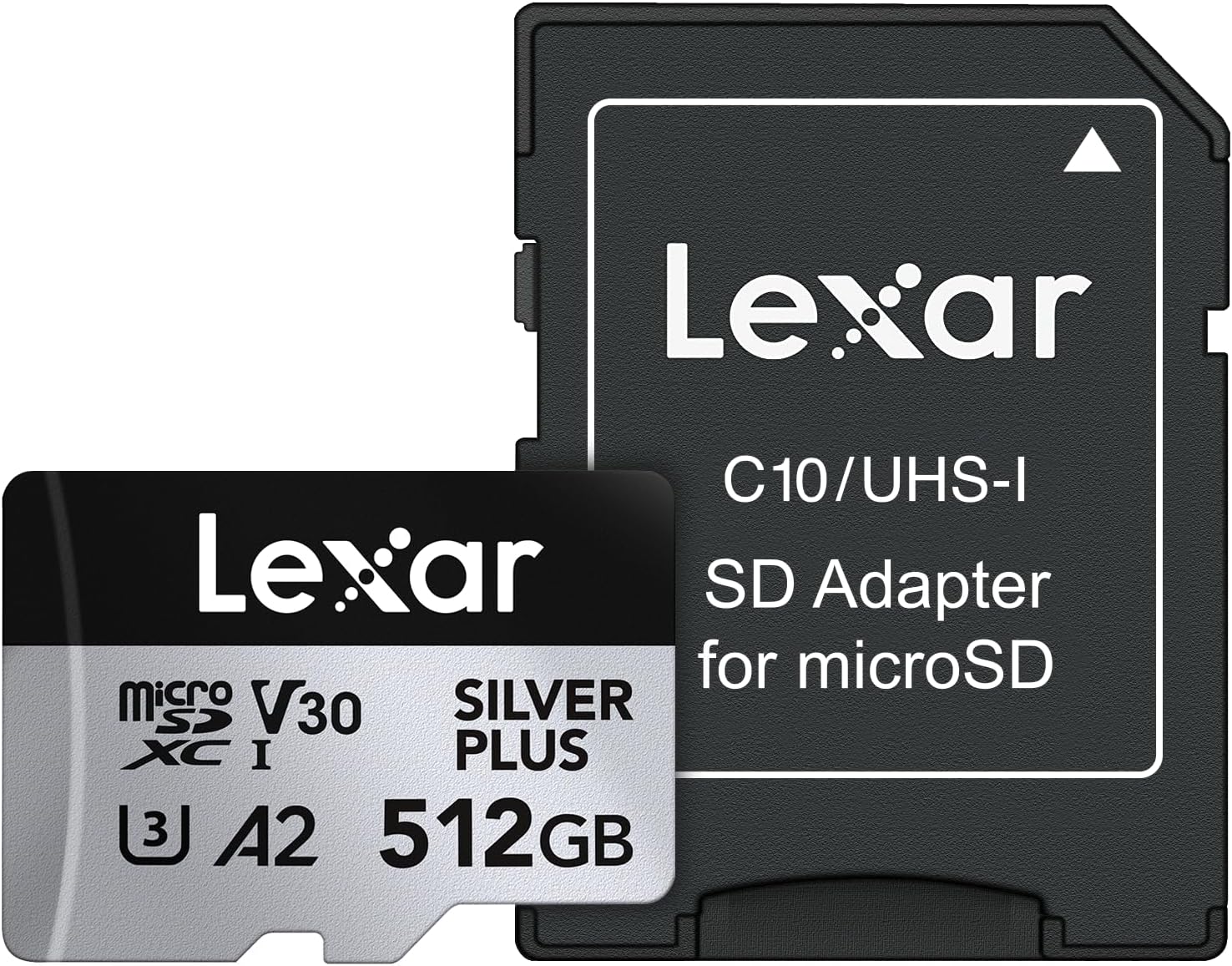
Image 1.1: Lexar Professional Silver Plus 512GB microSDXC card and included SD adapter.
2. Persediaan
2.1 Inserting the microSD Card
- Locate the microSD card slot on your compatible device (e.g., camera, drone, smartphone, gaming console).
- Pastikan peranti dimatikan sebelum memasukkan atau mengeluarkan kad.
- Gently insert the microSD card into the slot with the gold contacts facing down (or as indicated by your device's manual) until it clicks into place.
2.2 Using the SD Adapter
The included SD adapter allows you to use your microSD card in devices that accept standard SD cards, such as laptops or card readers.
- Insert the microSD card into the designated slot on the SD adapter until it clicks.
- Insert the SD adapter into the SD card slot of your computer or compatible device.
- To remove, gently push the microSD card further into the adapter to release it, then pull it out.
2.3 Pemformatan Awal
While many devices can use the card immediately, it is recommended to format the card within your device before first use. This ensures optimal compatibility and performance. Refer to your device's user manual for specific formatting instructions.
3. Beroperasi
3.1 Recording 4K Video and High-Resolution Photos
This Lexar Professional Silver Plus microSDXC card is rated V30 and U3, ensuring sustained write speeds necessary for smooth 4K video recording at up to 60 frames per second and high-speed burst photography.
- Ensure your device's recording settings are configured to utilize the card's capabilities (e.g., selecting 4K resolution, appropriate frame rates).
- For best performance, use the card in devices that support UHS-I speed class.
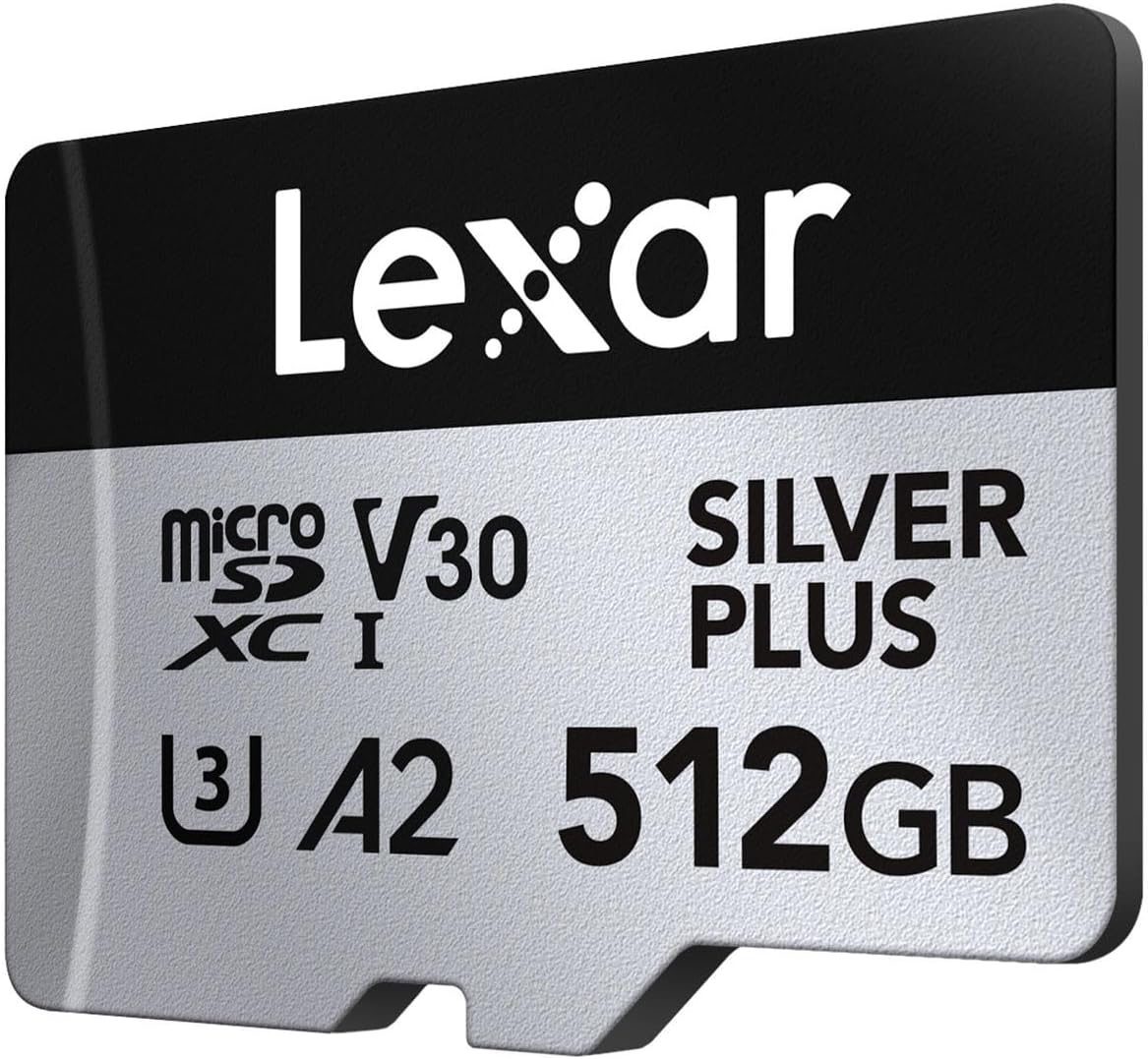
Image 3.1: The Lexar microSD card supports 4K UHD video recording.
3.2 Pemindahan Data
Untuk memindahkan files to your computer, insert the microSD card into the SD adapter and then into your computer's SD card slot or a compatible USB card reader. The card will appear as a removable drive, allowing you to copy, move, or delete files.

Image 3.2: High read and write speeds facilitate quick data transfers.
3.3 Keserasian
The Lexar Professional Silver Plus microSDXC card offers extensive compatibility with a wide range of devices, including:
- Action Cameras (e.g., GoPro, DJI Action series)
- Drones (e.g., DJI Mavic series, Phantom)
- Gaming Consoles (e.g., Nintendo Switch, Steam Deck)
- Telefon Pintar dan Tablet
- Kamera Digital
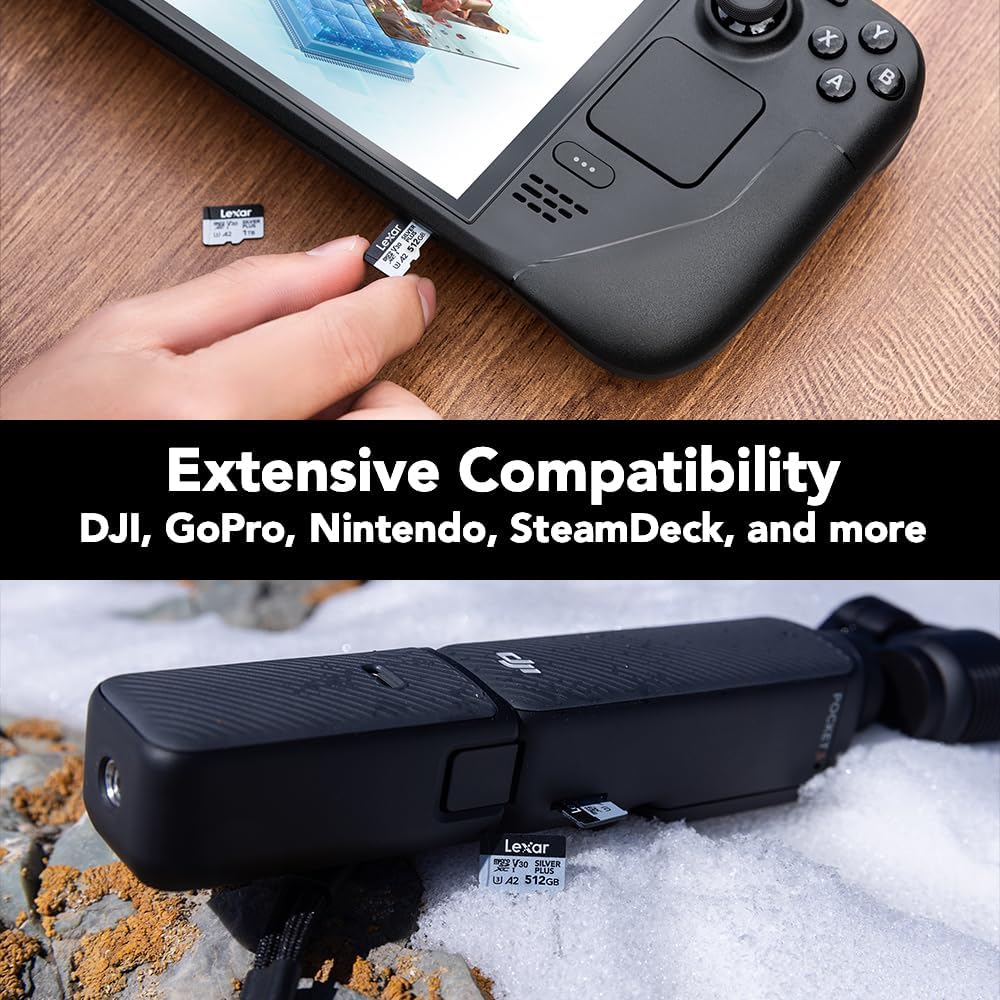
Image 3.3: The card is compatible with various devices like gaming consoles and action cameras.

Image 3.4: Detailed compatibility guide for popular devices.
3.4 Video Produk Rasmi
Video 3.5: Seorang pegawai tamatview of the Lexar Professional Silver Plus microSDXC Memory Card, highlighting its features and performance.
4. Penyelenggaraan
4.1 Card Care and Durability
The Lexar Professional Silver Plus microSDXC card is built to withstand various environmental challenges:
- kalis air: IPX7 rated, protecting against water immersion.
- Temperature-proof: Operates reliably in extreme temperatures.
- X-ray-proof: Safe from airport X-ray scanners.
- Vibration-resistant: Designed to endure vibrations.
- Magnetic-proof: Dilindungi daripada gangguan magnet.
- kalis kejutan: Resists impacts from drops.
- Wear-proof: Built for long-term use.
- Kalis jatuh: Withstands accidental drops.
Despite these features, always handle the card with care. Avoid bending, scratching the contacts, or exposing it to excessive force.

Image 4.1: The card is designed for durability against various elements.
4.2 Lexar Recovery Software
The card includes access to Lexar Recovery Software, which can help recover accidentally deleted files. Instructions for accessing and using this software are typically provided with the product packaging or available on the official Lexar support webtapak.

Image 4.2: Lexar Recovery Tool helps restore lost files.
5. Penyelesaian masalah
5.1 Card Not Recognized
- Reinsert: Remove the card and reinsert it firmly into the slot.
- Semak Keserasian: Ensure your device supports microSDXC cards and the specific capacity.
- Cuba Peranti Lain: Test the card in a different compatible device or card reader to determine if the issue is with the card or the original device.
- Kenalan Bersih: Gently clean the gold contacts on the card with a soft, dry cloth.
5.2 Prestasi Perlahan
- Had Peranti: Pastikan peranti anda menyokong kelajuan UHS-I. Peranti lama mungkin tidak menggunakan keupayaan kelajuan kad sepenuhnya.
- Card Fullness: Performance can sometimes degrade when a card is nearly full. Try freeing up space.
- File Pemecahan: Regularly backing up data and reformatting the card can help maintain optimal performance.
5.3 Rasuah Data
- Penyingkiran Selamat: Sentiasa keluarkan kad dari komputer atau peranti anda dengan selamat sebelum mengeluarkannya secara fizikal.
- Turun Naik Kuasa: Avoid removing the card during data transfer or when the device is low on battery.
- Lexar Recovery Software: Utilize the included recovery software to attempt to retrieve corrupted files.
6. Spesifikasi
| Ciri | Perincian |
|---|---|
| Jenama | Lexar |
| Nama Model | Silver Plus MicroSD |
| Nombor Model | LMSSIPL512G-BNANU |
| Jenis Memori Denyar | Micro SDXC |
| Kapasiti Penyimpanan Memori | 512 GB |
| Kelajuan Baca | Sehingga 205 MB/s |
| Tulis Kelajuan | Sehingga 150 MB/s |
| Kelas Kelajuan | UHS-I, V30, U3, C10, A2 |
| Ciri Ketahanan | IPX7 Waterproof, Wear-proof, Drop-proof, Temperature-proof, X-ray-proof, Shockproof, Magnetic-proof, Vibration-resistant |
| Peranti Serasi | Camera, Gaming Console, Smartphone, Tablet (DJI, GoPro, Nintendo, SteamDeck) |
| Berat Barang | 0.48 auns (13.61 g) |
| Dimensi Produk | 5.5 x 4 x 0.21 inci |
| UPC | 843367135073 |
7. Waranti & Sokongan
7.1 Maklumat Waranti
The Lexar Professional Silver Plus microSDXC Memory Card comes with a Waranti Terhad Sepanjang Hayat for the card itself. The included SD adapter is covered by a Waranti Terhad Satu Tahun.
For detailed terms and conditions of the warranty, please refer to the warranty documentation included with your product or visit the official Lexar webtapak.
7.2 Sokongan Pelanggan
For technical assistance, product inquiries, or warranty claims, please visit the official Lexar support website or contact their customer service. You can find more information and a complete list of compatible devices at www.lexar.com/support.


