1. Produk Lebihview
The eKids Disney Frozen Kids Camera is designed for young photographers to capture photos and videos with ease. It features a durable design, built-in digital stickers, and games for an engaging experience.
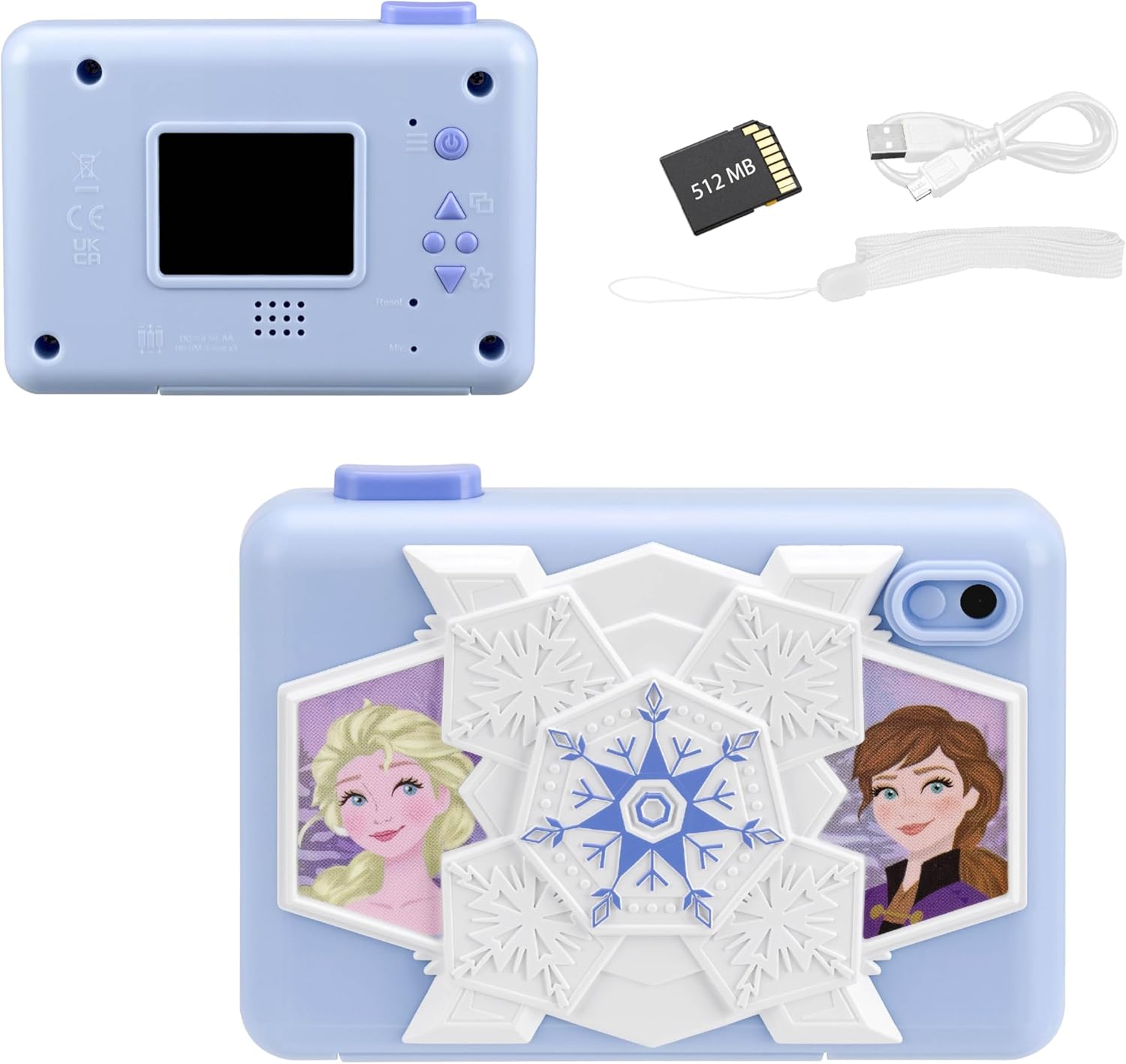
Depan view of the eKids Disney Frozen Kids Camera, featuring Elsa and Anna characters.

belakang view of the camera showing the screen and controls, alongside the included 512MB SD card, micro USB cable, and wrist strap.
Ciri-ciri Utama:
- Fungsi Kamera Digital: Capture photos and videos with user-friendly controls.
- Rakaman Video: Record and save videos, viewable on the 2-inch full-color screen.
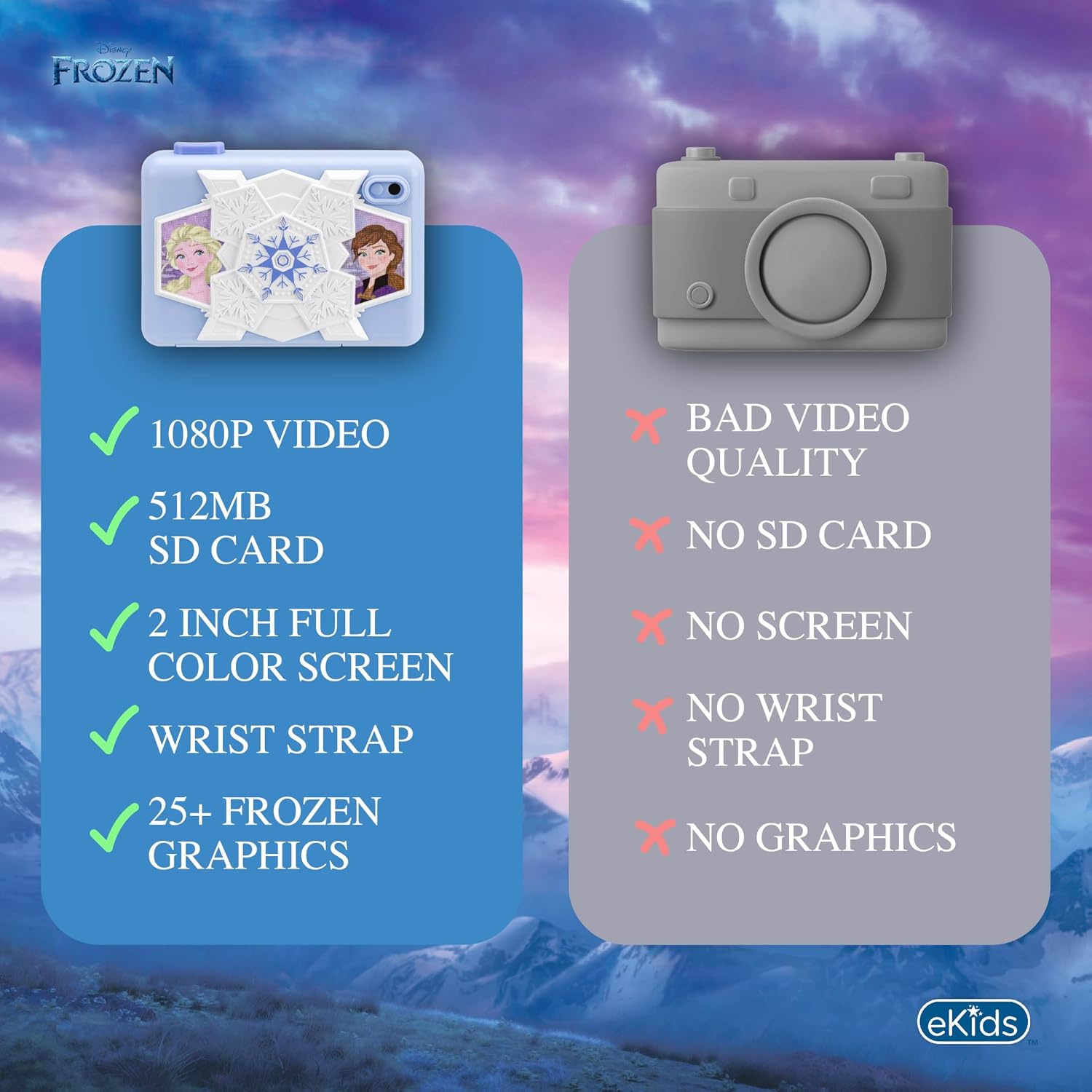
- Memori Boleh Dikembangkan: Comes with a 512MB SD card for storage, which can be replaced with a larger SD memory card.
- Creative Decoration: Over 25 built-in photo frames and digital stickers inspired by Disney Frozen.
- Permainan Terbina dalam: Includes 5 pre-loaded games for entertainment.
- Ketersambungan: Micro USB port for connecting to a computer to transfer content.
- mudah alih: Lightweight design with an included wrist strap.
2. Persediaan
2.1 Pemasangan Bateri
The camera requires 3 AA batteries (not included).
- Cari petak bateri di bahagian bawah kamera.
- Buka penutup petak bateri.
- Masukkan 3 bateri AA, pastikan kekutuban (+/-) betul.
- Tutup penutup petak bateri dengan selamat.
2.2 Pemasangan Kad SD
The camera comes with a 512MB SD card. You can use this card or replace it with another compatible SD card (up to 32GB max).
- Locate the SD card slot next to the battery compartment.
- Masukkan kad SD ke dalam slot sehingga ia berbunyi klik pada tempatnya. Pastikan kad dimasukkan dalam orientasi yang betul.
- To remove the SD card, gently push it in until it clicks, then release to eject.

Diagram showing the SD card slot and Micro USB port on the camera.
2.3 Attaching the Wrist Strap
Attach the included wrist strap to the designated loop on the camera for secure handling and to prevent accidental drops.
3. Arahan Operasi
3.1 Menghidupkan/Mematikan
- Untuk menghidupkan, tekan dan tahan Butang kuasa (usually marked with a power symbol) located on the back of the camera.
- Untuk mematikan, tekan dan tahan Butang kuasa sekali lagi sehingga skrin dimatikan.
The camera's screen displaying the main menu with various function icons.
3.2 Menavigasi Menu
Use the directional buttons (Up, Down, Forward/Photo Frames, Reverse/Mode Select) to navigate through the camera's menu options on the 2-inch full-color LCD screen. Press the Camera Shutter / OK Button untuk memilih pilihan.
Terperinci view of the camera's back panel, highlighting the display, speaker, microphone, and control buttons including Camera Shutter/OK, Indicator Light, Power, Up, Forward/Photo Frames, Reverse/Mode Select, Down, and Reset.
3.3 Mengambil Foto
- Daripada menu utama, pilih Ikon foto.
- Bingkai tangkapan anda menggunakan skrin LCD.
- Tekan ke Camera Shutter / OK Button untuk mengambil gambar.
3.4 Merakam Video
- Daripada menu utama, pilih ikon video.
- Tekan ke Camera Shutter / OK Button untuk memulakan rakaman.
- Tekan ke Camera Shutter / OK Button sekali lagi untuk menghentikan rakaman.
Official product video demonstrating the eKids Disney Frozen Digital Camera for Kids, showcasing ciri dan kemudahan penggunaannya.
3.5 Applying Digital Stickers and Frames
The camera offers over 25 built-in Frozen-themed photo frames and digital stickers to decorate your images.
- Selepas mengambil gambar, atau apabila viewing a saved photo, use the Forward / Photo Frames button to browse available frames and stickers.
- Tekan ke Camera Shutter / OK Button to apply the selected decoration.
An image illustrating how to add fun digital images and record videos using filters or slow motion, with examples of photos decorated with Frozen characters.
3.6 Bermain Permainan
The camera includes 5 built-in games for entertainment.
- Daripada menu utama, pilih Ikon permainan.
- Use the directional buttons to choose a game.
- Tekan ke Camera Shutter / OK Button untuk mula bermain.

Visual representation of the camera's multi-functional capabilities, including playing games, playing music, taking photos, and recording videos.
3.7 Transferring Content to a Computer
You can transfer your photos and videos to a computer using the included micro USB cable.
- Connect the micro USB cable to the camera's micro USB port and to an available USB port on your computer.
- The camera should appear as a removable storage device on your computer.
- Open the camera's folder to access and transfer your files.
4. Penyelenggaraan
4.1 Membersihkan Kamera
- Gunakan kain lembut dan kering untuk membersihkan bahagian luar kamera.
- Untuk skrin, gunakan kain mikrofiber yang direka khas untuk elektronik.
- Do not use liquid cleaners or abrasive materials, as they may damage the camera.
4.2 Penjagaan Bateri
- Tanggalkan bateri jika kamera tidak akan digunakan untuk tempoh yang lama untuk mengelakkan kebocoran.
- Jangan campurkan bateri lama dan baharu, atau jenis bateri yang berlainan.
- Buang bateri terpakai secara bertanggungjawab mengikut peraturan tempatan.
4.3 Penyimpanan
Simpan kamera di tempat yang sejuk dan kering jauh dari cahaya matahari langsung dan suhu yang melampau.
5. Penyelesaian masalah
| Masalah | Kemungkinan Punca | Penyelesaian |
|---|---|---|
| Kamera tidak dihidupkan. | Bateri rendah atau mati; pemasangan bateri yang salah. | Replace with fresh AA batteries; ensure batteries are inserted with correct polarity. |
| Tidak boleh mengambil gambar/video. | SD card full or not inserted correctly; camera mode not selected. | Check SD card storage and reinsert if necessary; ensure photo/video mode is active. |
| Kualiti imej/video yang lemah. | Insufficient lighting; dirty lens. | Ensure adequate lighting; gently clean the camera lens with a soft cloth. |
| Tidak boleh menyambung ke komputer. | Faulty USB cable; incorrect USB port; driver issue. | Try a different USB cable or port; restart computer and camera. |
Jika masalah berterusan, sila rujuk bahagian Waranti dan Sokongan untuk bantuan lanjut.
6. Spesifikasi
| Ciri | Perincian |
|---|---|
| Nama Model | FR-533 |
| Jenama | eKid |
| Saiz Skrin | 2 Inci |
| Jenis Paparan | LCD |
| Simpanan Memori | 512 MB SD Card (expandable up to 32GB) |
| Jenis Bateri | 3 x Bateri Beralkali AA (tidak termasuk) |
| Ketersambungan | USB mikro |
| Resolusi Penderia Foto | 2 MP |
| Resolusi Video | 1080p |
| Penstabilan Imej | digital |
| File Format | JPEG (images), MP4 (video) |
| Dimensi (D x W x H) | 4.49"D x 1.38"W x 3.3"H |
| bahan | plastik |
7. Waranti dan Sokongan
7.1 Waranti Terhad
This eKids Disney Frozen Kids Camera (Model: FR-533) comes with a Waranti Terhad 1 Tahun from the manufacturer, KIDdesigns. This warranty covers defects in materials and workmanship under normal use.
For full warranty details and terms, please refer to the documentation included with your product or visit the eKids official webtapak.
7.2 Sokongan Pelanggan
If you have any questions, require technical assistance, or need to make a warranty claim, please contact eKids customer support:
- Sokongan dalam talian: Lawati Kedai Jenama eKids di Amazon untuk maklumat produk dan sumber sokongan.
- Pengeluar: Reka Bentuk KID
Please have your product model number (FR-533) and proof of purchase ready when contacting support.


