pengenalan
Thank you for choosing DEWENWILS Remote Control Outlets. This product allows you to wirelessly control your electronic devices with ease, offering convenience and energy-saving benefits. Designed for simplicity and safety, these pre-programmed outlets are ready to use right out of the box. Please read this manual carefully to ensure proper installation, operation, and maintenance.
Maklumat Keselamatan
Untuk memastikan operasi yang selamat dan mengelakkan kerosakan, sila patuhi garis panduan keselamatan berikut:
- Fire Retardant Material: The outlets are constructed from high-quality PC flame-retardant material to ensure electrical safety.
- Integrated Safety Cover: Each outlet features an integrated safety cover to prevent accidental contact, especially from children.
- Suhu Operasi: The product is designed to operate safely within a temperature range of -25°C to 40°C. Avoid exposing the devices to extreme temperatures outside this range.
- Jangan buka atau ubah suai peranti.
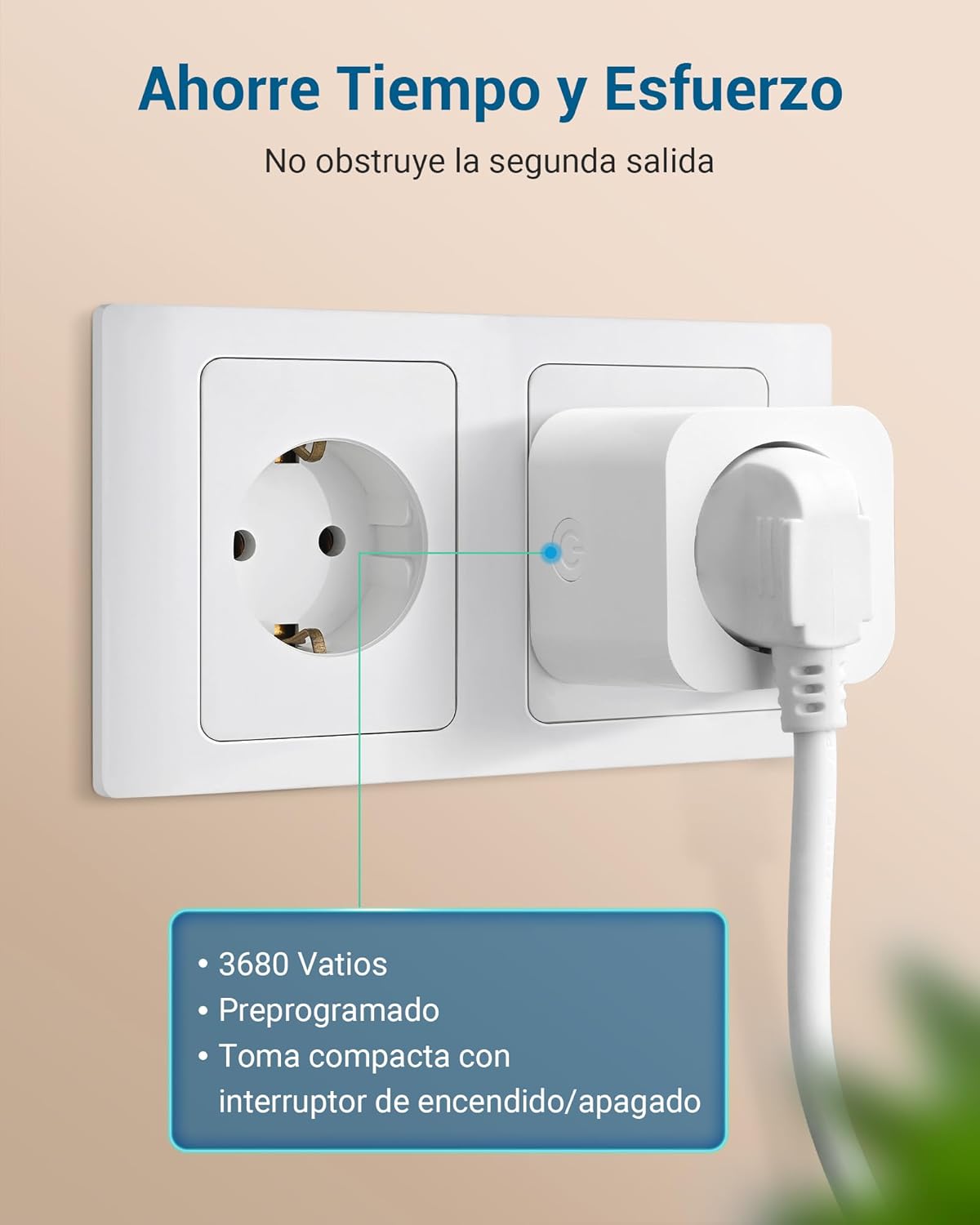
- Ensure the total load of connected devices does not exceed the maximum rated power (3680W).
- Jauhkan peranti daripada air dan persekitaran lembap.

Kandungan Pakej
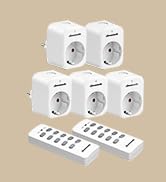
The DEWENWILS Remote Control Outlets package typically includes:
- 5 x Wireless Remote Control Outlets
- 2 x Alat Kawalan Jauh
- Manual Pengguna (dokumen ini)

Arahan Persediaan
The DEWENWILS Remote Control Outlets are designed for quick and easy setup, as they come pre-programmed. No tools are required for installation.
Initial Setup (Pre-programmed)
- Pasangkan: Insert the wireless remote control outlet into a standard wall socket.
- Sambungkan Peranti: Plug your desired appliance or light into the remote control outlet.
- Kawalan: Use the corresponding button on the remote control to turn the connected device ON or OFF. The outlets are pre-programmed to work with the included remote controls.
The system retains its settings even after a power cut, so you do not need to reconfigure it.
Pairing / Re-programming (Optional)
If you need to re-pair an outlet with a remote button or pair additional outlets/remotes, follow these steps:
- Plug the outlet into a wall socket.
- Press and hold the learning button on the side of the outlet until its indicator light starts flashing.
- Within 5 seconds, press the desired 'ON' or 'OFF' button on the remote control. The outlet's indicator light will stop flashing and remain solid, indicating successful pairing.
- Repeat for other outlets or remote buttons as needed.

Arahan Operasi
The remote control allows for convenient operation of your connected devices.
Menggunakan Alat Kawalan Jauh
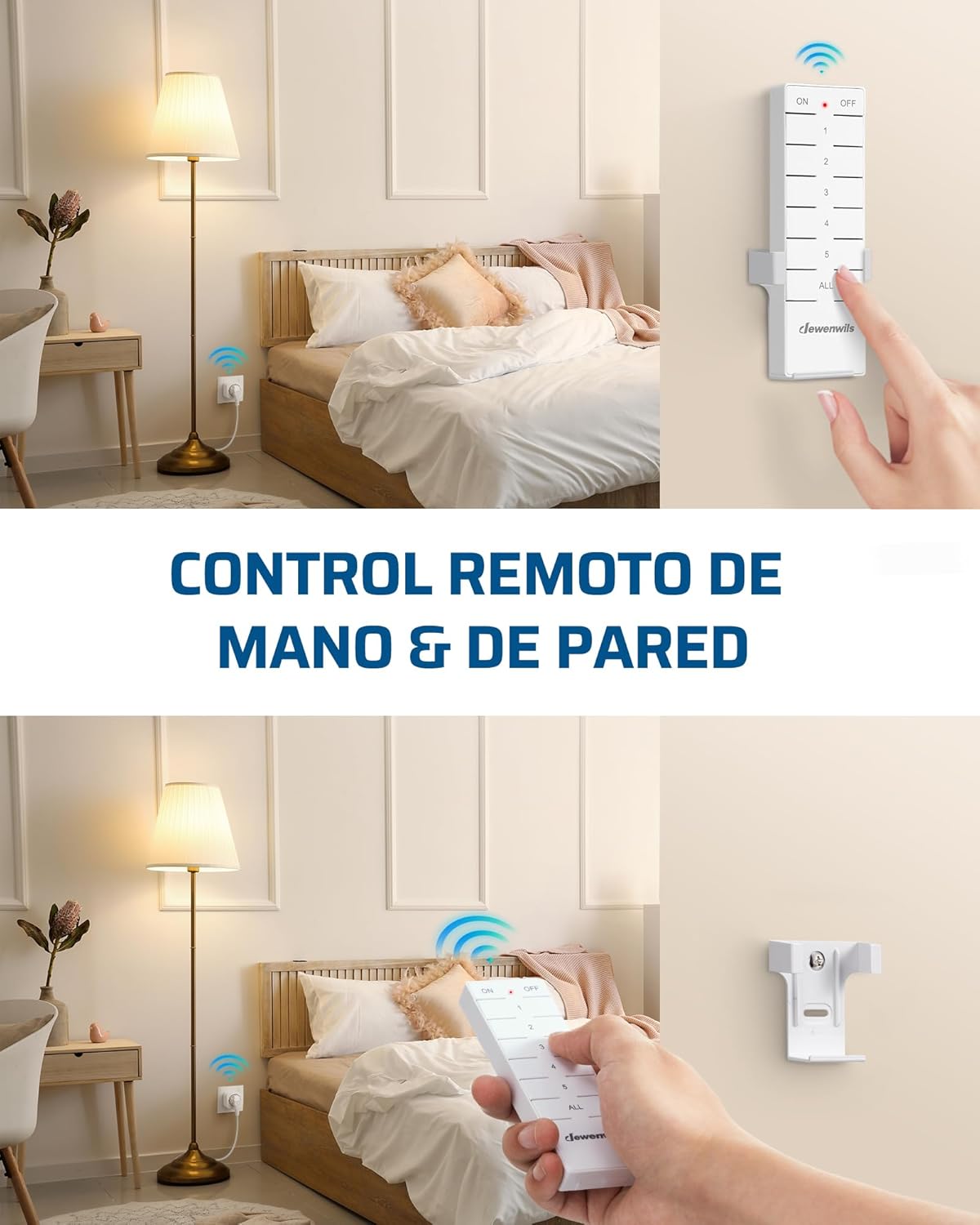
- Each remote control has numbered buttons (1, 2, 3, 4, 5) corresponding to individual outlets.
- Press the 'ON' button for a specific number to turn on the corresponding outlet.
- Press the 'OFF' button for a specific number to turn off the corresponding outlet.
- The 'ALL ON' button will activate all paired outlets simultaneously.
- The 'ALL OFF' button will deactivate all paired outlets simultaneously.

Julat Kawalan Jauh
The remote control operates on a 433.92 MHz frequency, providing a powerful signal that can penetrate walls and doors. It has an effective range of up to 30 meters (approximately 100 feet) in open areas, allowing you to control devices from different rooms or even floors without interference.

Handheld and Wall-Mounted Control
The remote control is portable and can be used handheld. For added convenience, it can also be mounted on a wall using the included bracket, transforming it into a wall switch.

Penjimatan Tenaga
The DEWENWILS Remote Control Outlets are designed to help reduce energy consumption.
- Kuasa Siap Sedia Rendah: The standby power consumption of each outlet is only 0.6W.
- Reduce Phantom Load: By completely cutting power to devices when not in use, these outlets help eliminate standby power draw (phantom load), contributing to lower electricity costs.

Penggunaan Cthamples
These remote control outlets are versatile and can be used in various settings for enhanced convenience:
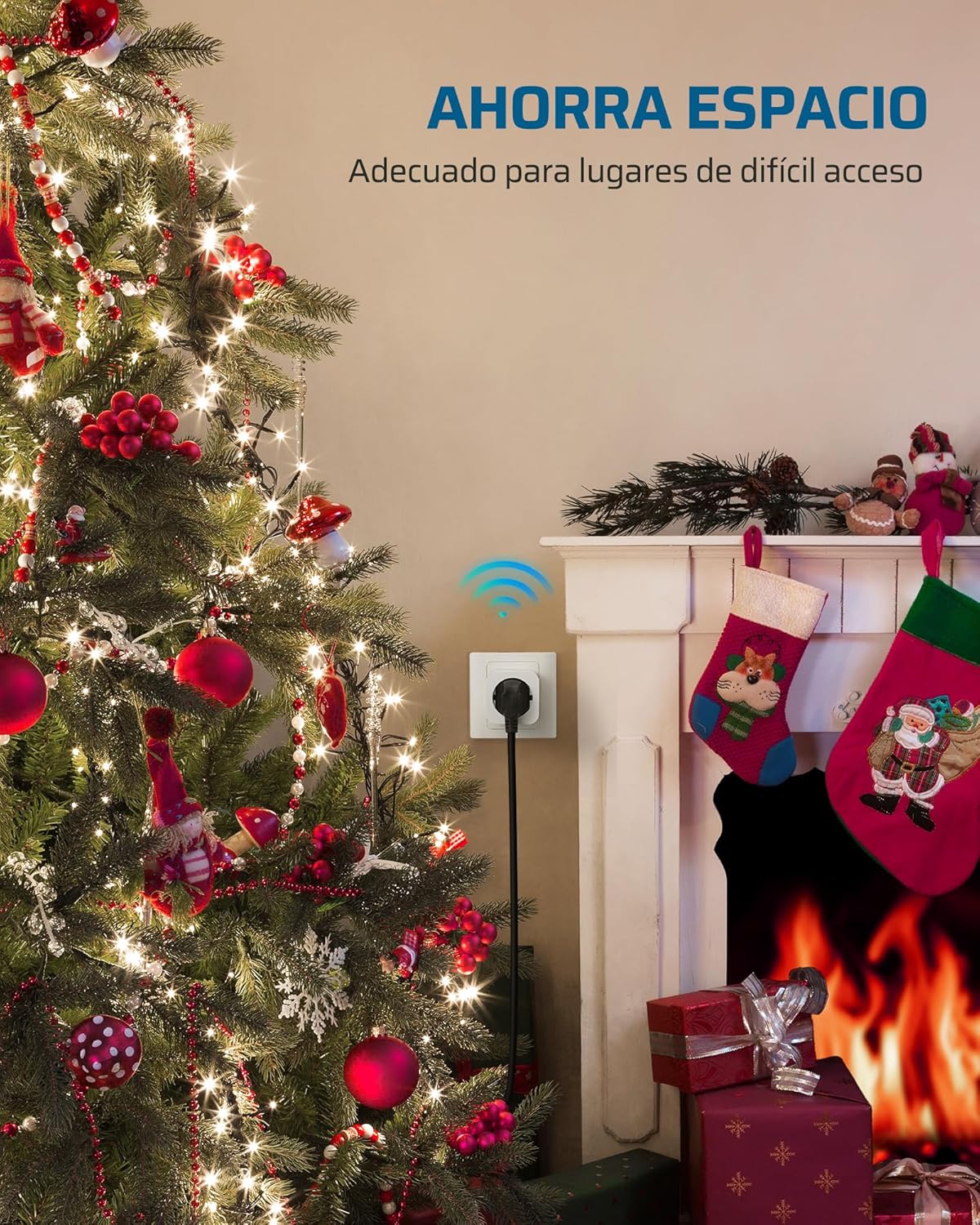
- Pencahayaan Rumah: Kawalan lamps in bedrooms, living rooms, or hard-to-reach areas.
- Hiasan bermusim: Easily manage Christmas lights and other holiday decorations.
- Peralatan Dapur: Turn on/off small kitchen appliances.
- Fans and Heaters: Conveniently operate fans or portable heaters.
- Kebolehcapaian: Provides convenience for the elderly, individuals with limited mobility, or pregnant women.


Spesifikasi
| Ciri | Spesifikasi |
|---|---|
| Nombor Model | DHRS205L |
| Mod Pengendalian | HIDUP |
| Nilai Semasa | 16 Amps |
| Vol Operasitage | 230 Volt |
| Beban Kuasa Maks | 3680 Watt |
| Kekerapan Jauh | 433.92 MHz |
| Julat Jauh | Sehingga 30 meter (kawasan terbuka) |
| Penggunaan Kuasa Siap Sedia | 0.6W |
| Product Dimensions (Outlet) | 50 x 50 x 44 mm (5 x 5 x 4.4 cm) |
| Jenis Kenalan | Biasa buka |
| Jenis Penyambung | Pasangkan |
| Jenis Suis | Tekan butang |
| Terminal | Spade |
| Jenis Litar | 16 cara |
| Suhu Operasi | -25°C hingga 40°C |
| Pengeluar | DEWENWILS |
| Negara Asal | China |
Menyelesaikan masalah
If you encounter issues with your DEWENWILS Remote Control Outlets, please try the following solutions:
- Outlet Tidak Menjawab:
- Ensure the outlet is securely plugged into a live wall socket.
- Check if the connected appliance is properly plugged into the remote outlet and is functioning correctly when plugged directly into a wall socket.
- Verify that the remote control batteries are not depleted. Replace if necessary.
- Re-pair the outlet with the remote control button as described in the 'Pairing / Re-programming' section.
- Jarak Jauh Dikurangkan:
- Ensure there are no significant obstructions (e.g., thick concrete walls, large metal objects) between the remote and the outlet.
- Check for potential sources of interference (e.g., other wireless devices operating on similar frequencies).
- Gantikan bateri kawalan jauh.
- Gangguan dengan Peranti Lain:
- While designed to minimize interference, if you experience issues, try re-pairing the affected outlet to a different remote button.
Penyelenggaraan
To maintain the performance and longevity of your DEWENWILS Remote Control Outlets:
- Pembersihan: Disconnect the outlet from power before cleaning. Wipe the devices with a soft, dry cloth. Do not use liquid cleaners or solvents.
- Storan: When not in use for extended periods, store the outlets and remote controls in a cool, dry place away from direct sunlight and extreme temperatures.
- Penggantian Bateri: Replace remote control batteries when the range decreases or the indicator light dims.
Waranti dan Sokongan
DEWENWILS products are manufactured to high-quality standards. For warranty information, technical support, or any questions regarding your product, please refer to the contact information provided with your purchase or visit the official DEWENWILS website. Please have your model number (DHRS205L) and purchase details ready when contacting support.


