pengenalan
This manual provides detailed instructions for the LOFREE Edge Low Profile Mechanical Keyboard. It covers setup, operation, maintenance, and troubleshooting to ensure optimal performance and longevity of your device.
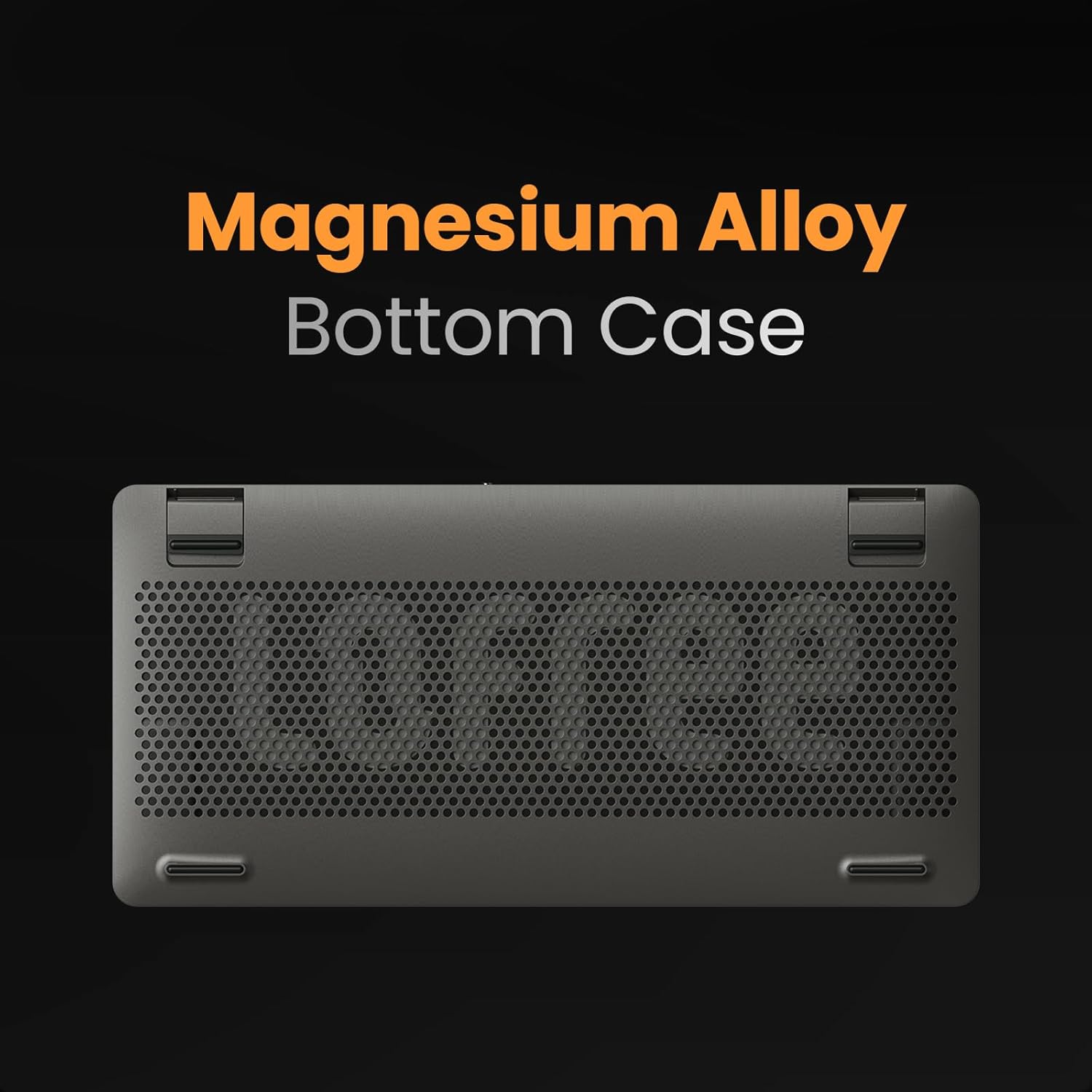
The LOFREE Edge keyboard is designed for portability and a premium typing experience, featuring an ultra-thin profile, carbon fiber and magnesium alloy construction, and advanced Kailh POM Switches 2.0.
Kandungan Pakej
- LOFREE Edge Low Profile Papan Kekunci Mekanikal
- Kabel USB
- Lofree "Zero" Panel Mount (Carbon Fiber Keyboard Stand)
Persediaan
Pengecasan Awal
Before first use, fully charge the keyboard using the provided USB-C cable. Connect the cable to the USB-C port on the keyboard and to a power source (e.g., computer USB port, USB wall adapter). A full charge takes approximately 3 hours and provides up to 130 hours of non-stop working time.

Menyambung Papan Kekunci
The LOFREE Edge supports both wired USB-C and Bluetooth connections.
Sambungan Berwayar
Connect the provided USB-C cable from the keyboard to your computer's USB port. The keyboard will automatically switch to wired mode and operate with a 1000Hz polling rate, ensuring minimal latency.

Sambungan Bluetooth
- Pastikan papan kekunci dicas.
- Toggle the switch on the side of the keyboard to the Bluetooth (BT) position.
- On your device (Laptop, PC, Tablet), enable Bluetooth and search for new devices.
- Select "LOFREE Edge" from the list of available devices to pair.
- The keyboard can store up to 3 paired Bluetooth devices. Switch between them using Fn + 1/2/3.

Arahan Operasi
Fungsi dan Susun Atur Utama
The LOFREE Edge features an 84-key layout with low-profile keycaps and Kailh POM Switches 2.0 for a comfortable typing experience.

System Function Keys
- Fn + N: Mencetuskan kekunci fungsi sistem yang sepadan untuk Windows/Android.
- Fn + M: Mencetuskan kekunci fungsi sistem yang sepadan untuk Mac/iOS.
Pencahayaan latar
The keyboard features single-color backlighting. Adjust brightness or toggle effects (e.g., breathing light, steady) using the dedicated function keys (refer to keyboard legends for specific key combinations, typically Fn + arrow keys or dedicated light keys).

Kickstand boleh laras
The keyboard is equipped with adjustable kickstands on the bottom, allowing for two typing angles (3° and 6°) to enhance ergonomic comfort.

Penyelenggaraan
Membersihkan Papan Kekunci
To clean your LOFREE Edge keyboard, use a soft, lint-free cloth. For stubborn dirt, slightly dampen the cloth with water or a mild cleaning solution. Avoid excessive moisture and harsh chemicals.
Penanggalan dan Penggantian Keycap
The keyboard features ultra-thin OEM keycaps. While designed for durability, they can be carefully removed for cleaning or replacement using a keycap puller. Exercise caution to avoid damaging the switches.
Penyimpanan
When not in use, store the keyboard in a dry, cool place. For travel, consider using a protective sleeve to prevent scratches and damage.
Menyelesaikan masalah
| Masalah | Kemungkinan Punca | Penyelesaian |
|---|---|---|
| Papan kekunci tidak bertindak balas (Berwayar) | Sambungan kabel longgar, port USB rosak. | Pastikan kabel USB-C disambungkan dengan selamat. Cuba port atau kabel USB yang lain. |
| Papan kekunci tidak bertindak balas (Bluetooth) | Low battery, not paired, out of range, interference. | Charge the keyboard. Re-pair the device. Ensure keyboard is within Bluetooth range. Minimize interference from other wireless devices. |
| Kunci tidak mendaftar atau menaip dua kali | Dust/debris under keycap, switch issue. | Carefully remove keycap and clean around the switch. If issue persists, contact support. |
| Lampu latar tidak berfungsi | Backlight turned off, low battery. | Press Fn + relevant key to turn on/adjust brightness. Charge the keyboard. |
Spesifikasi
- model: OE920
- Dimensi: 12.25 x 6.06 x 0.59 inci
- Berat: 1.07 paun (485g)
- Ketersambungan: Bluetooth, USB-C
- Jenis papan kekunci: mekanikal
- Suis: Kailh POM Switch 2.0 (2.4mm total travel)
- Keycaps: Ultra-thin OEM PBT Keycaps
- Pembinaan: Carbon Fiber Top Case, Magnesium Alloy Bottom Case
- Bateri: 1 bateri Polimer Litium (termasuk)
- Hayat Bateri: Up to 130 hours (non-stop working)
- Masa Pengecasan: Lebih kurang 3 jam
- Polling Rate (Wired): 1000Hz
- Pencahayaan latar: Single Color, adjustable brightness
- Peranti Serasi: Laptop, PC, Tablet (Windows, Mac OS, Android, iOS)


Waranti dan Sokongan
Maklumat Waranti
LOFREE products typically come with a limited manufacturer's warranty. Please refer to the warranty card included in your product packaging or visit the official LOFREE weblaman web untuk terma dan syarat jaminan terperinci. Simpan resit pembelian anda sebagai bukti pembelian untuk tuntutan jaminan.
Sokongan Pelanggan
For technical assistance, product inquiries, or warranty support, please contact LOFREE customer service through their official weblaman web atau maklumat hubungan yang diberikan dalam dokumentasi produk anda. Anda juga boleh melayari LOFREE Store on Amazon untuk sumber tambahan dan maklumat produk.


