pengenalan
This manual provides essential information for the setup, operation, and maintenance of your GAIM Complete Virtual Reality Simulator with Adjustable Walnut Stock. This system is designed to enhance hunting and sport shooting skills through immersive virtual reality training scenarios. Please read this manual thoroughly before using the product to ensure proper function and safety.
Apa yang ada dalam Kotak
Sahkan bahawa semua komponen hadir semasa menyahkotak:
- GAIM Rifle Stock (Adjustable Walnut)
- GAIM Handgun
- 2 Gen. 2 Triggers
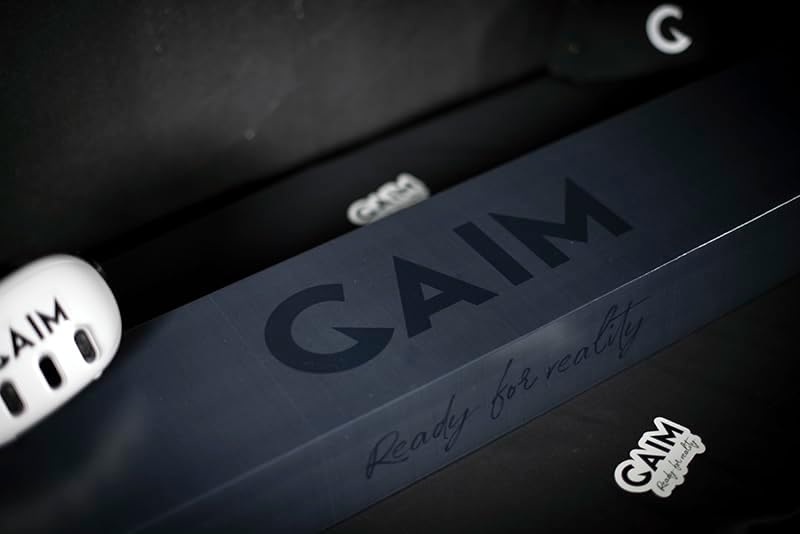
Image: The GAIM product box, indicating the contents of the complete simulator package.
Video: An unboxing demonstration of the GAIM Complete Simulator, showcasing the rifle stock, handgun, and triggers.
Persediaan
The GAIM Complete Virtual Reality Simulator requires a compatible Meta Quest VR headset (Meta Quest 3, Meta Quest 2, or Meta Quest Pro), which is sold separately. Ensure your VR headset is fully charged and updated to the latest firmware before proceeding.
- Install GAIM Software: Download and install the GAIM application from the Meta Quest store onto your VR headset.
- Attach Triggers: Securely attach the two Gen. 2 Triggers to the designated points on the GAIM Rifle Stock and GAIM Handgun. These triggers provide haptic feedback and register shots within the virtual environment.
- Pasangkan Peranti: Follow the on-screen instructions within the GAIM application to pair the rifle stock and handgun with your Meta Quest headset via Bluetooth.
- Adjust Rifle Stock: The Adjustable Walnut Stock allows for personalized fit. Adjust the length of pull and comb height to achieve a comfortable and consistent shooting posture.

Imej: Jarak dekat view of the adjustable mechanism on the walnut rifle stock, allowing users to customize fit.
Video: Tamatview of the GAIM Virtual Reality Hunting & Shooting Simulator, demonstrating its components and basic setup.
Arahan Operasi
The GAIM simulator offers a variety of scenarios for both hunting and sport shooting. Navigate the in-game menu using your VR headset controllers to select your desired training module.
Operasi Am
- Rifle Stock: Hold the GAIM Rifle Stock as you would a real firearm, ensuring a firm and comfortable grip. The attached trigger will register your shots.
- pistol: Use the GAIM Handgun for pistol-specific training scenarios. The trigger provides realistic feedback.
- Virtual Environment: The VR headset provides a 360-degree immersive experience. Look around to identify targets and navigate the virtual space.
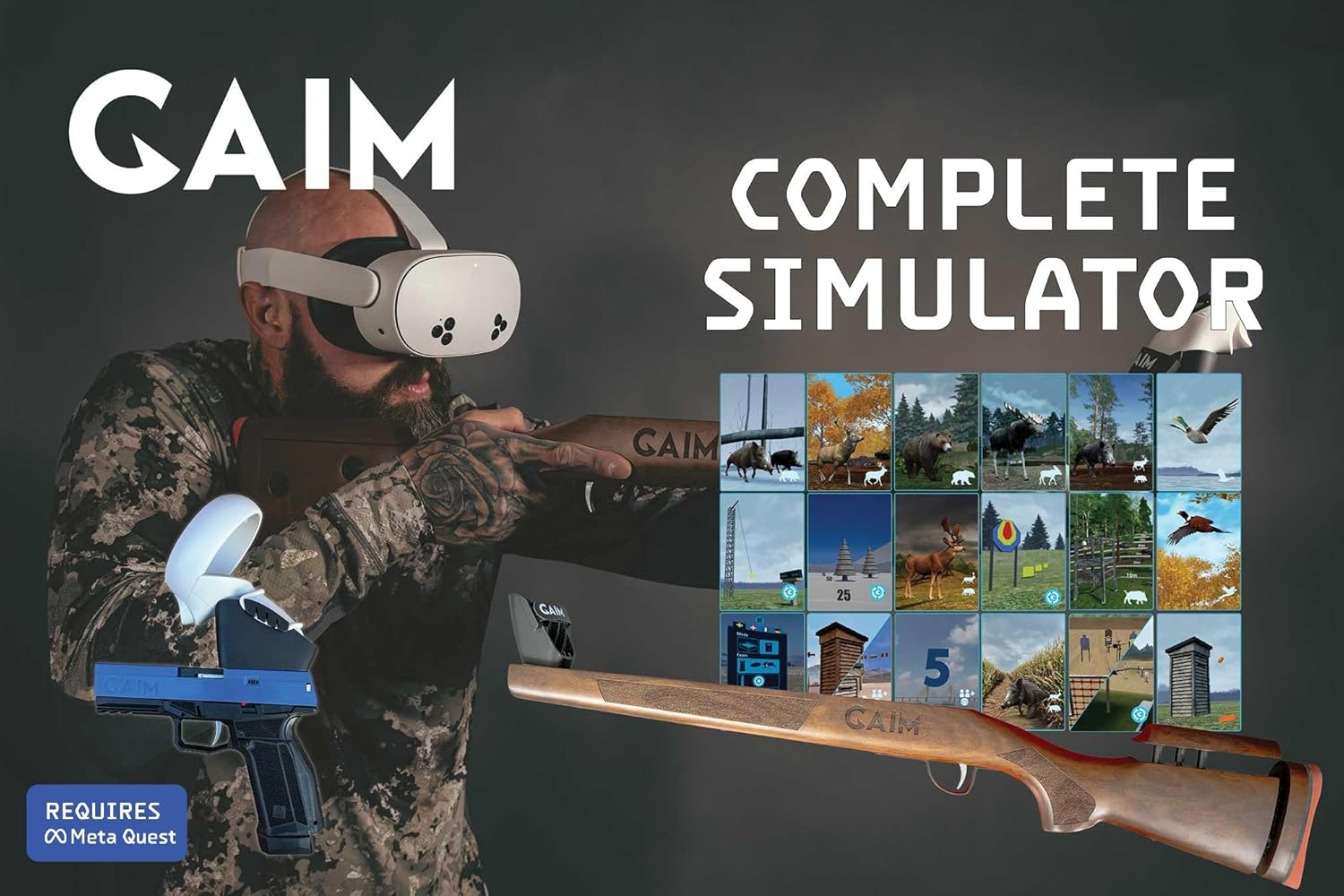
Image: A user wearing a VR headset and holding the GAIM rifle stock, demonstrating the immersive experience.
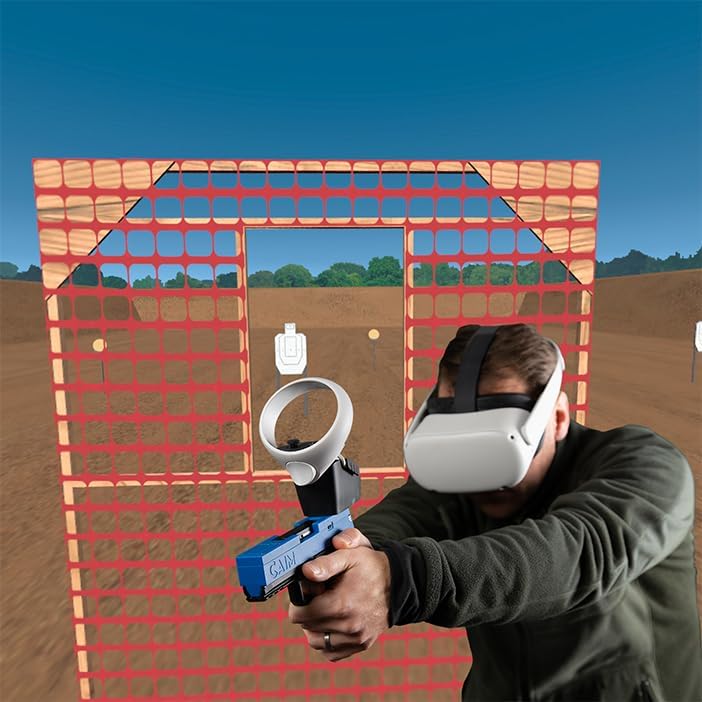
Image: A user wearing a VR headset and holding the GAIM handgun, preparing for a virtual shooting session.
Hunting Scenarios
Engage in various hunting environments with realistic animal behavior and ballistics. Scenarios include Wild Boar Corn Field, Hunting Lane, Hilly Forest, Fallow Deer Grass Meadow, High Pheasant, Mallard, and Pigeon hunts.
- Sasaran Pemerolehan: Animals will appear randomly. Practice quick target acquisition and leading moving targets.
- Shot Placement: The SimPro analyzing module provides real-time feedback on shot placement, barrel movement, and lead, helping to improve accuracy and ethical hunting practices.

Image: A visual representation of the various hunting and sport shooting scenarios available in the GAIM Complete Simulator.
Video: A demonstration of the SimPro Bird Hunting scenario, showing virtual bird targets and shot analysis.
Video: Praview of the GAIM Bear Hunting Scenario, demonstrating virtual bear targets in a forest environment.
Video: An immersive experience of GAIM Hunting, showcasing various virtual hunting environments and animal interactions.
Video: A demonstration of the GAIM Mallard Hunt Scenario, featuring virtual mallards in a wetland setting.
Sport Shooting Scenarios
Improve your competitive shooting skills with scenarios like IPSC, GAIM of Steel, Time Challenge, 5-stand, Olympic Skeet, Olympic Trap, and American Trap.
- Dynamic Targets: Practice engaging static and moving targets in various competitive formats.
- Performance Analysis: Utilize the SimPro analyzing module to review your performance, identify areas for improvement, and track progress over time.

Image: A virtual clay pigeon shooting range within the GAIM Simulator, showing targets in the air.
Video: A demonstration of GAIM Sport Shooting, highlighting various competitive shooting drills and target engagement.
Video: Praview of the GAIM American Trap Scenario, showing virtual clay targets being launched and shot.
Penyelenggaraan
Proper maintenance ensures the longevity and optimal performance of your GAIM simulator.
- Pembersihan: Use a soft, dry cloth to wipe down the rifle stock, handgun, and triggers after each use. Avoid abrasive cleaners or solvents that could damage the finish or electronic components.
- Storan: Store the simulator components in a cool, dry place away from direct sunlight and extreme temperatures. If possible, use the original packaging or a dedicated case to protect against dust and physical damage.
- Penjagaan Bateri: Ensure the triggers are fully charged before use. When storing for extended periods, charge the batteries to approximately 50% to prolong their lifespan.
- Kemas Kini Perisian: Regularly check for and install software updates for both your Meta Quest headset and the GAIM application to ensure access to the latest features and performance improvements.
Menyelesaikan masalah
If you encounter issues with your GAIM Complete Virtual Reality Simulator, refer to the following common solutions:
- Isu Ketersambungan: If the rifle stock or handgun does not pair with the VR headset, ensure Bluetooth is enabled on the headset and the devices are within range. Try restarting both the headset and the simulator components.
- Tracking Problems: If virtual aiming feels inaccurate, ensure your play area is well-lit and free from obstructions that might interfere with VR headset tracking. Recalibrate the simulator within the GAIM application settings.
- Application Crashes: Ensure your GAIM application and Meta Quest firmware are up to date. If crashes persist, try reinstalling the GAIM application.
- Trigger Unresponsive: Check the battery level of the triggers. If fully charged and still unresponsive, ensure they are correctly attached and try re-pairing them with the headset.
Spesifikasi
| Ciri | Perincian |
|---|---|
| Dimensi Produk | 33.07 x 5.31 x 1.97 inci |
| Berat Barang | 9 paun |
| Jenama | GAIM |
| warna | Walnut Adjustable | Blue/Black |
| Ciri Khas | Adjustable Walnut Stock, Bluetooth Trigger, Gaim Sport Shooting Controller, Immersive dry-fire Training, Virtual Reality Shooting & Hunting |
| Teknologi Ketersambungan | Bluetooth, Internet, Wireless |
| Komponen yang Disertakan | 2 Gen. 2 Triggers, GAIM Handgun, GAIM Rifle Stock |
| Peranti Serasi | Meta Quest (Meta Quest 3, Meta Quest 2, Meta Quest Pro) |
| Kegunaan Khusus Untuk Produk | Dry-Fire Training, Virtual Gun Range, Virtual Reality Shooting Training |
| Julat Umur (Perihalan) | Teen, Adult |
Waranti dan Sokongan
For warranty information, technical support, or to access additional resources, please visit the official GAIM store or contact customer service through the provided channels on the product packaging or the GAIM application.
Official GAIM Store: GAIM Store on Amazon


