Ninestars 13 Gallon / 50 Liter Automatic Touchless Motion Sensor Rectangular Trash Can User Manual
Model: B0D6XMY3F
pengenalan
This manual provides instructions for the proper setup, operation, and maintenance of your Ninestars 13 Gallon / 50 Liter Automatic Touchless Motion Sensor Rectangular Trash Can. Please read this manual thoroughly before use to ensure optimal performance and longevity of your product.
1. Persediaan
1.1 Membongkar dan Komponen
Keluarkan semua komponen dari pembungkusan dengan berhati-hati. Pastikan semua bahagian ada:
- Trash Can Body (Stainless Steel)
- Lid (with motion sensor)
- Cincin Pelapik

Imej 1.1: Meletup view showing the main components: the Lid, the Liner Ring, and the Stainless Steel Body of the trash can.
1.2 Pemasangan Bateri
- Cari petak bateri di bahagian bawah penutup.
- Buka penutup petak bateri.
- Insert two (2) "D" size batteries (not included) according to the polarity indicators (+/-) inside the compartment.
- Tutup penutup petak bateri dengan selamat.

Imej 1.2: Illustration indicating the requirement for two "D" size batteries, which are not included with the product.
1.3 Assembling the Trash Can
- Place a trash bag into the stainless steel body.
- Fit the liner ring over the top edge of the trash bag and into the body to secure the bag in place.
- Carefully place the lid onto the top of the trash can body, ensuring it is seated properly.
2. Arahan Operasi
2.1 Automatic Motion Sensor Operation
The trash can features a motion-activated sensor for hands-free operation.
- To open the lid, simply wave your hand or an object within 6-10 inches (15-25 cm) above the sensor located on the front of the lid.
- The lid will open automatically and remain open for approximately 5 seconds.
- After 5 seconds, the lid will close gently and quietly due to the slow-close mechanism.
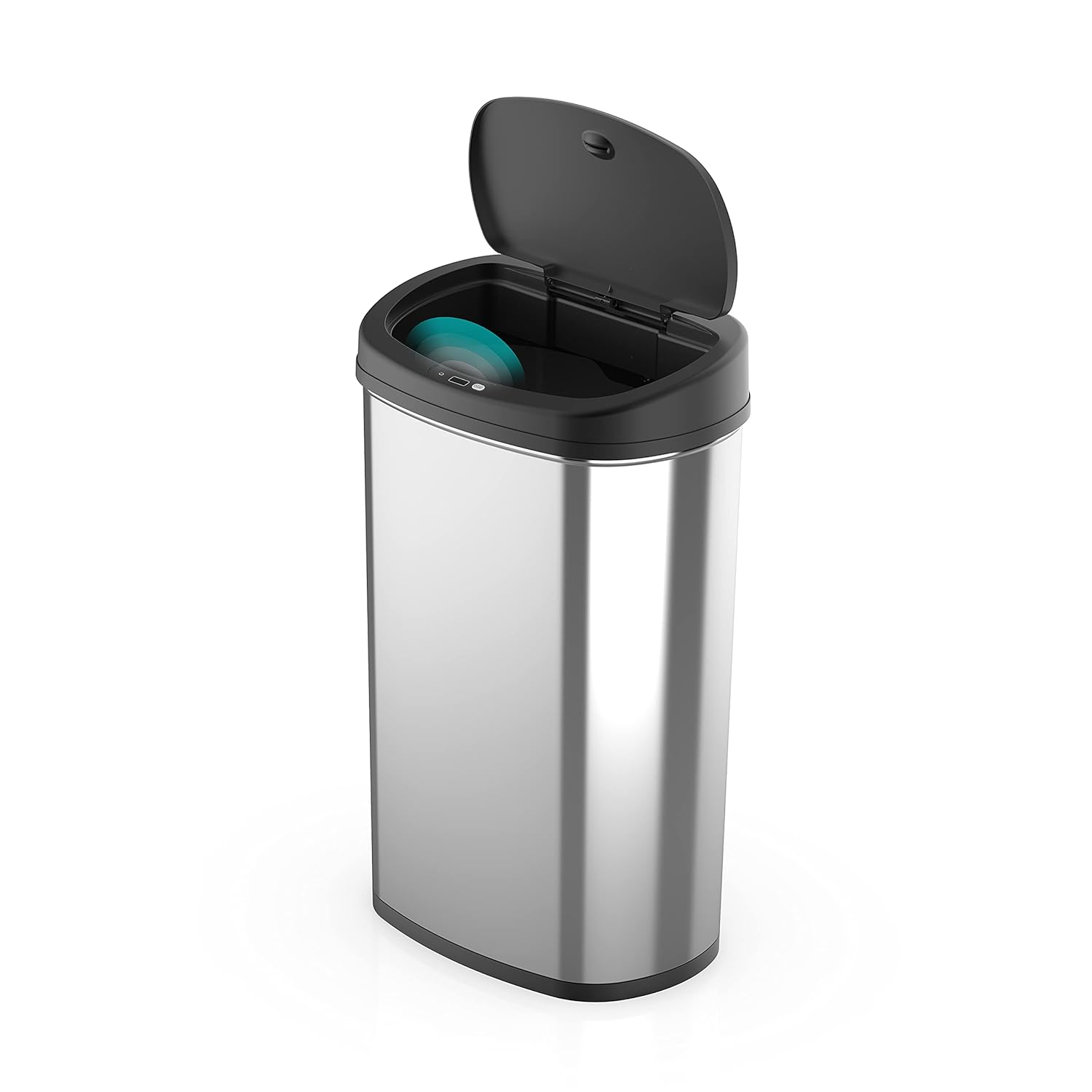
Imej 2.1: The Ninestars automatic trash can with its lid open, illustrating the motion sensor's position on the lid.

Imej 2.2: The Ninestars automatic trash can with its lid closed, demonstrating its compact and sleek appearance.
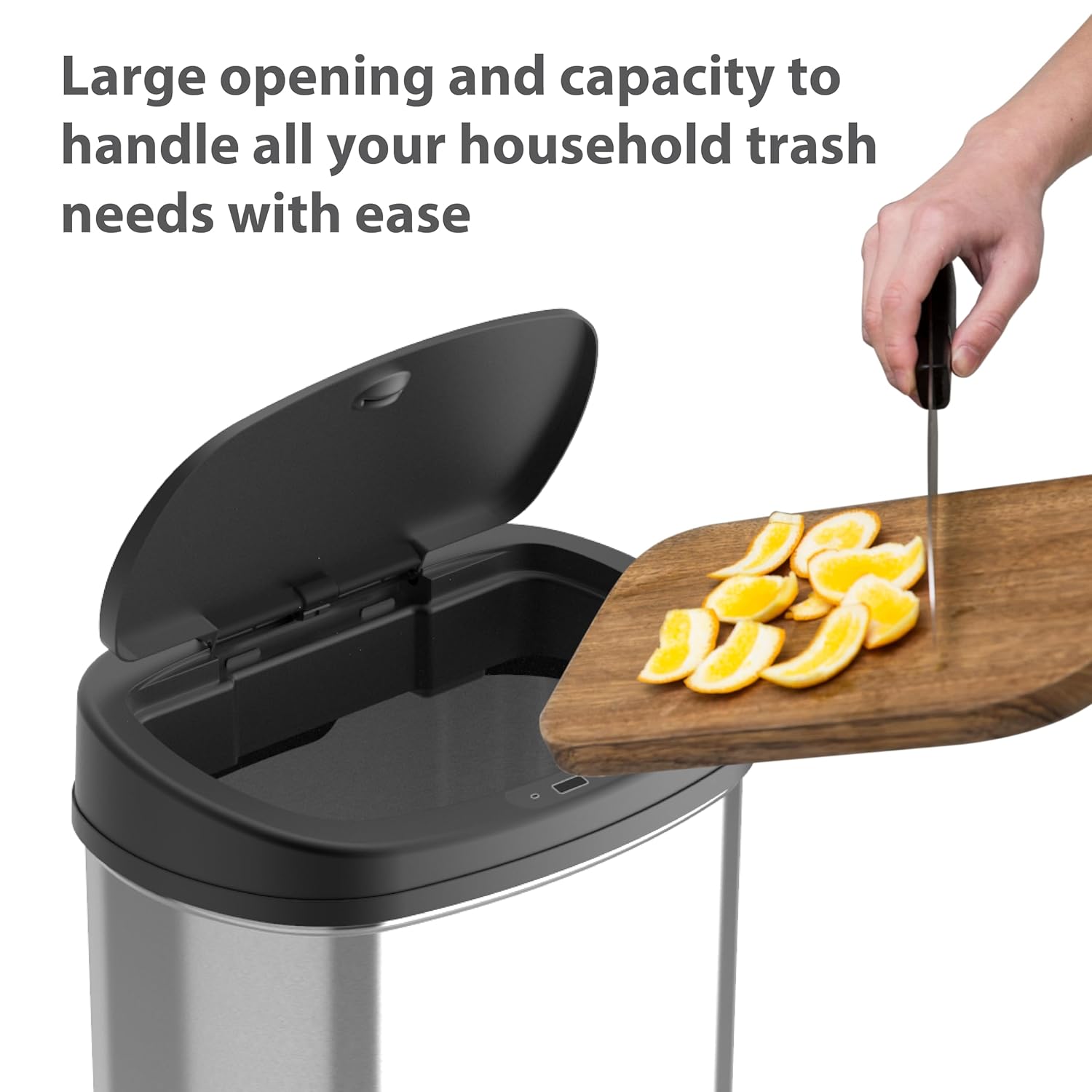
Imej 2.3: A user disposing of waste into the trash can, highlighting the wide opening for easy disposal.
3. Penyelenggaraan
3.1 Membersihkan Bahagian Luar
To maintain the appearance of the stainless steel body:
- Lap bahagian luar dengan lembut, damp cloth and a mild stainless steel cleaner.
- Avoid abrasive cleaners or scrubbers, as these can scratch the surface.
- Keringkan dengan teliti menggunakan kain yang bersih dan lembut untuk mengelakkan kesan air.
3.2 Membersihkan Bahagian Dalaman
For the interior, especially after removing a full trash bag:
- Remove the lid and liner ring.
- Wipe the inside of the body with a damp cloth and a mild disinfectant.
- Ensure the interior is completely dry before replacing the trash bag, liner ring, and lid.
3.3 Penggantian Bateri
When the sensor's response becomes slow or inconsistent, it may be time to replace the batteries. Refer to Section 1.2 for battery installation instructions.
4. Penyelesaian masalah
| Masalah | Kemungkinan Punca | Penyelesaian |
|---|---|---|
| Tudung tidak terbuka secara automatik. |
|
|
| Lid closes too quickly or slowly. |
|
|
| Lid remains open. |
|
|
5. Spesifikasi
| Ciri | Perincian |
|---|---|
| Model | B0D6XMY3F |
| Kapasiti | 13 Gelen (50 Liter) |
| Dimensi Produk (L x W x H) | 11.3 x 16.4 x 26.4 inci (28.8 x 41.6 x 67.1 cm) |
| Berat badan | 14 paun (6.35 kg) |
| bahan | Keluli Tahan Karat, Plastik |
| Mekanisme Pembukaan | Sensor Gerakan |
| Sumber Kuasa | 2 x "D" Size Batteries (not included) |
| Ciri Khas | Motion Sensor, Quiet Close, Fingerprint-Resistant |
Imej 5.1: Detailed dimensions of the Ninestars trash can, including height with the lid open and closed, width, and depth.
6. Waranti dan Sokongan
For warranty information, product support, or to purchase replacement parts, please refer to the official Ninestars website or contact their customer service department. Contact details are typically available on the product packaging or the manufacturer's official online resources.