1. Pengenalan
This manual provides detailed instructions for the HIFI WALKER G7 Android MP3 Player. It covers setup, operation, maintenance, and troubleshooting to ensure optimal use of your device. The G7 is an advanced portable media player featuring Android 13, a 4-inch touchscreen, Bluetooth, Wi-Fi, a built-in speaker, and a camera.
2. Kandungan Pakej
Upon opening your HIFI WALKER G7 package, you should find the following items:
- HIFI WALKER G7 Android MP3 Player
- Kabel Pengecasan USB Jenis-C
- Fon telinga berwayar
- Protective Film (Screen Protector)
- Kes Pelindung
- Lanyard
- Manual Pengguna (dokumen ini)

Image: All items included in the HIFI WALKER G7 retail package.
3. Peranti Lebihview
The HIFI WALKER G7 features a compact design with essential controls and ports for ease of use.
3.1 Ciri Fizikal
- Skrin Sentuh 4 inci: For interactive navigation and content display.
- Butang Kelantangan / Turun Kelantangan: Located on the side for audio adjustment.
- Butang Kuasa: For turning the device on/off and screen lock.
- Butang Kamera: Dedicated button for quick photo capture.
- Set Semula Lubang: For device reset in case of unresponsiveness.
- Port USB Jenis-C: Untuk pengecasan dan pemindahan data.
- Slot Kad TF: For expandable storage via microSD card.
- Earphone Port (3.5mm): For wired headphone connection.
- Pembesar Suara Terbina dalam: For audio playback without external devices.
- Microphone Hole: Untuk rakaman suara.

Imej: Depan dan belakang view of the HIFI WALKER G7.
Video: Tamatview of the HIFI WALKER G7 Android MP3 Player, demonstrating its physical features, user interface, and key functionalities like camera, app usage, and storage management.
4. Persediaan
4.1 Mengecas Peranti
Before first use, fully charge your HIFI WALKER G7. Use the provided USB Type-C cable and connect it to a compatible power adapter (not included) or a computer USB port. The device supports USB 2.0 fast charging. Nota: Some users have reported better charging performance with lower power wall chargers.
4.2 Menghidupkan/Mematikan
- Untuk Menghidupkan: Tekan dan tahan butang Power sehingga skrin menyala.
- Untuk Mematikan: Tekan dan tahan butang Kuasa, kemudian pilih 'Matikan kuasa' daripada pilihan.
- Untuk Mengunci/Membuka Kunci Skrin: Tekan butang Kuasa sebentar.
4.3 Menyambung ke Wi-Fi
The G7 supports Wi-Fi connectivity for internet access and app functionality.
- Go to 'Settings' > 'Network & internet' > 'Wi-Fi'.
- Togol Wi-Fi 'Hidupkan'.
- Pilih rangkaian Wi-Fi yang anda inginkan daripada senarai.
- Masukkan kata laluan jika diminta dan ketik 'Sambung'.
4.4 Menyambung ke Peranti Bluetooth
Connect your G7 to Bluetooth headphones, speakers, or other compatible devices.
- Pergi ke 'Tetapan' > 'Peranti yang disambungkan' > 'Bluetooth'.
- Togol Bluetooth 'Hidup'.
- Pastikan peranti Bluetooth anda berada dalam mod berpasangan.
- Select your device from the 'Available devices' list to pair.
4.5 Memasang dan Mengurus Aplikasi
The G7 comes with Android 13 and pre-installed apps like Spotify, Pandora, Amazon Music, Tidal, Deezer, YouTube, and Audible. You can also install more apps via the Google Play Store.
- Gedung Google Play: Access the Play Store app to download and install additional applications.
- Kawalan Ibu Bapa: Utilize the parental control features to manage app downloads and usage, ensuring a secure environment for younger users.
- Menyahpasang Apl: To free up memory and enhance performance, you can uninstall unnecessary apps through 'Settings' > 'Apps'.

Image: The HIFI WALKER G7 with Google Play Store pre-installed.
4.6 Pengurusan Storan
The device has 3GB RAM and 16GB internal storage, expandable up to 128GB with a microSD card.
- Memasukkan Kad MicroSD: Locate the TF card slot on the side of the device and gently insert the microSD card until it clicks into place.
- Mengurus Files: Gunakan terbina dalam file manager to organize your music, videos, and other files.
- One-Click Music Scanning: Easily import song folders and create playlists with this feature.

Image: HIFI WALKER G7 with expandable storage option.
5. Arahan Operasi
5.1 Menavigasi Antara Muka Skrin Sentuh
The 4-inch IPS touchscreen (480*800 px) provides a responsive and intuitive user experience.
- Ketik: Pilih item atau buka apl.
- Leret: Navigate through menus, home screens, or content.
- Cubit-untuk-Zum: Laraskan view in supported applications.
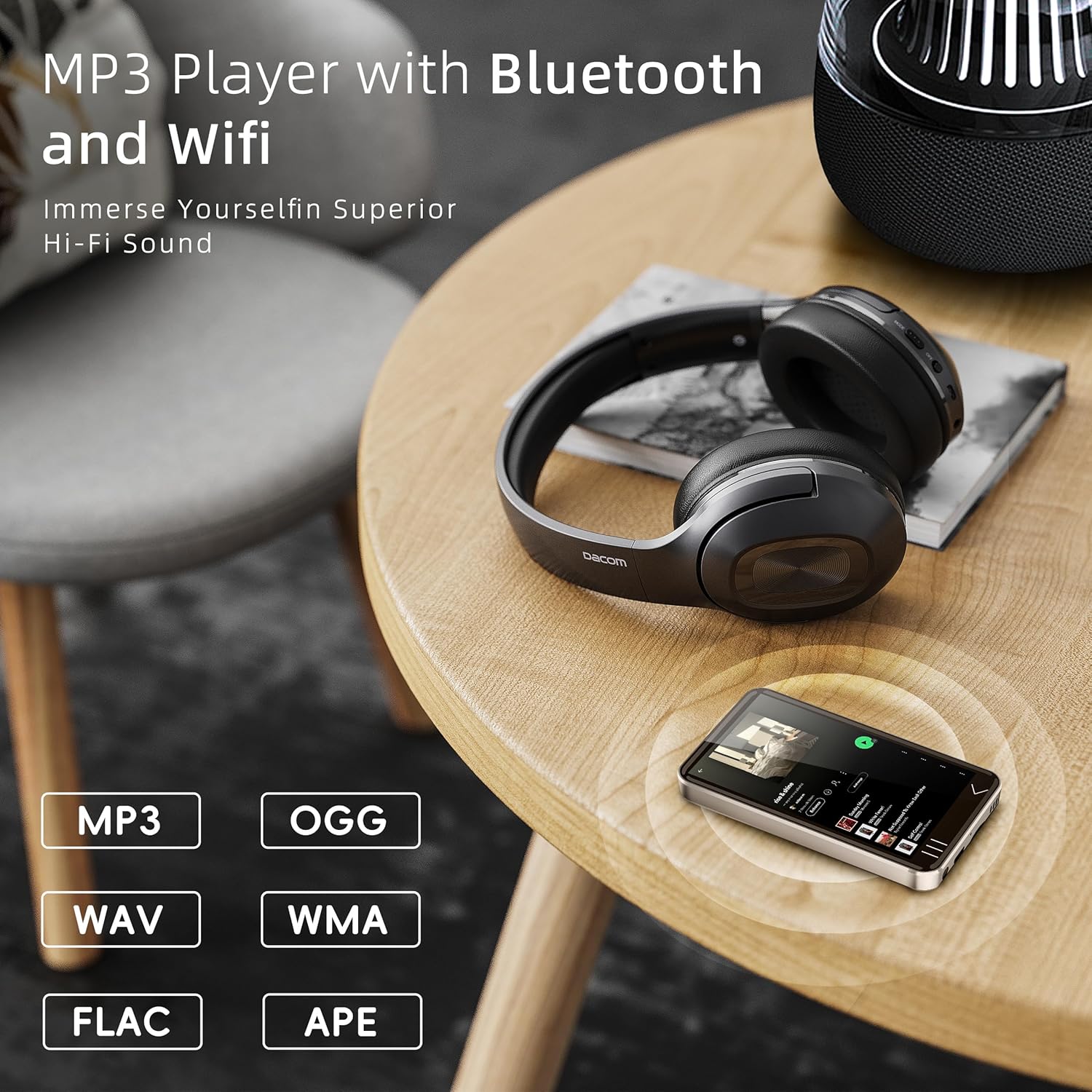
Image: The 4-inch full touchscreen of the HIFI WALKER G7.
5.2 Memainkan Muzik
Enjoy your favorite audio files through the built-in speaker or connected headphones.
- Format yang Disokong: MP3, WAV, FLAC, AAC, OGG, WMA, APE, and more.
- Music App: Use the pre-installed music player or streaming apps like Spotify, Amazon Music, etc.
- Senarai main: Create and manage playlists for easy access to your favorite tracks.

Image: HIFI WALKER G7 playing music with Bluetooth headphones.
5.3 Watching Videos
The G7 supports various video formats for direct playback without conversion.
- Pemain Video: Use the default video player or download alternatives from the Play Store.
- YouTube: Access the YouTube app for online video content.
Video: Demonstrates the HIFI WALKER G7's camera functionality, video playback, and various ports.
5.4 Menggunakan Kamera
The G7 features a built-in 5-megapixel camera for capturing photos and videos.
- Buka aplikasi 'Kamera'.
- Frame your shot using the touchscreen.
- Tap the on-screen shutter button or press the dedicated Camera button on the side to capture.

Image: HIFI WALKER G7 camera in use.
5.5 Rakaman Suara
Use the built-in microphone and voice recorder app to capture audio.
- Open the 'Sound Recorder' application.
- Ketik butang rakam untuk mula merakam.
- Ketik butang berhenti untuk menamatkan dan menyimpan rakaman.
5.6 Reading E-books and Audiobooks
The G7 is an excellent companion for reading, supporting popular audiobook and e-book platforms.
- Apl prapasang: Utilize apps like Audible and Kindle for audiobooks and e-books.
- Libby: Download Libby from the Play Store to access library e-books and audiobooks.

Image: HIFI WALKER G7 as an e-reading companion.
6. Penyelenggaraan
6.1 Battery Information and Care
The G7 is equipped with a built-in 2000mAh Li-Polymer battery.
- Masa Main Balik Muzik: Sehingga 50 jam.
- Masa Main Semula Video: Sehingga 5 jam.
- Masa Pengecasan: Lebih kurang 3 jam.
- To prolong battery life, avoid extreme temperatures and fully discharge/recharge the device periodically.

Image: HIFI WALKER G7 battery specifications.
6.2 Kemas Kini Perisian
Keep your device's software updated to ensure optimal performance and access to the latest features. Updates can typically be found in 'Settings' > 'System' > 'System update'.
6.3 Pembersihan
To clean your device, use a soft, lint-free cloth. Avoid using harsh chemicals or abrasive materials that could damage the screen or casing.
7. Penyelesaian masalah
If you encounter issues with your HIFI WALKER G7, refer to the following common problems and solutions:
| Masalah | Penyelesaian yang Mungkin |
|---|---|
| Device Overheats and Shuts Down | Reduce usage of demanding applications. Ensure the device is not exposed to direct sunlight or high temperatures. If the issue persists, contact support. |
| Isu Ketersambungan Wi-Fi | Ensure Wi-Fi is enabled and you are within range of a strong signal. Restart the device and your Wi-Fi router. Verify the Wi-Fi password. |
| Kegagalan Berpasangan Bluetooth | Ensure both the G7 and the Bluetooth device are in pairing mode. Try restarting both devices. Some Bluetooth devices may have specific pairing instructions. |
| Hayat Bateri Lemah | Close background applications. Reduce screen brightness. Disable Wi-Fi/Bluetooth when not in use. Ensure the device is fully charged using a compatible charger. |
| Device Freezes or is Unresponsive | Press and hold the Power button to force a restart. If unresponsive, use a thin object to press the Reset Hole. |
| Slow Performance / Long Boot Times | Uninstall unnecessary applications. Clear app caches. Ensure sufficient free storage space. |
| Camera Quality is Low | Ensure the camera lens is clean. Use adequate lighting. The built-in camera is 5MP, which may not match smartphone camera quality. |
| Cannot Reload Apps After Deletion | Attempt to reinstall from the Google Play Store. If persistent, a factory reset might be necessary (note: this will erase all data). |
8. Spesifikasi
| Ciri | Perincian |
|---|---|
| Nama Model | G7 |
| Sistem Operasi | Android 13 |
| Saiz Skrin | 4 Inci |
| Resolusi Skrin | 480*800 pixels (IPS Panel) |
| Pemproses | MTK 6762 Octa-core |
| RAM | 3GB |
| Storan Dalaman | 16GB (supports up to 80GB variant) |
| Storan Boleh Dikembangkan | Up to 128GB via SD Card |
| Ketersambungan | Bluetooth, USB (Jenis-C) |
| Ciri Khas | Built-In Camera (5MP), Built-In Speaker, Touch Screen, Video Playback, Voice Recorder |
| Bateri | 2000mAh Li-Polymer (1 C battery included) |
| Berat Barang | 10.2 auns |
| Dimensi Pakej | 5.87 x 3.78 x 2.24 inci |
9. Waranti dan Sokongan
HIFI WALKER products are designed for reliability and performance. For specific warranty details, please refer to the warranty card included in your package or contact HIFI WALKER customer service.
For further assistance, product registration, or to explore other HIFI WALKER products, please visit the official HIFI WALKER store:


