1. Pengenalan
Terima kasih kerana membeliasing the Technical Pro TPSPARK28-2 Portable Rechargeable Bluetooth Speaker. This manual provides essential information for the safe and efficient operation of your speaker system. Please read it thoroughly before use and retain it for future reference.

Image 1.1: Two Technical Pro TPSPARK28-2 speakers, showcasing their design and LED woofers.
2. Arahan Keselamatan
- Jangan dedahkan pembesar suara kepada air, kelembapan atau suhu yang melampau.
- Elakkan meletakkan pembesar suara berhampiran sumber haba atau di bawah cahaya matahari langsung.
- Jangan cuba membuka atau mengubah suai pembesar suara. Rujuk semua servis kepada kakitangan yang berkelayakan.
- Gunakan hanya volum pengecasan yang dinyatakantage and cable.
- Jauhkan pembesar suara daripada kanak-kanak dan haiwan peliharaan.
- Pastikan pengudaraan yang betul di sekeliling pembesar suara semasa operasi.
3. Kandungan Pakej
Sahkan bahawa semua item terdapat dalam pakej:
- Technical Pro TPSPARK28-2 Portable Bluetooth Speaker (2 units)
- Kabel Pengecas USB
- Manual Arahan
4. Produk Lebihview
4.1 Ciri Pembesar Suara
- Dual 8-inch woofers with dynamic LED lighting
- True Wireless Stereo (TWS) for connecting two speakers
- Kesambungan Bluetooth untuk penstriman audio wayarles
- USB and SD Card inputs for direct media playback
- FM Radio tuner
- Input mikrofon untuk karaoke
- Bateri boleh dicas semula terbina dalam

Image 4.1: Key features of the TPSPARK28-2 speaker.
4.2 Panel Kawalan dan Port

Imej 4.2: Terperinci view of the control panel and input/output ports.
- Port USB: Untuk main balik pemacu USB.
- Suis Hidup/Mati: Menghidupkan atau mematikan pembesar suara.
- DC 5V Charging Point: Connect the USB charging cable here.
- Paparan led: Menunjukkan mod semasa dan maklumat trek.
- Playback Controllers: Buttons for Play/Pause, Next/Previous Track, Mode selection.
- Slot Kad SD: Untuk main balik kad SD.
- Input Mik: 6.35mm jack for microphone connection.
- Input AUX: Bicu 3.5mm untuk peranti audio luaran.
5. Persediaan
5.1 Mengecas Speaker
Before first use, fully charge the speaker. Connect the USB charging cable to the DC 5V charging point on the speaker and the other end to a compatible USB power adapter (not included) or a computer USB port. The LED indicator will show charging status.
5.2 Hidupkan/Mati Kuasa
To power on the speaker, toggle the On/Off switch to the 'ON' position. To power off, toggle it to the 'OFF' position.
5.3 Penggandingan Stereo Tanpa Wayar Sebenar (TWS)
TWS allows you to connect two TPSPARK28-2 speakers wirelessly for a stereo sound experience.
- Pastikan kedua-dua pembesar suara dihidupkan dan dalam mod Bluetooth.
- On one speaker (this will be the primary speaker), press and hold the TWS button (often combined with the Play/Pause button or a dedicated TWS button, refer to your specific unit's button layout).
- Pembesar suara utama akan mencari pembesar suara kedua. Setelah disambungkan, anda akan mendengar pengesahan yang boleh didengar.
- Now, connect your Bluetooth device to the primary speaker. Both speakers will play audio in stereo.

Image 5.1: TWS wireless connection setup.
6. Arahan Operasi
6.1 Mod Bluetooth
- Power on the speaker. It will automatically enter Bluetooth pairing mode, indicated by a flashing 'BLUE' on the LED display.
- Pada peranti mudah alih anda, dayakan Bluetooth dan cari peranti yang tersedia.
- Select 'TPSPARK28-2' from the list. Once connected, you will hear a confirmation tone, and 'BLUE' will stop flashing.
- Anda kini boleh memainkan audio daripada peranti anda melalui pembesar suara.
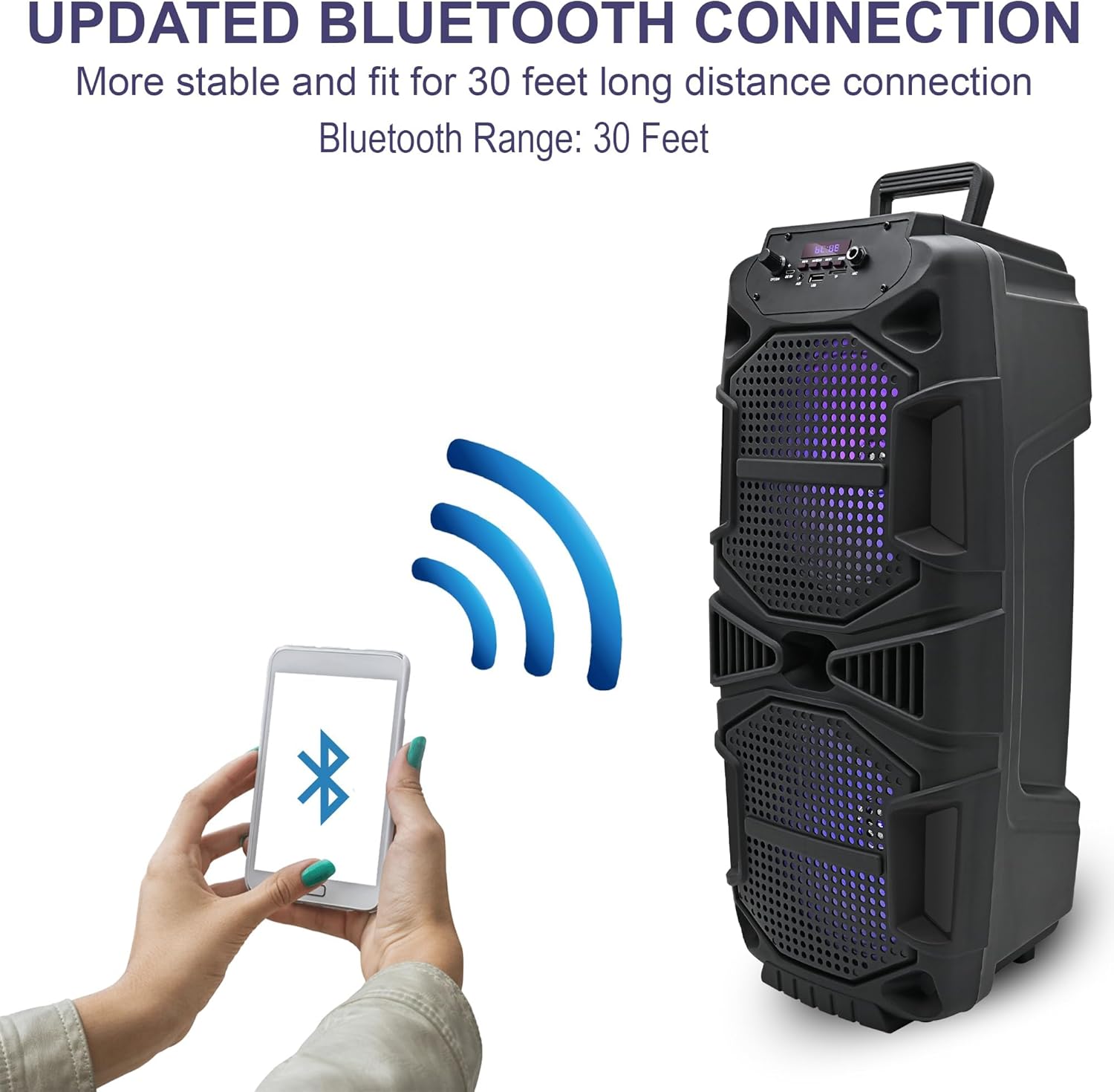
Image 6.1: Bluetooth connection process.
6.2 USB/SD Card Mode
- Insert a USB drive or SD card into the respective port.
- The speaker will automatically switch to USB or SD card mode and begin playing audio. If not, press the 'Mode' button to select the correct input.
- Use the playback control buttons (Play/Pause, Next/Previous) to manage your music.
Mod Radio 6.3 FM
- Press the 'Mode' button until 'FM' appears on the LED display.
- Press and hold the Play/Pause button to initiate an automatic scan for FM stations. The speaker will save all found stations.
- Use the Next/Previous buttons to navigate through the saved stations.
6.4 Input Mikrofon
Connect a microphone (not included) to the 'Mic Input' jack. Adjust the microphone volume using the dedicated knob on the control panel (if available) or the main volume control.

Image 6.2: Speaker in use for karaoke.
6.5 Lampu LED
The speaker features dynamic LED woofers that synchronize with the music. There is no specific control for the LED lights; they operate automatically when the speaker is on and playing audio.
7. Penyelenggaraan
- Pembersihan: Gunakan kain lembut dan kering untuk membersihkan bahagian luar pembesar suara. Jangan gunakan pembersih cecair atau bahan yang melelas.
- Storan: Simpan pembesar suara di tempat yang sejuk dan kering, jauh daripada cahaya matahari langsung dan suhu yang melampau apabila tidak digunakan.
- Penjagaan Bateri: To prolong battery life, avoid fully discharging the battery frequently. Recharge the speaker regularly, even if not in constant use.
8. Penyelesaian masalah
| Masalah | Penyelesaian yang Mungkin |
|---|---|
| Speaker tidak dihidupkan. | Pastikan bateri dicas. Sambungkan pembesar suara ke sumber kuasa menggunakan kabel pengecas USB. |
| Tiada bunyi. | Periksa tahap kelantangan pada pembesar suara dan peranti anda yang disambungkan. Pastikan mod input yang betul dipilih. |
| Peranti Bluetooth tidak boleh bersambung. | Ensure the speaker is in Bluetooth pairing mode. Turn off and on Bluetooth on your device. Move your device closer to the speaker. |
| Gandingan TWS gagal. | Ensure both speakers are in Bluetooth mode and within close proximity. Repeat the TWS pairing steps. |
| Kad USB/SD tidak dimainkan. | Ensure the USB drive or SD card is inserted correctly and contains compatible audio files (e.g., MP3). Press the 'Mode' button to select the correct input. |
9. Spesifikasi
| Ciri | Perincian |
|---|---|
| Nama Model | TPSPARK28-2 |
| Jenis Pembesar Suara | Woofer |
| Saiz Pembesar Suara | 8 Inci (Diameter Woofer) |
| Peak Power (Per Speaker) | 400 Watt |
| Teknologi Ketersambungan | Bluetooth, USB |
| Komunikasi Tanpa Wayar | Bluetooth |
| Julat Bluetooth | 30 Kaki |
| Sumber Kuasa | Dikuasakan Bateri |
| Dimensi Produk (Setiap) | 9.3"D x 8.6"W x 22"H |
| Berat Item (Setiap) | 4.5 paun |
| Komponen yang Disertakan | Bluetooth, USB, SD Card, and FM radio functionality |

Image 9.1: Speaker dimensions.
10. Maklumat Waranti
This product comes with a Limited Warranty. For specific details regarding warranty coverage, terms, and conditions, please refer to the warranty card included with your purchase or contact Technical Pro customer support.
11. Sokongan
For further assistance, technical support, or inquiries, please visit the official Technical Pro webtapak atau hubungi bahagian perkhidmatan pelanggan mereka. Maklumat hubungan biasanya boleh didapati pada pembungkusan produk atau rasmi jenama webtapak.


