pengenalan
Terima kasih kerana membeliasing the ZEBRONICS Zeb-Escape 10 Wireless BT Earphone. This manual provides essential information for setting up, operating, and maintaining your device. Please read it carefully before use to ensure optimal performance and longevity of your earphones.
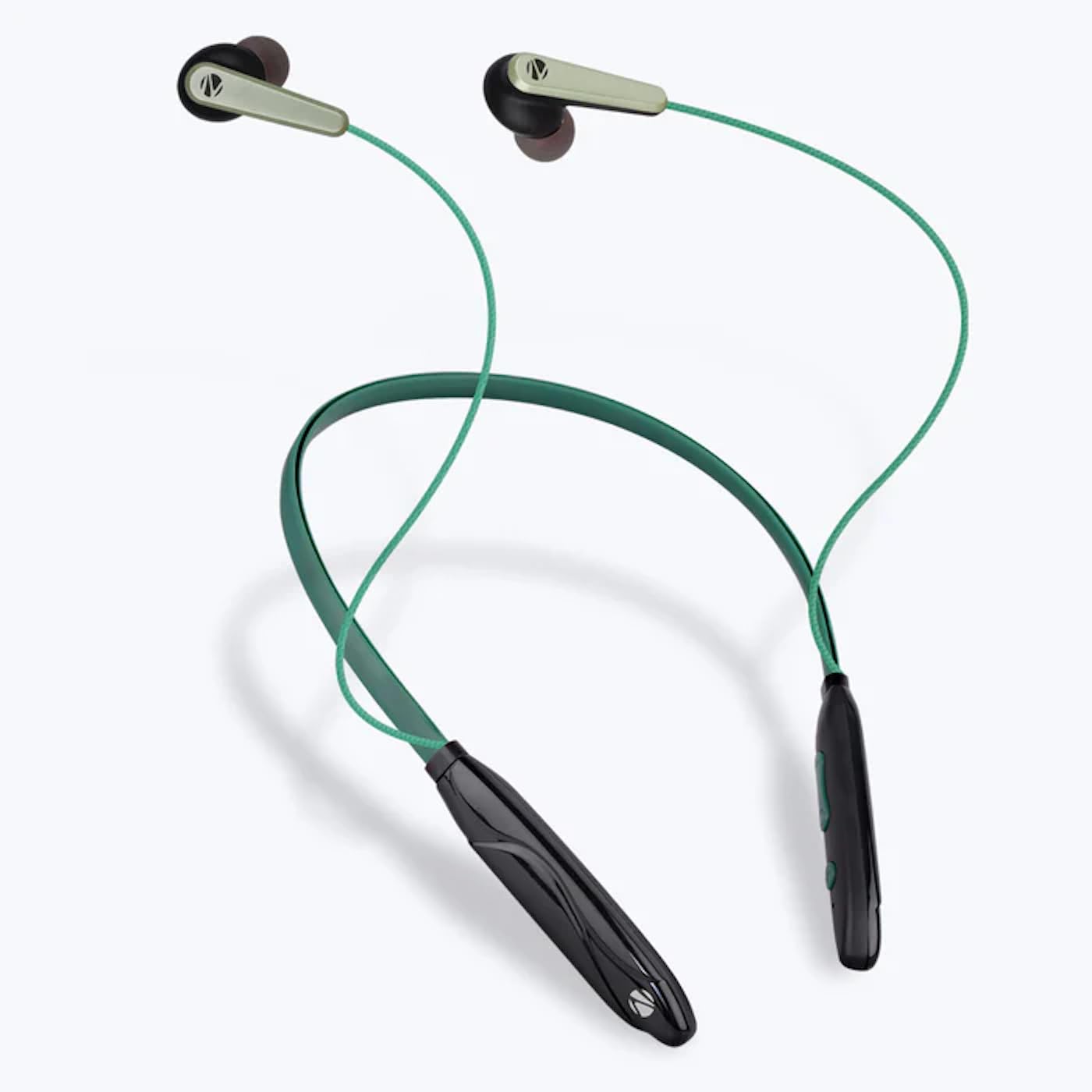
Image: The ZEBRONICS Zeb-Escape 10 Wireless BT Earphone, featuring a green and black neckband design with in-ear earbuds.
Kandungan Pakej
Item berikut disertakan dalam pakej produk anda:
- 1 U Neckband Earphone
- 1 U Charging Cable (Type-C)
- 1 U QR Code Guide
Persediaan
1. Mengecas Fon Telinga
Before first use, fully charge the earphone. Use the provided Type-C charging cable to connect the earphone to a USB power source (e.g., computer USB port, wall adapter). The LED indicator will show the charging status.
- Masa Pengecasan: Lebih kurang 1.5 jam.

Image: The earphone's control module with a Type-C charging port, showing a charging cable connected.
2. Berpasangan Bluetooth
To connect your earphone to a Bluetooth-enabled device:
- Pastikan fon telinga dicas dan dimatikan.
- Press and hold the multi-function button on the earphone until the LED indicator flashes red and blue, indicating it is in pairing mode.
- Pada peranti anda (telefon pintar, tablet, dll.), dayakan Bluetooth dan cari peranti yang tersedia.
- Select "ZEB-ESCAPE 10" from the list of found devices.
- Sebaik sahaja disambungkan, penunjuk LED akan berkelip biru perlahan-lahan atau padam, bergantung pada model.

Image: A smartphone display illustrating the Bluetooth pairing process, showing the earphone model 'ZEB-ESCAPE 10' as connected.
Arahan Operasi
Hidupkan/Mati Kuasa
- Hidupkan kuasa: Press and hold the multi-function button until the LED indicator lights up.
- Matikan: Press and hold the multi-function button until the LED indicator turns off.
Volume and Media Control
The earphone features integrated controls for managing audio playback and volume.
- Kelantangan: Tekan butang '+'.
- Perlahankan suara: Tekan butang '-'.
- Main/Jeda: Tekan butang pelbagai fungsi sekali.
- Lagu Seterusnya: Tekan dan tahan butang '+'.
- Trek Sebelumnya: Tekan dan tahan butang '-'.
Fungsi Panggilan
Manage calls directly from your earphone.
- Jawab Panggilan: Tekan butang pelbagai fungsi sekali.
- Tamatkan Panggilan: Tekan butang berbilang fungsi sekali semasa panggilan.
- Tolak Panggilan: Tekan dan tahan butang berbilang fungsi.
- Dail Semula Nombor Terakhir: Tekan dua kali butang berbilang fungsi.
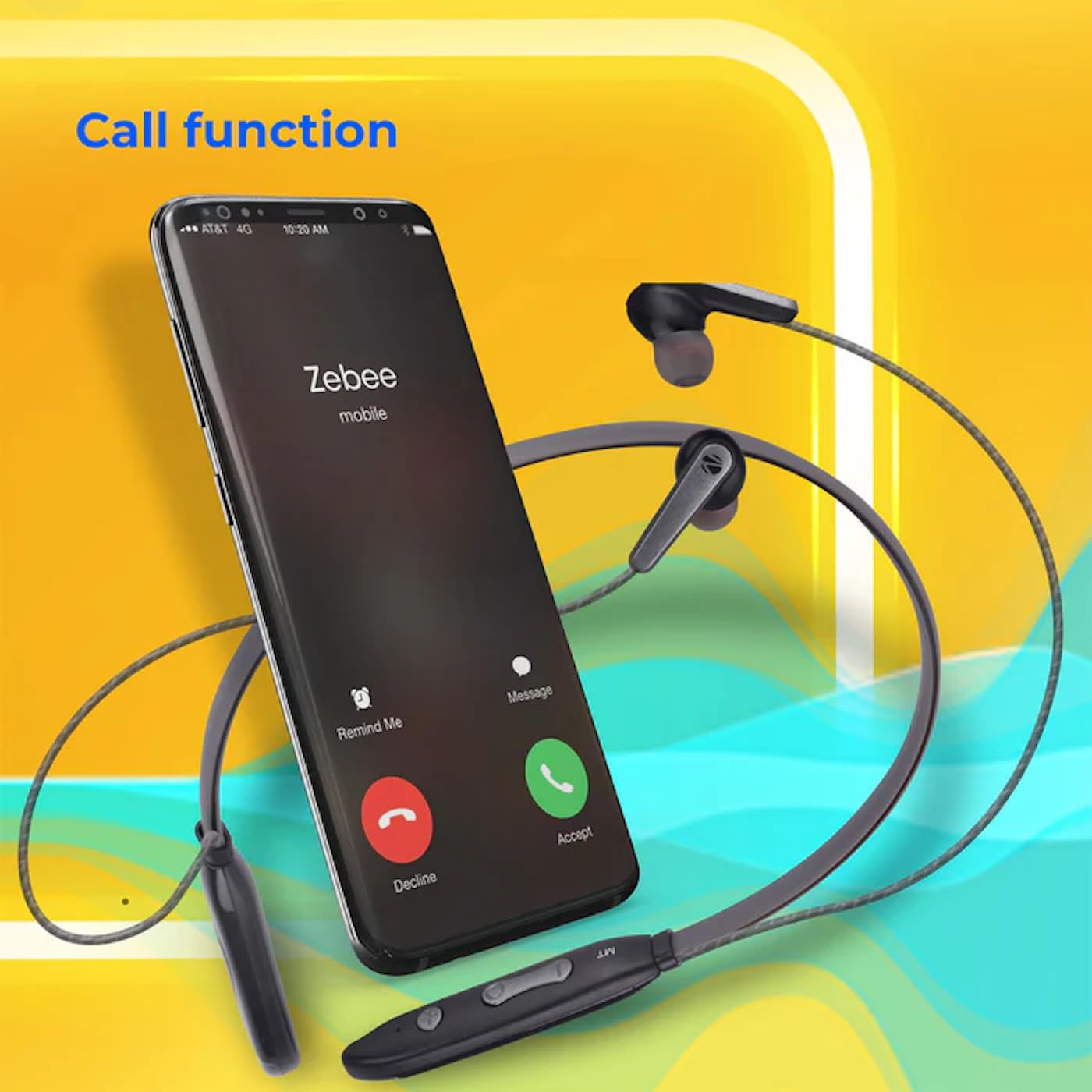
Image: A smartphone showing an incoming call interface, indicating the earphone's call handling capability.
Sokongan Pembantu Suara
Activate your device's voice assistant (e.g., Google Assistant, Siri) by triple-pressing the multi-function button.
Alat Telinga Magnetik
The earpieces are magnetic, allowing them to securely attach to each other when not in use, preventing tangling and ensuring they stay in place around your neck.

Imej: A terperinci view of an earbud, illustrating its design for a stable and comfortable fit.
Penyelenggaraan
To ensure the longevity and optimal performance of your ZEBRONICS Zeb-Escape 10 earphones, follow these maintenance guidelines:
- Pembersihan: Gunakan kain lembut dan kering untuk membersihkan fon telinga. Jangan gunakan bahan kimia yang keras atau bahan yang melelas.
- Storan: Simpan fon telinga di tempat yang sejuk dan kering jauh dari cahaya matahari langsung dan suhu yang melampau.
- Tahan Air: The earphones are water resistant. Avoid submerging them in water or exposing them to heavy rain.
- mengecas: Only use the provided charging cable or a certified Type-C cable. Avoid overcharging.
Menyelesaikan masalah
If you encounter issues with your earphone, refer to the following common problems and solutions:
| Masalah | Penyelesaian yang Mungkin |
|---|---|
| Fon telinga tidak boleh dihidupkan. | Pastikan fon telinga dicas sepenuhnya. |
| Tidak boleh berpasangan dengan peranti. | Ensure the earphone is in pairing mode (flashing red/blue). Turn off and on Bluetooth on your device. Move closer to the earphone. |
| Tiada bunyi atau kelantangan rendah. | Check volume levels on both the earphone and your connected device. Ensure the earphone is properly paired. |
| Isu kualiti panggilan. | Ensure you are within Bluetooth range. Check for obstructions between the earphone and your device. |
Spesifikasi
Technical specifications for the ZEBRONICS Zeb-Escape 10 Wireless BT Earphone:
| Ciri | Perincian |
|---|---|
| Nama Model | ZEB-NBI 5 |
| Versi Bluetooth | v5.3 |
| Disokong BT Profiles | HSP / HFP / A2DP / AVRCP |
| Saiz Pemandu | 10mm |
| Impedans Pembesar Suara | 16Ω |
| Masa Main Semula | Sehingga 20 jam (pada volum 50%) |
| Masa Berbual | Sehingga 20 jam |
| Masa Mengecas | 1.5 jam |
| Masa Tunggu Sedia | 200 jam |
| Berat Bersih | 26g |
| Jenis Kawalan | Kawalan Media, Sentuh |
| Tahap Ketahanan Air | Tahan Air |
| Ciri Khas | Fast Charging, Foldable, Microphone Included, Sweatproof |

Image: Visual representation of the earphone's 20-hour playback capability.
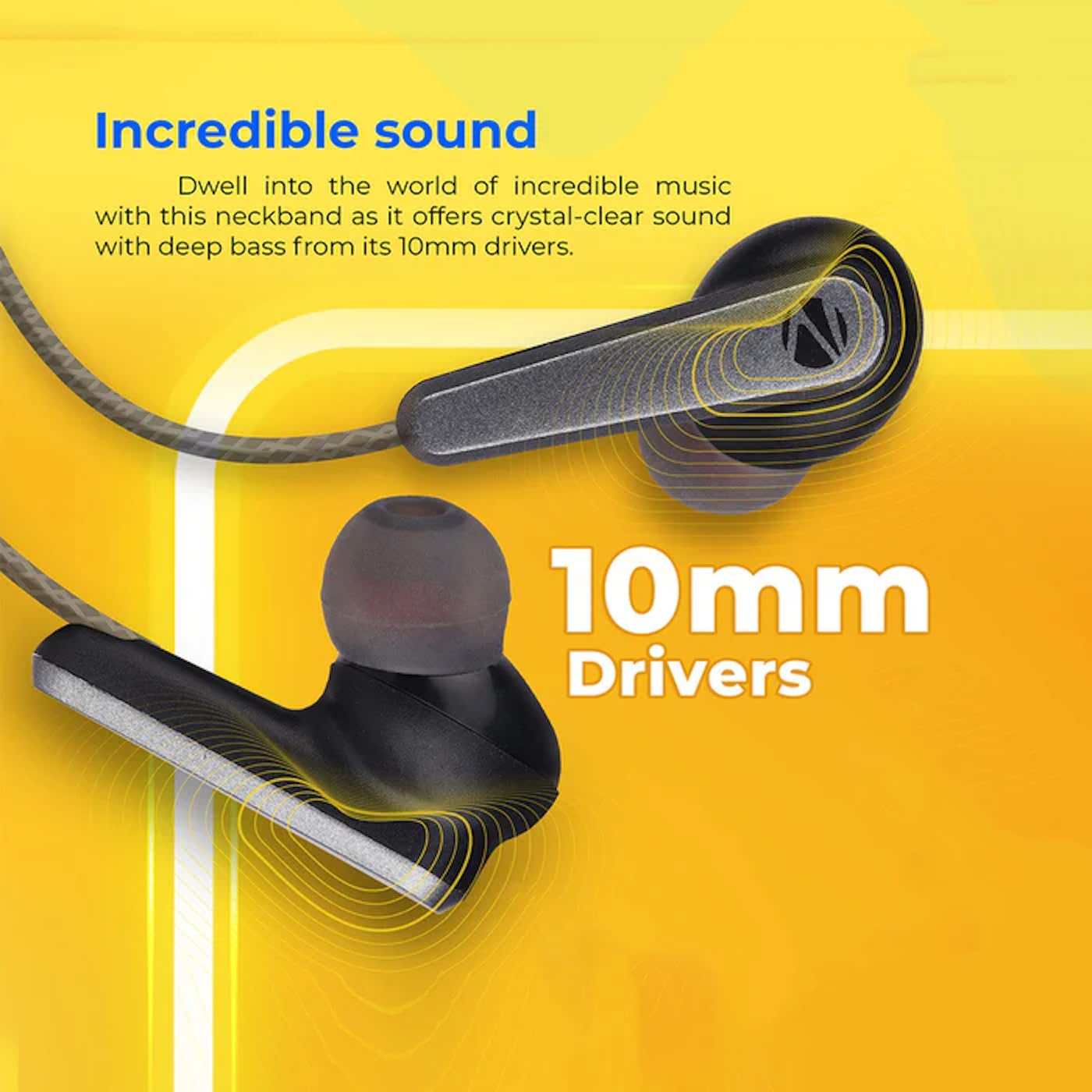
Image: A close-up of an earbud, highlighting the 10mm audio drivers responsible for sound output.
Maklumat Waranti
The ZEBRONICS Zeb-Escape 10 Wireless BT Earphone comes with a Waranti 6 bulan from the date of purchase. This warranty covers manufacturing defects. Please retain your purchase receipt as proof of purchase for warranty claims. The warranty does not cover damage caused by misuse, accidents, unauthorized modifications, or normal wear and tear.
Sokongan Pelanggan
For further assistance, technical support, or warranty claims, please contact ZEBRONICS customer service. Refer to the QR code guide included in your package or visit the official ZEBRONICS weblaman web untuk maklumat hubungan.


