pengenalan
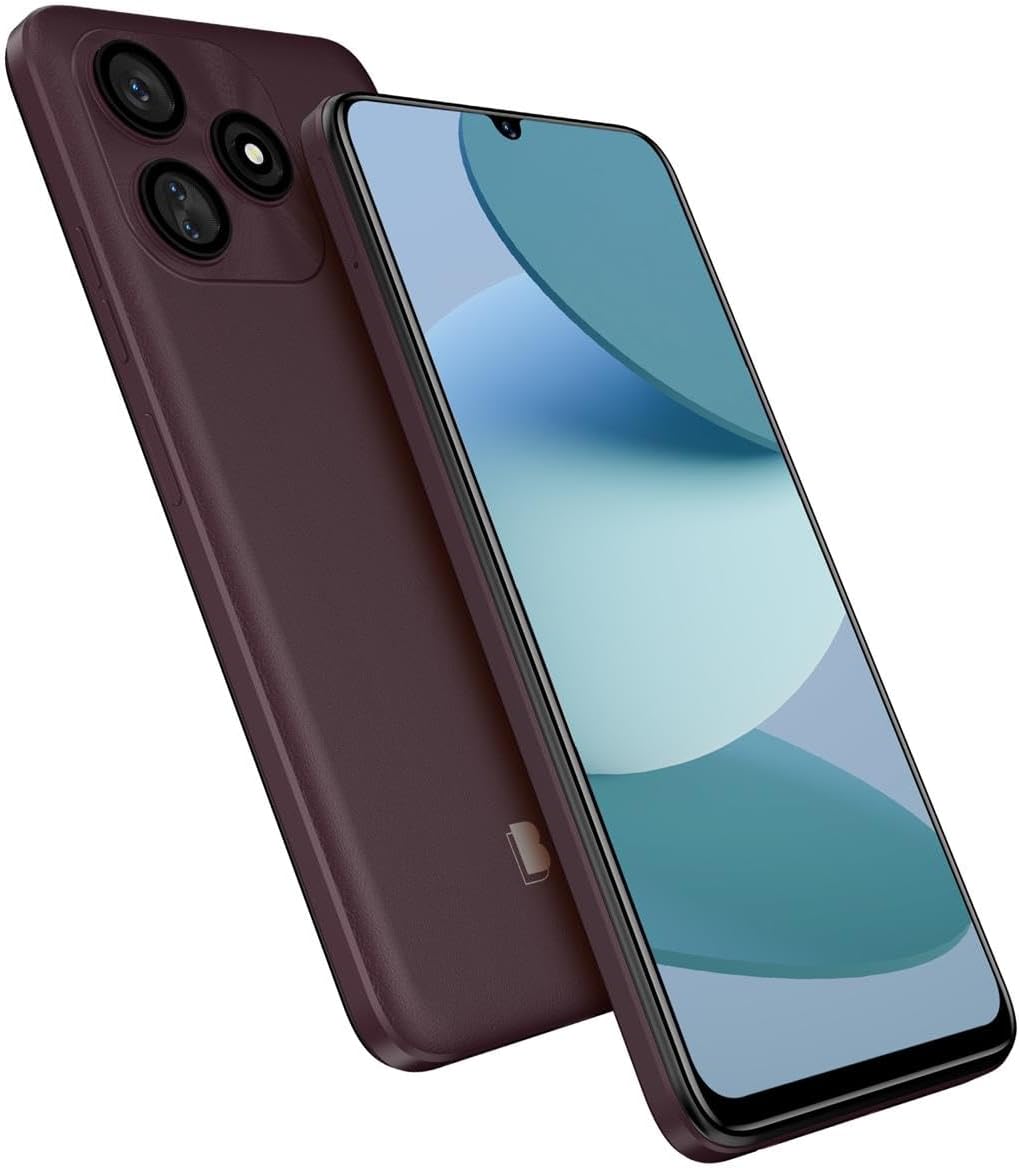
Welcome to the user manual for your new BLU G73L smartphone. This guide provides essential information to help you set up, operate, maintain, and troubleshoot your device. Please read this manual carefully to ensure optimal performance and longevity of your smartphone.
Maklumat Keselamatan
Always follow basic safety precautions when using your BLU G73L to reduce the risk of fire, electric shock, and injury.
- Jangan dedahkan peranti kepada suhu yang melampau atau cahaya matahari langsung.
- Elakkan bersentuhan dengan cecair.
- Use only BLU-approved chargers and accessories.
- Jangan cuba membuka atau membaiki peranti sendiri.
- Buang bateri dan peranti mengikut peraturan tempatan.
Persediaan
Apa yang ada dalam Kotak
- Telefon Pintar BLU G73L
- Kabel USB
Note: Contents may vary by region or retailer.
Memasukkan Kad SIM dan Kad MicroSD
The BLU G73L supports dual SIM cards and a MicroSD card for expandable storage up to 64GB.
- Locate the SIM/MicroSD card tray on the side of the phone.
- Insert the SIM ejector tool (if provided) or a small paperclip into the small hole next to the tray to eject it.
- Tarik keluar dulang dengan berhati-hati.
- Place your Nano-SIM card(s) and MicroSD card into the designated slots on the tray, ensuring the gold contacts face down.
- Tolak dulang perlahan-lahan ke dalam telefon sehingga ia berbunyi pada tempatnya.

Mengecas Bateri
Your BLU G73L comes with a built-in 5000mAh Lithium Ion battery.
- Sambungkan kabel USB Jenis-C ke port pengecasan di bahagian bawah telefon.
- Connect the other end of the USB cable to a compatible power adapter and plug it into a power outlet.
- Allow the phone to charge fully before first use. A charging indicator will appear on the screen.

Menghidupkan/Mematikan
- To power on: Press and hold the Power button until the BLU logo appears.
- Untuk mematikan: Tekan dan tahan butang Kuasa, kemudian pilih "Matikan" daripada pilihan pada skrin.
Operating Your BLU G73L
Navigasi Asas
The BLU G73L runs on Android 13 (Go Edition).
- Skrin Sentuh: Tap, swipe, pinch-to-zoom to interact with the display.
- Skrin Utama: Hab pusat anda untuk aplikasi dan widget.
- Panel Pemberitahuan: Leret ke bawah dari bahagian atas skrin untuk mengakses tetapan dan pemberitahuan pantas.
- Bar Navigasi: Use the on-screen buttons (Back, Home, Recent Apps) or gesture navigation (if enabled) to move between screens and applications.
Ketersambungan
Peranti anda menyokong pelbagai pilihan sambungan:
- Wi-Fi: Sambung ke rangkaian wayarles untuk akses internet. Pergi ke Tetapan > Rangkaian & internet > Internet.
- Bluetooth: Gandingkan dengan peranti Bluetooth lain seperti fon kepala atau pembesar suara. Pergi ke Tetapan> Peranti yang disambungkan> Pilihan sambungan> Bluetooth.
- Data mudah alih: Access the internet via your cellular network. Ensure your SIM card is active and mobile data is enabled in Tetapan > Rangkaian & internet > SIM.
Penggunaan Kamera
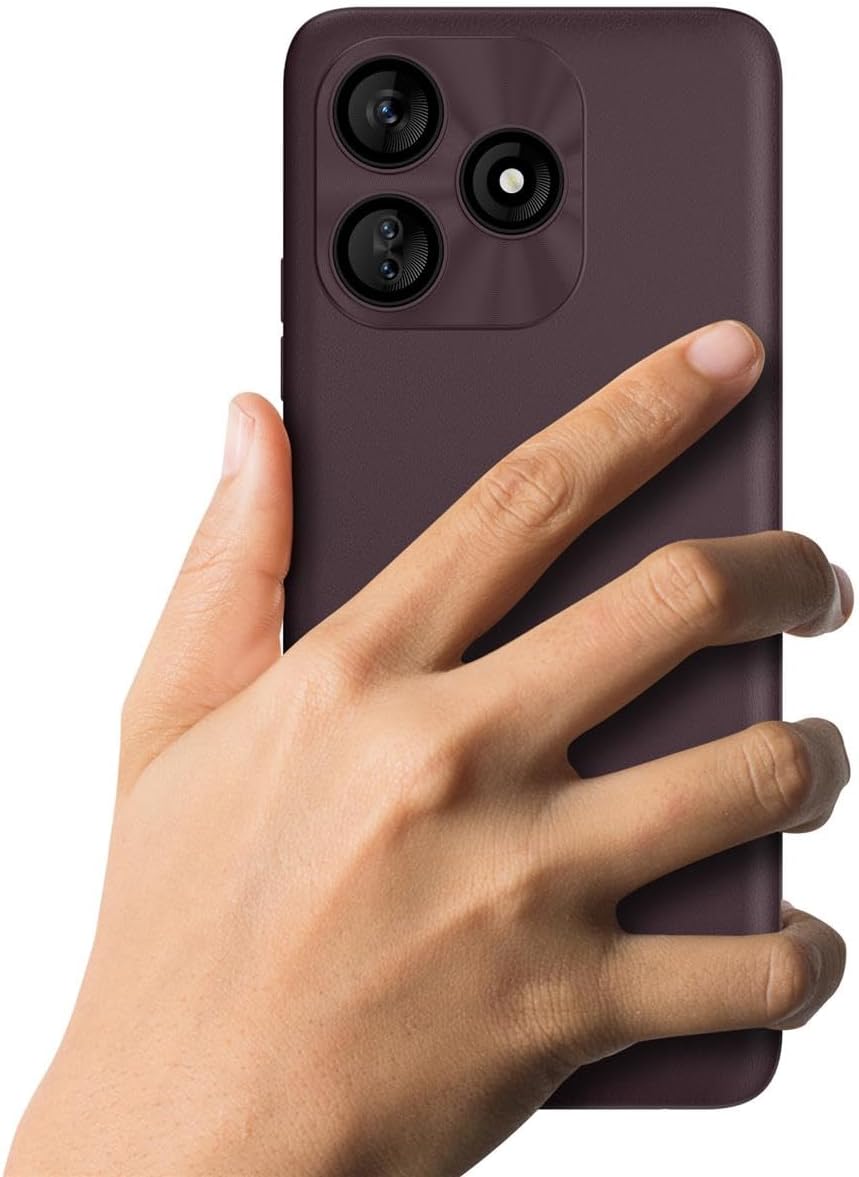
The BLU G73L features a 13MP triple main camera with flash and an 8MP selfie camera.
- Buka apl Kamera daripada skrin utama atau laci apl anda.
- Pilih mod yang anda inginkan (Foto, Video, Potret, dll.).
- Ketik butang pengatup untuk menangkap foto atau mula/hentikan rakaman video.
- Use the front/rear camera switch icon to change cameras.

Pengurusan Storan
The device has 64GB internal memory, expandable up to 64GB via MicroSD.
- Regularly check your storage usage in Tetapan > Storan.
- Bergerak besar files (photos, videos) to your MicroSD card to free up internal space.
- Nyahpasang aplikasi yang tidak digunakan.
Penyelenggaraan
Kemas Kini Perisian
Keep your device's software up to date to ensure optimal performance and security.
- Pergi ke Tetapan > Sistem > Kemas kini sistem untuk menyemak dan memasang kemas kini yang tersedia.
- Ensure your phone is connected to Wi-Fi and has sufficient battery charge before performing an update.
Membersihkan Peranti Anda
To clean your BLU G73L:
- Matikan peranti.
- Gunakan kain lembut dan tidak berbulu untuk mengelap skrin dan badan.
- Elakkan menggunakan bahan kimia yang keras atau bahan yang melelas.
Penjagaan Bateri
Untuk memaksimumkan hayat bateri:
- Elakkan menyahcas sepenuhnya bateri dengan kerap.
- Jangan biarkan telefon dicas untuk tempoh yang lama selepas ia penuh.
- Reduce screen brightness and disable unnecessary features like GPS or Bluetooth when not in use.
Menyelesaikan masalah
| Masalah | Penyelesaian |
|---|---|
| Telefon tidak dihidupkan | Pastikan bateri telah dicas. Tekan dan tahan butang Kuasa selama sekurang-kurangnya 10 saat. |
| Aplikasi membeku atau ranap | Close the app and reopen it. Clear the app's cache (Settings > Apps > [App Name] > Storage & cache > Clear cache). Restart the phone. |
| Sambungan Wi-Fi yang lemah | Restart your Wi-Fi router. Forget the network on your phone and reconnect. Ensure you are within range of the Wi-Fi signal. |
| Bateri cepat habis | Reduce screen brightness. Close background apps. Disable unnecessary features like GPS or Bluetooth. Check battery usage in Settings to identify power-hungry apps. |
| Cannot make/receive calls or texts | Check if your SIM card is properly inserted. Ensure you have network signal. Contact your mobile carrier for service issues. |
Spesifikasi
| Ciri | Perincian |
|---|---|
| Model | BLU G73L (G0930WW) |
| Sistem Operasi | Android 13 (Edisi Go) |
| Paparan | 6.8" HD+ Infinity Display (720 x 1600 Resolution, 258ppi) |
| Storan Dalaman | 64GB |
| RAM | 2GB + 2GB Xtra RAM |
| Storan Boleh Dikembangkan | MicroSD sehingga 64GB |
| Kamera Belakang | 13MP Tiga Utama dengan Denyar |
| Kamera Depan | Kamera Selfie 8MP |
| Tangkapan Video | 1080p@30fps |
| Bateri | 5000mAh Lithium Ion (termasuk) |
| Ketersambungan | Bluetooth 4.1, Wi-Fi (a/b/g/n), USB Type-C |
| Jalur Rangkaian | GSM: Quad Bands | 3G: 850/900/1700/1900/2100 | LTE: 2/3/4/5/7/12/17/28AB/38/66/71 |
| Dimensi | 9.25 x 6.75 x 3.25 inci |
| Berat badan | 1 paun |
Maklumat Waranti
For detailed warranty information regarding your BLU G73L smartphone, please refer to the warranty card included in your product packaging or visit the official BLU webtapak. Terma dan syarat waranti mungkin berbeza mengikut wilayah.
Sokongan
If you encounter issues not covered in this manual or require further assistance, please contact BLU customer support.
- Sokongan dalam talian: Visit the official BLU website for FAQs, support resources, and contact options.
- Pusat Perkhidmatan: Information on authorized service centers can be found on the BLU webtapak.
Please have your device model number (G0930WW) and serial number ready when contacting support.


