1. Pengenalan
The BenQ TK710 is a 4K laser projector designed for both movie viewing and gaming. It features a 3200 ANSI lumens laser light source, providing bright and vibrant images suitable for various lighting conditions. This manual provides essential information for setting up, operating, and maintaining your projector.
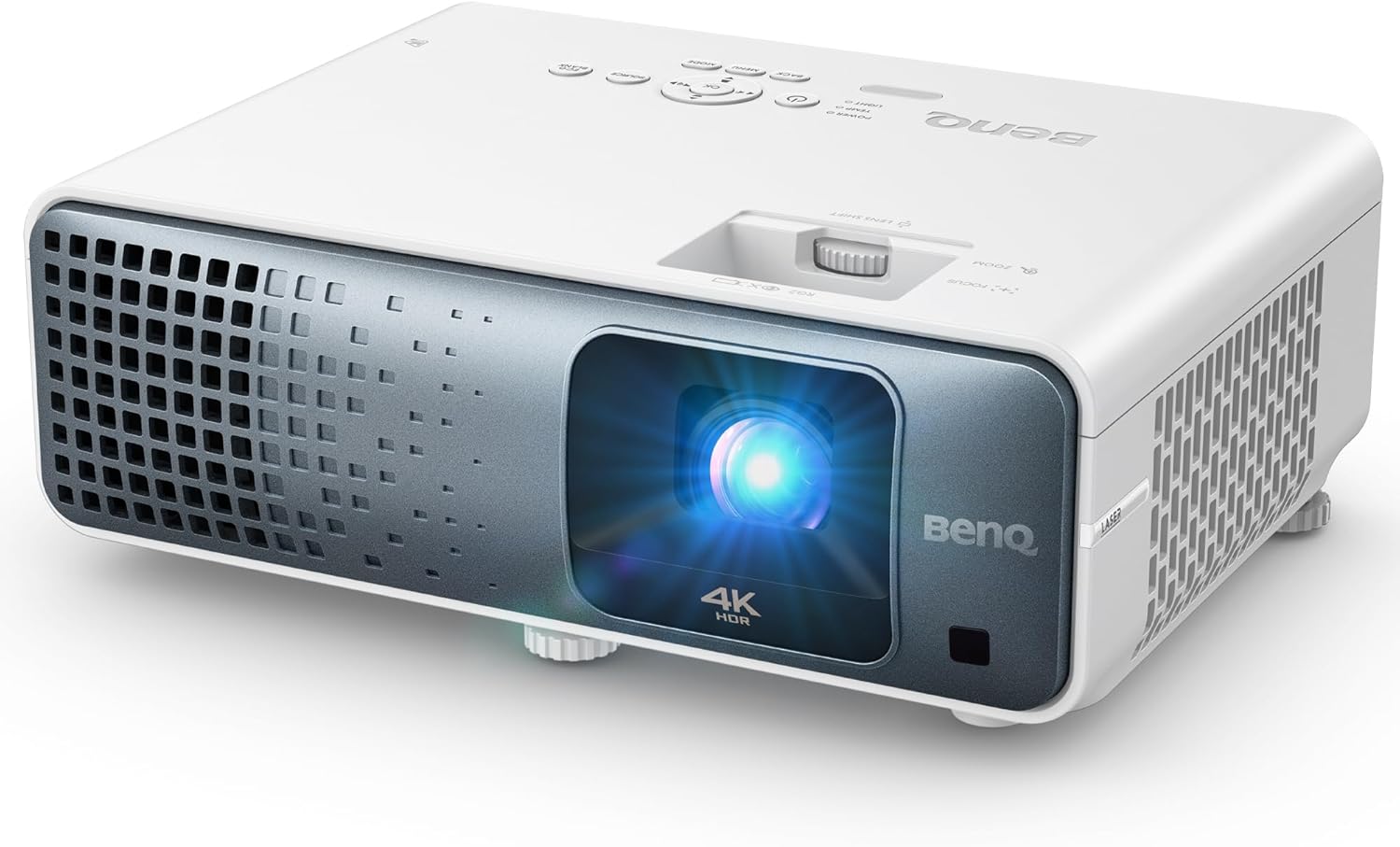
Imej: Depan view of the BenQ TK710 4K Laser Projector.
2. Arahan Keselamatan Penting
Please read and follow these safety guidelines to ensure safe operation and prolong the life of your projector.
- Jangan lihat terus ke dalam kanta projektor apabila lamp sedang aktif. Cahaya yang terang boleh menyebabkan kerosakan mata.
- Pastikan pengudaraan yang betul di sekitar projektor. Jangan halang bukaan pengudaraan.
- Gunakan hanya kord kuasa dan penyesuai yang dibekalkan bersama projektor.
- Jangan dedahkan projektor kepada hujan, lembapan atau suhu yang melampau.
- Rujuk semua servis kepada kakitangan perkhidmatan yang berkelayakan.
3. Kandungan Pakej
Sahkan bahawa semua item terdapat dalam pakej:
- BenQ TK710 4K Laser Projector
- Kabel Kuasa
- Kawalan Jauh dengan Bateri
- Panduan Mula Pantas
- Penyesuai
4. Produk Lebihview
Familiarize yourself with the key components and connection ports of your BenQ TK710 projector.
4.1 Depan View
The front of the projector features the projection lens, which emits the image onto your screen.
4.2 Kawalan Panel Atas
The top panel provides direct access to essential functions for operating the projector without the remote control.
- Butang Kuasa: Menghidupkan atau mematikan projektor.
- Butang Menu: Mengakses menu paparan pada skrin (OSD).
- Butang Sumber: Memilih sumber input.
- Butang Navigasi: Used to navigate through menu options and adjust settings.
4.3 Sambungan Panel Belakang
The rear panel offers various ports for connecting external devices, ensuring broad compatibility.

Image: Rear panel of the projector with HDMI, USB, and other connectivity options.
- HDMI 1 (with eARC/ARC): Connects to HDMI-compatible devices and supports enhanced audio return channel for external sound systems.
- HDMI2: Connects to additional HDMI-compatible devices.
- USB Jenis-A: Untuk main balik media atau menghidupkan peranti luaran.
- Keluar Audio: Connects to external audio systems.
- RS-232: Untuk penyepaduan sistem kawalan.
5. Persediaan
Follow these steps for initial setup of your BenQ TK710 projector.
5.1 Penempatan
Position the projector on a stable surface or mount it to the ceiling. Consider the projection distance for your desired screen size. The TK710 features a 1.3x zoom for flexible placement, allowing you to achieve a large image from varying distances.

Image: Illustration of projection distances for different screen sizes.
5.2 Menyambung Peranti
Connect your video sources (e.g., gaming console, streaming device, Blu-ray player) to the projector's HDMI ports. The projector supports dual HDMI 2.0b universal connectivity with ARC/eARC for audio passthrough.
5.3 Hidupkan
Connect the power cable to the projector and a power outlet. Press the power button on the projector's top panel or the remote control to turn it on.
6. Mengendalikan Projektor
This section details the basic operation and image adjustments for your projector.
6.1 Hidupkan/Mati Kuasa
Press the power button once to turn the projector on. Press it again to initiate the shutdown sequence.
6.2 Pemilihan Sumber Input
Use the 'Source' button on the remote or top panel to cycle through available input sources (HDMI 1, HDMI 2).
6.3 Pelarasan Imej
Adjust the projected image for optimal clarity and geometry.
6.3.1 Fokus dan Zum
Use the focus and zoom rings located around the lens to sharpen the image and adjust its size. The 1.3x optical zoom allows for precise image sizing without moving the projector.
6.3.2 Pembetulan Keystone
The TK710 features 3D Keystone correction to square the image if the projector is not perfectly aligned with the screen. Access this setting via the OSD menu.
6.3.3 Vertical Lens Shift
Utilize the vertical lens shift function for fine-tuning image height without physically moving the projector. This offers enhanced flexibility for ceiling-mounting or table placement.

Image: Visual representation of flexible installation options including vertical lens shift and keystone correction.
6.4 Mod Gambar
Select appropriate picture modes for your content to optimize visual quality. The projector supports True 4K UHD with HDR10/HLG for rich detail and improved contrast.

Image: Demonstrates the clarity of 4K UHD resolution compared to lower resolutions.
6.4.1 HDR Game Modes
For an enhanced gaming experience, activate the dedicated HDR Game Modes. These modes optimize visuals for gaming, providing low latency (4ms response time at 1080p@240Hz, 16ms input lag at 4K/60Hz) and smooth, responsive gameplay.

Image: Illustrates the low input lag performance of the TK710 during fast-paced gaming.
6.4.2 Dynamic Contrast
The Dynamic Function rapidly adjusts the laser light source for improved contrast, enhancing dark details and overall picture depth.

Image: Shows the visual improvement in dark scenes with Dynamic Contrast enabled.
6.5 Tetapan Audio
The projector includes a built-in 5W speaker for basic audio output. For a more immersive experience, connect to an external audio system via the HDMI 1 port, which supports eARC/ARC.
7. Penyelenggaraan
Proper care and maintenance will ensure optimal performance and longevity of your projector.
- Membersihkan Lensa: Gunakan kain lembut dan tidak berbulu yang direka khas untuk kanta optik. Elakkan bahan yang kasar atau bahan kimia yang keras.
- Membersihkan Badan Projektor: Lap bahagian luar dengan kain lembut dan kering. Jangan gunakan pembersih cecair atau aerosol.
- Sumber Cahaya Laser: The durable laser light source provides up to 20,000 hours of operation, eliminating the need for frequent lamp replacements. No user-serviceable parts are associated with the laser module.
- Pengudaraan: Regularly check that the ventilation openings are clear of dust and debris to prevent overheating.
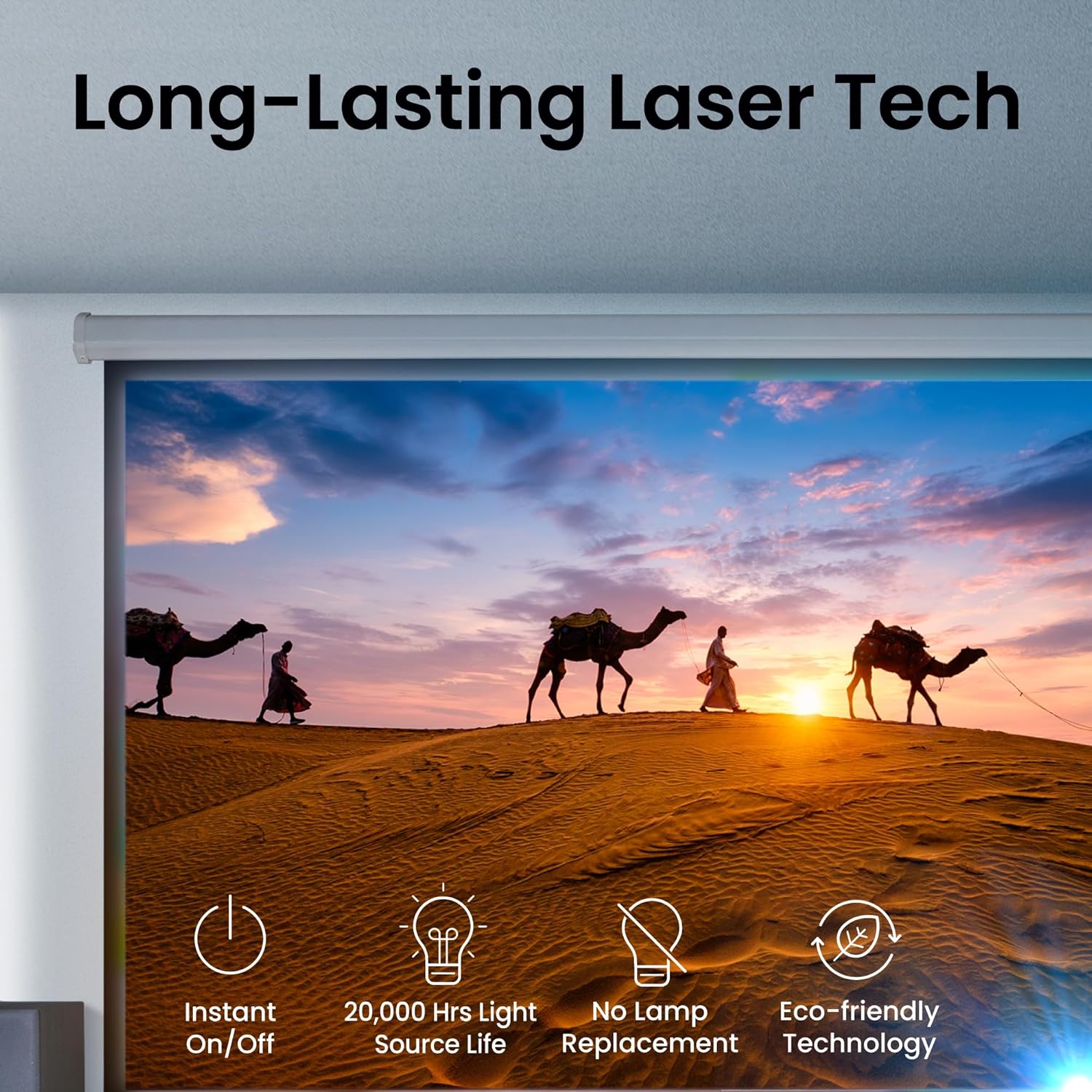
Image: Highlights the benefits of the projector's long-lasting laser light source.
8. Penyelesaian masalah
Jika anda menghadapi masalah dengan projektor anda, rujuk masalah dan penyelesaian biasa berikut.
- Tiada gambar: Ensure the power cable is securely connected and the projector is turned on. Verify the input source is correctly selected and the video cable is properly connected to both the projector and the source device.
- Imej Kabur: Adjust the focus ring on the lens until the image is sharp. Ensure the projection surface is flat and the projector is within the recommended projection distance.
- Tiada Bunyi: Check the audio settings in the OSD menu. If using external speakers, ensure they are properly connected and powered on. Verify that the HDMI cable supports ARC/eARC if using that feature.
- Alat Kawalan Jauh Tidak Berfungsi: Check the batteries in the remote control and ensure there are no obstructions between the remote and the projector's IR receiver.
9. Spesifikasi
Detailed technical specifications for the BenQ TK710 4K Laser Projector.
| Ciri | Spesifikasi |
|---|---|
| Nombor Model | TK710 |
| Resolusi Paparan | 3840 x 2160 (4K UHD) |
| Kecerahan | 3200 ANSI Lumen |
| Sumber Cahaya | Laser (20,000+ hours lifespan) |
| Teknologi Ketersambungan | HDMI (Dual HDMI 2.0b with ARC/eARC) |
| Ciri Khas | Auto Focus, Built-In 5W Speaker, Digital Keystone Correction, Vertical Lens Shift, 1.3x Zoom, HDR10 & HLG Support, HDR Game Modes, Wi-Fi Ready |
| Masa Tindak Balas | 4ms (1080p@240Hz), 16ms (4K/60Hz) |
| Liputan Warna | 95% Rec.709 |
| Dimensi Produk | 13.15 x 16.05 x 6.8 inci |
| Berat Barang | 8 paun |
10. Waranti dan Sokongan
For detailed warranty information, technical support, and service inquiries, please visit the official BenQ webtapak atau hubungi bahagian perkhidmatan pelanggan mereka. Simpan resit pembelian anda sebagai bukti pembelian untuk tuntutan waranti.


