1. Pengenalan
Thank you for choosing the OpenRock S Open-Ear Air Conduction Headphones. This manual provides essential information for setting up, operating, and maintaining your headphones to ensure optimal performance and longevity. Please read this manual thoroughly before use.
The OpenRock S headphones feature an open-ear design for comfort and situational awareness, Bluetooth 5.3 connectivity, up to 60 hours of total playtime with the charging case, IPX5 water resistance, and a built-in ENC microphone for clear calls.
2. Apa yang ada di dalam Kotak
Sila sahkan bahawa semua item terdapat dalam pakej anda:
- 1x OpenRock S Wireless Headphones
- 1x Kabel Pengecas USB-C
- 1x Kes Pengecasan
- 1x Manual Pengguna
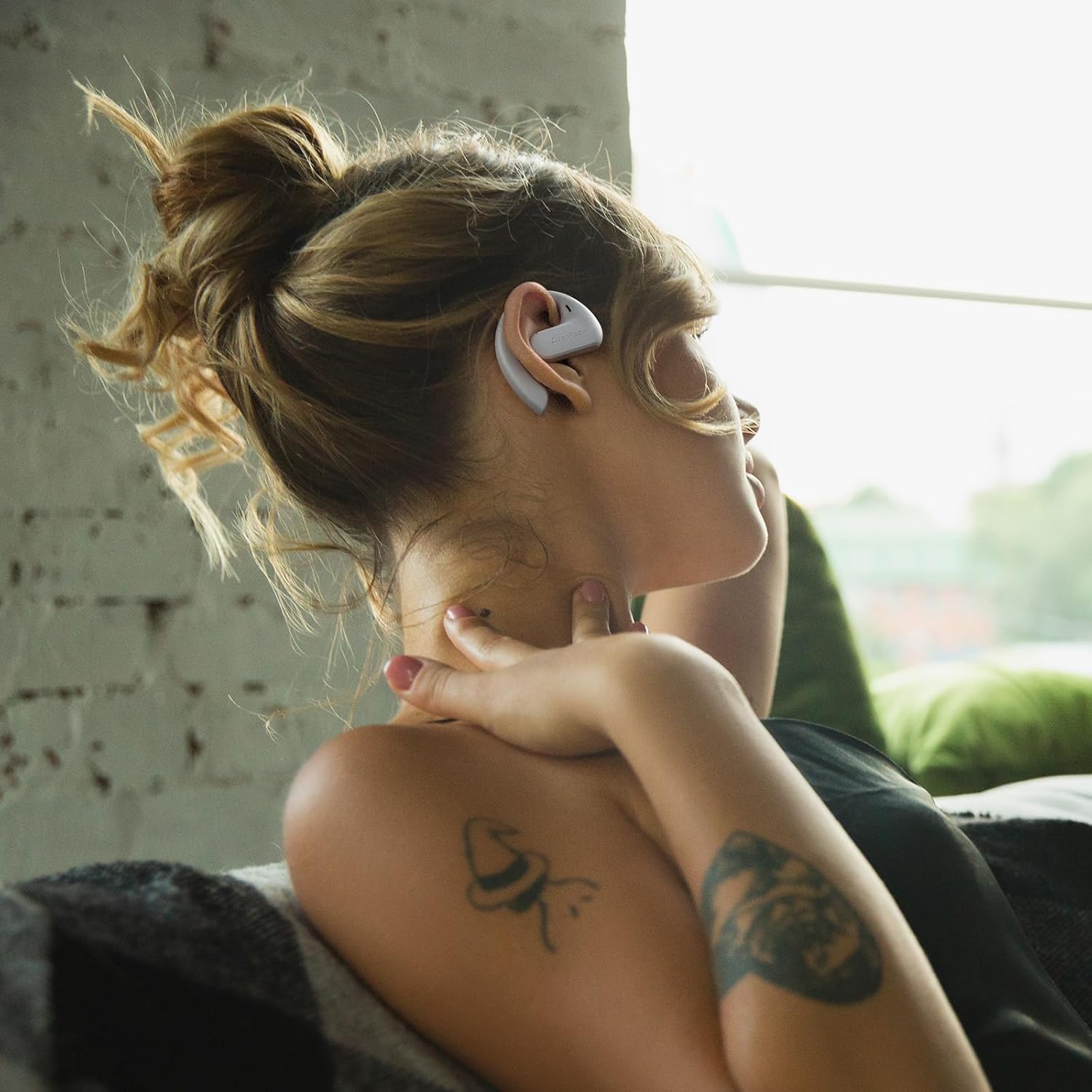
Image: The OpenRock S headphones, charging case, USB-C cable, and user manual as packaged.
3. Produk Lebihview
Familiarize yourself with the components of your OpenRock S headphones and charging case.

Image: A pair of OpenRock S headphones, showcasing their open-ear design.
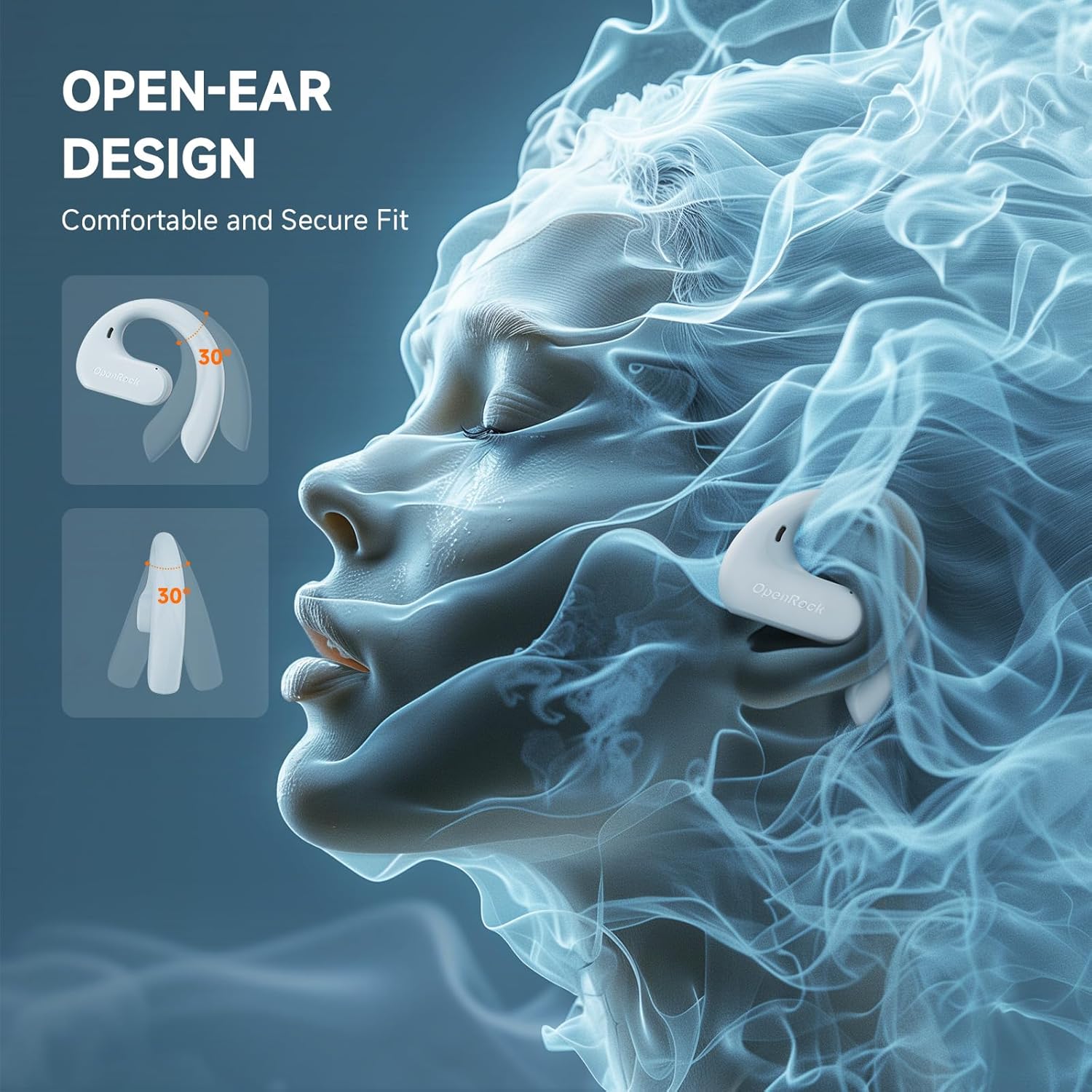
Imej: Sebelah view of the OpenRock S headphones, illustrating the ergonomic ear hook that secures them over the ear.
4. Persediaan
4.1 Pengecasan Awal
Before first use, fully charge your OpenRock S headphones and charging case. Place the headphones into the charging case and connect the USB-C cable to the case and a power source. The indicator lights on the case will show charging status.

Image: The OpenRock S headphones nestled within their charging case, indicating they are ready for charging or storage.
4.2 Berpasangan Bluetooth
- Pastikan fon kepala dicas.
- Buka bekas pengecas. Fon kepala akan memasuki mod berpasangan secara automatik, ditunjukkan oleh lampu LED yang berkelip.
- Pada peranti anda (telefon pintar, tablet, dll.), pergi ke tetapan Bluetooth dan dayakan Bluetooth.
- Select "OpenRock S" from the list of available devices.
- Sebaik sahaja disambungkan, penunjuk LED pada fon kepala akan berhenti berkelip.
Fon kepala akan menyambung semula secara automatik ke peranti gandingan terakhir apabila dialih keluar daripada sarung, jika Bluetooth didayakan pada peranti.
5. Arahan Pemakaian
The OpenRock S headphones feature adjustable ear hooks designed for a secure and comfortable fit. Gently place the ear hook over your ear, ensuring the speaker rests comfortably near your ear canal without entering it. Adjust the hook as needed for stability.

Image: A person wearing the OpenRock S headphones, demonstrating the over-ear fit and open-ear design.

Image: A person actively engaged while wearing the OpenRock S headphones, highlighting their secure fit during movement.

Image: A person wearing the OpenRock S headphones in a relaxed pose, illustrating comfort for extended wear.
6. Kawalan Operasi
The OpenRock S headphones feature touch controls for various functions. Please note that direct volume control is not available via the headphone touch controls; volume must be adjusted on your connected device.
| Tindakan | Fungsi |
|---|---|
| Ketik Tunggal | Mainkan / Jeda muzik, Jawapan / Tamatkan panggilan |
| Dwiketik (Earbud Kiri) | Trek Sebelumnya |
| Dwiketik (Earbud Kanan) | Trek Seterusnya |
| Ketik Tiga Kali | Aktifkan Pembantu Suara |
| Tekan dan Tahan (2 saat) | Tolak Panggilan |
7. Mengecas
The OpenRock S headphones offer extended battery life with their charging case.
7.1 Mengecas Fon Kepala
Place the headphones into the charging case. They will automatically begin charging. The LED indicators on the headphones will show their charging status.
7.2 Mengecas Kes
Connect the provided USB-C cable to the charging port on the case and to a USB power adapter (not included). The case's indicator lights will show the charging progress. A full charge provides approximately 41 additional hours of playtime for the headphones.
7.3 Hayat Bateri
The headphones provide up to 19 hours of listening time on a single charge. With the fully charged 750mAh charging case, the total playtime extends to approximately 60 hours. A quick 5-minute charge can provide up to 1 hour of playtime.

Image: A visual representation of the OpenRock S headphones' battery performance, showing 19 hours from earbuds and 41 hours from the case, totaling 60 hours.
8. Penyelenggaraan
8.1 Pembersihan
Regularly clean your headphones and charging case with a soft, dry, lint-free cloth. Avoid using harsh chemicals or abrasive materials. Do not immerse the headphones or case in water, despite their water resistance.
8.2 Rintangan Air (IPX5)
The OpenRock S headphones are IPX5 water-resistant, meaning they can withstand splashes and sweat. They are suitable for workouts and light rain but should not be submerged in water or exposed to pressurized water jets.

Image: The OpenRock S headphones shown with water droplets, emphasizing their IPX5 water-resistant capabilities.
8.3 Penyimpanan
Apabila tidak digunakan, simpan fon kepala dalam bekas pengecasnya untuk melindunginya daripada habuk dan kerosakan. Simpan di tempat yang sejuk dan kering jauh dari suhu yang melampau.
9. Penyelesaian masalah
If you encounter issues with your OpenRock S headphones, refer to the following common problems and solutions:
- Fon kepala tidak berpasangan: Ensure headphones are charged and in pairing mode. Turn off and on your device's Bluetooth. Try forgetting the device in your Bluetooth settings and re-pairing.
- Tiada bunyi: Check the volume level on your connected device. Ensure the headphones are properly connected via Bluetooth.
- Isu pengecasan: Verify the USB-C cable is securely connected to both the case and the power source. Try a different charging cable or power adapter. Ensure the charging contacts on the headphones and case are clean.
- Sambungan terputus-putus: Move closer to your connected device. Avoid environments with strong Wi-Fi or other wireless interference.
Jika masalah berterusan, sila hubungi sokongan pelanggan untuk bantuan lanjut.
10. Spesifikasi
| Ciri | Perincian |
|---|---|
| Nama Model | Openrock S |
| Teknologi Ketersambungan | Wayarles (Bluetooth) |
| Versi Bluetooth | 5.3 |
| Julat Bluetooth | 10 Meter |
| Penempatan Telinga | Buka Telinga |
| Tahap Ketahanan Air | IPX5 |
| Jenis Pemacu Audio | Pemacu Dinamik (16.2mm) |
| Mikrofon | Built-in ENC Mic (4-Mics Call Noise-Canceling) |
| Hayat Bateri (Earbud) | Sehingga 19 jam |
| Jumlah Masa Main (dengan Kes) | Sehingga 60 jam |
| Pengecasan Cepat | 5 minit caj untuk 1 jam masa bermain |
| Jenis Kawalan | Kawalan Media (Sentuh) |
| bahan | Acrylonitrile Butadiene Styrene (ABS), Metal, Silicone |
| Berat Barang | 132 Gram (jumlah) |
| Peranti Serasi | Cellphones, Telephones |
11. Maklumat Keselamatan
- Jangan gunakan fon kepala pada kelantangan tinggi untuk tempoh yang lama untuk mengelakkan kerosakan pendengaran.
- Exercise caution when using headphones in situations requiring awareness of your surroundings, such as driving or cycling.
- Keep the headphones and accessories out of reach of children and pets.
- Avoid exposing the headphones to extreme temperatures, direct sunlight, or fire.
- Jangan cuba membuka atau mengubah suai fon kepala. Ini boleh membatalkan jaminan dan menyebabkan kerosakan.
12. Waranti dan Sokongan
For warranty information or technical support, please refer to the documentation included with your purchase or contact OpenRock customer service. You can typically find contact details on the official OpenRock webtapak atau melalui peruncit anda.