Manual Pengguna
Multi Plug Wall Outlet Surge Protector with USB Ports
Model: CPATS00-040
Jenama: CIAO TECH
pengenalan
This manual provides essential information for the safe and efficient operation of your CIAO TECH Multi Plug Wall Outlet Surge Protector. This device is designed to expand a single wall outlet into multiple power points, offering both AC outlets and USB charging ports, while providing surge protection for connected electronics.
Sila baca manual ini dengan teliti sebelum menggunakan produk ini dan simpannya untuk rujukan pada masa hadapan.
Maklumat Keselamatan
To reduce the risk of electric shock, fire, or injury, always follow basic safety precautions when using electrical products. This device is for indoor use only. Do not expose to liquids, moisture, or extreme temperatures.
- Do not exceed the electrical ratings of the surge protector.
- Jangan buka atau ubah suai peranti.
- Jauhkan daripada kanak-kanak dan haiwan peliharaan.
- Jangan gunakan dalam persekitaran basah atau berhampiran air.
- Ensure the device is properly plugged into a grounded wall outlet.
- If the surge protector is damaged, discontinue use immediately.
WARNING: Risk of Electric Shock. Do not plug into another relocatable power tap.
Kandungan Pakej
- 1 x CIAO TECH Multi Plug Wall Outlet Surge Protector (Model: CPATS00-040)
- 1 x Manual Pengguna
Produk Selesaiview
The CIAO TECH Multi Plug Wall Outlet Surge Protector features a compact design that integrates multiple power options into a single unit.

Rajah 1: Depan view of the CIAO TECH Multi Plug Wall Outlet Surge Protector, showing two AC outlets, one USB-A port, and one USB-C port, with a blue indicator light.
- Cawangan AC (x2): Standard 3-prong grounded outlets for electrical appliances.
- Port USB-A (x1): 2.4A output for charging USB-compatible devices.
- Port USB-C (x1): 3.0A output for fast charging USB-C enabled devices.
- Penunjuk Perlindungan Lonjakan: A blue LED light indicates that the surge protection is active and functioning.
Persediaan
- Locate a Wall Outlet: Choose a standard, grounded 3-prong wall outlet that is easily accessible.
- Pasangkan Peranti: Insert the surge protector directly into the wall outlet. Ensure it is firmly seated. The blue surge protection indicator light should illuminate, confirming that the surge protection is active.
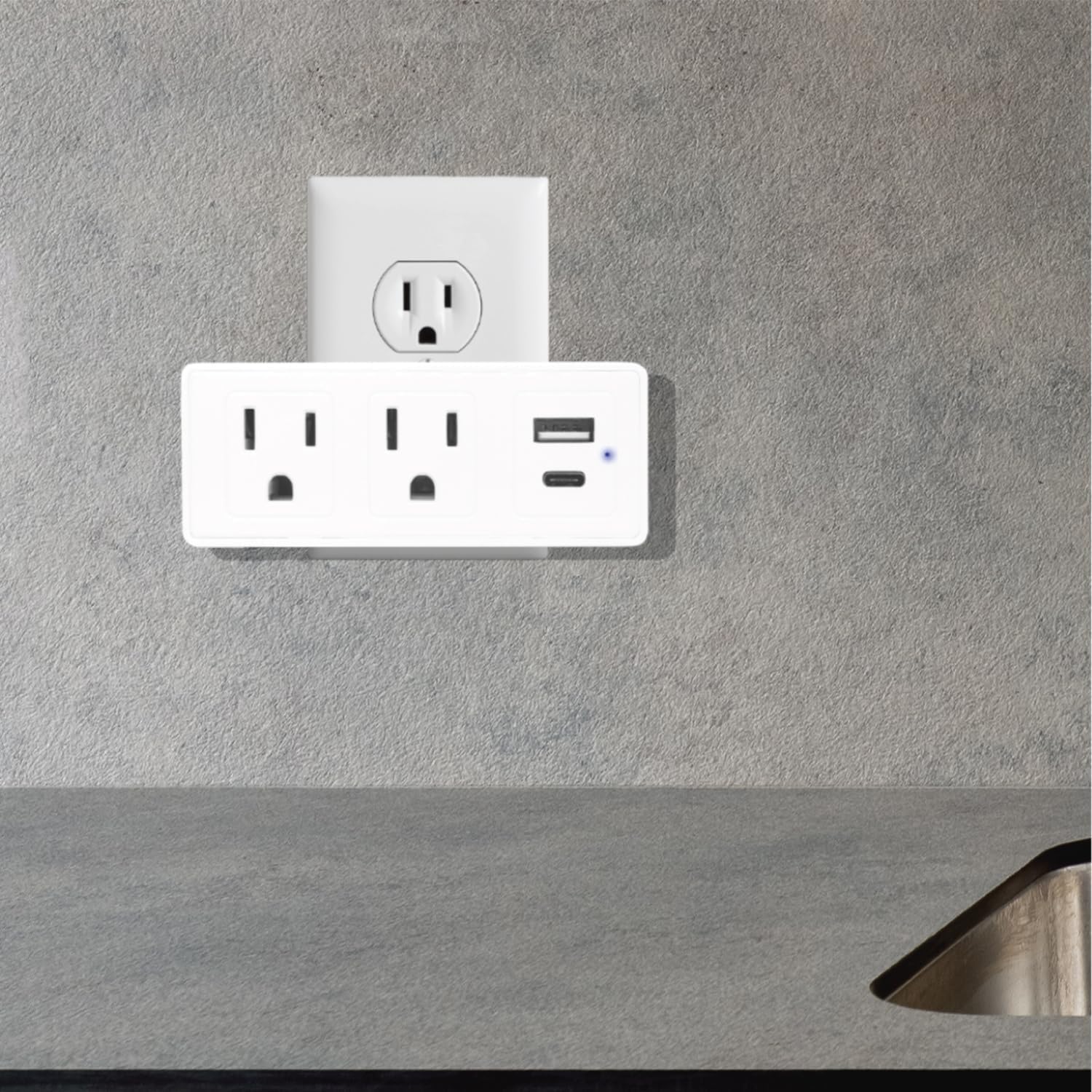
Figure 2: The surge protector securely plugged into a standard wall outlet, ready for use.
- Sahkan Lampu Penunjuk: Confirm that the blue LED indicator light on the device is on. This light signifies that the surge protection feature is active. If the light is off, the surge protection may be compromised, and the device should be replaced.
Arahan Operasi
Once the surge protector is properly installed, you can begin connecting your devices.
- Menyambungkan Peranti AC: Plug your electrical appliances directly into the two AC outlets on the surge protector. The adapter-spaced design allows for larger plugs without blocking adjacent outlets.
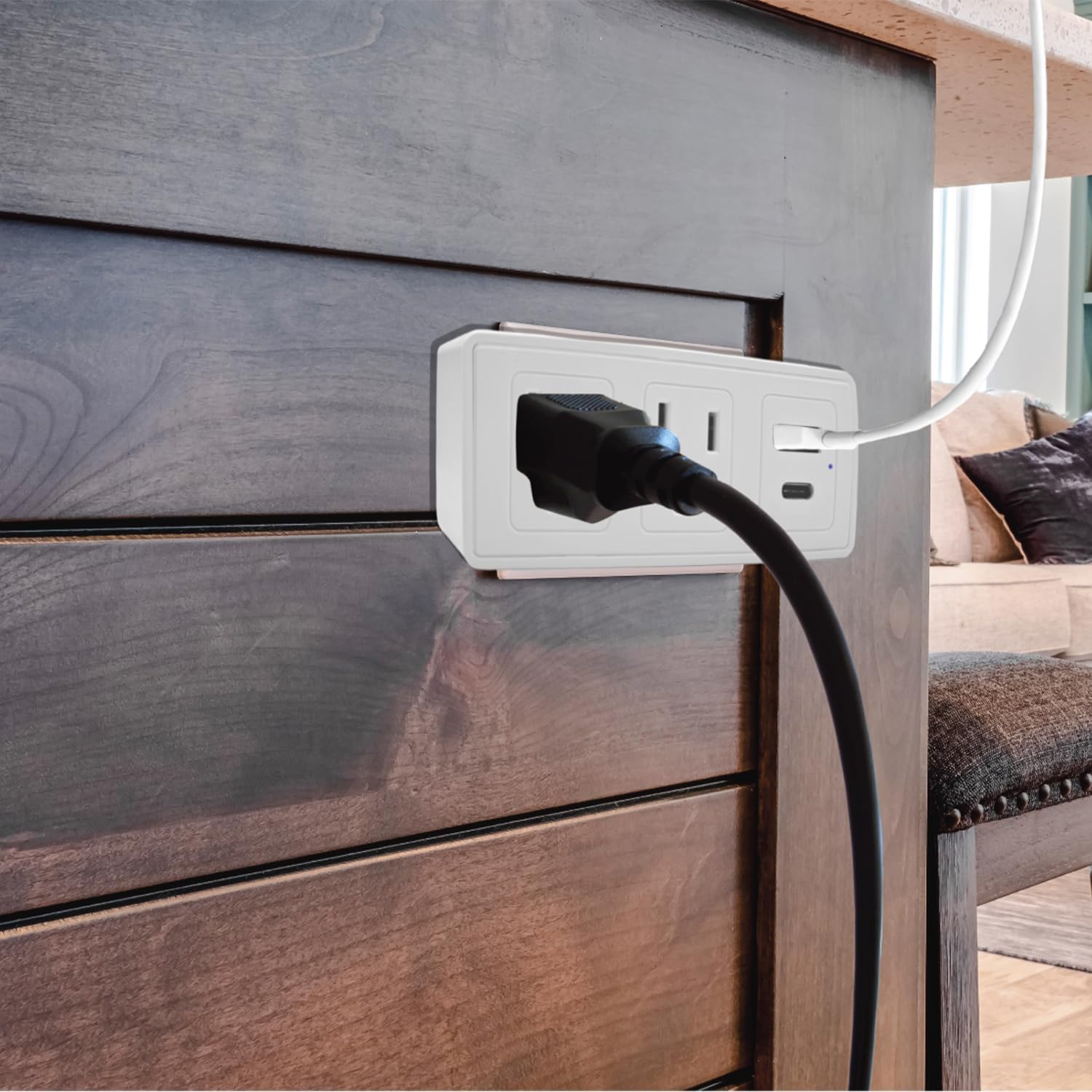
Rajah 3: Bekasample of a power cord plugged into one of the AC outlets on the surge protector.
- Menyambung Peranti USB: Use a compatible USB cable to connect your USB-A or USB-C devices to the respective USB ports on the surge protector.
- For standard USB devices, use the USB-A port (2.4A).
- For fast-charging USB-C devices, use the USB-C port (3.0A).
- Perlindungan lonjakan: The built-in 300J surge protection safeguards your connected devices from power surges and voltage spikes. The blue indicator light confirms its active status.
Penyelenggaraan
Penyelenggaraan yang betul memastikan ketahanan dan operasi pelindung lonjakan anda yang selamat.
- Pembersihan: Putuskan sambungan pelindung lonjakan daripada saluran keluar dinding sebelum membersihkan. Gunakan kain lembut dan kering untuk mengelap bahagian luar. Jangan gunakan pembersih cecair atau aerosol.
- Pemeriksaan: Periodically inspect the device for any signs of damage, such as cracks, frayed wires, or discoloration. If damage is observed, discontinue use and replace the unit.
- Status Perlindungan Lonjakan: Regularly check the blue surge protection indicator light. If it is off, the surge protection has been consumed or is no longer functional, and the unit should be replaced to ensure continued protection for your devices.
Menyelesaikan masalah
| Masalah | Kemungkinan Punca | Penyelesaian |
|---|---|---|
| No power from AC outlets or USB ports. |
|
|
| Blue surge protection indicator light is off. |
|
|
| Pengecasan USB lambat atau tidak berfungsi. |
|
|
Spesifikasi
| Nombor Model | CPATS00-040 |
| Jenama | CIAO TECH |
| Kedai AC | 2 (3-prong grounded) |
| Keluaran USB-A | 5V / 2.4A |
| Output USB-C | 5V / 3.0A |
| Perlindungan Lonjakan | 300 Joule |
| Dimensi Produk | 4 x 2 x 0.1 inci (L x P x H) |
| Berat Barang | 8.2 auns |
| bahan | plastik |
| warna | putih |
| Penggunaan Dalaman Sahaja | ya |
Waranti dan Sokongan
For warranty information or technical support, please contact CIAO TECH customer service. Details can typically be found on the product packaging or the official CIAO TECH webtapak.
Please have your model number (CPATS00-040) and purchase information ready when contacting support.
Pengeluar: Lifeware Group LLC


