1. Pengenalan
This manual provides essential information for the safe and efficient installation, operation, and maintenance of your Legrand Arteor 572008 Intermediate Switch. Please read this manual thoroughly before installation and keep it for future reference.
The Legrand Arteor 572008 is a 10 Amp, 1-unit intermediate switch designed for controlling lighting circuits and other electrical loads from multiple points. Its modern square design and durable magnesium finish ensure both aesthetic appeal and long-lasting performance.
2. Maklumat Keselamatan
AMARAN: Risiko renjatan elektrik. Pemasangan mesti dilakukan oleh juruelektrik yang berkelayakan mengikut semua kod elektrik tempatan dan kebangsaan.
- Always disconnect power at the circuit breaker or fuse box before installing or servicing the switch.
- Pastikan semua sambungan pendawaian kukuh dan berpenebat dengan betul.
- Jangan melebihi penarafan elektrik yang dinyatakan (10 Amp).
- Produk ini bertujuan untuk kegunaan dalaman sahaja.
- Jauhkan daripada kanak-kanak.
3. Kandungan Pakej
Sahkan bahawa semua komponen hadir sebelum memulakan pemasangan:
- 1 x Legrand Arteor 572008 Intermediate Switch (10A, 1 Unit, White)
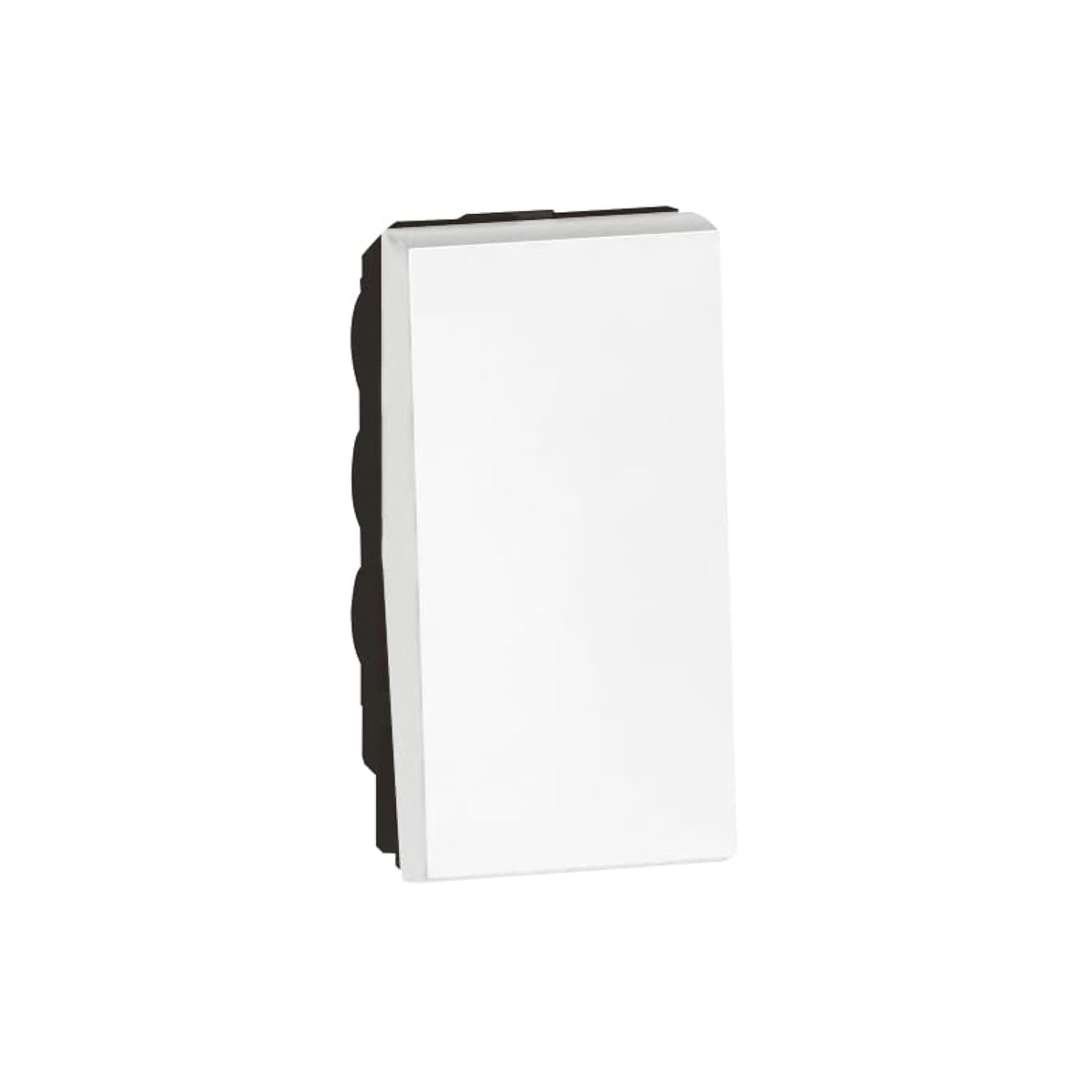
Image 1: Legrand Arteor 572008 Intermediate Switch. This image shows the front view of the white square switch unit.
4. Spesifikasi
| Nombor Model | 572008 |
| taip | Suis Perantaraan |
| Penilaian Semasa | 10 Amp |
| Bilangan Unit | 1 Unit |
| Dimensi (L x W x H) | 4.22 x 2.25 x 4.5 cm |
| Berat badan | 90 gram |
| warna | putih |
| Bateri Diperlukan | Tidak |
5. Persediaan dan Pemasangan
Before you begin, ensure the power supply to the circuit is OFF at the main breaker.
- Sediakan Kotak Elektrik: Ensure you have a standard single-unit electrical box installed in the wall.
- Kenal pasti Pendawaian: An intermediate switch requires specific wiring. Typically, you will have a live wire (L), a neutral wire (N), and two switched live wires (L1, L2) for multi-point control. Consult a wiring diagram for intermediate switches if unsure.
- Sambung wayar:
- Connect the incoming live wire to the common terminal (often marked 'L' or 'COM').
- Connect the two traveler wires (from the first two-way switch) to the 'L1' and 'L2' terminals.
- Connect the two outgoing traveler wires (to the second two-way switch) to the remaining 'L1' and 'L2' terminals.
- Pastikan semua sambungan adalah ketat dan selamat.
- Pasang Suis: Carefully push the wired switch into the electrical box. Secure it with the provided screws.
- Pasangkan Pelat Muka: Pasangkan atau skrukan plat muka hiasan pada mekanisme suis.
- Pulihkan Kuasa: Turn the power supply back ON at the circuit breaker.
- Kefungsian Ujian: Test the switch from all control points to ensure proper operation.
If you are unfamiliar with electrical wiring, it is highly recommended to seek assistance from a certified electrician.
6. Arahan Operasi
The Legrand Arteor 572008 Intermediate Switch operates as part of a multi-point lighting control system, typically used with two 2-way switches.
- HIDUP/MATI: Press the switch button to toggle the connected lighting circuit ON or OFF.
- Multi-Point Control: This intermediate switch allows you to control the same light(s) from three or more locations when combined with two 2-way switches. Each press of any connected switch will reverse the state of the light(s).
7. Penyelenggaraan
The Legrand Arteor 572008 Intermediate Switch requires minimal maintenance.
- Pembersihan: To clean the switch, wipe it with a soft, dry cloth. Do not use abrasive cleaners, solvents, or excessive moisture, as these can damage the finish or internal components.
- Pemeriksaan: Periksa suis secara berkala untuk sebarang tanda kerosakan, sambungan longgar atau perubahan warna. Jika terdapat sebarang masalah, putuskan bekalan elektrik dan rujuk juruelektrik yang berkelayakan.
8. Penyelesaian masalah
| Masalah | Kemungkinan Punca | Penyelesaian |
|---|---|---|
| Lampu tidak menyala/mati. | Tiada kuasa kepada litar. Sambungan pendawaian longgar. Mentol rosak. Pendawaian yang tidak betul. | Periksa pemutus litar. Disconnect power and check all wire connections. Ganti mentol. Verify wiring against a standard intermediate switch diagram. Consult an electrician if needed. |
| Switch feels hot. | Beban berlebihan pada litar. Sambungan longgar. | Immediately disconnect power. Reduce the load on the circuit. Disconnect power and check all wire connections. If the problem persists, consult an electrician. |
| Suis tidak bertindak balas. | Kesalahan dalaman. | Disconnect power and replace the switch. |
For issues not listed here or if solutions do not resolve the problem, contact Legrand customer support or a qualified electrician.
9. Waranti dan Sokongan
Legrand products are manufactured to high standards and are backed by a manufacturer's warranty. For specific warranty details, please refer to the warranty card included with your purchase or visit the official Legrand webtapak.
For technical support, replacement parts, or further assistance, please contact Legrand customer service through their official channels. Keep your model number (572008) and purchase date ready when contacting support.
Rasmi Legrand Webtapak: www.legrand.com


