1. Pengenalan
Welcome to the SUUNY H12 Smartwatch user manual. This guide provides detailed instructions on how to set up, operate, and maintain your new smartwatch. The SUUNY H12 is a feature-rich device designed to enhance your daily life with advanced health monitoring, communication, and smart functionalities.
2. Apa yang ada di dalam Kotak
Upon opening your SUUNY H12 Smartwatch package, you should find the following items:
- SUUNY H12 Smartwatch (1 unit)
- Wireless Magnetic Charging Cable (1 unit)
- Manual Pengguna (1 unit)
- Original Box (1 unit)
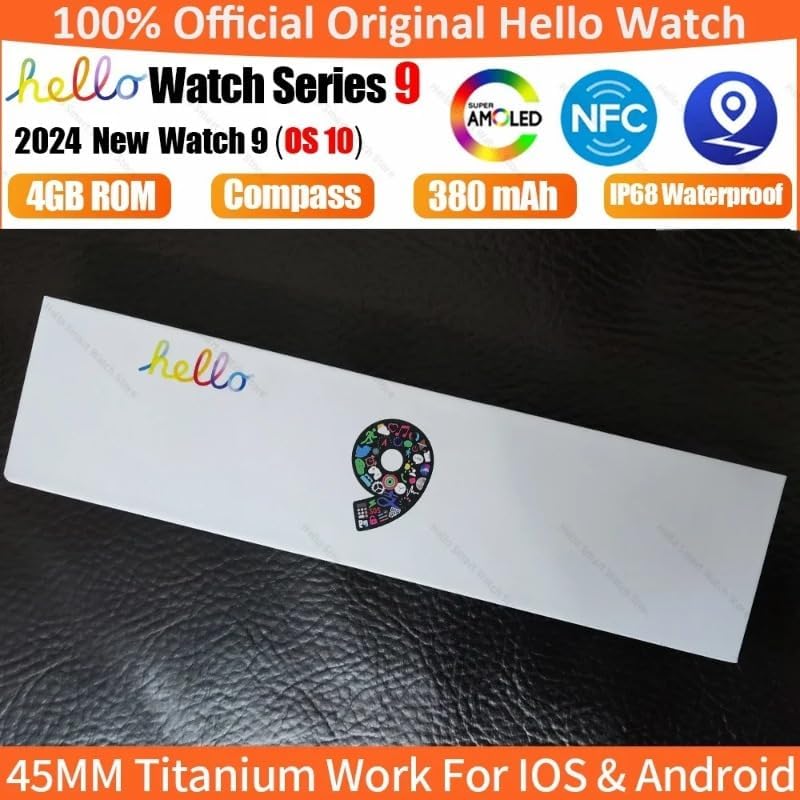
Image: The SUUNY H12 Smartwatch packaging box, indicating official product and key features like AMOLED, NFC, 4GB ROM, Compass, 380mAh battery, and IP68 Waterproof rating.
3. Produk Lebihview
The SUUNY H12 Smartwatch features a 2.0-inch Full HD AMOLED display, a titanium alloy casing, and a comfortable silicone band. It is equipped with a powerful CPU and 4GB of internal storage for music and other data. Key functionalities include Bluetooth calling, comprehensive health monitoring, multiple sports modes, and NFC access control.
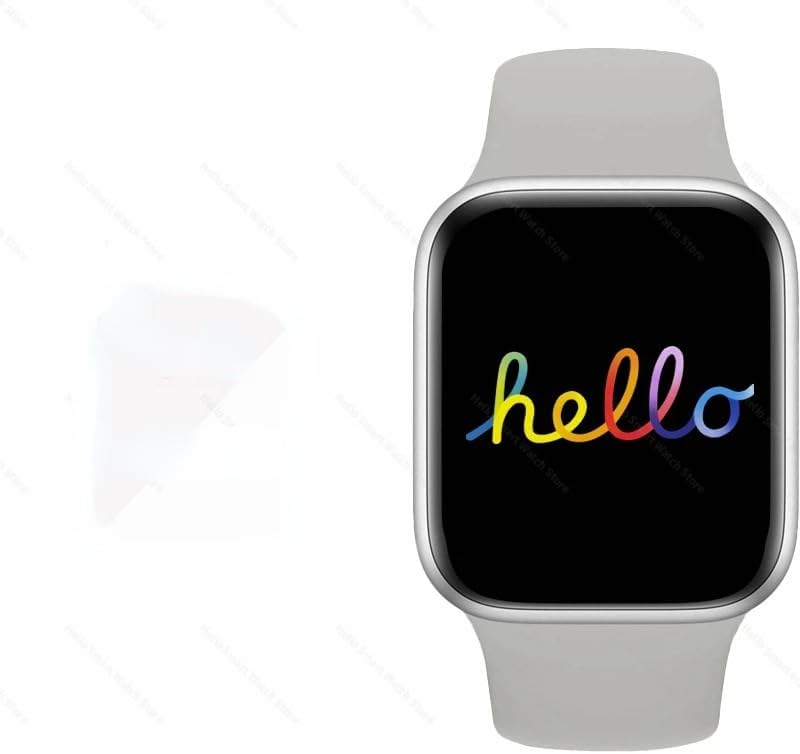
Image: The SUUNY H12 Smartwatch displaying a colorful 'hello' message on its screen, showcasing the vibrant AMOLED display.
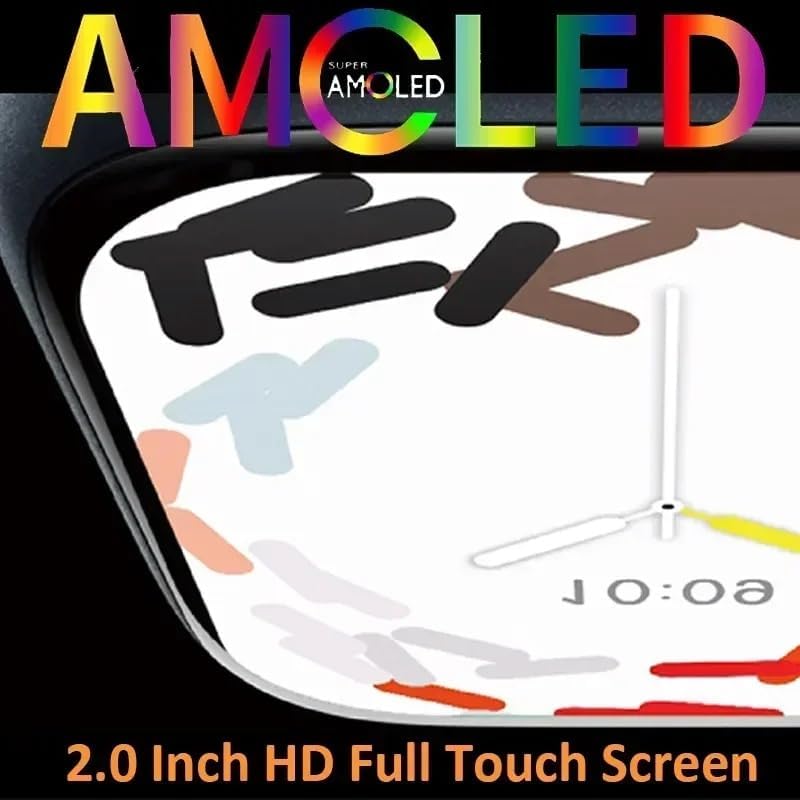
Imej: Dari dekat view of the SUUNY H12 Smartwatch screen, highlighting the 'Super AMOLED' display technology and its 2.0-inch HD full touch capabilities.
4. Persediaan
4.1 Pengecasan Awal
Before first use, fully charge your SUUNY H12 Smartwatch. Connect the wireless magnetic charging cable to a USB power adapter (not included) and place the watch on the charging pad. The watch will indicate charging status on its screen.
4.2 Pemasangan Apl dan Berpasangan
- Muat turun QifitPro aplikasi daripada gedung aplikasi telefon pintar anda (serasi dengan Android 5.0+ dan iOS 8.0+).
- Open the QifitPro app and follow the on-screen instructions to create an account or log in.
- Dayakan Bluetooth pada telefon pintar anda.
- In the QifitPro app, search for your SUUNY H12 Smartwatch and select it to pair. Confirm the pairing request on both your phone and watch.
- Setelah dipasangkan, jam tangan akan menyegerakkan data dengan telefon anda, termasuk masa, tarikh dan pemberitahuan.
5. Arahan Operasi
5.1 Navigasi Asas
- Skrin sentuh: Swipe up, down, left, or right to navigate through menus and screens. Tap to select items.
- Butang Pintar: Press the side button to return to the home screen or access the app menu. Customize its functions via settings.
- Angkat untuk Bangun: Lift your wrist to automatically turn on the screen.
- Cover to Turn Off Screen: Place your palm over the screen to turn it off.
5.2 Komunikasi
- Panggilan Bluetooth: Once paired with your phone, you can make and receive calls directly from your watch. The watch supports up to 500 contacts synchronized from your phone.
- Pemberitahuan Mesej: Receive notifications for messages, emails, and app alerts. A red dot indicates unread messages.
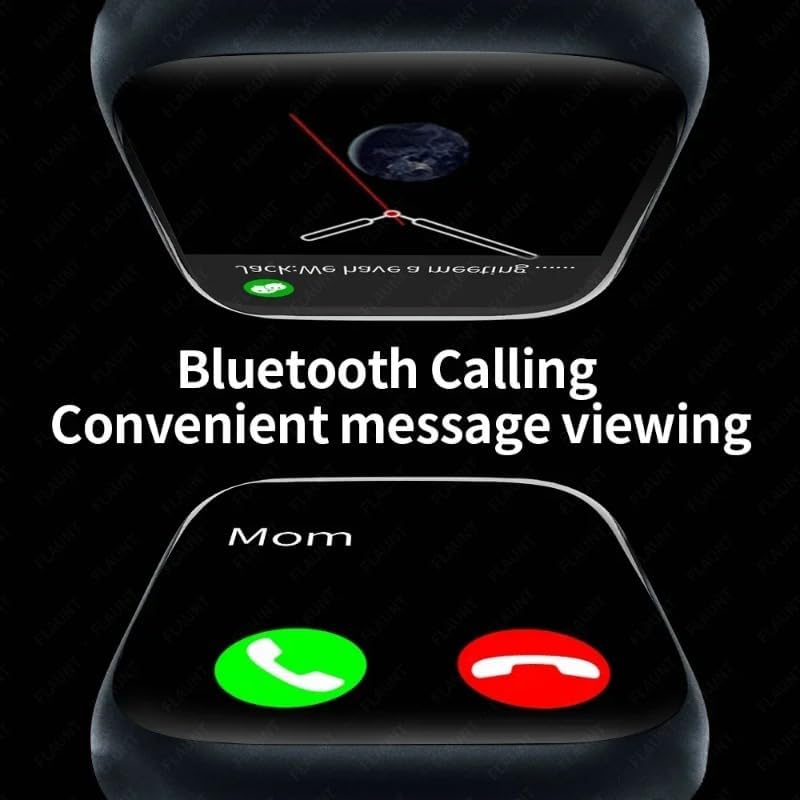
Image: The SUUNY H12 Smartwatch displaying an incoming call and a message notification, illustrating its Bluetooth calling and convenient message viewciri-ciri ing.
5.3 Pemantauan Kesihatan
- Pemantauan Denyut Jantung: The watch supports 24-hour timed heart rate monitoring. View your heart rate data in the app.
- Pemantauan Tekanan Darah: Pantau tahap tekanan darah anda.
- Pemantauan Tidur: The watch automatically records and analyzes your sleep status from 9:00 PM to 9:00 AM the next day.
- Peringatan Sedentari: Dapatkan makluman apabila anda tidak aktif terlalu lama.
- Peringatan Air Minum: Receive reminders to stay hydrated.
5.4 Mod Sukan
The SUUNY H12 offers 173 sport modes to track various activities, including walking, running, cycling, and more. It records exercise metrics such as steps, calories burned, and distance.

Image: The SUUNY H12 Smartwatch interface showing different sport modes and exercise tracking data, emphasizing its 173 sport modes for efficient workouts.
5.5 Media and Storage
With 4GB of ROM, you can store music, photos, and even electronic novels directly on your watch. Connect Bluetooth earphones to enjoy music playback without your phone.

Image: A graphic illustrating the 4GB memory of the SUUNY H12 Smartwatch, highlighting its support for storing music, photos, and sound recordings.
5.6 NFC Access Control
The watch includes an NFC chip for access control. To use it, record the watch's NFC ID with your building's access control system. Nota: This feature does not support NFC payments.
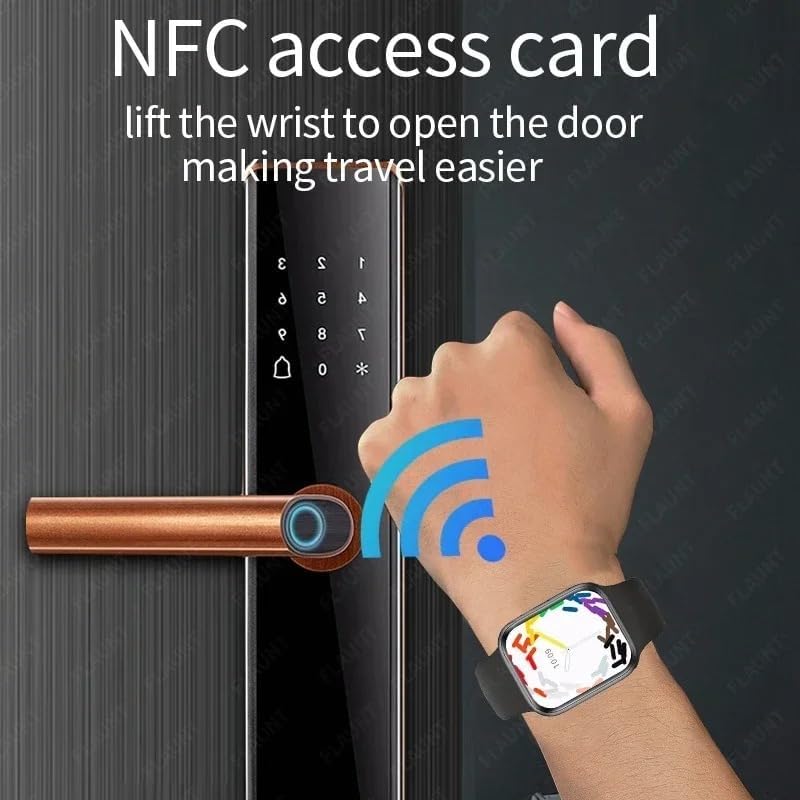
Image: A hand wearing the SUUNY H12 Smartwatch interacting with a door lock, demonstrating the NFC access card function to open doors.
5.7 GPS Positioning
The SUUNY H12 Smartwatch does not have a built-in GPS chip. For position tracking, you must connect the watch to the Qifit mobile application, which then pushes location data to the watch.
5.8 Ciri-ciri Lain
- Kompas: Real compass function.
- Paparan Sentiasa Hidup: Keep the time visible at all times.
- Muka Jam Tersuai: Personalize your watch face.
- Pembantu Suara: Akses pembantu suara telefon anda.
- Ramalan cuaca: Dapatkan kemas kini cuaca masa nyata.
- Calculator, Timer, Alarm Clock: Alat utiliti penting.
- Katil Lamp: A convenient low-light mode.
- Pelarasan: Customize vibration, brightness, and volume settings.
6. Penyelenggaraan
6.1 Pembersihan
Regularly clean your smartwatch and band with a soft, dry cloth. Avoid using harsh chemicals or abrasive materials that could damage the device.
6.2 Tahan Air
The SUUNY H12 Smartwatch is IP68 waterproof, meaning it is resistant to dust and can withstand immersion in water up to 1.5 meters for 30 minutes. It is suitable for daily use, such as hand washing or light rain. However, it is not recommended for swimming, diving, or exposure to hot water/steam.

Image: The SUUNY H12 Smartwatch being splashed with water, illustrating its IP68 waterproof capability.
7. Penyelesaian masalah
7.1 Jam Tangan Tidak Menyala
Pastikan jam tangan dicas sepenuhnya. Sambungkannya ke kabel pengecas dan sumber kuasa selama sekurang-kurangnya 30 minit.
7.2 Tidak Dapat Dipasangkan dengan Telefon
- Pastikan Bluetooth didayakan pada telefon dan jam tangan anda.
- Ensure the QifitPro app is installed and running.
- Mulakan semula kedua-dua telefon anda dan jam tangan pintar.
- Periksa sama ada jam tangan telah dipasangkan dengan peranti lain. Putuskan sambungan jika perlu.
7.3 Inaccurate GPS Data
Remember that the SUUNY H12 does not have a built-in GPS. Ensure your smartwatch is properly connected to the Qifit app on your smartphone, and that your phone's GPS is active and has a clear signal.
7.4 NFC Access Not Working
Verify that the watch's NFC ID has been correctly registered with your access control system. Confirm that you are using the NFC feature for access control, not for payment, as the watch does not support NFC payments.
7.5 Hayat Bateri Pendek
- Kurangkan kecerahan skrin.
- Lumpuhkan pemberitahuan yang tidak perlu.
- Limit continuous heart rate monitoring.
- Turn off the Always-on Display if not needed.
8. Spesifikasi
| Nama Model | H12 |
| Skrin | 2.0 Inch Full HD AMOLED, 90Hz Refresh Rate |
| CPU | JL7012 |
| Penyimpanan | RAM 256KB + ROM 4GB |
| Bahan Cangkang | Aloi Titanium |
| Band | Standard Silicone (suitable for 44/45/49mm bands) |
| Pengecas | Pengecasan Magnet Tanpa Wayar |
| Keserasian | Android 5.0+, iOS 8.0+ |
| Bateri | 380mAh Lithium-ion Polymer |
| Versi Bluetooth | 5.2 |
| Apl | QifitPro |
| Tahan Air | IP68 |
| Bahasa yang Disokong | English, Greek, French, German, Italian, Spanish, Dutch, Portuguese, Russian, Turkish, Japanese, Arabic |
9. Waranti dan Sokongan
Untuk maklumat waranti dan sokongan teknikal, sila rujuk dokumentasi yang diberikan bersama pembelian anda atau hubungi penjual secara terus. Simpan bukti pembelian anda untuk sebarang tuntutan waranti.


