pengenalan
Terima kasih kerana membeliasing the TOPTECH BRAZE-8 Dual 8''Woofer Rechargeable Party Portable Speaker. This speaker is designed to deliver powerful sound and dynamic multi-color disco lights, perfect for various occasions from home use to outdoor parties. This manual provides essential information for safe and optimal use, including setup, operation, maintenance, and troubleshooting.

Imej: Depan view of the BRAZE-8 speaker showcasing its dual 8-inch woofers and vibrant multi-color LED lights on the grill.
Apa yang ada dalam Kotak
Sila semak kandungan pakej untuk memastikan semua item ada:
- Alat kawalan jauh
- Mikrofon berwayar
- Penyesuai kuasa
- Manual pengguna (dokumen ini)
- Kad jaminan
Maklumat Keselamatan
Untuk memastikan operasi yang selamat dan mengelakkan kerosakan, sila baca dan patuhi garis panduan keselamatan berikut:
- Jangan dedahkan pembesar suara kepada air, kelembapan atau suhu yang melampau.
- Elakkan meletakkan pembesar suara berhampiran sumber haba atau di bawah cahaya matahari langsung.
- Jangan menyekat bukaan pengudaraan.
- Gunakan hanya penyesuai kuasa yang disediakan untuk mengecas.
- Jangan cuba membuka atau membaiki pembesar suara sendiri. Hubungi kakitangan servis yang berkelayakan.
- Jauhkan daripada kanak-kanak.
Persediaan
1. Mengisi Speaker
Before first use, fully charge the speaker. Connect the provided power adapter to the speaker's charging port and plug it into a standard wall outlet. The charging indicator will illuminate. Once fully charged, the indicator may change color or turn off, depending on the model.

Image: An illustration showing the speaker and a large battery icon, indicating its built-in rechargeable battery feature.
2. Kuasa Awal Hidup
Locate the power button on the speaker. Press and hold it for a few seconds until the speaker powers on and you hear an audible prompt or see the display light up.
Arahan Operasi
1. Sambungan Bluetooth
The speaker will automatically enter Bluetooth pairing mode upon power-on. On your device (smartphone, tablet, computer), enable Bluetooth and search for available devices. Select 'BRAZE-8' from the list. Once connected, you will hear a confirmation sound.

Image: The BRAZE-8 speaker shown with a smartphone displaying a Bluetooth connection screen, emphasizing seamless wireless connectivity.
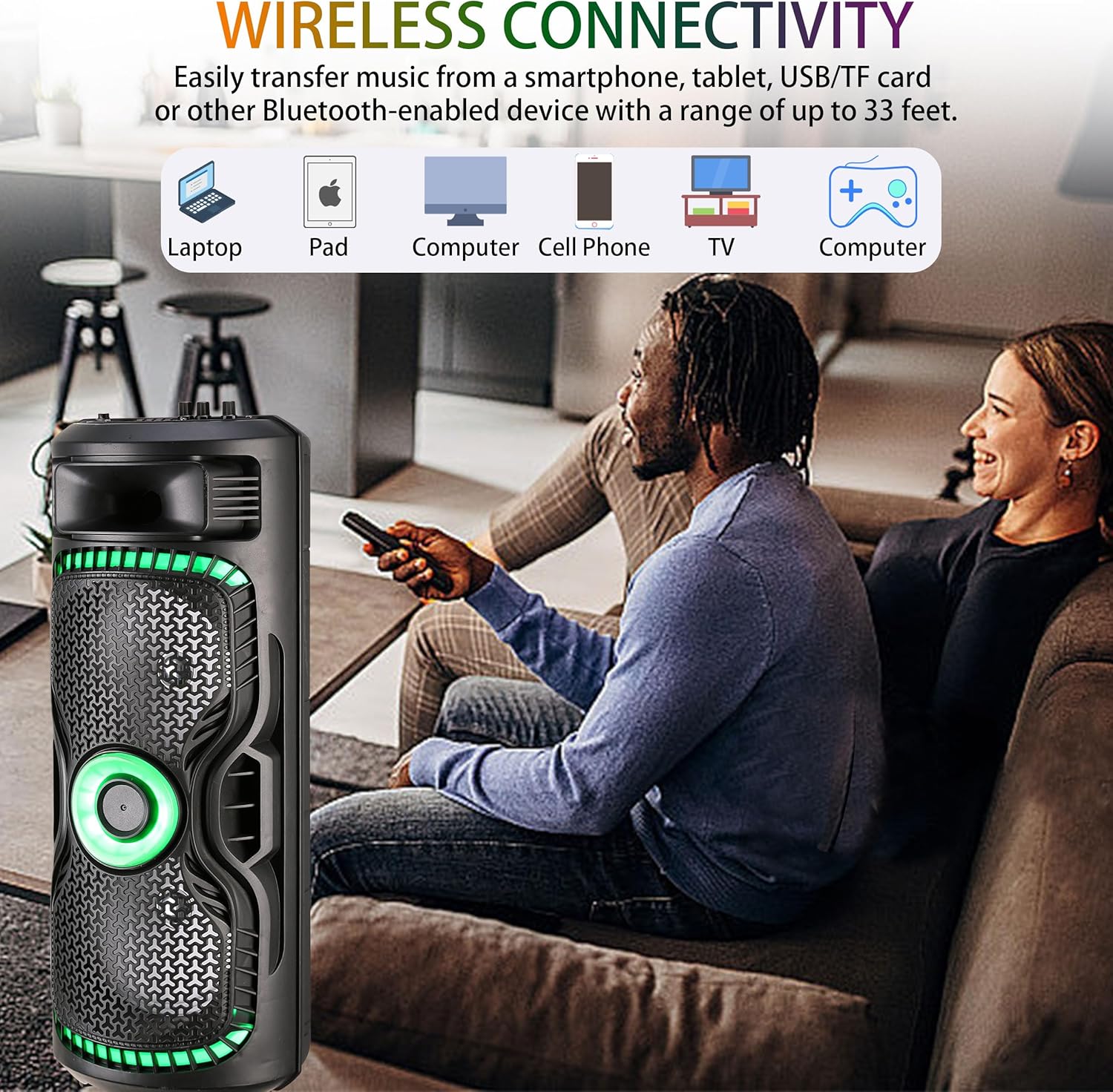
Image: A graphic illustrating the speaker's wireless connectivity with various devices such as laptops, pads, computers, cell phones, and TVs, highlighting a range of up to 33 feet.
2. Fungsi True Wireless Stereo (TWS).
To achieve an immersive stereo experience, you can pair two BRAZE-8 speakers together using the TWS function. Power on both speakers. On one speaker, press the TWS button (refer to the control panel diagram in the manual if available). The speakers will automatically search and pair with each other. Once paired, connect your Bluetooth device to one of the speakers, and audio will play through both.
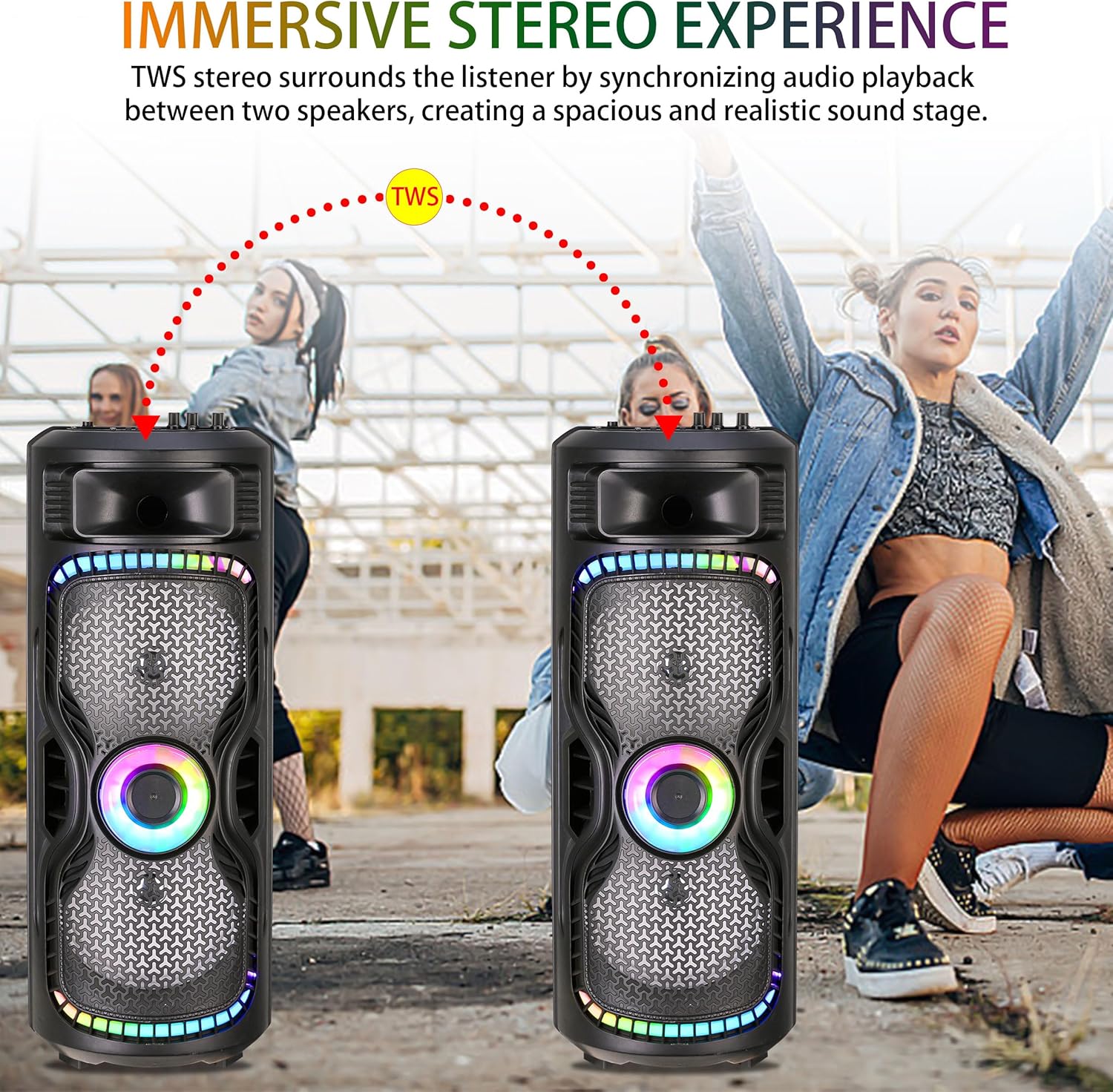
Image: Two BRAZE-8 speakers positioned to demonstrate the TWS (True Wireless Stereo) function, showing how they synchronize audio playback for a spacious soundstage.

Image: A family enjoying a sports game with two BRAZE-8 speakers providing stereo surround sound, illustrating the immersive experience of the TWS function.
3. Other Input Modes (USB/TF/FM Radio/AUX)
The speaker supports multiple input sources. Insert a USB drive or TF card into the respective slot to play audio files. Connect an external device using a 3.5mm AUX cable to the AUX input. To use FM Radio, switch to FM mode and use the scan function to find stations.

Image: The BRAZE-8 speaker displayed with icons representing its versatile input options: AUX, Bluetooth, TF card, FM Radio, USB, and Microphone, highlighting its adaptability for various audio sources.
4. Penggunaan Mikrofon
Connect the wired microphone to the designated microphone input jack. Adjust the microphone volume using the dedicated knob on the speaker's control panel.
5. Dynamic Multi-Hued Light Show
The speaker features built-in disco lights. Press the dedicated light button to cycle through different light modes or to turn the lights on/off. The lights will pulse and change colors, enhancing the atmosphere.
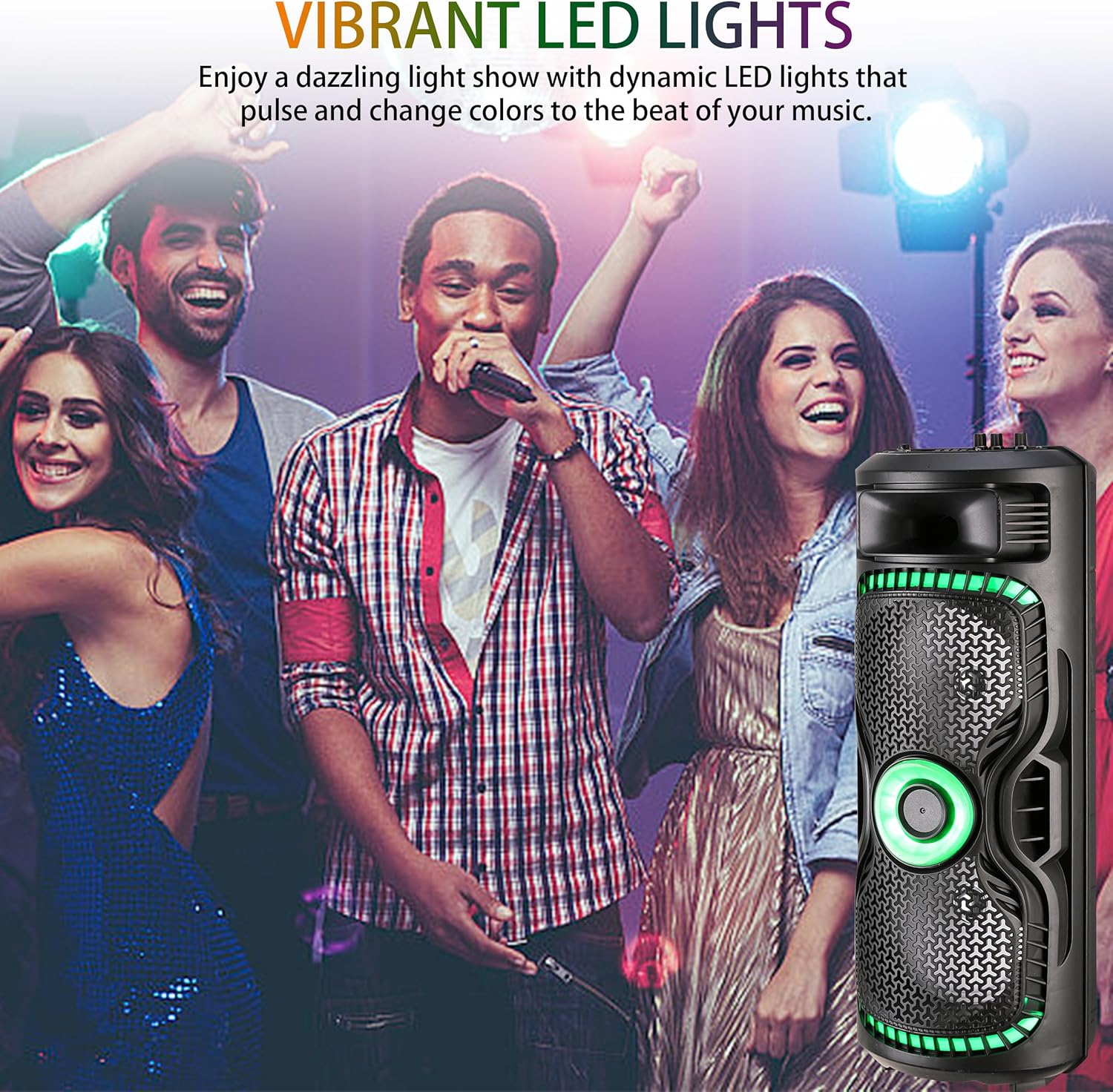
Image: The BRAZE-8 speaker with its vibrant LED lights illuminated, set against a backdrop of people enjoying a party, illustrating its dynamic light show feature.

Image: The BRAZE-8 speaker with its dynamic LED lights creating a festive ambiance at an evening gathering, emphasizing the visual excitement it adds.
Penyelenggaraan
1. Pembersihan
Wipe the speaker with a soft, dry cloth. Do not use abrasive cleaners or solvents. Ensure no liquid enters the speaker openings.
2. Penyimpanan
When not in use for extended periods, store the speaker in a cool, dry place away from direct sunlight and extreme temperatures. It is recommended to charge the battery every 3-6 months to maintain its lifespan.
3. Penjagaan Bateri
To maximize battery life, avoid fully discharging the speaker frequently. Charge the speaker when the battery low indicator appears. The speaker offers up to 6 hours of playtime on a single charge.

Image: The BRAZE-8 speaker with a graphic indicating "UP TO 6H PLAYTIME", highlighting its battery endurance for uninterrupted music playback.
Menyelesaikan masalah
| Masalah | Kemungkinan Punca | Penyelesaian |
|---|---|---|
| Speaker tidak dihidupkan. | Bateri lemah; Butang kuasa tidak ditekan dengan betul. | Cas pembesar suara; Tekan dan tahan butang kuasa dengan kuat. |
| Tiada bunyi. | Kelantangan terlalu rendah; Mod input salah; Peranti tidak disambungkan. | Increase volume on speaker and connected device; Select correct input mode (Bluetooth, AUX, USB, TF); Reconnect device. |
| Sambungan Bluetooth gagal. | Pembesar suara tidak dalam mod berpasangan; Peranti terlalu jauh; Gangguan. | Ensure speaker is in pairing mode; Move device closer to speaker; Avoid obstacles and other wireless devices. |
| Lampu tidak berfungsi. | Lampu dimatikan. | Tekan butang lampu untuk mengaktifkan atau mengitar mod. |
Spesifikasi
| Ciri | Perincian |
|---|---|
| Nombor Model | BRAZE-8-BK |
| Jenama | TOPTECH |
| Sumber Kuasa | Dikuasakan Bateri |
| Saiz Woofer | Dwi 8 inci |
| Teknologi Ketersambungan | Wireless (Bluetooth), AUX, USB |
| Jarak Bluetooth | Sehingga 10 meter (33 kaki) |
| Input Audio | Wired microphone, USB, TF, FM Radio, AUX |
| Masa bermain | Sehingga 6 jam (anggaran) |
| warna | Hitam |
| Pengeluar | Top Tech Audio |
| UPC | 755824426009 |
Waranti dan Sokongan
This product comes with a standard manufacturer's warranty. Please refer to the included warranty card for specific terms and conditions. For technical support, troubleshooting assistance, or warranty claims, please contact TOPTECH customer service through the retailer where the product was purchased or visit the official TOPTECH webtapak.
For additional information and updates, please visit the TOPTECH Store on Amazon.


