1. Pengenalan
This manual provides essential information for setting up, operating, maintaining, and troubleshooting your Azeyou 15.6" Laptop X52. Please read this guide thoroughly to ensure optimal performance and longevity of your device. Keep this manual for future reference.
2. Kandungan Pakej
Sahkan bahawa semua item terdapat dalam pembungkusan produk anda:
- Azeyou 15.6" Laptop X52
- Penyesuai Kuasa
- Manual Pengguna (dokumen ini)
3. Produk Lebihview
The Azeyou 15.6" Laptop X52 is designed for efficient computing, featuring an Alder Lake-N95 Quad-Core CPU, 12GB RAM, and a 256GB SSD for responsive performance. It comes pre-installed with Windows 11 Pro and offers a Full HD display for clear visuals.
3.1 Ciri-ciri Utama
- Pemproses: Alder Lake-N95 Quad-Core CPU (up to 3.4GHz)
- Ingatan: 12GB DDR4 RAM
- Storan: 256GB Pemacu Keadaan Pepejal (SSD)
- paparan: Paparan IPS HD Penuh (15.6 x 1920) 1080 inci
- Sistem pengendalian: Windows 11 Pro
- Ketersambungan: Full Function Type-C, USB 3.0, HDMI, 2.4G/5G WiFi, Bluetooth 5.0
- Bateri: 5000 mAh Lithium-ion battery for extended use
- Reka bentuk: Lightweight (3.59 lbs) and ultra-thin (0.6 inches)
- Input: Full-size keyboard and large touchpad
- Webcam: Integrated 2MP front webcam
3.2 Komponen Luaran


3.3 Pemproses dan Prestasi
The laptop is powered by the Alder Lake-N95 processor, designed for efficient multitasking and responsive computing. This CPU offers a balance of performance and power efficiency for daily tasks.

3.4 Memori dan Penyimpanan
With 12GB of DDR4 RAM and a 256GB SSD, the laptop provides ample memory for running multiple applications simultaneously and fast storage access for your filedan program.

3.5 Paparan
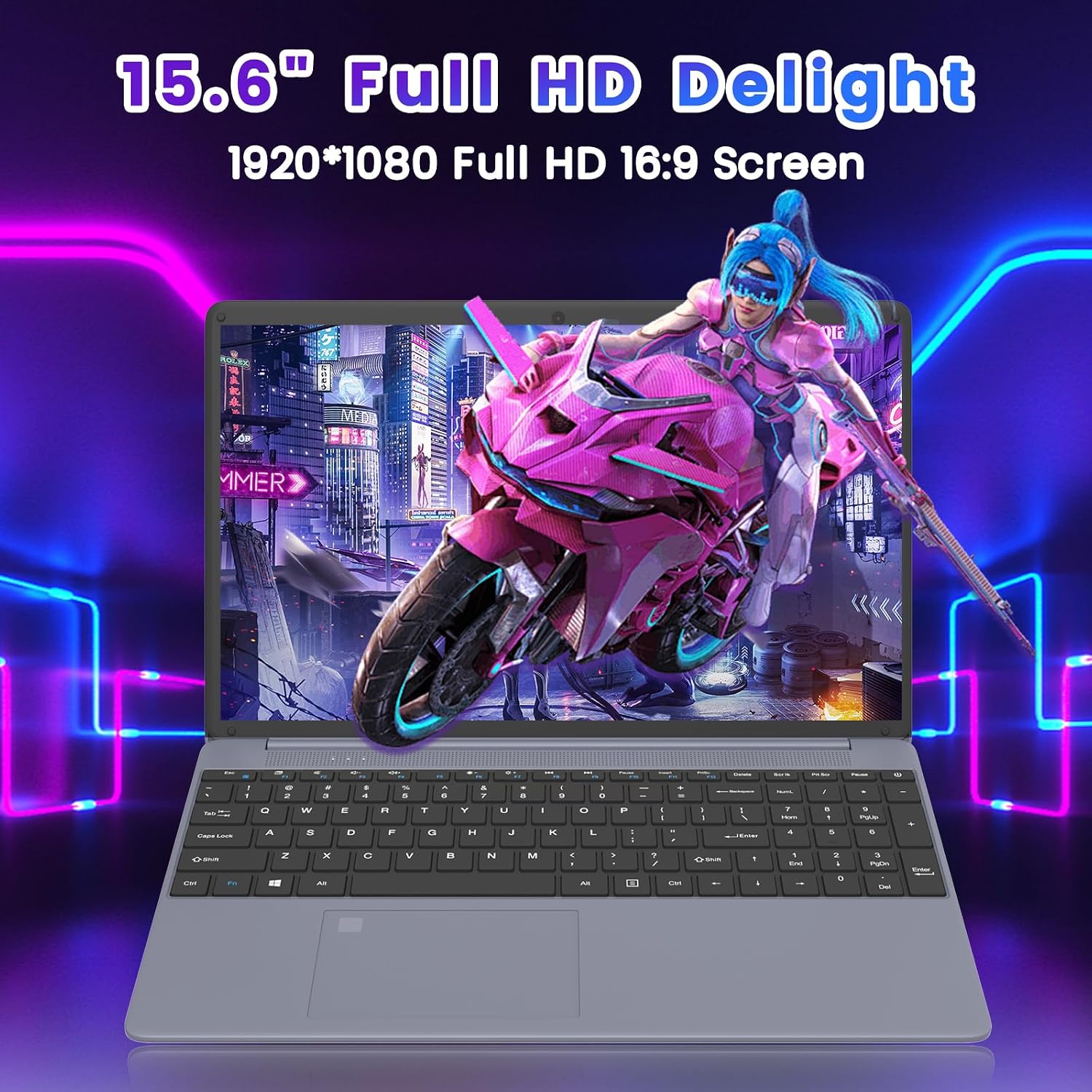
Experience clear and vibrant visuals on the 15.6-inch Full HD (1920x1080) IPS display. The 16:9 aspect ratio is suitable for both productivity and entertainment.
3.6 Hayat Bateri
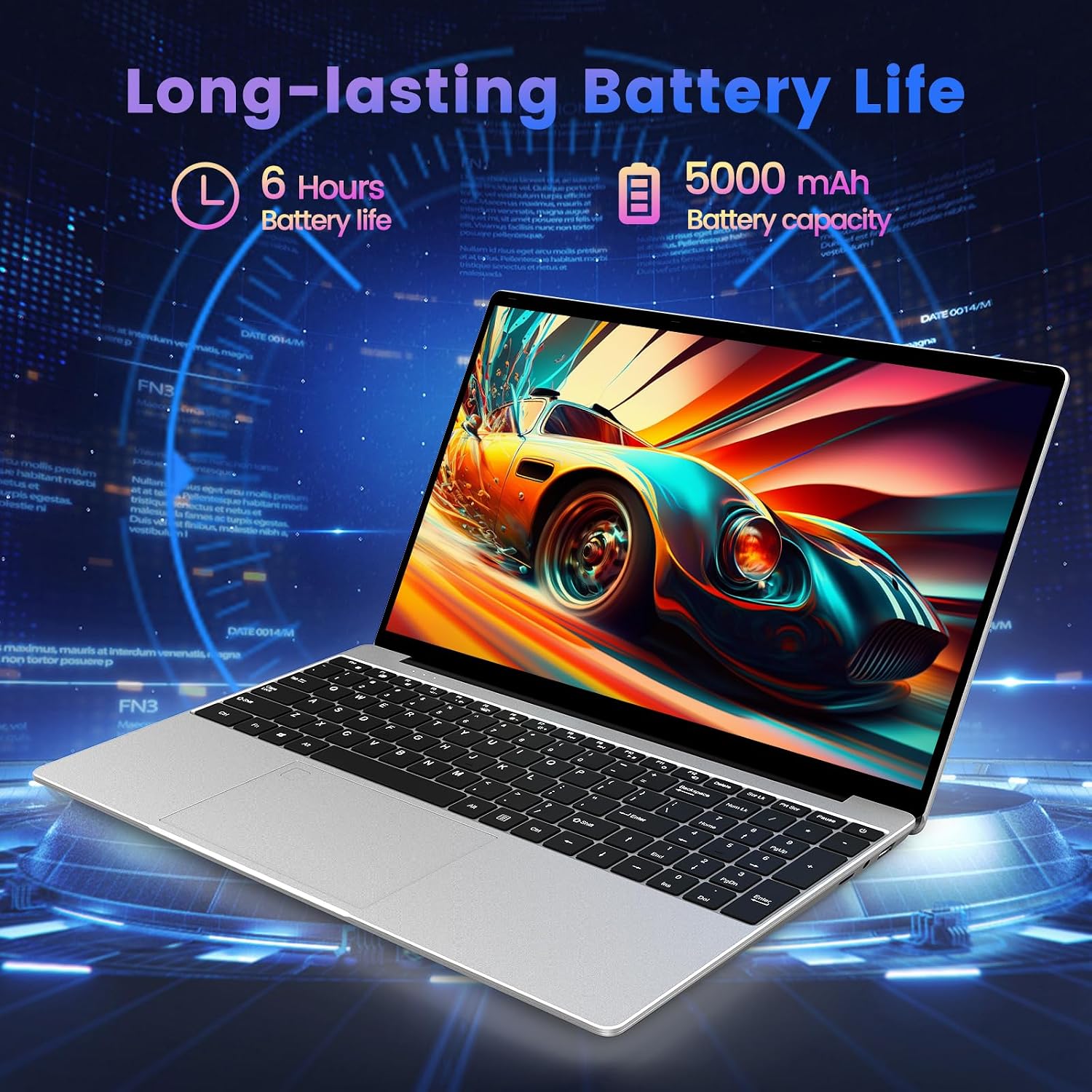
The integrated 5000 mAh lithium-ion battery provides up to 5-6 hours of usage, allowing for portability and use without constant access to a power outlet.
3.7 Input Devices
The laptop features a full-size keyboard and a large touchpad for comfortable and efficient input.

3.8 Video Produk Selesaiview
Video 3.1: Seorang pegawai tamatview of the Azeyou 15.6'' Laptop, showcasing its design, features, and key specifications like the Intel N95 processor, full-function Type-C port, full-size keyboard, and ultra-thin design.
4. Persediaan
4.1 Pengecasan Awal
- Connect the power adapter to the DC IN port on the laptop.
- Palamkan penyesuai kuasa ke salur keluar dinding.
- Benarkan komputer riba mengecas sekurang-kurangnya 30 minit sebelum penggunaan awal, atau sehingga penunjuk bateri menunjukkan cas yang mencukupi.
4.2 Menghidupkan
- Buka penutup komputer riba.
- Press and hold the power button (usually located on the top right of the keyboard or side) until the screen illuminates.
4.3 Windows 11 Pro Initial Setup
Follow the on-screen prompts to complete the Windows 11 Pro setup process. This typically includes:
- Memilih kawasan dan reka letak papan kekunci anda.
- Menyambung ke rangkaian Wi-Fi.
- Signing in with a Microsoft account or creating a local account.
- Menyediakan tetapan privasi.
4.4 Menyambung ke Wi-Fi
- During Windows setup, select your desired Wi-Fi network from the list.
- Masukkan kata laluan rangkaian jika digesa.
- If already set up, click the Wi-Fi icon in the taskbar, select your network, and connect.
5. Mengendalikan Komputer Riba Anda
5.1 Pengurusan Kuasa
- Tutup: Klik butang Mula, kemudian Kuasa > Tutup.
- Mulakan semula: Klik butang Mula, kemudian Kuasa > Mulakan semula.
- tidur: Click the Start button, then Power > Sleep, or close the laptop lid.
5.2 Menggunakan Papan Kekunci dan Pad Sentuh
- The full-size keyboard allows for comfortable typing.
- The large touchpad supports multi-touch gestures for navigation (e.g., two-finger scroll, pinch-to-zoom).
5.3 Menyambung Peranti
- Peranti USB: Insert USB drives, mice, or other peripherals into the available USB 3.0 ports.
- Paparan HDMI: Connect an external monitor or TV using an HDMI cable to the HDMI port.
- Peranti Jenis-C: Use the Full Function Type-C port for data transfer, video output, or charging compatible devices.
- Fon kepala / Pembesar suara: Plug 3.5mm audio devices into the headphone jack.
- Kad TF: Insert a TF (microSD) card into the dedicated slot for expanded storage or data transfer.
5.4 Kesambungan Wayarles
- Wi-Fi: The laptop supports 2.4G and 5G Wi-Fi for high-speed internet access. Manage connections via the network icon in the taskbar.
- Bluetooth: Bluetooth 5.0 allows connection to wireless headphones, speakers, and other Bluetooth-enabled devices. Access Bluetooth settings via Windows Settings > Bluetooth & devices.
6. Penyelenggaraan
6.1 Membersihkan Komputer Riba
- Gunakan kain lembut dan tidak berbulu sedikit dampdiisi dengan air atau pembersih skrin untuk membersihkan paparan.
- Untuk papan kekunci dan casis, gunakan kain lembut dan kering. Elakkan bahan kimia yang keras atau bahan yang melelas.
- Gunakan udara termampat untuk membersihkan habuk daripada kekunci papan kekunci dan bukaan pengudaraan.
6.2 Penjagaan Bateri
- Elakkan menyahcas sepenuhnya bateri dengan kerap.
- Simpan komputer riba di tempat yang sejuk dan kering jika tidak digunakan untuk tempoh yang lama, dengan bateri dicas sehingga kira-kira 50%.
- Use only the original power adapter provided with the laptop.
6.3 Kemas Kini Perisian
- Regularly check for and install Windows updates to ensure system stability and security. Go to Settings > Windows Update.
- Keep your device drivers updated. Windows Update often handles this, but you may occasionally need to check the Azeyou support website for specific driver updates.
6.4 Pengurusan Storan
- Padamkan yang tidak perlu secara berkala files and uninstall unused programs to free up storage space.
- Use Windows' built-in Disk Cleanup tool to remove temporary files.
7. Penyelesaian masalah
This section addresses common issues you might encounter with your Azeyou Laptop X52.
| Masalah | Kemungkinan Punca | Penyelesaian |
|---|---|---|
| Komputer riba tidak dihidupkan. | Low battery, faulty power adapter, hardware issue. | Ensure the power adapter is securely connected and plugged into a working outlet. Allow the laptop to charge for a while. Try a different outlet. If the issue persists, contact support. |
| Tidak dapat menyambung ke Wi-Fi. | Wi-Fi adapter disabled, incorrect password, router issue, driver problem. | Check if Wi-Fi is enabled in Windows settings. Verify the Wi-Fi password. Restart your router and the laptop. Update Wi-Fi drivers via Device Manager or Azeyou support webtapak. |
| Laptop reboots unexpectedly or shows 'Aptio Setup Utility' error. | System instability, corrupted OS files, BIOS settings, hardware fault. | Ensure Windows is fully updated. Run a system file check (sfc /scannow in Command Prompt). If 'Aptio Setup Utility' appears, exit without saving changes unless instructed by support. If frequent, consider reinstalling Windows or contacting support for hardware diagnosis. |
| Prestasi perlahan. | Too many applications open, low storage space, outdated drivers, malware. | Close unnecessary programs. Free up disk space. Update drivers. Run a full system scan for viruses/malware. |
| External display not working. | Incorrect display settings, faulty cable, driver issue. | Ensure the HDMI cable is securely connected. Press Windows key + P to cycle through display modes. Update graphics drivers. |
8. Spesifikasi
Detailed technical specifications for the Azeyou 15.6" Laptop X52:
| Ciri | Spesifikasi |
|---|---|
| Jenama | Azeyu |
| Nama Model | X52 |
| Saiz Skrin | 15.6 Inci |
| Resolusi Skrin | 1920 x 1080 Piksel (HD Penuh) |
| Pemproses | Intel Alder Lake-N95 Quad Core (up to 3.4 GHz) |
| RAM | 12 GB DDR4 |
| Pemacu Keras | 256 GB SSD (eSATA Interface) |
| Pemproses bersama Grafik | Grafik Intel UHD (Bersepadu) |
| Sistem Operasi | Windows 11 Pro |
| Jenis Wayarles | 802.11a/b/g/n/ac (2.4G/5G WiFi) |
| Bluetooth | Bluetooth 5.0 |
| Purata Hayat Bateri | 5-6 Hours (5000 mAh Lithium Polymer) |
| Berat Barang | 2.64 paun |
| Dimensi Produk | 14.13 x 0.78 x 9.45 inci |
| warna | Kelabu |
| Platform Perkakasan | PC |
9. Waranti dan Sokongan
9.1 Waranti Produk
Azeyou products typically come with a limited manufacturer's warranty. Please refer to the warranty card included in your product packaging or visit the official Azeyou website for specific warranty terms and conditions applicable to your region and model.
9.2 Sokongan Pelanggan
For technical assistance, troubleshooting not covered in this manual, or warranty claims, please contact Azeyou customer support through their official website. You may need your product model number (X52) and purchase information when contacting support.
Official Azeyou Store: Visit Azeyou Store on Amazon


