pengenalan
Terima kasih kerana membeliasing the Daewoo Soundbox 60 Portable Speaker, Model DW1191BL. This manual provides essential information for the safe and efficient operation of your device. Please read it thoroughly before use and retain it for future reference.
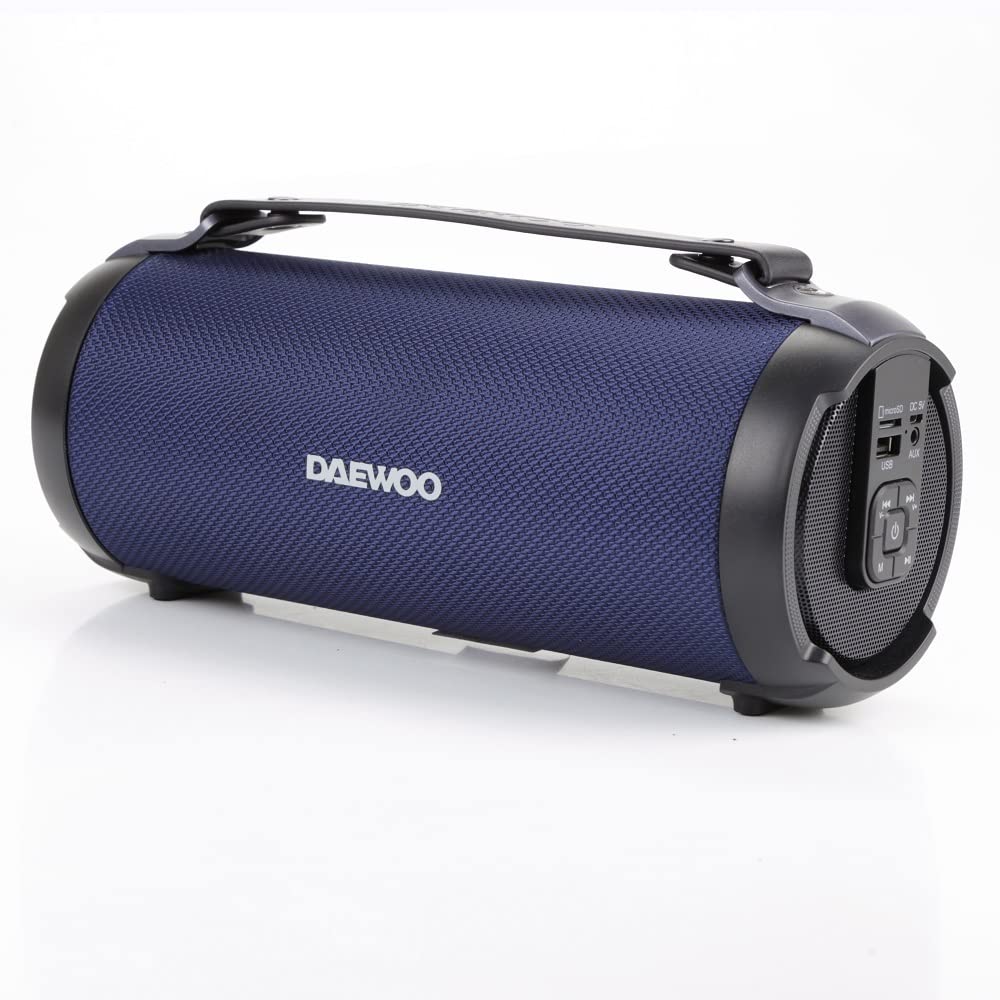
Image: The Daewoo Soundbox 60 Portable Speaker, Model DW1191BL, shown in a home environment, highlighting its portability and use.
Maklumat Keselamatan
- Jangan dedahkan pembesar suara kepada suhu yang melampau, cahaya matahari langsung atau kelembapan yang tinggi.
- Elakkan daripada menjatuhkan atau menundukkan pembesar suara kepada impak yang kuat.
- Keep the speaker away from water and liquids. This device is not waterproof.
- Jangan cuba membuka atau membaiki pembesar suara sendiri. Hubungi kakitangan servis yang berkelayakan.
- Gunakan hanya kabel pengecasan yang disediakan atau setara yang diperakui.
- Buang bateri dan pembesar suara mengikut peraturan tempatan.
Kandungan Pakej
Sila pastikan semua item ada dalam pakej:
- Daewoo Soundbox 60 Portable Speaker (DW1191BL)
- Kabel Pengecas USB Mikro
- Kabel Audio (AUX)
- Manual Pengguna (dokumen ini)
Produk Selesaiview
Familiarize yourself with the various parts of your Soundbox 60 speaker.
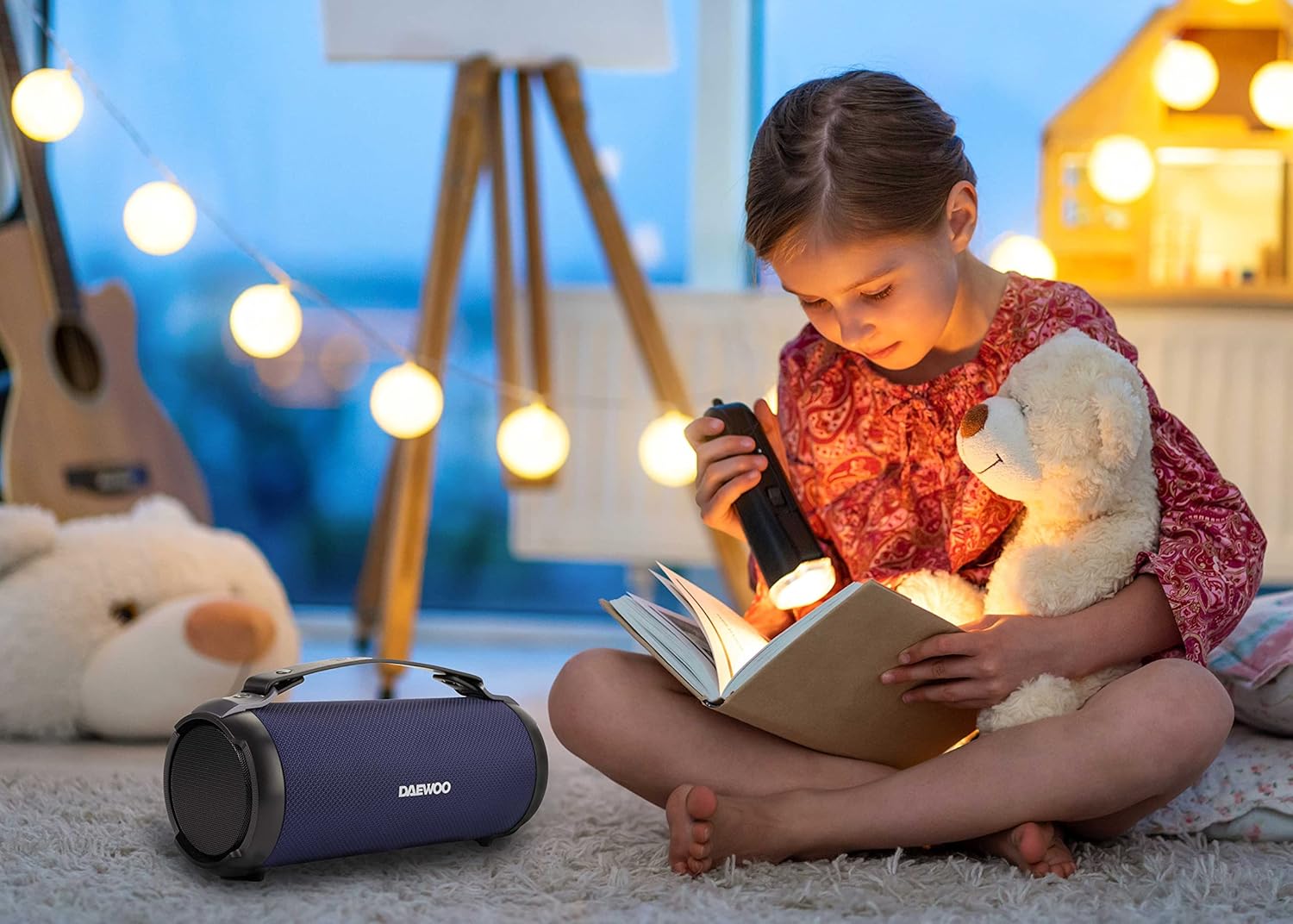
Imej: Depan view of the Daewoo Soundbox 60 speaker, showing the speaker grille and Daewoo logo.

Imej: Depan view of the Daewoo Soundbox 60 speaker, highlighting the integrated carrying handle.
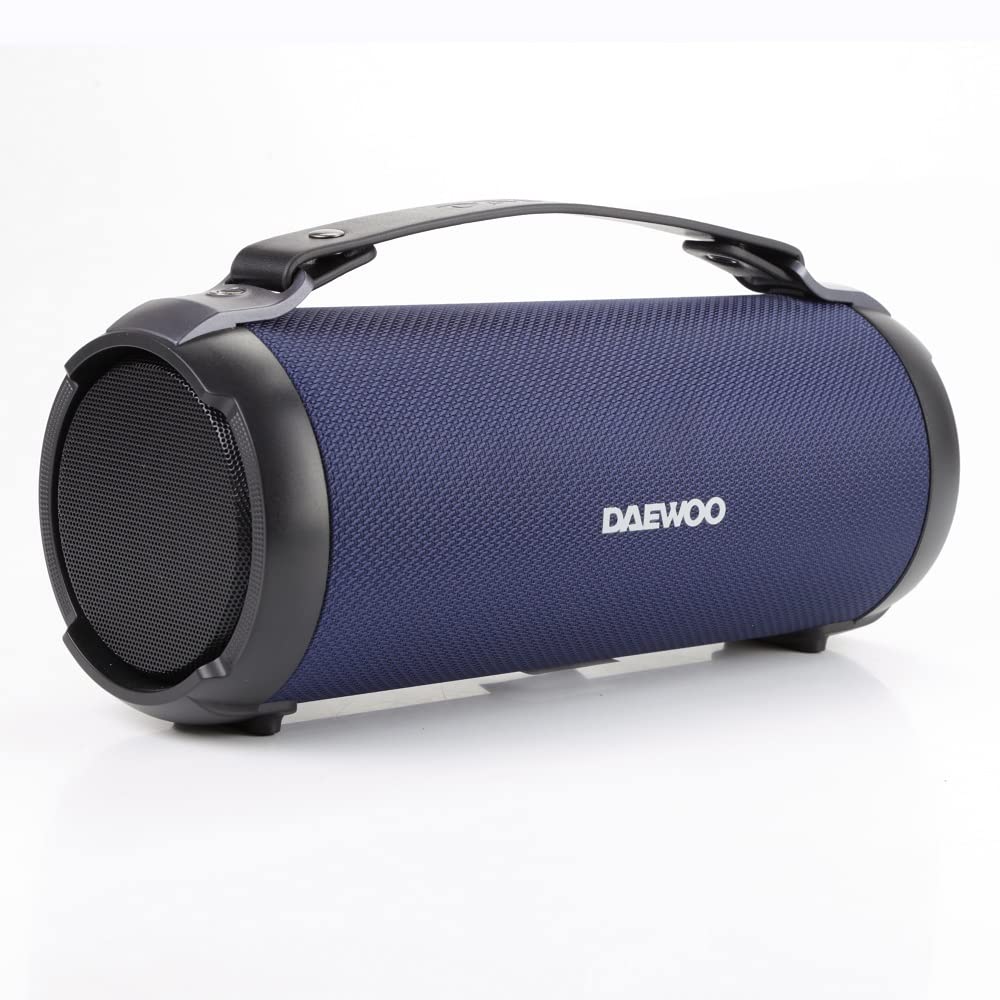
Imej: Bersudut view of the Daewoo Soundbox 60 speaker, showing its cylindrical design.

Imej: Atas view of the Daewoo Soundbox 60 speaker, emphasizing the carrying handle.

Image: Rear panel of the Daewoo Soundbox 60 speaker, detailing the Micro SD slot, DC 5V charging port, USB port, AUX input, power button, mode button, and playback controls.
Control Panel (Refer to the rear panel image):
- Slot Micro SD: For playing music from a Micro SD card.
- Port 5V DC: Untuk mengecas pembesar suara.
- Port USB: For playing music from a USB drive.
- Input AUX: Untuk menyambungkan peranti audio luaran melalui kabel audio 3.5mm.
- Butang kuasa (⏻): Tekan dan tahan untuk hidup/mati. Tekan sebentar untuk menukar mod.
- Previous Track / Volume Down (⏮ / V-): Tekan sebentar untuk trek sebelumnya, tekan lama untuk mengurangkan kelantangan.
- Play/Pause / TWS (⏸): Short press to play/pause. Long press to activate TWS pairing.
- Next Track / Volume Up (⏭ / V+): Tekan sebentar untuk trek seterusnya, tekan lama untuk meningkatkan kelantangan.
- Butang Mod (M): Short press to cycle through Bluetooth, FM Radio, Micro SD, USB, and AUX modes.
Persediaan
1. Mengisi Speaker
- Connect the Micro USB charging cable to the DC 5V port on the speaker.
- Sambungkan hujung kabel yang satu lagi ke penyesuai kuasa USB (tidak disertakan) atau port USB komputer.
- The charging indicator light will illuminate. Charging takes approximately 4.5 hours for a full charge.
- Once fully charged, the indicator light will change or turn off (refer to specific LED behavior if available on device).
Note: Ensure the speaker is fully charged before first use to maximize battery life.
Arahan Operasi
1. Hidupkan/Mati Kuasa
- Untuk menghidupkan, tekan dan tahan butang Kuasa (⏻) for a few seconds until you hear an audible prompt.
- Untuk mematikan kuasa, tekan dan tahan butang Kuasa (⏻) again for a few seconds.
2. Berpasangan Bluetooth
- Hidupkan pembesar suara. Ia akan memasuki mod gandingan Bluetooth secara automatik, ditunjukkan oleh lampu LED berkelip dan gesaan yang boleh didengar.
- Pada peranti mudah alih anda (telefon pintar, tablet, komputer riba), dayakan Bluetooth dan cari peranti yang tersedia.
- Select "DW1191BL" from the list of devices.
- Sebaik sahaja dipasangkan, pembesar suara akan mengeluarkan pengesahan yang boleh didengar dan lampu LED akan berhenti berkelip.
- You can now play audio from your device through the Soundbox 60.
Note: The effective Bluetooth range is approximately 10 meters (33 feet) without obstacles.
3. Fungsi TWS (True Wireless Stereo).
The TWS function allows you to connect two DW1191BL Soundbox speakers for a stereo audio experience.
- Ensure both DW1191BL speakers are powered on and not connected to any Bluetooth device.
- On one of the speakers (this will be the primary speaker), long press the Play/Pause button (⏸) until you hear a TWS pairing prompt.
- The two speakers will automatically search and pair with each other. Once connected, you will hear a confirmation sound.
- Sekarang, sambungkan peranti mudah alih anda ke pembesar suara utama melalui Bluetooth seperti yang diterangkan dalam bahagian "Penyandingan Bluetooth".
- Audio kini akan dimainkan dalam stereo melalui kedua-dua pembesar suara.
Note: TWS function only works with two identical DW1191BL models.
4. Mod Radio FM
- Hidupkan pembesar suara.
- Press the Mode button (M) repeatedly until you enter FM Radio mode. You will hear an audible prompt.
- To auto-scan and save available stations, press and hold the Play/Pause button (⏸). The speaker will scan and store stations automatically.
- Gunakan Lagu Sebelumnya (⏮) dan Trek Seterusnya (⏭) untuk menavigasi antara stesen yang disimpan.
Petua: Untuk penerimaan FM yang lebih baik, pastikan pembesar suara berada di kawasan terbuka.
5. Micro SD / USB Playback
- Insert a Micro SD card or USB drive (with supported audio files) ke dalam slot yang sepadan pada pembesar suara.
- The speaker will automatically switch to Micro SD or USB mode and begin playing audio. If not, press the Mode button (M) to select the correct mode.
- Gunakan Main/Jeda (⏸), Previous Track (⏮), and Next Track (⏭) buttons to control playback.
6. Mod Input AUX
- Sambungkan satu hujung kabel audio 3.5mm ke port input AUX pada pembesar suara.
- Sambungkan hujung kabel audio yang satu lagi ke bicu fon kepala atau output audio peranti luaran anda.
- Press the Mode button (M) repeatedly until you enter AUX mode.
- Control playback directly from your external audio device. Volume can be adjusted on both the speaker and the external device.
Penyelenggaraan
- Pembersihan: Gunakan kain lembut dan kering untuk membersihkan bahagian luar pembesar suara. Jangan gunakan pembersih atau pelarut yang melelas.
- Storan: Apabila tidak digunakan untuk tempoh yang lama, simpan pembesar suara di tempat yang sejuk dan kering, jauh daripada cahaya matahari langsung.
- Penjagaan Bateri: Untuk memanjangkan hayat bateri, elakkan daripada menyahcas sepenuhnya bateri dengan kerap. Cas pembesar suara dengan kerap, walaupun tidak digunakan.
Menyelesaikan masalah
| Masalah | Kemungkinan Punca | Penyelesaian |
|---|---|---|
| Speaker tidak dihidupkan. | Bateri lemah. | Cas pembesar suara selama sekurang-kurangnya 30 minit. |
| Tiada bunyi dari pembesar suara. | Kelantangan terlalu rendah; mod salah; peranti tidak dipasangkan. | Increase volume on speaker and connected device. Ensure correct mode (Bluetooth, AUX, etc.). Re-pair Bluetooth device. |
| Peranti Bluetooth tidak dapat mencari pembesar suara. | Speaker not in pairing mode; too far from device. | Ensure speaker is powered on and in Bluetooth mode (flashing LED). Move device closer to speaker (within 10m). |
| Gandingan TWS gagal. | Speakers already paired to another device; not both DW1191BL models. | Disconnect both speakers from any Bluetooth devices. Ensure both are DW1191BL models. Try TWS pairing again. |
| Penerimaan radio FM yang lemah. | Isyarat lemah; gangguan persekitaran. | Move the speaker to an open area. Try auto-scanning again. |
Spesifikasi
| Nama Model | Soundbox 60, DW1191BL |
| Versi Bluetooth | 5.0 |
| Julat Tanpa Wayar | Sehingga 10 meter (33 kaki) |
| Saiz Pembesar Suara | 3 inci |
| Output Kuasa RMS | 60W |
| Kapasiti Bateri | 1500mAh |
| Masa Main Semula | Sehingga 5 jam (pada kelantangan sederhana) |
| Masa Mengecas | Lebih kurang 4.5 jam |
| Port Input | Micro SD, USB, AUX (3.5mm), DC 5V (charging) |
| Ciri-ciri | Bluetooth 5.0, TWS Function, FM Radio, Micro SD/USB Playback, AUX Input |
| Dimensi Produk | 28.7D x 11.2W x 12.7H Sentimeter |
| Berat Barang | 1.18 Kilogram |
| bahan | Plastik, Logam |
| Kalis air | Tidak |
Waranti dan Sokongan
Untuk maklumat jaminan dan sokongan teknikal, sila rujuk kad jaminan yang disertakan dengan produk anda atau lawati laman web rasmi Daewoo. webtapak. Simpan resit pembelian anda sebagai bukti pembelian.
Pengeluar: Daewoo
Nombor Model: 04571 (Internal Item Model Number)


