pengenalan
Welcome to the user manual for your new Brookstone Over Ear Headphones with Playful Meters. These headphones are designed to provide a dynamic and fun listening experience with their unique visual meters and comfortable over-ear design. This manual will guide you through the setup, operation, maintenance, and troubleshooting of your headphones to ensure you get the most out of your audio adventures.

Image: The Brookstone Over Ear Headphones in White/Silver, showcasing their sleek design and the playful VU meter on the earcup.
Ciri-ciri Produk
- Bunyi Dinamik: Immerse yourself in rich, clear audio for an enhanced listening experience.
- Playful Meters: Unique visual meters on the earcups add a fun and interactive element, allowing others to see how loud your music is.
- Keselesaan Sepanjang Hari: Designed for extended wear with a comfortable over-ear fit.
- Persediaan Tanpa Kerumitan: Easy to connect and use with user-friendly controls.
- Kebebasan Tanpa Wayar: Bluetooth connectivity allows for unrestricted movement.
- Penggunaan Serbaguna: Ideal for casual music listening, gaming, and various entertainment needs.
- Kualiti Boleh Dipercayai: Built with durability in mind for a long-lasting audio accessory.

Image: A man wearing the Brookstone headphones, highlighting the backlit VU meter feature that visually represents music volume.

Image: A woman wearing the headphones, demonstrating the noise-isolating design that helps provide crisp, rich audio without external distractions.
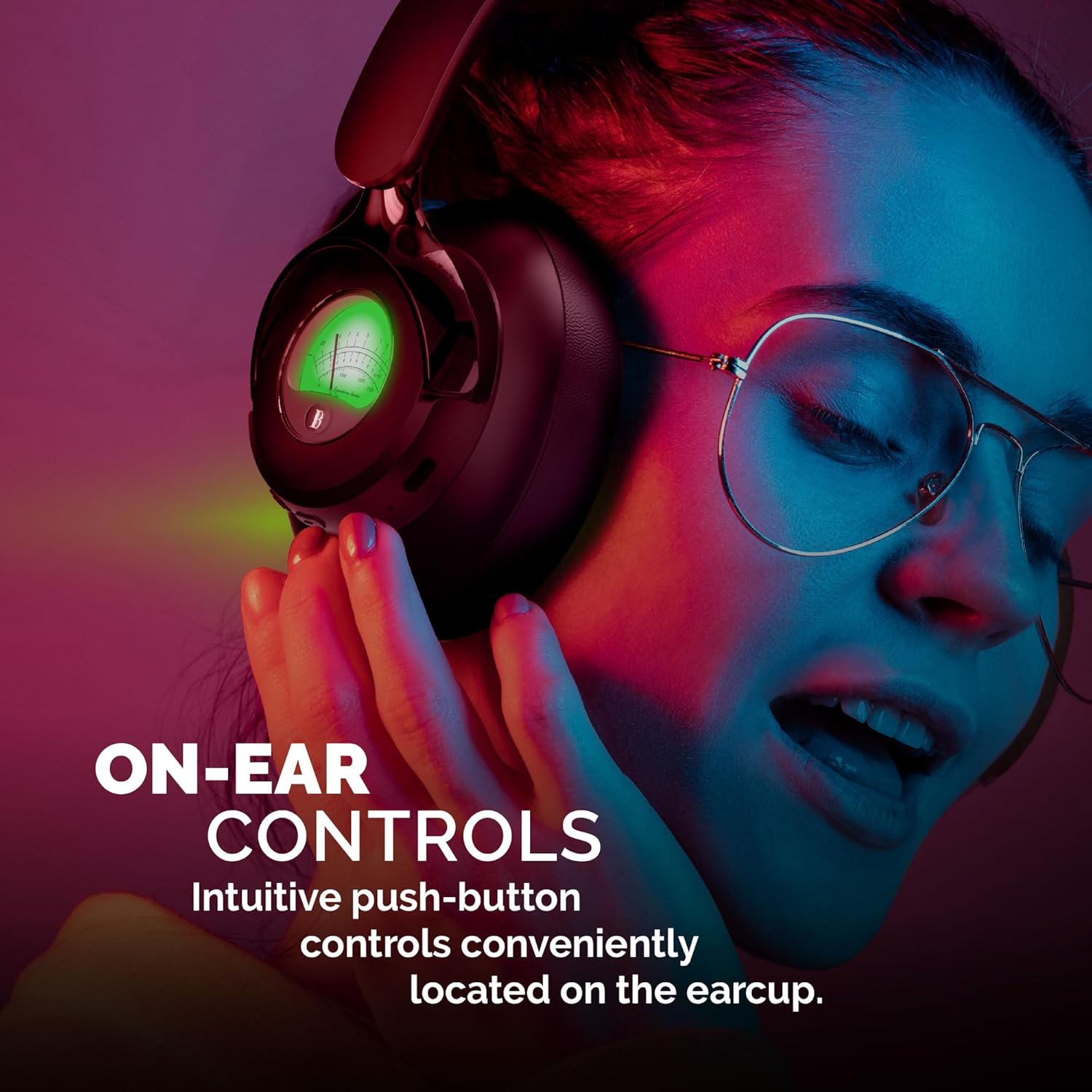
Image: A woman adjusting the headphones, illustrating the intuitive push-button controls conveniently located on the earcup for easy access.

Image: A woman smiling while looking at her phone and wearing the headphones, emphasizing the impressive 35 hours of playtime on a single charge.
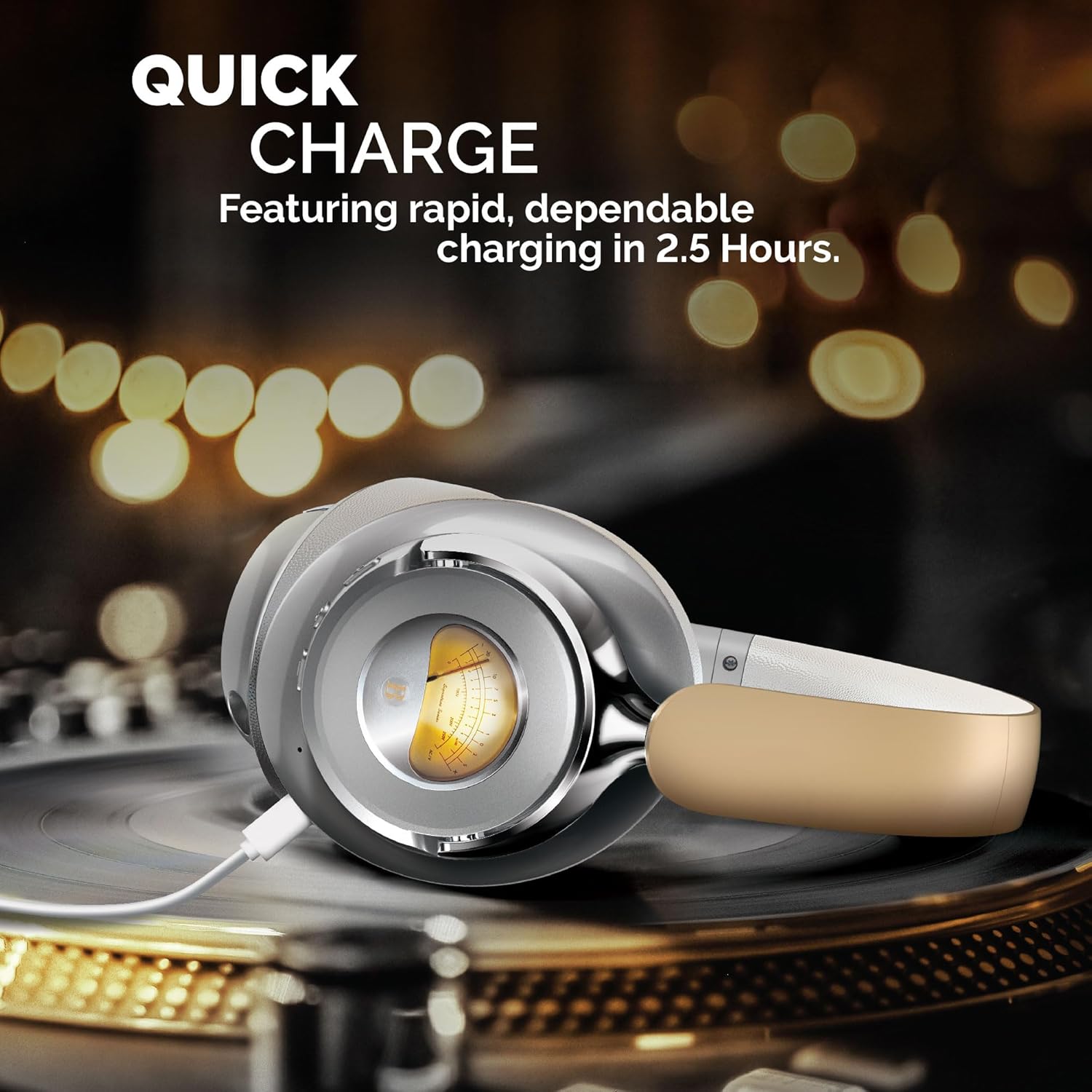
Image: The headphones are shown charging on a turntable, illustrating the quick charge feature that allows for rapid and dependable charging in 2.5 hours.
Video Produk Rasmi
Video: Tayangan video produk rasmicasing the Brookstone Over Ear Playful Meter Headphones, highlighting their dynamic sound, comfortable design, and unique visual meters. This video provides a comprehensive overview of the product's key features and benefits.
Persediaan
Mengecas Fon Kepala Anda
Before first use, fully charge your headphones. Connect the included charging cable to the charging port on the headphones and the other end to a USB power source. The LED indicator will show charging status and turn off when fully charged. A full charge takes approximately 2.5 hours.
Berpasangan dengan Peranti Bluetooth
- Ensure your headphones are fully charged and powered off.
- Tekan dan tahan butang kuasa sehingga penunjuk LED berkelip biru dan merah, menunjukkan mod berpasangan.
- Pada peranti anda (telefon pintar, tablet, komputer), dayakan Bluetooth dan cari peranti yang tersedia.
- Select "Brookstone BSBTH21WHSL" from the list of devices.
- Setelah disambungkan, penunjuk LED pada fon kepala akan bertukar menjadi biru pejal.
Memakai Fon Kepala Anda
Adjust the headband to comfortably fit your head. Ensure the earcups fully cover your ears for optimal sound quality and noise isolation. The earcups are designed for extended wear, providing a balanced and comfortable experience.
Mengendalikan Fon Kepala Anda
Hidupkan/Mati Kuasa
- Hidupkan kuasa: Press and hold the power button for 3 seconds. The LED indicator will light up.
- Matikan: Press and hold the power button for 3 seconds. The LED indicator will turn off.
Main balik Muzik
- Main/Jeda: Tekan butang pelbagai fungsi sekali.
- Lagu Seterusnya: Tekan dan tahan butang "+".
- Trek Sebelumnya: Tekan dan tahan butang "-".
Pengurusan Panggilan
- Jawab/Tamatkan Panggilan: Tekan butang pelbagai fungsi sekali.
- Tolak Panggilan: Tekan dan tahan butang pelbagai fungsi selama 2 saat.
Kawalan Kelantangan
- Tingkatkan Kelantangan: Tekan butang "+".
- Kurangkan Kelantangan: Tekan butang "-".
Penyelenggaraan
Penyelenggaraan yang betul memastikan jangka hayat dan prestasi optimum fon kepala anda.
- Pembersihan: Gunakan kain lembut dan kering untuk membersihkan penutup telinga dan ikat kepala. Jangan gunakan pembersih atau pelarut yang kasar.
- Storan: Apabila tidak digunakan, simpan fon kepala di tempat yang sejuk dan kering, jauh daripada cahaya matahari langsung dan suhu yang melampau.
- Elakkan Kelembapan: Jangan dedahkan fon kepala kepada air atau kelembapan berlebihan.
- Tangani dengan Berhati-hati: Elakkan daripada menjatuhkan atau meletakkan fon kepala kepada kesan yang kuat.
Menyelesaikan masalah
If you encounter any issues with your headphones, refer to the following common problems and solutions:
| Masalah | Penyelesaian |
|---|---|
| Fon kepala tidak dihidupkan. | Ensure the headphones are fully charged. Connect to a power source and allow sufficient charging time. |
| Tidak boleh berpasangan dengan peranti. | Make sure Bluetooth is enabled on your device and the headphones are in pairing mode (flashing blue/red LED). Move closer to the device and ensure no other devices are connected. |
| Tiada bunyi atau kelantangan rendah. | Check the volume levels on both the headphones and your connected device. Ensure the headphones are properly paired and connected. |
| Bunyi herot atau terputus-putus. | Move closer to your device to avoid interference. Check for obstacles between the headphones and the device. Disconnect and re-pair the headphones. |
Spesifikasi
| Ciri | Perincian |
|---|---|
| Nama Model | BSBTH21WHSL |
| Teknologi Ketersambungan | Tanpa wayar |
| Teknologi Komunikasi Tanpa Wayar | Bluetooth |
| Penempatan Telinga | Atas Telinga |
| Faktor Bentuk | Atas Telinga |
| bahan | Fabric, Plastic/Silicone |
| Jenis Kawalan | Kawalan Media |
| Kaedah Kawalan | Jauh |
| Jenis Pemacu Audio | Pemandu Dinamik |
| warna | Putih / perak |
| UPC | 680079013318 |
Apa yang ada dalam Kotak
Your Brookstone Over Ear Headphones package includes:
- Fon Kepala Atas Telinga
- Charging Cable (not explicitly listed but implied for wireless headphones)
- Manual Pengguna (dokumen ini)
Waranti dan Sokongan
Brookstone products are designed for quality and reliability. For information regarding warranty coverage, technical support, or service inquiries, please refer to the warranty card included with your product or visit the official Brookstone webtapak. Sila simpan bukti pembelian anda untuk tuntutan waranti.