pengenalan
The Amazon Kindle Colorsoft Signature Edition 32GB is an advanced e-reader designed for an immersive color reading experience. It features a 7-inch Colorsoft display, auto-adjusting front light, wireless charging capability, and a long-lasting battery. This manual provides essential information for setting up, operating, maintaining, and troubleshooting your device.

Image: The Kindle Colorsoft Signature Edition showcasing a vibrant book cover, highlighting its color display capabilities.
Apa yang ada dalam Kotak
Sahkan bahawa semua item terdapat dalam pakej:
- Kindle Colorsoft Signature Edition device
- Kabel pengecas USB-C
- Panduan Mula Pantas
Peranti Lebihview
The Kindle Colorsoft Signature Edition features a sleek design with a 7-inch display. Key physical components typically include:
- Butang Kuasa: Usually located on the bottom edge, used to turn the device on/off or put it to sleep.
- Port USB-C: Terletak di tepi bawah untuk pengecasan dan pemindahan data.
- paparan: The main screen for reading, featuring Colorsoft technology and an auto-adjusting front light.
Persediaan
1. Caj Permulaan
Before first use, fully charge your Kindle Colorsoft Signature Edition. Connect the included USB-C cable to the device and a 9W USB power adapter (not included). A full charge takes less than 2.5 hours.
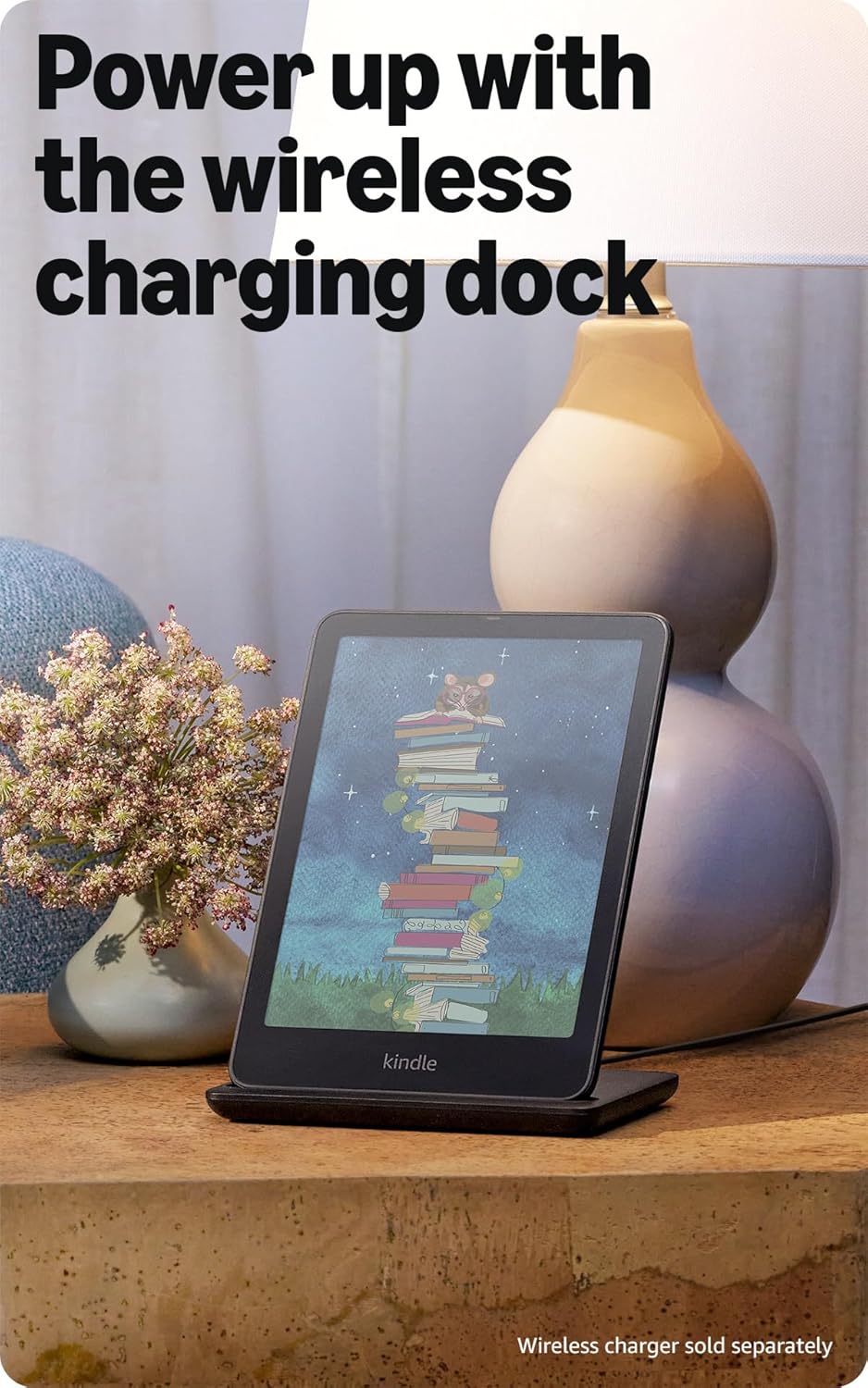
Image: The Kindle Colorsoft Signature Edition resting on a wireless charging dock, illustrating its charging capability.
2. Hidupkan kuasa
Tekan dan tahan butang kuasa sehingga skrin diaktifkan.
3. Sambung ke Wi-Fi
Follow the on-screen instructions to connect your device to a Wi-Fi network. The device supports 2.4 GHz and 5.0 GHz networks with WEP, WPA, WPA2, WPA3, and OWE security. It does not support ad-hoc networks.
4. Register Your Device
Register your Kindle to your Amazon account to access the Kindle Store, cloud storage, and your existing library. No computer is required for content download.
Operating Your Kindle
Reading in Color
The 7-inch Colorsoft display offers a high-contrast, paper-like color experience, bringing book covers and content to life. This display is optimized for color reading and differs from the black and white Kindle Paperwhite display.
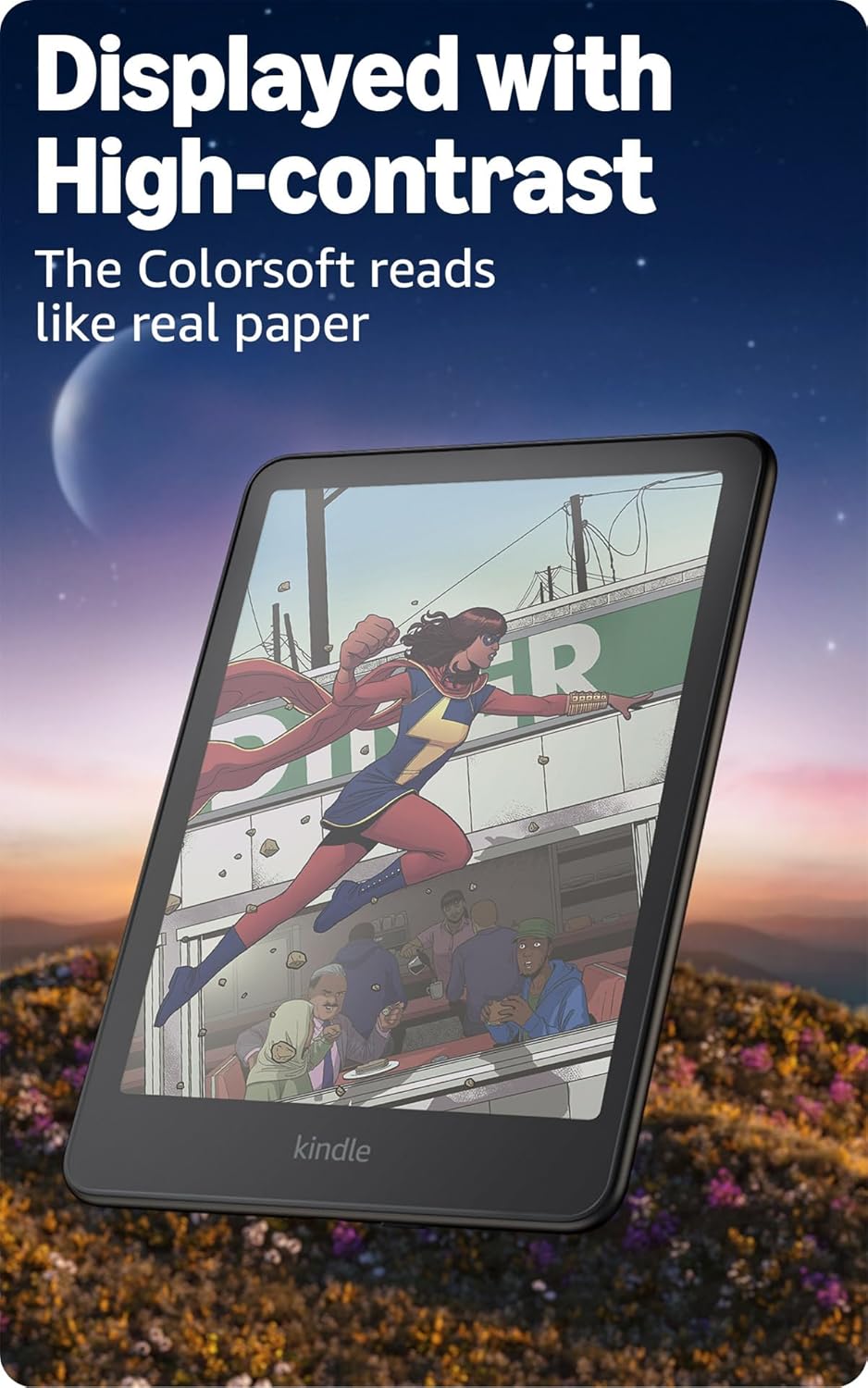
Image: The Kindle Colorsoft Signature Edition displaying a vibrant comic book page, demonstrating its color rendering for graphic content.
Highlighting Text
You can highlight your favorite passages in various colors, such as yellow, orange, blue, and pink, directly on the screen.
Adjusting Front Light
The glare-free display features an auto-adjusting front light, allowing comfortable reading in diverse lighting conditions, from bright sunlight to low-light environments.

Image: The Kindle Colorsoft Signature Edition in use on an airplane, illustrating its adaptability to different lighting conditions with its auto-adjusting front light.
Memuat turun Kandungan
Access over 15 million titles in the Kindle Store worldwide. You can also subscribe to Kindle Unlimited for all-you-can-read access to a vast catalog, including bestsellers.

Image: The Kindle Colorsoft Signature Edition displaying a library of colorful book covers, showcasing the device's ability to render vibrant content.

Image: A collection of diverse and colorful book covers presented on the Kindle Colorsoft Signature Edition, demonstrating the visual appeal of its display.
Format Kandungan yang Disokong
The device natively supports Kindle Format 8 (AZW3), Kindle (AZW), TXT, PDF, unprotected MOBI, and PRC. Through conversion, it supports PDF, DOCX, DOC, HTML, EPUB, TXT, RTF, JPEG, GIF, PNG, BMP, and Audible audio format (AAX).
Ciri Kebolehcapaian
SuaraView screen reader is available over Bluetooth audio, providing spoken feedback for device navigation and text-to-speech for books (English only). The Page Color feature allows inverting black text on a white background for comfortable reading while retaining colorful images.
Penyelenggaraan
Mengecas
A single charge can last up to eight weeks, based on 30 minutes of reading per day with wireless off and light setting at 13. Battery life varies with usage, especially with Audible audiobook streaming over Bluetooth. For convenience, wireless charging is supported with a compatible dock (sold separately).
Kalis air
The Kindle Colorsoft Signature Edition is waterproof (IPX8 rated), tested to withstand immersion in 2 meters of fresh water for 60 minutes. This makes it suitable for reading near water, but it is not intended for prolonged underwater use.
Pembersihan
To clean your device, gently wipe the screen and body with a soft, lint-free cloth. Avoid using abrasive cleaners or solvents.
Menyelesaikan masalah
Bateri Cepat Habis
- Ensure Wi-Fi is turned off when not needed.
- Reduce screen brightness or disable auto-adjusting light if not required.
- Frequent use of Audible audiobooks via Bluetooth will significantly reduce battery life.
- Perform a restart: Press and hold the power button for 40 seconds until the device restarts.
Display Appears Different from Paperwhite
The Kindle Colorsoft display includes a color filter layer, which may result in a different texture or brightness compared to the Kindle Paperwhite display. This is a normal characteristic of the Colorsoft technology.
Isu Ketersambungan
- Sahkan kata laluan Wi-Fi anda.
- Ensure your network is 2.4 GHz or 5.0 GHz and uses supported security protocols (WEP, WPA, WPA2, WPA3, OWE).
- Restart your Wi-Fi router and your Kindle device.
Spesifikasi
| Ciri | Perincian |
|---|---|
| Paparan | Amazon’s 7” Colorsoft display technology with built-in light, 300 ppi B&W, 150 ppi color, optimized font technology, 16-level gray scale. |
| Saiz | 5 x 7 x 0.3 "(127.6 x 176.7 x 7.8 mm) |
| Berat badan | 7.7oz (219g) |
| Storan Pada Peranti | 32 GB |
| Storan Awan | Storan awan percuma untuk semua kandungan Amazon |
| Hayat Bateri | Up to eight (8) weeks (based on 30 mins/day, wireless off, light setting 13) |
| Masa Mengecas | Less than 2.5 hours with a 9W USB power adapter |
| Kesambungan Wi-Fi | 2.4 GHz and 5.0 GHz networks (WEP, WPA, WPA2, WPA3, OWE) |
| Kalis air | IPX8 rated (2 meters of fresh water for 60 minutes) |
| Format Kandungan Disokong | Format Kindle 8 (AZW3), Kindle (AZW), TXT, PDF, MOBI tanpa perlindungan, PRC secara asli; PDF, DOCX, DOC, HTML, EPUB, TXT, RTF, JPEG, GIF, PNG, BMP melalui penukaran; Format audio boleh didengar (AAX). |
| Termasuk dalam Kotak | Kindle Colorsoft Signature Edition, USB-C charging cable, Quick Start Guide |
| Warna Tersedia | Hitam Metalik |
| Generasi | Kindle Colorsoft Signature Edition (1st Generation) – 2024 release |
Waranti dan Sokongan
Waranti
Your Kindle Colorsoft Signature Edition includes a 1-year limited warranty and service. Optional 1-year, 2-year, or 3-year Extended Warranty plans are available for U.S. customers and are sold separately. Use of the Kindle is subject to the terms found on the Amazon webtapak.
Further Documentation and Support
For more detailed information, refer to the Quick Start Guide included with your device or the comprehensive Kindle User Guide available online. For device-specific information or software security updates, visit Uruskan Kandungan dan Peranti Anda di Amazon.


