1. Pengenalan
This manual provides essential information for the safe and efficient operation, maintenance, and troubleshooting of your Einhell TP-ET 18 Li BL-Solo 18V Cordless Compact Router. Please read these instructions carefully before using the tool and keep them for future reference.
The Einhell TP-ET 18 Li BL-Solo is a versatile cordless compact router designed for precision woodworking tasks such as edge milling, grooving, and decorative profiling. It features a powerful brushless motor for extended runtime and performance, electronic speed control, and a continuously adjustable milling depth.
2. Arahan Keselamatan Am
AMARAN: Baca semua amaran keselamatan, arahan, ilustrasi dan spesifikasi yang disediakan dengan alat kuasa ini. Kegagalan mematuhi semua arahan yang disenaraikan di bawah boleh mengakibatkan renjatan elektrik, kebakaran dan/atau kecederaan serius.
2.1 Keselamatan Kawasan Kerja
- Pastikan kawasan kerja bersih dan terang. Kawasan bersepah atau gelap mengundang kemalangan.
- Jangan kendalikan alatan kuasa dalam atmosfera yang mudah meletup, seperti di hadapan cecair mudah terbakar, gas atau habuk. Alat kuasa menghasilkan percikan api yang boleh menyalakan habuk atau asap.
- Jauhkan kanak-kanak dan orang ramai semasa mengendalikan alat kuasa. Gangguan boleh menyebabkan anda hilang kawalan.
2.2 Keselamatan Elektrik
- Palam alat kuasa mesti sepadan dengan alur keluar. Jangan sekali-kali mengubah suai palam dalam apa jua cara.
- Elakkan sentuhan badan dengan permukaan yang dibumikan atau dibumikan, seperti paip, radiator, julat dan peti sejuk. Terdapat peningkatan risiko kejutan elektrik jika badan anda dibumikan atau dibumikan.
- Jangan dedahkan alatan kuasa kepada hujan atau keadaan basah. Air yang memasuki alat kuasa akan meningkatkan risiko kejutan elektrik.
2.3 Keselamatan Diri
- Sentiasa pakai pelindung mata. Gunakan cermin mata keselamatan, cermin mata atau pelindung muka.
- Pakai pelindung pendengaran semasa mengendalikan alat kuasa untuk tempoh yang lama.
- Berpakaian dengan betul. Jangan memakai pakaian atau barang kemas yang longgar. Jauhkan rambut dan pakaian anda daripada bahagian yang bergerak.
- Sentiasa berwaspada, perhatikan perkara yang anda lakukan dan gunakan akal semasa mengendalikan alat kuasa.
- Jangan paksa alat kuasa. Gunakan alat kuasa yang betul untuk aplikasi anda.
- Putuskan sambungan pek bateri daripada alat kuasa sebelum membuat sebarang pelarasan, menukar aksesori atau menyimpan alatan kuasa.
- Simpan alatan kuasa melahu daripada capaian kanak-kanak dan jangan benarkan orang yang tidak biasa dengan alatan kuasa atau arahan ini untuk mengendalikan alatan kuasa.
- Mengekalkan alatan kuasa dan aksesori. Periksa untuk tidak menjajarkan atau mengikat bahagian yang bergerak, pecah bahagian dan sebarang keadaan lain yang boleh menjejaskan operasi alat kuasa.
3. Komponen dan Kandungan Pakej
Your Einhell TP-ET 18 Li BL-Solo Cordless Compact Router package includes the following items:
- Einhell TP-ET 18 Li BL-Solo Compact Router (Tool Only)
- 2 x Collets (6mm and 8mm)
- Edge Milling Attachment
- 2 x Spanner Wrenches
- Copy Sleeve
- Suction Adapter
- Hentian Selari
- Compass Tip
Note: Battery and charger are NOT included with this 'Solo' version and must be purchased separately as part of the Einhell Power X-Change system.

Figure 1: Einhell TP-ET 18 Li BL-Solo Cordless Compact Router with included accessories. This image displays the main router unit, two collets, two spanner wrenches, an edge milling attachment, a copy sleeve, a suction adapter, a parallel stop, and a compass tip.
4. Persediaan
4.1 Pemasangan Bateri
- Ensure the router is switched off.
- Jajarkan pek bateri dengan port bateri di bahagian atas penghala.
- Luncurkan pek bateri ke dalam port sehingga ia mengklik dengan selamat ke tempatnya.
- Untuk mengeluarkan, tekan butang pelepas pada pek bateri dan luncurkannya keluar.
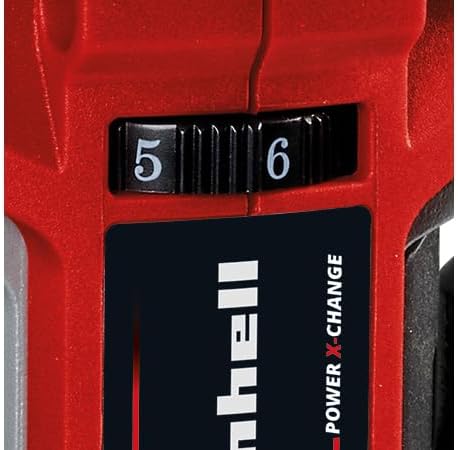
Figure 2: The Einhell TP-ET 18 Li BL-Solo router is supplied without a battery or charger, highlighting the need for separate purchase of Power X-Change batteries.
4.2 Pemasangan Bit Penghala
- Pastikan bateri ditanggalkan untuk keselamatan.
- Tekan dan tahan butang kunci gelendong untuk mengelakkan gelendong daripada berputar.
- Loosen the collet nut using one of the provided spanner wrenches.
- Insert the desired router bit into the collet, ensuring it is seated firmly but not bottomed out.
- Tighten the collet nut securely with the spanner wrench while holding the spindle lock.

Rajah 3: Jarak dekat view of the spindle lock button and collet area, essential for safe and easy router bit changes.
4.3 Attaching the Base Plate and Dust Extraction
- The transparent base plate is pre-installed. Ensure it is clean and free of debris.
- To attach the dust extraction adapter, align it with the designated port on the base plate and secure it. This allows connection to an external vacuum cleaner for a cleaner work environment.

Figure 4: The transparent base plate provides visibility of the workpiece during operation. The dust extraction port is visible for connecting a vacuum.
4.4 Adjusting Milling Depth
- Longgarkan tuil pelarasan kedalaman.
- Rotate the fine adjustment knob to set the desired milling depth. The scale on the side indicates the depth in millimeters.
- Once the desired depth is set, tighten the depth adjustment lever to secure the router in position.
4.5 Attaching Guides (Parallel Stop, Compass Tip, Guide Roller)
Depending on your application, various guides can be attached to the router base for enhanced precision:
- Parallel Stop: Used for routing parallel to an edge. Slide the parallel stop into the slots on the router base and secure it at the desired distance from the bit.
- Compass Tip: For cutting perfect circles. Attach the compass tip to the base and pivot it around a central point.
- Guide Roller: For following curved edges or templates. Attach the guide roller to the base, ensuring it makes contact with the guide surface.
5. Arahan Operasi
5.1 Menghidupkan/Mematikan
- To turn the router ON, slide the power switch to the 'I' position.
- To turn the router OFF, slide the power switch to the 'O' position.
5.2 Kawalan Kelajuan
The router features electronic infinitely variable speed control. Adjust the speed dial to match the material and router bit being used. Higher speeds are generally suitable for smaller bits and softer materials, while lower speeds are for larger bits and harder materials.

Figure 5: The speed control dial allows for precise adjustment of the router's RPM to suit different materials and applications.
5.3 Teknik Penghalaan
- Sentiasa pastikan bahan kerja berada dalam keadaan selamatampdiedit sebelum penghalaan.
- Start the router before making contact with the workpiece.
- Move the router smoothly and consistently along the desired path. Avoid sudden movements or excessive pressure.
- For best results and to prevent kickback, always feed the router against the direction of bit rotation.
- When routing edges, use the edge milling attachment for precise chamfering.
5.4 Pengumpulan Habuk
For a cleaner work environment and improved visibility, connect a suitable wet/dry vacuum cleaner to the suction adapter. This helps to remove wood chips and dust during operation.
6. Penyelenggaraan
6.1 Pembersihan
- Sentiasa putuskan sambungan bateri sebelum membersihkan.
- Regularly clean the router housing, base plate, and collet area to remove dust and debris. Use a soft brush or compressed air.
- Jangan gunakan agen pembersih atau pelarut yang agresif.
6.2 Router Bit Care
- Keep router bits sharp and clean. Dull bits can cause overheating and poor cutting performance.
- Store bits in a protective case to prevent damage.
6.3 Pemeriksaan Am
- Check all screws and fasteners regularly to ensure they are tight.
- Inspect the power cord (if applicable, for charger) for damage.
- Ensure all ventilation openings are clear to prevent overheating.
7. Penyelesaian masalah
| Masalah | Kemungkinan Punca | Penyelesaian |
|---|---|---|
| Penghala tidak bermula | Bateri tidak dimasukkan dengan betul atau dinyahcas. | Check battery connection; charge or replace battery. |
| Poor cutting quality / Rough edges | Dull or damaged router bit. Incorrect speed setting. | Replace bit; adjust speed according to material. |
| Getaran yang berlebihan | Router bit not properly secured. Damaged bit. | Re-tighten collet nut; replace damaged bit. |
| Motor terlebih panas | Slot pengudaraan tersumbat. Alat ini membebankan alat secara berlebihan. | Clean ventilation slots; reduce cutting depth/feed rate. |
8. Spesifikasi
| Ciri | Spesifikasi |
|---|---|
| Model | TP-ET 18 Li BL-Solo |
| Nombor Bahagian | 4350415 |
| Voltage | 18 Volts (Power X-Change) |
| Jenis Motor | Tanpa berus |
| Mengangkat Ketinggian | 40 mm |
| Saiz Collet | 6 mm, 8 mm |
| Max. Rotational Speed | 3000 RPM (Note: Product description states 3000 RPM, title states 30000 RPM. Please verify with manufacturer for accurate specification.) |
| Dimensi Produk | 9.3 x 9.3 x 18.2 cm |
| Berat Barang | 1.34 kg |
| bahan | Aluminium, Plastik |
| Sumber Kuasa | Dikuasakan oleh Bateri (Li-Ion) |
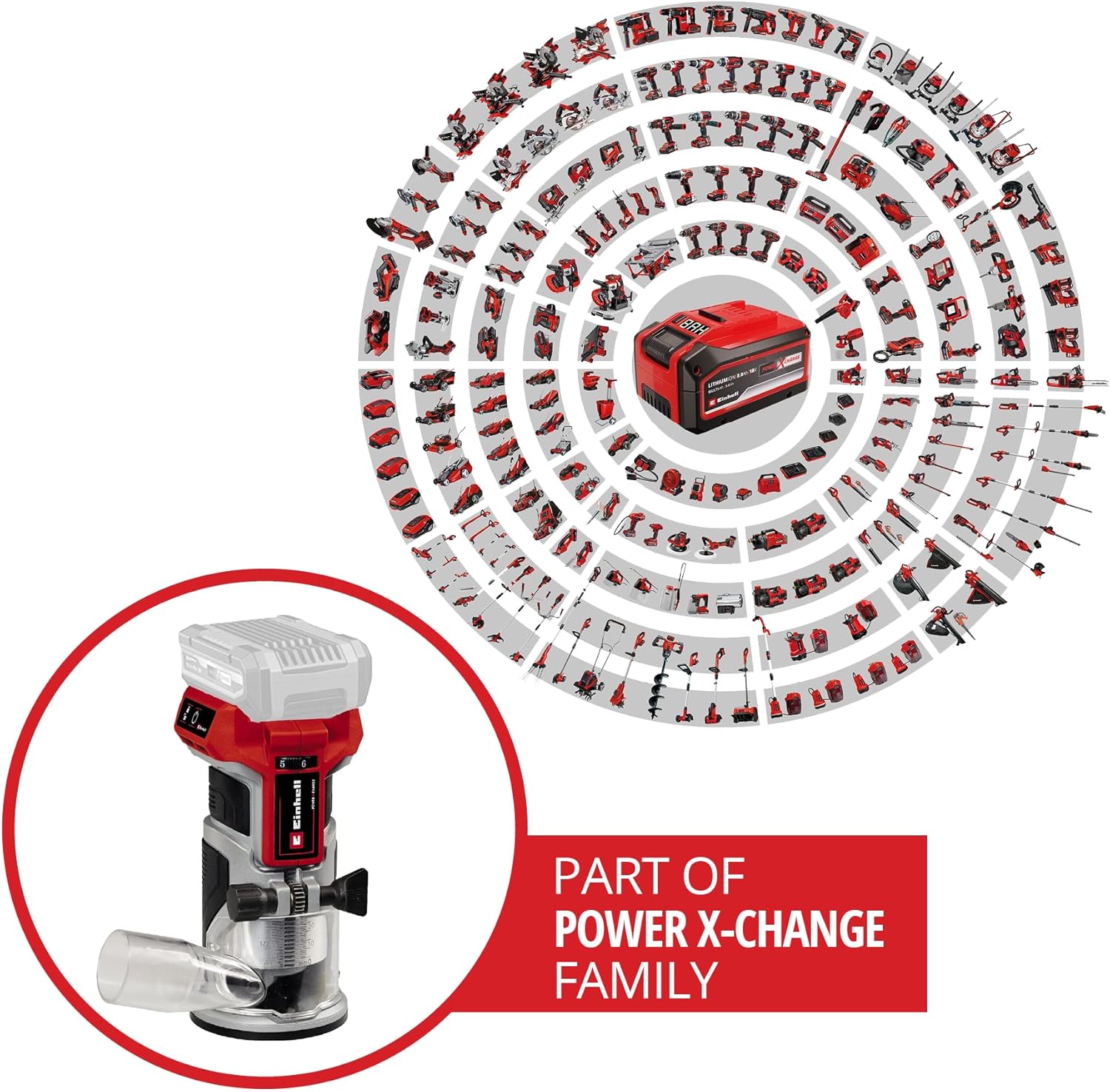
Figure 6: The Einhell TP-ET 18 Li BL-Solo is part of the Power X-Change family, allowing battery compatibility across a wide range of Einhell tools.

Figure 7: Illustration highlighting the benefits of the PurePOWER brushless motor, including increased lifespan, runtime, and power compared to conventional motors.
9. Waranti dan Sokongan
Your Einhell TP-ET 18 Li BL-Solo Cordless Compact Router comes with a 2-year warranty, ensuring safety and durability for your DIY projects. For warranty claims, technical support, or to explore other Einhell products, please visit the official Einhell store or contact customer service.
Kedai Jenama Rasmi: Einhell Canada Store
10. Video Produk
No official product videos from the seller directly related to the Einhell TP-ET 18 Li BL-Solo Cordless Compact Router were found in the provided data. Videos available were either for related products from other brands, from influencers, or for different Einhell tools.


