pengenalan
Manual pengguna ini menyediakan arahan komprehensif untuk persediaan, operasi dan penyelenggaraan anda ViewSonic VA270-H computer monitor. The VA270-H is a 27-inch Full HD LED flat display designed for various computing needs, offering a clear and vibrant visual experience.
Apa yang ada dalam Kotak
Before you begin, please verify that all components are present in the package.

Penerangan Imej: This image displays the contents typically found in the ViewSonic VA270-H monitor box. It shows the VA270-H monitor itself, a power cable, an HDMI cable, and a Quick Start Guide. Note that the power cable type may vary by region.
- ViewSonic VA270-H Monitor
- Power Cable (may vary by region)
- Kabel HDMI
- Panduan Mula Pantas
Persediaan
1. Perhimpunan Pantau
Tanggalkan komponen monitor dan penyangga dengan berhati-hati daripada pembungkusan. Pasangkan tapak penyangga pada leher penyangga, kemudian pasangkan penyangga yang telah dipasang pada bahagian belakang monitor. Pastikan semua sambungan kukuh.
2. Menyambung Kabel
The VA270-H monitor offers flexible connectivity options, including HDMI and VGA ports. Choose the appropriate cable for your device.

Penerangan Imej: This image highlights the flexible connectivity options available on the ViewSonic VA270-H monitor. It shows the rear of the monitor with labels pointing to the HDMI and VGA input ports, indicating that users can easily connect to a wide range of devices.
- Sambungan Kuasa: Sambungkan kabel kuasa ke input kuasa monitor dan kemudian ke alur keluar kuasa.
- Sambungan Video:
- HDMI: Sambungkan satu hujung kabel HDMI ke port HDMI pada monitor anda dan hujung satu lagi ke port output HDMI pada komputer atau peranti anda.
- VGA: Connect one end of the VGA cable to the VGA port on your monitor and the other end to the VGA output port on your computer or device.

Penerangan Imej: This diagram illustrates the dimensions and input/output (I/O) ports of the ViewSonic VA270-H monitor. It shows the front, side, and rear views with measurements in millimeters and labels for the Menu Control Panel (01), HDMI (02), VGA (03), Power In (04), and VESA Compatible mounting points (05) for wall mounts (75 x 75mm).
Mengendalikan Monitor
Hidupkan/Mati Kuasa
Tekan butang kuasa yang terletak di bahagian bawah kanan monitor untuk menghidupkan atau mematikannya. Lampu penunjuk kuasa akan menyala apabila monitor aktif.
Navigasi Menu
Use the control buttons located on the bottom right bezel of the monitor to access and navigate the On-Screen Display (OSD) menu. From the OSD menu, you can adjust various settings such as brightness, contrast, color temperature, input source, and more.
Ciri-ciri Utama

Penerangan Imej: This image shows the ViewSonic VA270-H monitor from the front, highlighting its key features: 27-inch display size, 1ms Response Time, 100Hz Refresh Rate, and IPS SuperClear technology.

Penerangan Imej: This image presents a grid of six feature icons for the ViewSonic VA270-H monitor: IPS SuperClear, 1080 Full HD, 100Hz refresh rate, 1ms response time, Eye ProTech, and connectivity options (HDMI, VGA).
- IPS SuperClear Technology: Experience consistent and accurate colors from virtually any viewsudut ing.
- Resolusi 1080p HD Penuh: Enjoy crisp, clear images with 1920 x 1080 pixel resolution.
- Kadar Refresh 100Hz: Provides smooth visuals, reducing motion blur for a more fluid viewpengalaman dalam.
- Eye ProTech: Features flicker-free technology and a blue-light filter to help reduce eye strain during extended use.
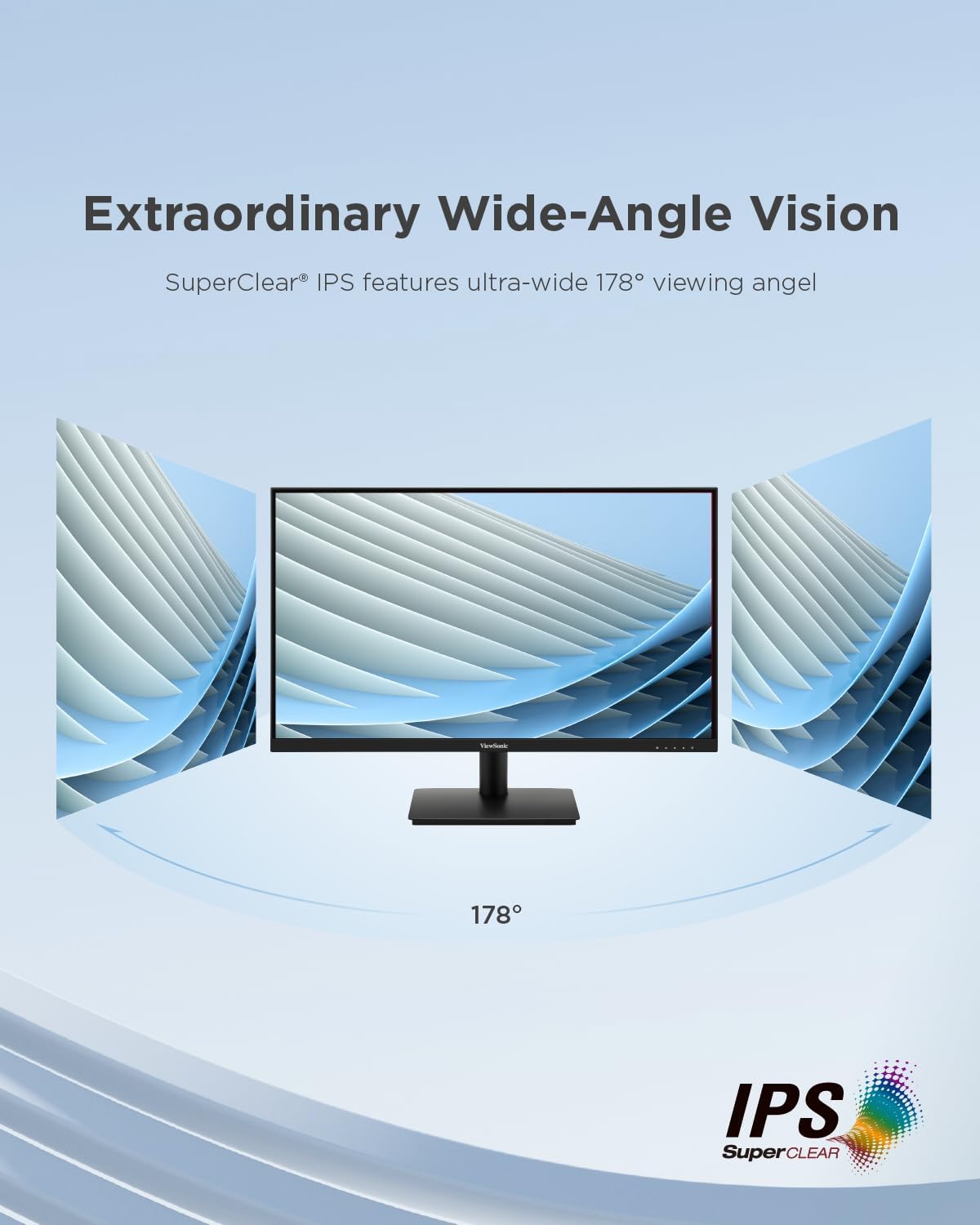
Penerangan Imej: This image illustrates the "Extraordinary Wide-Angle Vision" feature of the ViewSonic VA270-H monitor, showing a monitor with a 178° viewing angle, enabled by SuperClear IPS technology.
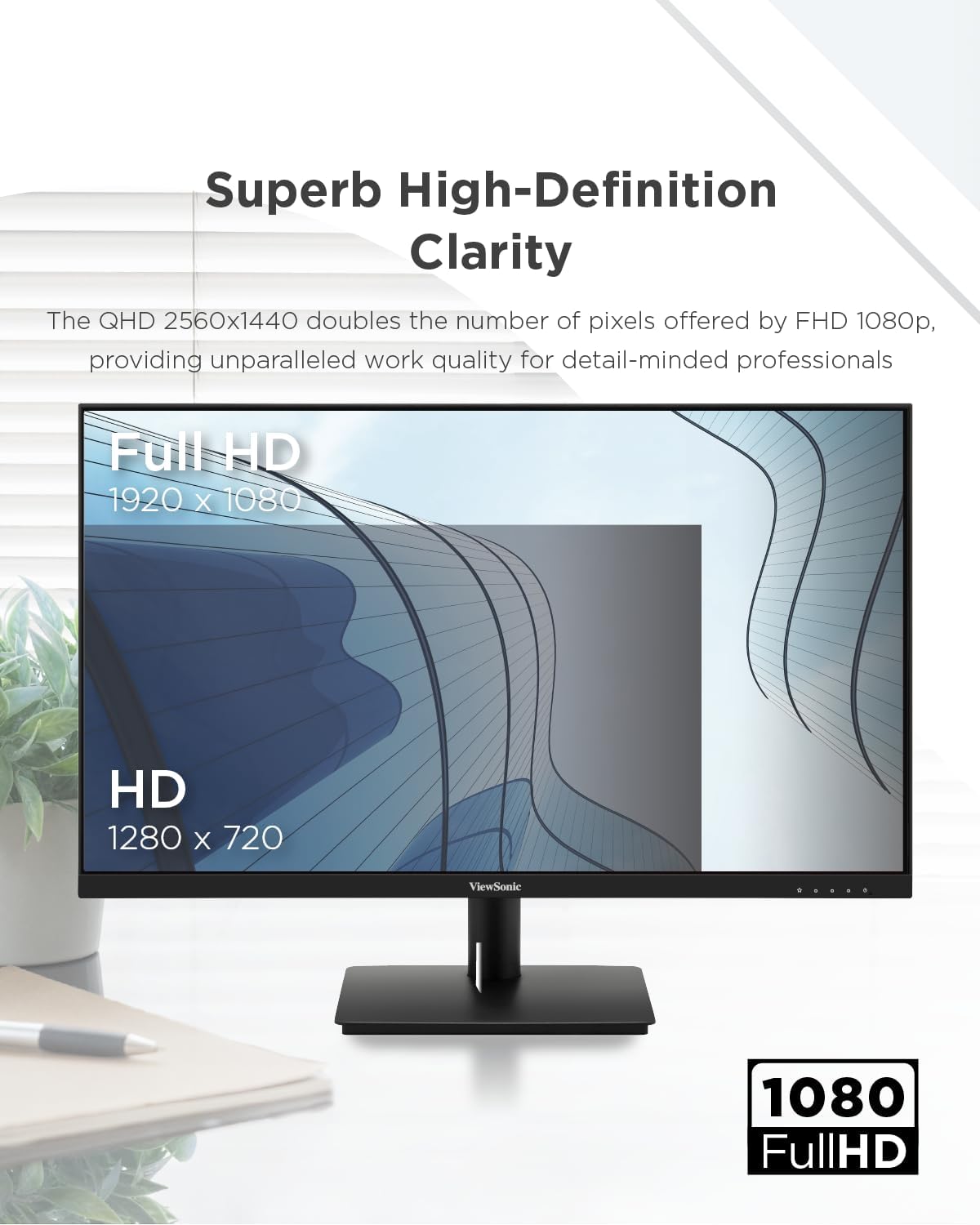
Penerangan Imej: This image emphasizes the "Superb High-Definition Clarity" of the ViewSonic VA270-H monitor, showcasing its Full HD 1920 x 1080 resolution compared to HD 1280 x 720, indicating enhanced work quality.

Penerangan Imej: This image visually represents "Smooth Visuals with 100Hz Refresh Rate," depicting a futuristic car in motion, suggesting improved viewing clarity and increased productivity compared to a lower refresh rate (75Hz).

Penerangan Imej: This image demonstrates the "Eye ProTech for Comfortable Viewing" feature, showing a split view of a building. One side is labeled "Blue Light Filter Off" (normal view), and the other is "Blue Light Filter On" (warmer, less blue light), illustrating how the feature reduces eye strain.
Penyelenggaraan
Untuk memastikan jangka hayat dan prestasi optimum anda ViewSonic VA270-H monitor, follow these maintenance guidelines:
- Membersihkan Skrin: Lap skrin perlahan-lahan dengan kain lembut yang tidak berbulu. Untuk tanda degil, dampen the cloth slightly with water or a non-abrasive, monitor-safe cleaning solution. Avoid spraying liquid directly onto the screen.
- Membersihkan Casing: Gunakan kain lembut dan kering untuk membersihkan monitor casing. Jangan gunakan detergen yang kuat atau pembersih yang kasar.
- Pengudaraan: Pastikan bukaan pengudaraan pada monitor tidak disekat untuk mengelakkan terlalu panas.
- Storan: Apabila tidak digunakan untuk tempoh yang lama, simpan monitor di tempat yang sejuk dan kering, jauh dari cahaya matahari langsung dan suhu yang melampau.
Menyelesaikan masalah
Jika anda menghadapi masalah dengan anda ViewSonic VA270-H monitor, refer to the following common troubleshooting steps:
- Tiada Imej pada Skrin:
- Check if the monitor is powered on and the power indicator light is illuminated.
- Pastikan kabel video (HDMI atau VGA) disambungkan dengan selamat ke monitor dan komputer anda.
- Pastikan sumber input yang betul dipilih pada menu OSD monitor.
- Uji monitor dengan komputer atau peranti lain, atau uji komputer anda dengan monitor lain, untuk mengasingkan masalah.
- Imej Kabur atau Herot:
- Laraskan tetapan resolusi pada komputer anda agar sepadan dengan resolusi asli monitor (1920 x 1080).
- Check the refresh rate settings on your computer and ensure it is set to 100Hz or a compatible frequency.
- If using VGA, perform an auto-adjust from the OSD menu.
- Tiada Bunyi (jika berkenaan):
- Ensure the audio cable (if separate) is connected correctly.
- Semak tetapan kelantangan pada kedua-dua monitor dan komputer anda.
- Butang Tidak Menjawab:
- Unplug the monitor's power cable, wait for 30 seconds, and then plug it back in to reset the monitor.
Jika masalah berterusan selepas mencuba langkah-langkah ini, sila hubungi ViewSokongan pelanggan Sonic.
Spesifikasi
| Parameter | Nilai |
|---|---|
| Dimensi Produk | 7.44 x 24.13 x 17.6 inci |
| Berat Barang | 7.7 paun |
| Pengeluar | VIEWSONIC |
| Nombor Model Item | VA270-H |
| ASIN | B0CQX9FJCC |
| Tarikh Mula-mula Tersedia | 27 Ogos 2024 |
| Saiz Paparan | 27 inci (68.6 cm) |
| Resolusi | 1920 x 1080 Piksel (HD Penuh) |
| Teknologi Panel | LED Flat (IPS SuperClear) |
| Kadar Segar Semula | 100 Hz |
| Masa Tindak Balas | 1ms |
| Ketersambungan | HDMI, VGA |
Maklumat Tenaga

Penerangan Imej: This image displays the EU Energy Label for the ViewSonic VA270-H monitor (model VS19972(VA270-H)). It shows an energy efficiency class of E and an energy consumption of 18 kWh/1000h. The label also indicates the screen size as 27 inches (69 cm) with a resolution of 1920x1080 pixels.
For detailed product information, including the Product Information Sheet, please visit the official EPREL database: https://eprel.ec.europa.eu/qr/1931356
Waranti dan Sokongan
ViewSonic provides a general guarantee for this product. Based on the product information sheet, the minimum guaranteed product support and the duration of the general guarantee offered by the supplier is 3 tahun.
For technical support, warranty claims, or further assistance, please visit the official ViewSokongan sonik website or contact their customer service department. You can find contact information and support resources on the ViewKedai Sonic di Amazon atau korporat utama mereka webtapak.


