pengenalan
The Logitech Signature M550 L Wireless Mouse is designed for enhanced comfort and productivity, especially for users with larger hands. It features an adaptive SmartWheel for precise or hyper-fast scrolling, SilentTouch technology for quiet clicks, and versatile connectivity options. This manual provides detailed instructions for setup, operation, and maintenance of your device.
Kandungan Pakej
- Tetikus Wayarles Logitech Signature M550 L
- 1 AA Battery (pre-installed or included)
- Logi Bolt USB Receiver (may be stored inside the mouse battery compartment)
- Dokumentasi Pengguna (manual ini)
Produk Selesaiview
Familiarize yourself with the key components of your Logitech Signature M550 L mouse.

Imej: Atas dan sisi view of the Logitech Signature M550 L mouse, highlighting its features including the SmartWheel, silent clicking buttons, Bluetooth connectivity, ergonomic shape, and 24-month battery life.
- Butang Klik Kiri/Kanan: Feature SilentTouch technology for reduced clicking noise.
- SmartWheel: Adaptive scroll wheel for line-by-line precision or super-fast free-spin scrolling.
- Penunjuk LED: Shows battery status and connection mode.
- Suis Hidup/Mati: Terletak di bahagian bawah tetikus.
- Petak Bateri: Houses the AA battery and Logi Bolt USB receiver.
- Reka bentuk ergonomik: Contoured shape with soft thumb area and rubber side grips for comfort.
Persediaan
1. Pasang Bateri
- Buka penutup petak bateri di bahagian bawah tetikus.
- Insert the included AA battery, ensuring correct polarity (+/-).
- Close the battery compartment cover. The LED indicator on the mouse may flash briefly.
2. Sambung ke Peranti Anda
The Signature M550 L offers two connection methods: Logi Bolt USB Receiver or Bluetooth Low Energy.
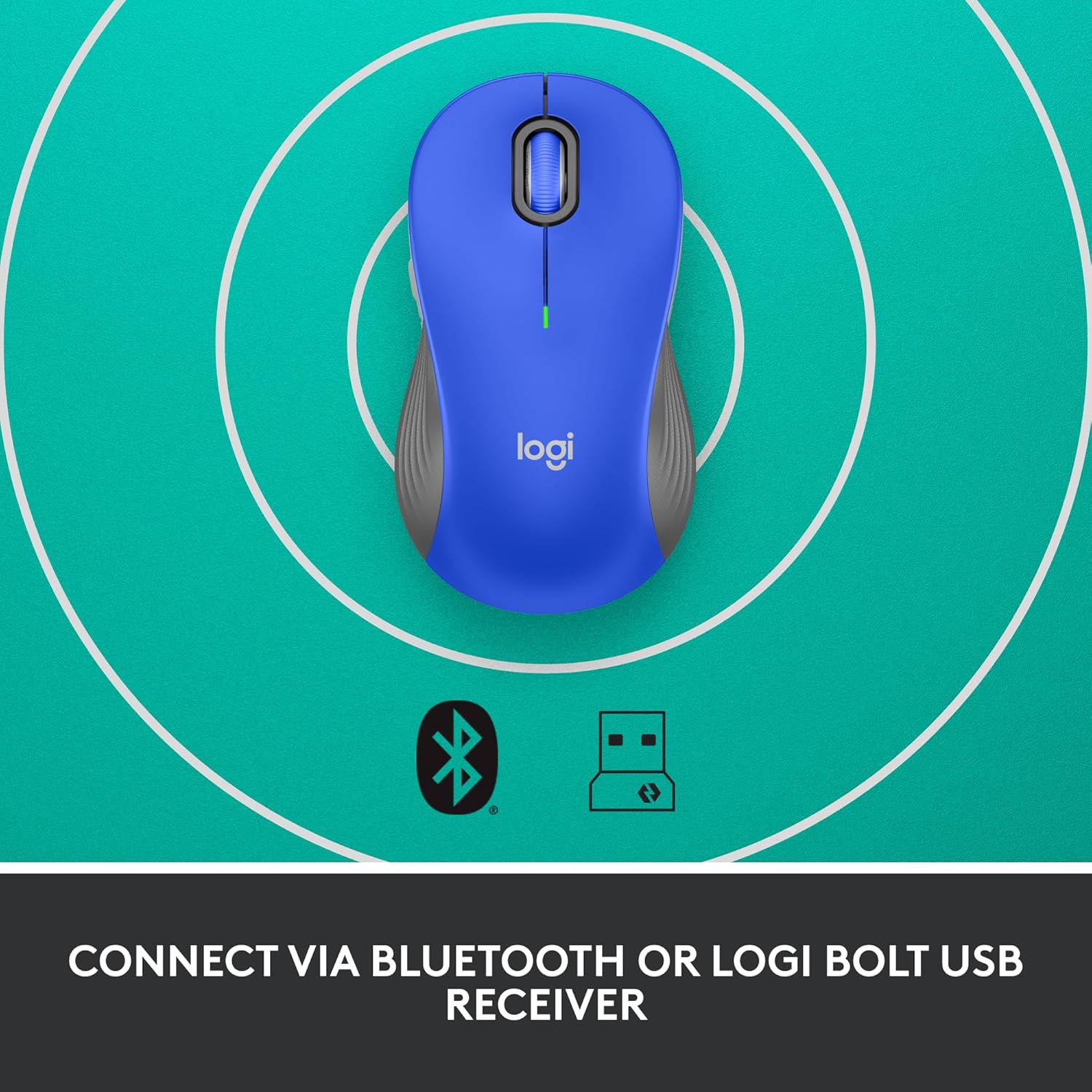
Image: The Logitech Signature M550 L mouse shown with icons representing Bluetooth and Logi Bolt USB receiver connectivity options.
Pilihan A: Penerima USB Logi Bolt
- Cari penerima USB Logi Bolt, biasanya disimpan di dalam petak bateri tetikus.
- Palamkan penerima USB Logi Bolt ke dalam port USB yang tersedia pada komputer anda.
- Turn on the mouse using the On/Off switch on the bottom. Your computer should automatically detect the mouse.
Pilihan B: Bluetooth Tenaga Rendah
- Hidupkan tetikus menggunakan suis Hidup/Mati di bahagian bawah.
- Press and hold the Easy-Switch button (usually on the bottom or side, refer to product diagram if available) for 3 seconds until the LED indicator starts blinking rapidly. This indicates pairing mode.
- Pada komputer atau peranti anda, buka tetapan Bluetooth.
- Select "Logitech M550 L" from the list of available devices and follow any on-screen prompts to complete pairing.
The mouse is compatible with Windows, macOS, Linux, Chrome OS, iPadOS, and Android operating systems.
Arahan Operasi
Menatal SmartWheel
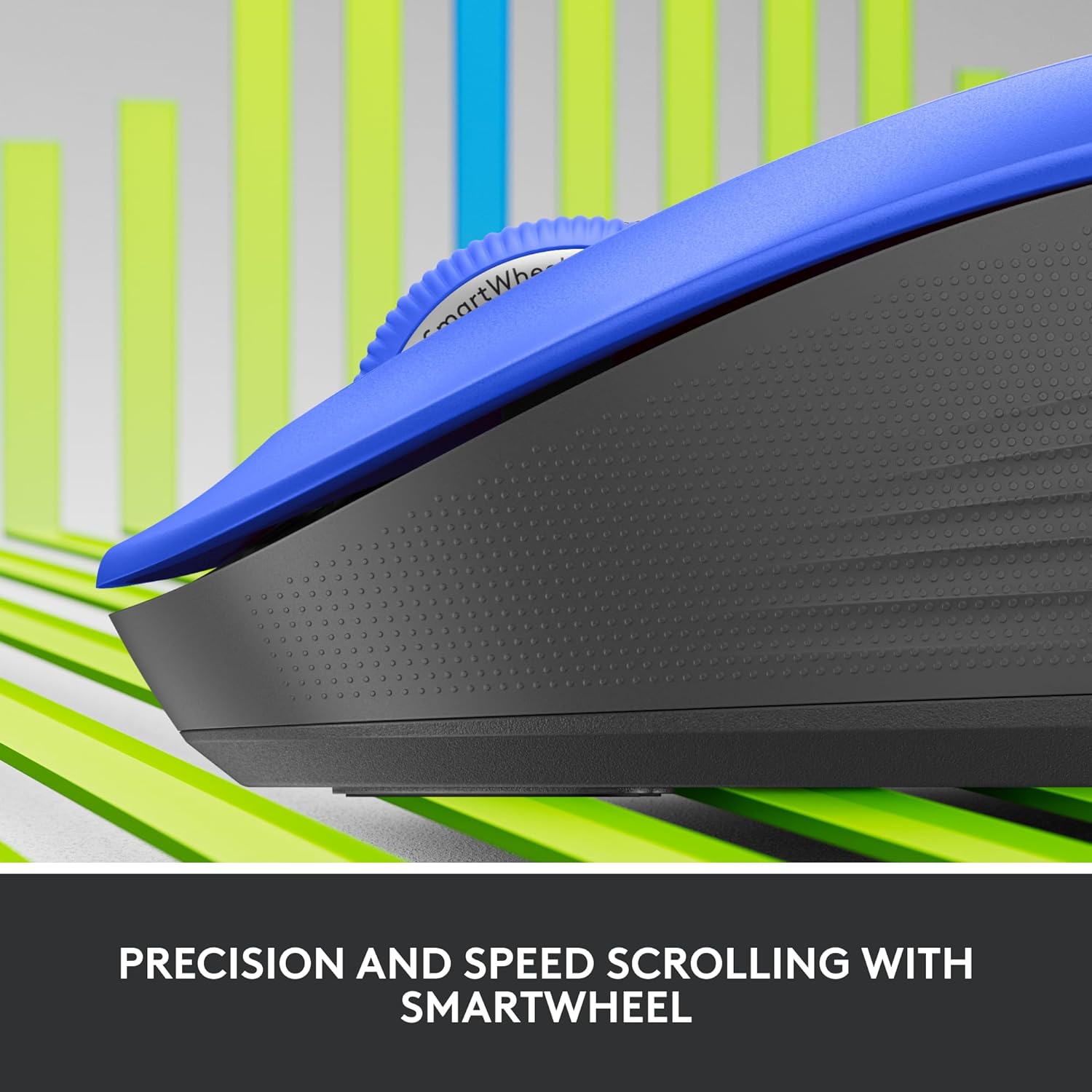
Imej: Dari dekat view of the Logitech SmartWheel, demonstrating its precision and speed scrolling capabilities.
The SmartWheel automatically switches between two modes:
- Ketepatan Baris demi Baris: Ideal for detailed work and navigating documents. Scroll slowly for precise control.
- Super-Fast Free-Spin: For quickly navigating long web pages or documents. Flick the wheel to activate.
Klik Senyap

Image: A person using the Logitech Signature M550 L mouse at a desk, illustrating the benefit of 90% less clicking noise for a focused work environment.
The mouse features Logitech's SilentTouch technology, reducing click noise by over 90% compared to traditional mice. This allows for a quieter work environment without compromising click feel.
Keserasian Berbilang Peranti
The Signature M550 L can be paired with multiple devices and switched between them using the Easy-Switch button. This feature is ideal for users who work across several computers or tablets.
Penyelenggaraan
Penggantian Bateri
The mouse operates on a single AA battery, offering up to 24 months of battery life depending on usage. When the battery is low, the LED indicator will turn red. To replace:
- Matikan tetikus.
- Buka penutup petak bateri di bahagian bawah.
- Remove the old AA battery and insert a new one, observing correct polarity.
- Close the cover and turn the mouse back on.
Pembersihan
To clean your mouse, use a soft, lint-free cloth lightly dampened with water or a mild cleaning solution. Avoid harsh chemicals or abrasive materials. Ensure no liquid enters the mouse's openings.
Menyelesaikan masalah
- Tetikus tidak bertindak balas:
- Pastikan tetikus dihidupkan.
- Periksa tahap bateri dan ganti jika perlu.
- If using the Logi Bolt receiver, try plugging it into a different USB port or a different computer to rule out port issues.
- If using Bluetooth, ensure Bluetooth is enabled on your device and the mouse is properly paired. Try re-pairing the mouse.
- Move the mouse closer to the receiver or Bluetooth-enabled device to ensure it's within range.
- Pergerakan kursor tidak menentu:
- Bersihkan penderia optik di bahagian bawah tetikus.
- Pastikan anda menggunakan tetikus pada permukaan yang sesuai. Elakkan permukaan yang sangat reflektif atau lutsinar.
- Connectivity issues after system update:
- Mulakan semula komputer anda.
- Check for updated drivers for your mouse or Bluetooth adapter.
Spesifikasi
| Jenama | Logitech |
| Nombor Model | 910-006794 |
| Teknologi Ketersambungan | Bluetooth Tenaga Rendah, Penerima USB Logi Bolt |
| Pengesanan Pergerakan | Optik |
| Ciri Khas | Lightweight, Portable, Silent Clicks (SilentTouch), SmartWheel, Wireless |
| Jenis Bateri | 1 Bateri AA |
| Hayat Bateri | Sehingga 24 bulan (mungkin berbeza mengikut penggunaan) |
| Keserasian Sistem Pengendalian | Windows, macOS, Linux, Chrome OS, iPadOS, Android |
| Berat Barang | 3.92 auns |
| warna | Blue (for this variant) |
Maklumat Waranti
Produk Logitech dihasilkan mengikut piawaian kualiti tinggi dan dilindungi oleh jaminan perkakasan terhad. Untuk terma dan syarat jaminan khusus yang terpakai pada rantau dan produk anda, sila rujuk Logitech rasmi. webtapak atau kad jaminan yang disertakan dengan pembelian anda.
Sokongan
For further assistance, technical support, or to download the latest software and drivers for your Logitech Signature M550 L Wireless Mouse, please visit the official Logitech support webtapak:
You can also find FAQs and community forums on the support site.


