pengenalan
Thank you for choosing the WEKOME Retro Game Style Wireless Bluetooth 5.3 Earbuds. These earbuds are designed to provide an immersive audio experience with advanced features such as Bluetooth 5.3 connectivity, Dual-Mic ENC technology for clear audio, and dedicated Game and Music modes. This manual will guide you through the setup, operation, and maintenance of your new earbuds.

Image: The WEKOME Retro Game Style Earbuds and their charging case, showcasing their unique design and key features.
Apa yang ada dalam Kotak
Sila semak kandungan pakej anda untuk memastikan semua item ada:
- WEKOME Retro Game Style Wireless Earbuds (Left and Right)
- Sarung Pengecas Tanpa Wayar
- Kabel Pengecasan (Jenis-C)
- Kes Pelindung
- Manual Pengguna (dokumen ini)
Persediaan
1. Pengecasan Awal
Sebelum penggunaan pertama, cas sepenuhnya fon telinga dan bekas pengecas.
- Sambungkan kabel pengecas Jenis-C yang disediakan ke port pengecasan pada bekas.
- Sambungkan hujung kabel yang satu lagi ke sumber kuasa USB (cth, penyesuai dinding, port USB komputer).
- The indicator lights on the charging case will show the charging status. A full charge takes approximately 1.2 hours for the case.
- Letakkan fon telinga ke dalam bekas pengecasan. Mereka akan mula mengecas secara automatik.

Image: The charging case connected to a Type-C cable, illustrating the charging process.
A fully charged case provides up to 36 hours of total usage time for the earbuds, with the earbuds themselves offering up to 6 hours of continuous playback on a single charge.
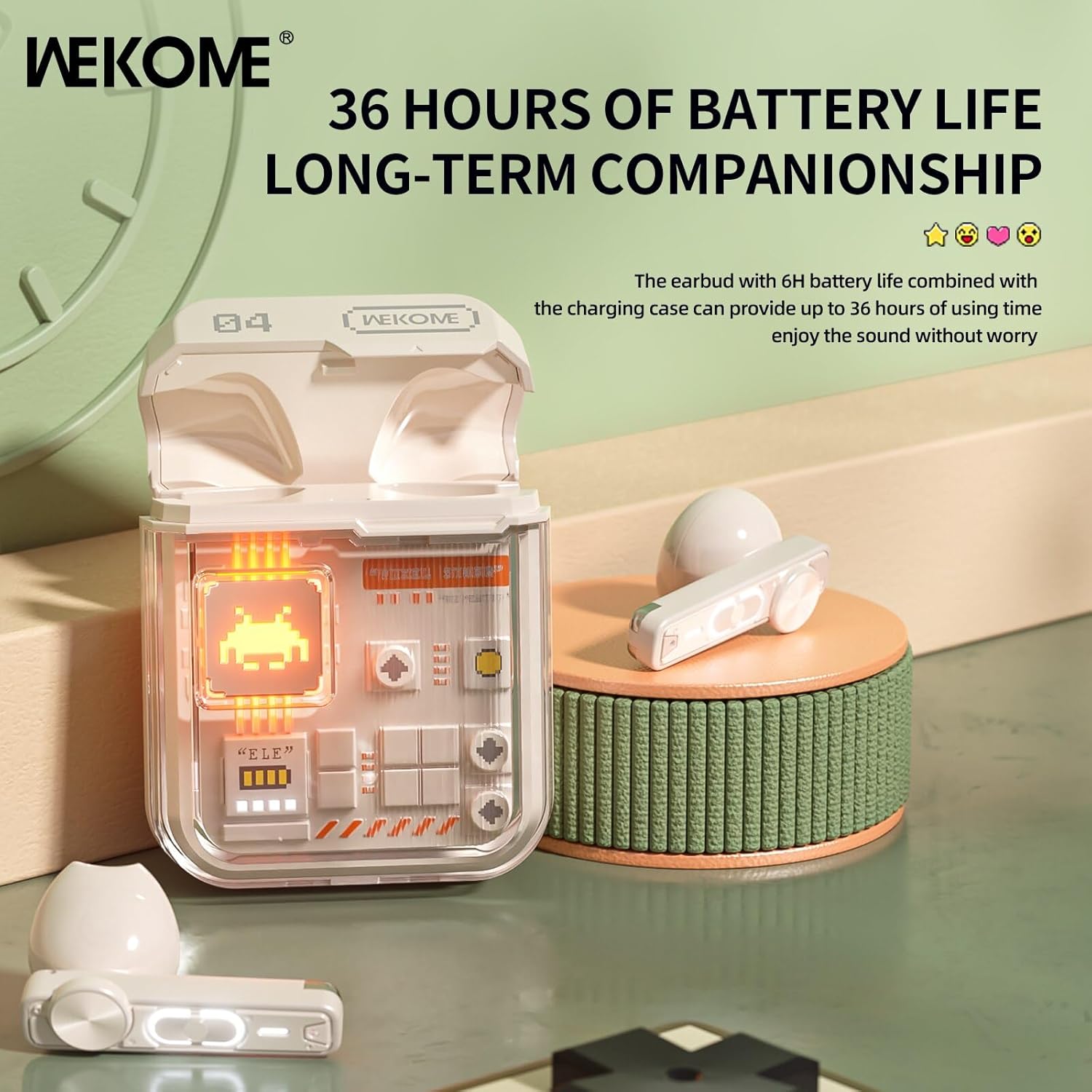
Image: The earbuds in their charging case, highlighting the extended battery life of up to 36 hours with the case.
2. Berpasangan dengan Peranti Anda
The earbuds feature an auto-connect function for hassle-free pairing.
- Ensure Bluetooth is enabled on your smartphone, tablet, or laptop.
- Buka bekas pengecas dan keluarkan kedua-dua fon telinga. Ia akan memasuki mod berpasangan secara automatik.
- On your device, search for Bluetooth devices and select "WEKOME VB04" (or similar name) from the list.
- Setelah disambungkan, anda akan mendengar nada pengesahan dan fon telinga akan sedia untuk digunakan.
- After the initial pairing, the earbuds will automatically connect to the last paired device when taken out of the case.
Arahan Operasi
Kawalan Sentuhan Pintar
The WEKOME earbuds feature intuitive touch controls on each earbud for easy management of music and calls.
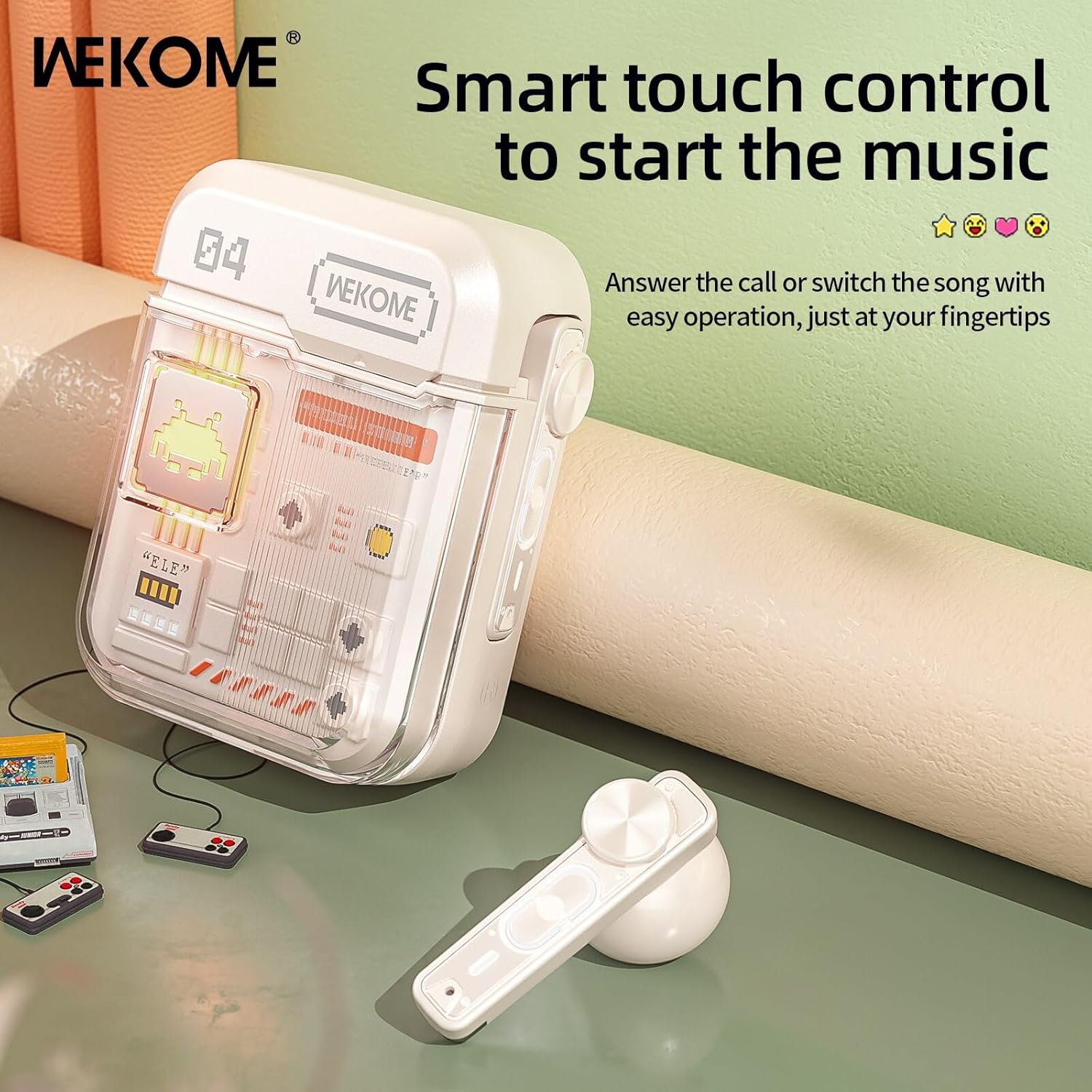
Image: The WEKOME earbuds demonstrating the touch control area for various functions.
| Tindakan | Fungsi |
|---|---|
| Ketik Tunggal (Kiri/Kanan) | Main/Jeda Muzik, Jawab/Tamatkan Panggilan |
| Ketik Dua Kali (Kanan) | Lagu Seterusnya |
| Ketik Dua Kali (Kiri) | Lagu Sebelumnya |
| Ketik Tiga Kali (Kanan) | Kelantangan Naik |
| Ketik Tiga Kali (Kiri) | Kelantangan Kurang |
| Tekan dan Tahan (2 saat) | Tolak Panggilan, Aktifkan Pembantu Suara |
| Press and Hold (Right Earbud, 2 seconds) | Switch between Game Mode and Music Mode |
Mod Permainan & Mod Muzik
The earbuds offer two distinct audio modes optimized for different uses.
- Mod Permainan: Provides low latency (as low as 50ms) for synchronized picture and sound, crucial for gaming. This mode also activates cool lights on the earbuds.
- Mod Muzik: Delivers balanced, high-resolution sound to restore more audio details, ideal for listening to music.
To switch between modes, press and hold the touch control area on the fon telinga kanan selama 2 saat.
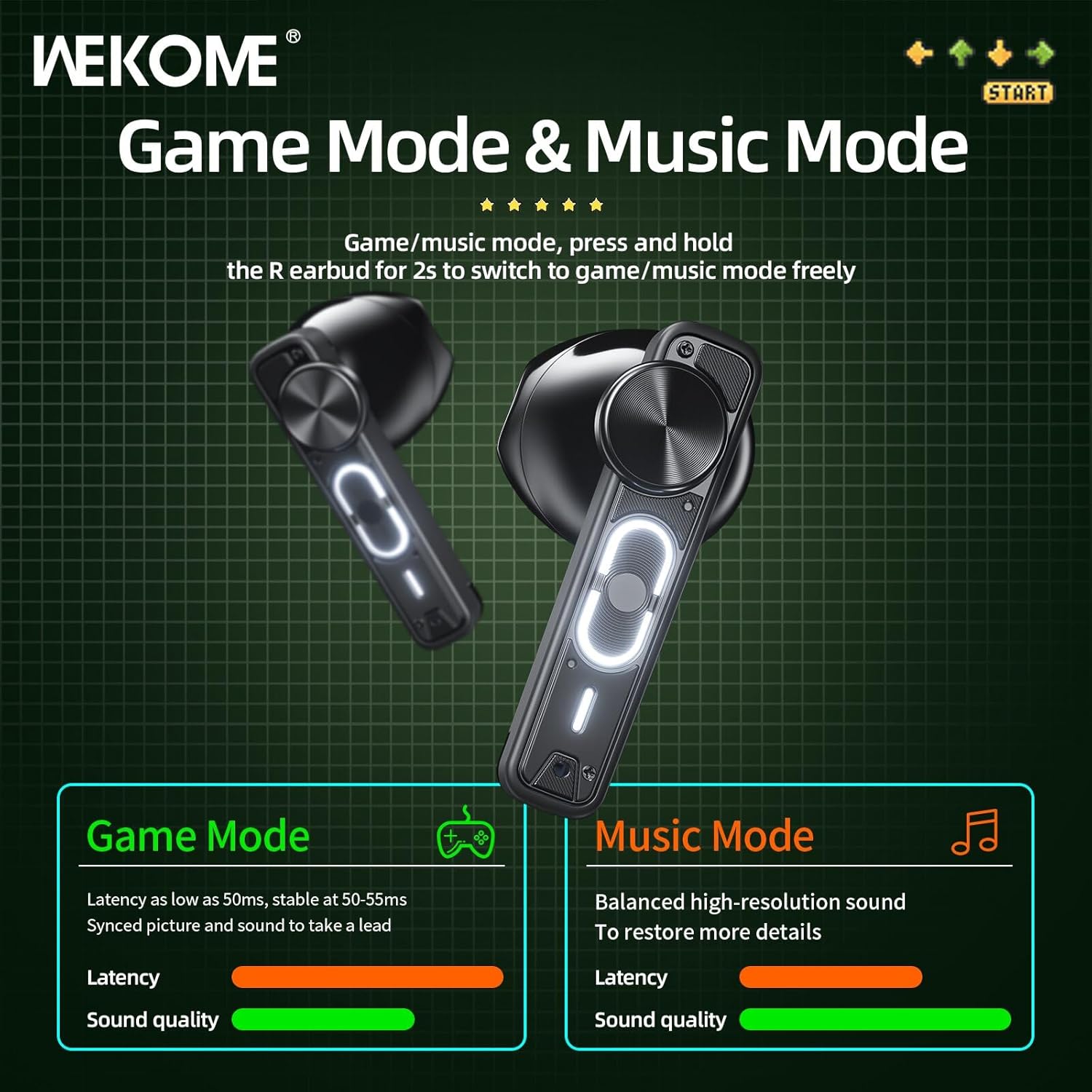
Image: Visual representation of the Game Mode and Music Mode, highlighting their respective benefits in latency and sound quality.
Penyelenggaraan
- Pembersihan: Bersihkan fon telinga dan bekas pengecas dengan kerap menggunakan kain yang lembut, kering dan tidak berbulu. Jangan gunakan bahan kimia yang keras atau bahan yang melelas.
- Storan: Apabila tidak digunakan, simpan fon telinga dalam bekas pengecasnya untuk melindunginya dan memastikan ia dicas. Simpan di tempat yang sejuk dan kering jauh dari cahaya matahari langsung dan suhu yang melampau.
- Tahan Air: Earbuds ini ialah bukan kalis air. Avoid exposure to water, rain, sweat, or excessive moisture.
- Port Pengecasan: Pastikan port pengecas Jenis-C bebas daripada habuk dan serpihan.
Menyelesaikan masalah
| Masalah | Kemungkinan Punca | Penyelesaian |
|---|---|---|
| Fon telinga tidak berpasangan/bersambung | Bluetooth is off, earbuds not in pairing mode, out of range, previously paired to another device. | Ensure Bluetooth is on. Place earbuds back in case, then take them out to re-enter pairing mode. Move closer to device. Forget "WEKOME VB04" from device's Bluetooth list and re-pair. |
| Hanya satu fon telinga berfungsi | Low battery on one earbud, earbuds not properly synced. | Place both earbuds back in the charging case, close the lid for a few seconds, then take them out again. Ensure both are charged. |
| Tiada bunyi | Volume too low, not connected, incorrect audio output selected on device. | Increase volume on both earbuds and connected device. Verify connection. Check device's audio output settings. |
| Kes pengecas tidak dicas | Kabel/penyesuai rosak, port pengecasan kotor. | Try a different Type-C cable and USB power adapter. Clean the charging port gently. |
Spesifikasi
| Ciri | Perincian |
|---|---|
| Nama Model | Wekome VB04 |
| Versi Bluetooth | 5.3 |
| Julat Tanpa Wayar | <10m |
| Respons Kekerapan | 20 - 20000 Hz |
| Unit Pemandu | 13mm Composite Diaphragm Dynamic Unit |
| Kawalan Bunyi | Dual-Mic ENC Technology (Sound Isolation) |
| Hayat Bateri Earbud | Sehingga 6 jam |
| Jumlah Hayat Bateri (dengan sarung) | Sehingga 36 jam |
| Masa Mengecas | Lebih kurang 1.2 jam (kes) |
| Kaedah Pengecasan | Pelabuhan Jenis-C |
| Jenis Kawalan | Kawalan Sentuhan Pintar |
| bahan | PVC |
| Kalis air | Tidak |
| Peranti Serasi | Tablets, Telephones, iPhone, Laptops, Android |

Imej: Meletup view illustrating the components of the 13mm composite diaphragm speaker, designed for lossless sound quality.
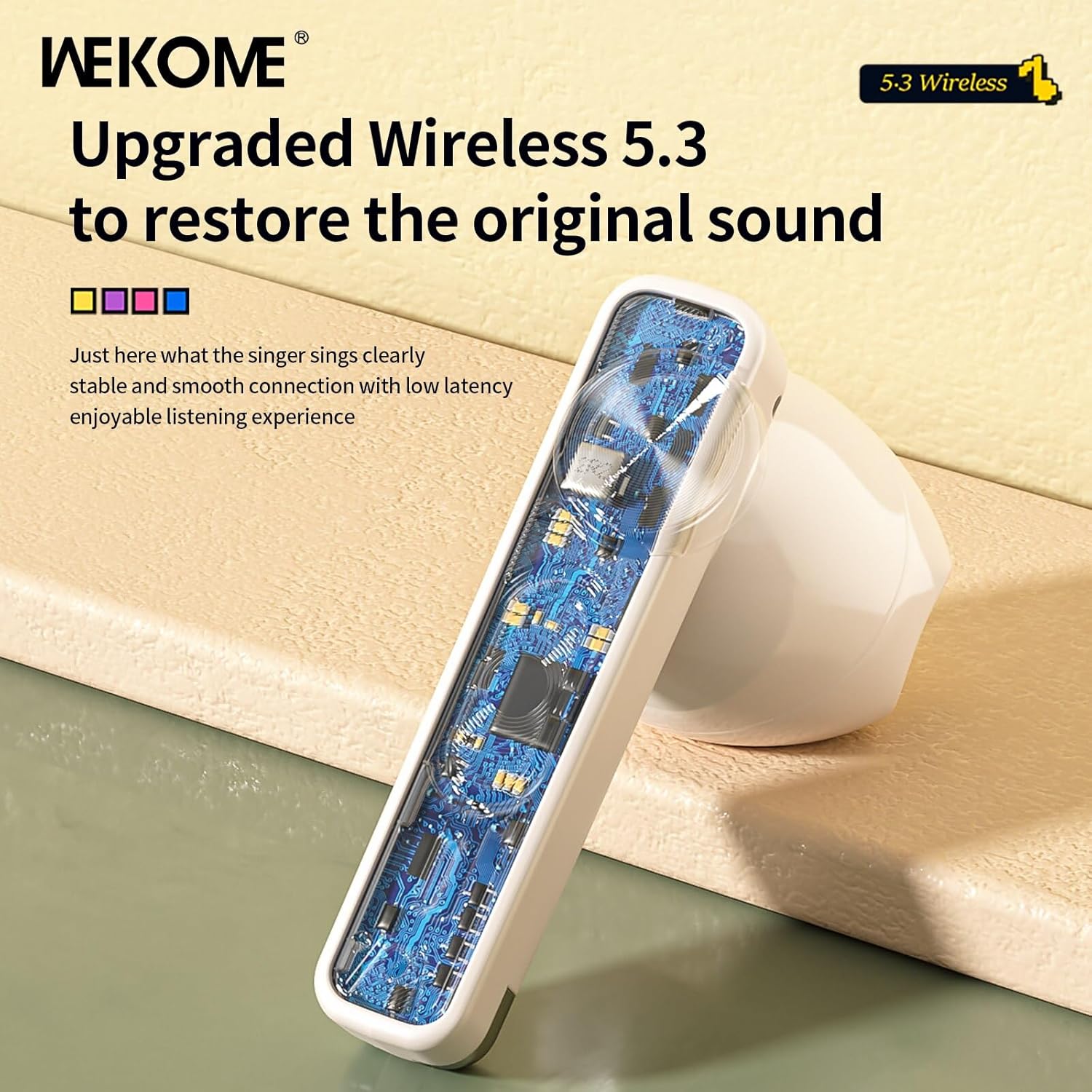
Imej: Dari dekat view of an earbud's internal circuit board, highlighting the advanced Wireless 5.3 technology for stable and smooth connection.
Waranti dan Sokongan
For warranty information and technical support, please refer to the contact details provided on the product packaging or the official WEKOME webtapak. Simpan resit pembelian anda sebagai bukti pembelian untuk sebarang tuntutan waranti.


