Model: Omega S
This manual provides detailed instructions for the safe and effective use of your Labelife Omega S Embossing Label Maker. Please read this manual thoroughly before operating the device to ensure proper function and longevity. This label maker is designed for creating embossed labels for various organizational and crafting needs without the use of batteries or ink.
Sahkan bahawa semua item yang disenaraikan di bawah disertakan dalam pakej anda:

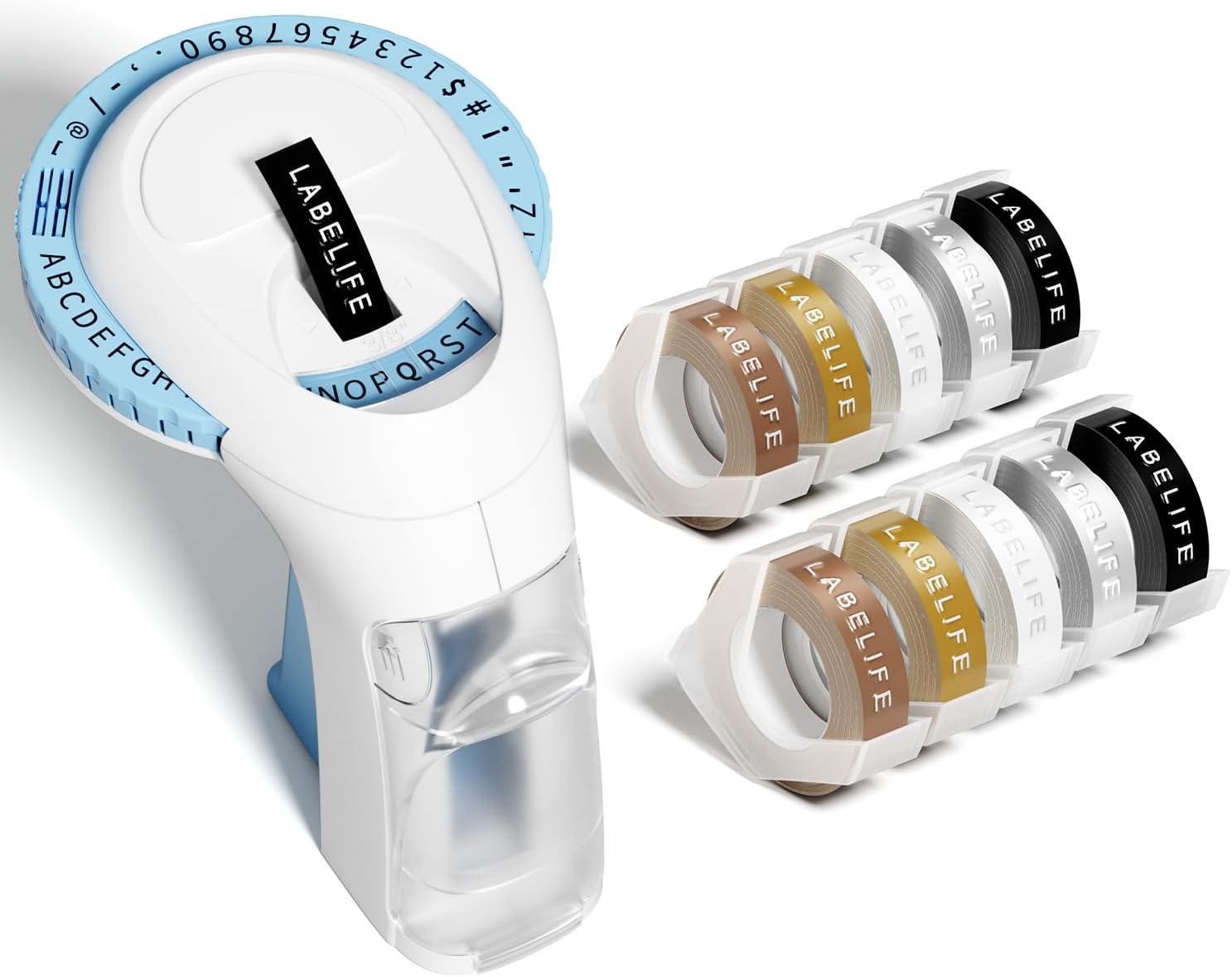
Image: The package contents, including the blue label maker, ten rolls of 9mm embossing tape in various colors, and a user manual.

Image: The label maker's character dial, highlighting the 48 available characters (A-Z, 0-9, and symbols) and the "Turn-and-Click" system.

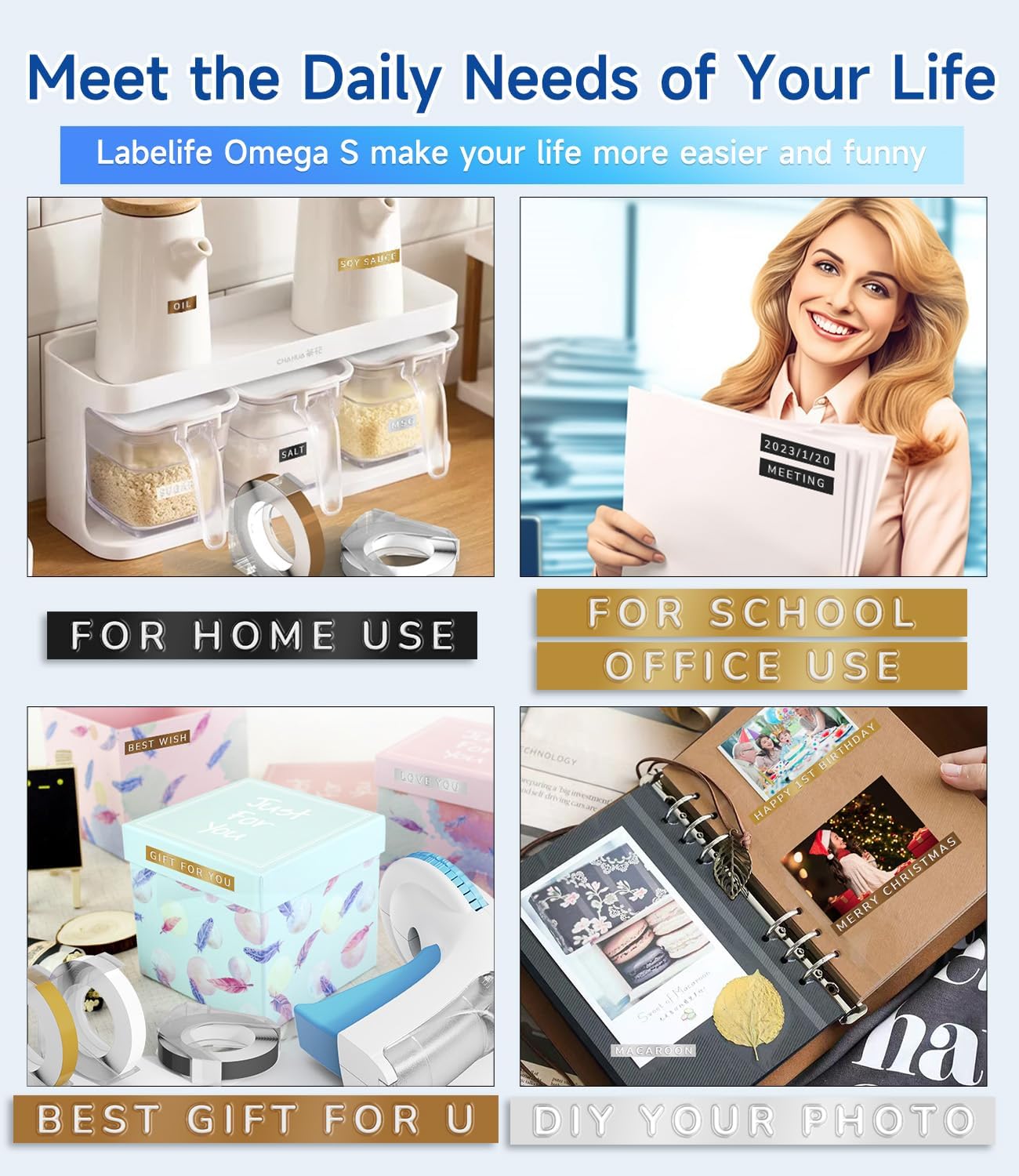
Image: Visual representation of the label tapes' properties, including easy peeling, 3D effect, water resistance, abrasion resistance, and strong adhesive.
| Jenama | Labellife |
| Nama Model | Omega S Embossing Label Maker |
| Teknologi Percetakan | Mencetak timbul |
| Teknologi Ketersambungan | Manual |
| Saiz Media Maksimum | 9mm (3/8" Inches) |
| Jenis Dakwat Pencetak | Tiada Dakwat Diperlukan |
| Dimensi Produk | 4.96 x 3.62 x 4.64 inci (D x W x T) |
| Berat Barang | 11.3 auns |

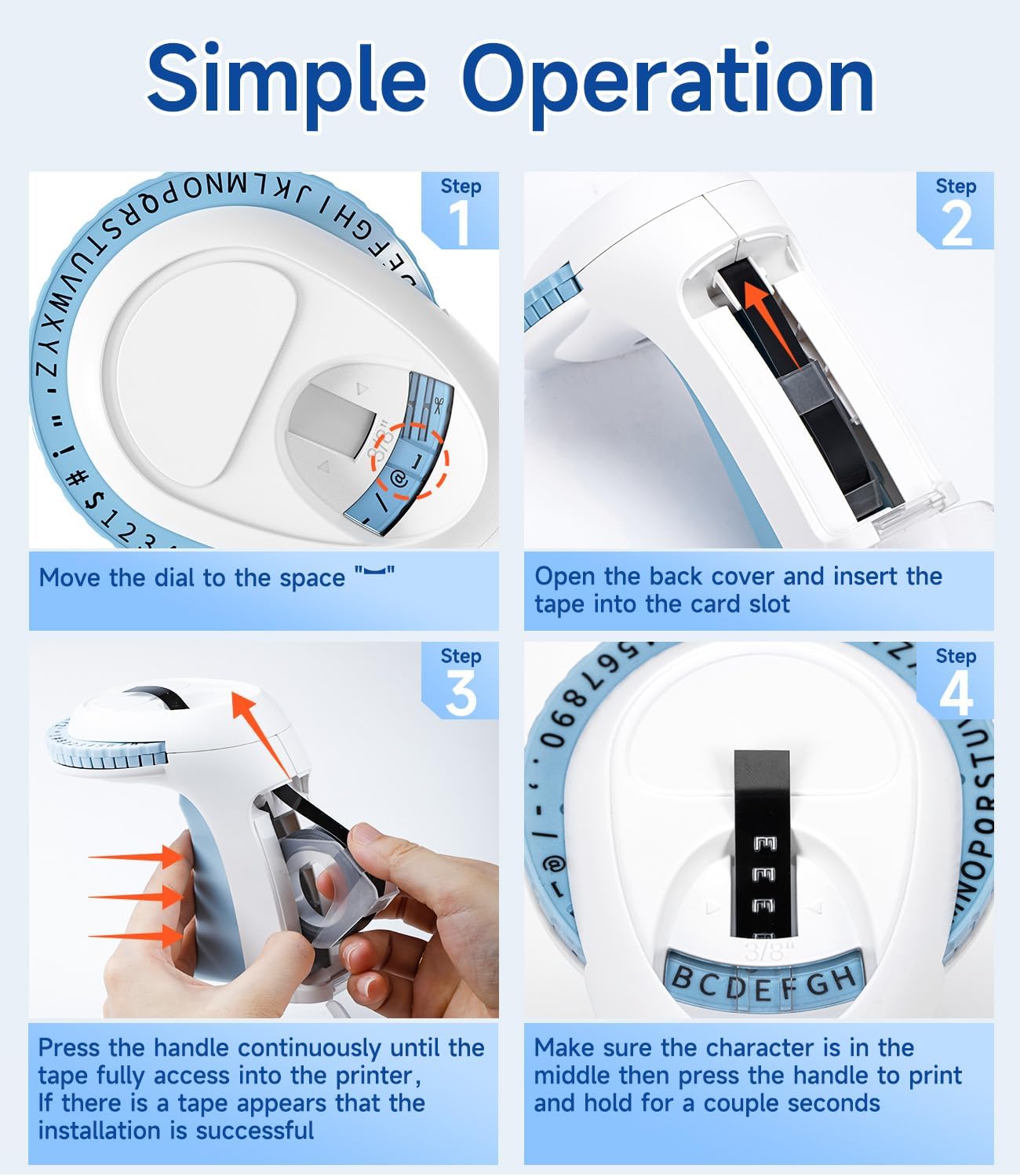
Image: Visual steps for loading the label tape, showing how to open the cover, insert the tape, and advance it by pressing the handle.

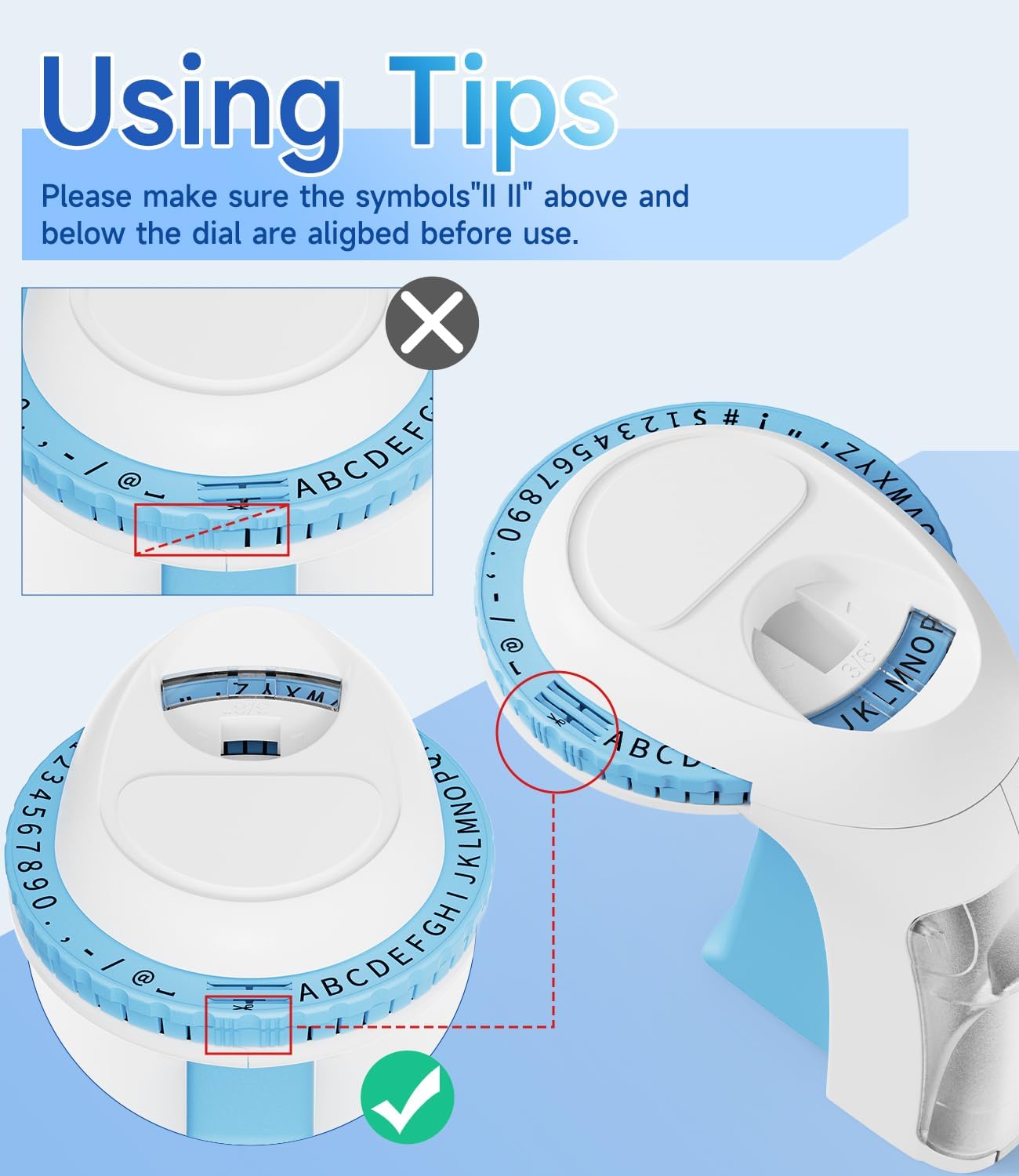
Imej: Terperinci view of the character dial, illustrating the importance of aligning the indicator marks for accurate character embossing.
The Labelife Omega S Embossing Label Maker requires minimal maintenance. Follow these guidelines to ensure its longevity:
| Masalah | Kemungkinan Punca | Penyelesaian |
|---|---|---|
| Characters are unclear or faint. | Insufficient pressure applied to the handle. | Press the handle more firmly and hold for a couple of seconds for each character. |
| Letters are not aligned or appear crooked. | Character dial not perfectly aligned before pressing. | Ensure the alignment marks on the dial are precisely matched with the indicator before pressing the handle for each character. |
| Tape does not feed or jams. | Tape incorrectly loaded or debris in the tape path. | Open the back cover, remove the tape, and check for any obstructions. Re-insert the tape carefully, ensuring it is seated correctly. |
| Label does not cut cleanly. | Insufficient pressure when cutting or cutter blade is dull. | Ensure the dial is set to the scissor symbol and press the handle firmly to cut. If the issue persists, contact customer support. |
| Difficulty peeling off the tape backing. | The pre-cut divider may not have been fully created. | The tapes are designed with pre-cut dividers for easier peeling. If difficulty occurs, try gently bending the label to separate the backing or use a sharp, thin object to start the peel from a corner. |
For warranty information or technical support, please refer to the documentation included with your purchase or contact Labelife customer service directly. Keep your purchase receipt as proof of purchase.
You can visit the official Labelife store for more information: Labelife Store
![]() |
Pembuat Label Labelife: Panduan Pemasangan Pita Label Mudah Panduan komprehensif daripada Labelife tentang cara memasang pita label dengan betul ke dalam pembuat label anda, dengan arahan langkah demi langkah visual dan petua penyelesaian masalah. |
![]() |
Panduan Pengguna Pembuat Label Mudah Alih M221 Panduan pengguna untuk Pembuat Label Mudah Alih Pelbagai Fungsi M221, meliputi pengenalan produk, permulaan, menggantikan gulungan kertas, mengenal pasti saiz label, pemasangan aplikasi PC, panduan pengguna aplikasi, arahan keselamatan, pembersihan dan penyelenggaraan, arahan panel pengendali dan maklumat kawal selia. |
![]() |
Labelife D210S Handheld Label Printer User Manual Comprehensive user manual for the Labelife D210S handheld label printer, covering specifications, initial setup, basic usage, troubleshooting, and warranty information. |
![]() |
Panduan Mula Pantas: Pencetak Label PM-241-BT Panduan ringkas untuk menyediakan dan menggunakan pencetak label PM-241-BT, meliputi pemasangan, sambungan mudah alih dan komputer serta arahan pencetakan. |
![]() |
Panduan Pengguna Aplikasi Labelife: Mencetak dan Membuat Label Panduan pengguna yang komprehensif untuk apl Labellife, memperincikan cara menyambungkan pencetak, mencetak PDF files, sesuaikan saiz label dan gunakan ciri lanjutan untuk penciptaan label. |
![]() |
Labelife Software: Bluetooth Thermal Label Printer Setup Guide Step-by-step guide to setting up and connecting your Labelife thermal label printer via Bluetooth using the Labelife software. Learn how to create labels, configure paper settings, and establish a Bluetooth connection for printing. |