1. Pengenalan
Thank you for choosing the Lenovo IdeaCentre AIO 3. This all-in-one desktop computer is designed to provide maximum performance for your daily activities, combining a powerful AMD Ryzen 5 7530U processor with 16 GB of RAM and a fast 512 GB SSD. Its 27-inch Full HD display offers a vibrant visual experience for both work and entertainment. This manual will guide you through the setup, operation, and maintenance of your new device.
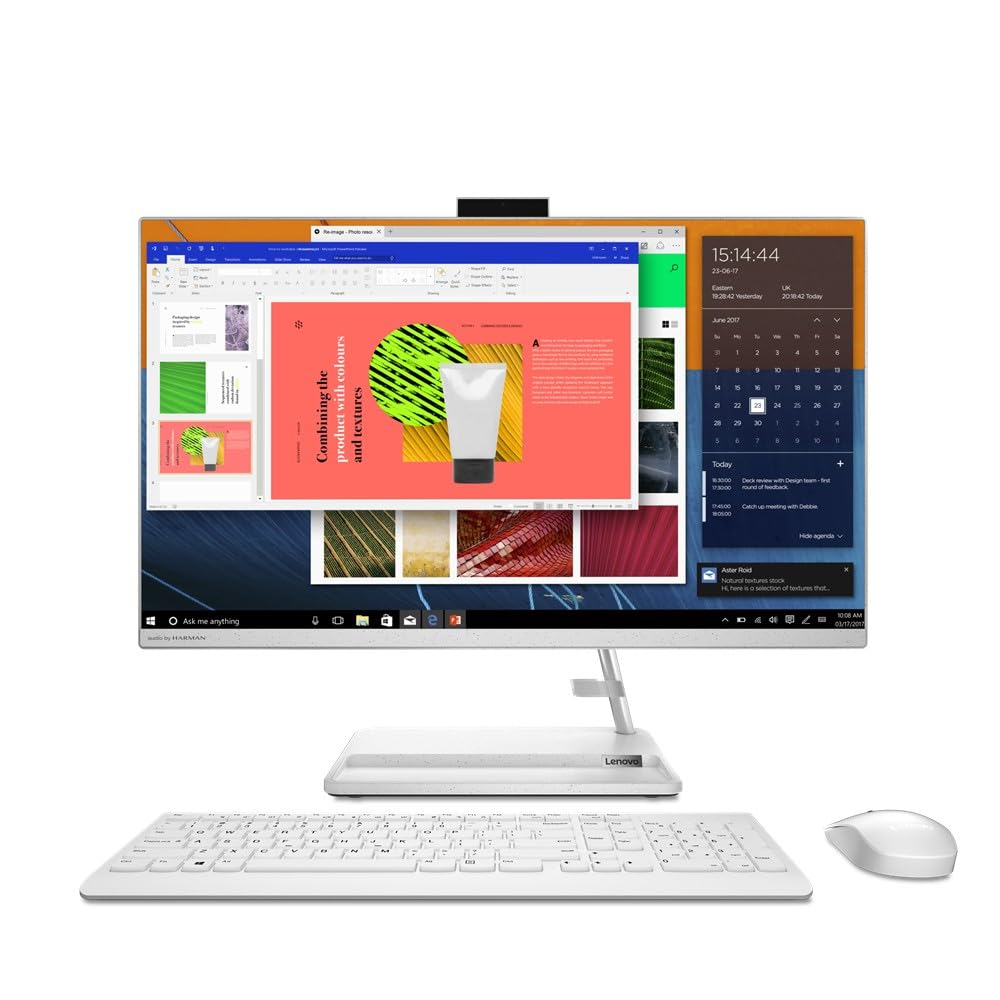
Figure 1: Lenovo IdeaCentre AIO 3 All-in-One PC, front view with included keyboard and mouse.
2. Apa yang ada di dalam Kotak
Your Lenovo IdeaCentre AIO 3 package should contain the following items:
- Lenovo IdeaCentre AIO 3 Desktop PC (27-inch display)
- Keyboard (QWERTY Spanish layout)
- tetikus
- Penyesuai Kuasa
- Dokumentasi (Panduan Mula Pantas, Maklumat Waranti)
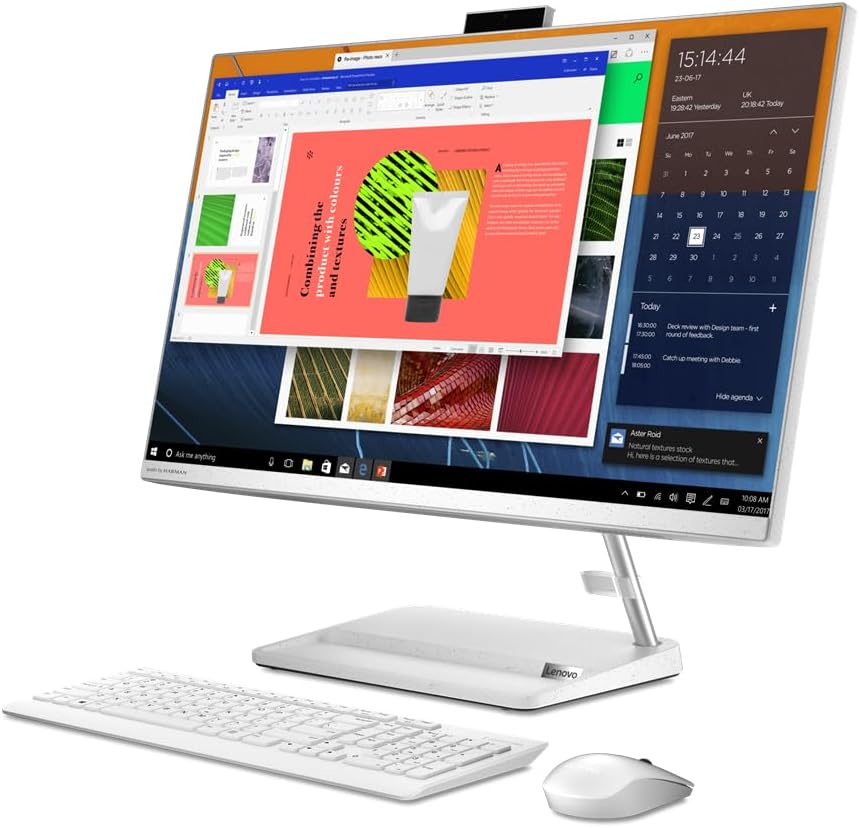
Rajah 2: Depan view of the Lenovo IdeaCentre AIO 3, showcasing the display with active applications.
3. Panduan Persediaan
Follow these steps to set up your Lenovo IdeaCentre AIO 3:
- Buka bungkusan Komponen: Carefully remove the AIO PC, keyboard, mouse, and power adapter from their packaging.
- Place the AIO PC: Position the AIO PC on a stable, flat surface, ensuring adequate ventilation around the device.
- Sambungkan Penyesuai Kuasa: Plug the power adapter into the power port on the back of the AIO PC, then plug the other end into a wall outlet.
- Sambungkan Papan Kekunci dan Tetikus:
- For wired peripherals: Connect the keyboard and mouse USB cables to the available USB ports on the AIO PC.
- For wireless peripherals: Insert the USB receiver (usually found in the mouse or keyboard battery compartment) into an available USB port on the AIO PC. Ensure batteries are installed in the wireless keyboard and mouse.
- Hidupkan kuasa: Press the power button, usually located on the side or back of the display.
- Persediaan Windows Awal: Ikut arahan pada skrin untuk melengkapkan persediaan Windows 11 Home, termasuk bahasa, wilayah, sambungan rangkaian dan penciptaan akaun pengguna.
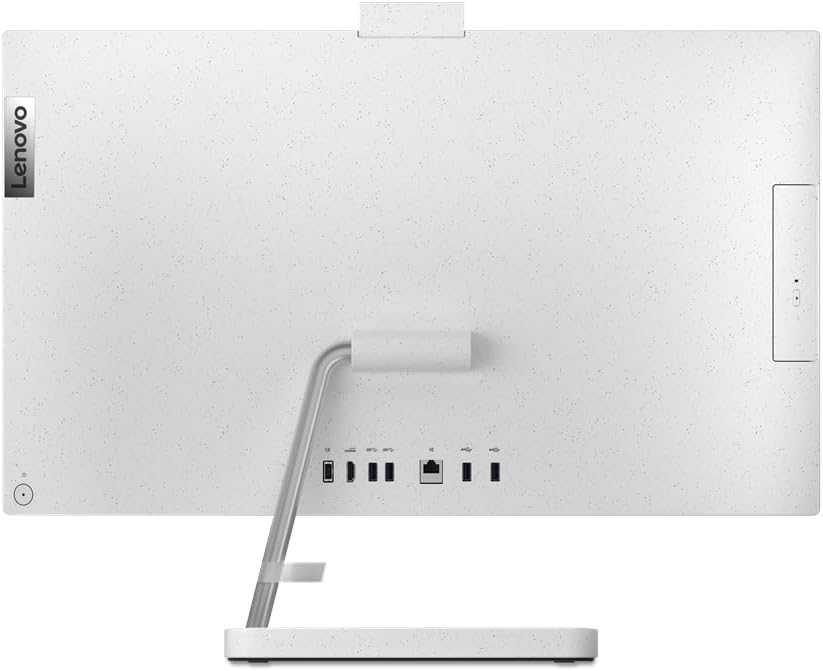
Rajah 3: Belakang view of the AIO PC, highlighting the connectivity ports for power, USB, and HDMI.
4. Arahan Operasi
4.1 Operasi Asas
- Hidupkan/Mati Kuasa: Press the power button to turn the PC on. To turn off, click the Start button in Windows, then select Power > Shut down.
- Laraskan Paparan: The display can be tilted for optimal viewkeselesaan.
- Kawalan Kelantangan: Use the volume keys on your keyboard or the volume icon in the Windows taskbar to adjust audio levels.
4.2 Menyambung Peranti Luaran
Your AIO PC is equipped with various ports for connecting external devices:
- Port USB: Connect USB drives, printers, or other USB accessories. (2x USB 2.0, 2x USB 3.0)
- Port HDMI: Connect an external monitor or TV for extended display. (1x HDMI)
- Jack Audio: Sambungkan fon kepala atau pembesar suara luaran.
- Pelabuhan Ethernet: Sambungkan ke rangkaian berwayar untuk akses internet yang stabil.
- Bluetooth: Gandingkan dengan peranti berdaya Bluetooth seperti fon kepala atau pembesar suara.
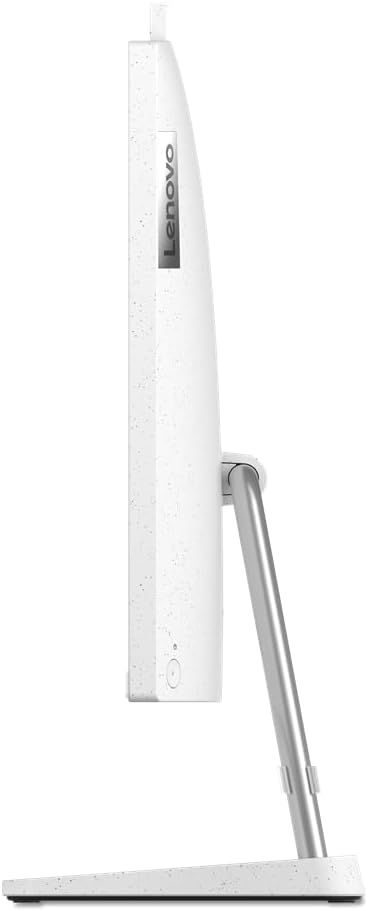
Rajah 4: Pro sampinganfile of the Lenovo IdeaCentre AIO 3, showing its slim design.
5. Penyelenggaraan
5.1 Membersihkan Peranti
- Skrin: Gunakan kain lembut dan tidak berbulu sedikit dampdisapu dengan air atau larutan pembersih skrin. Jangan sembur cecair terus ke skrin.
- Casing: Wipe the exterior surfaces with a soft, dry cloth. Avoid abrasive cleaners.
- Pengudaraan: Ensure the ventilation openings on the back and sides of the AIO PC are clear of dust and obstructions to prevent overheating.
5.2 Kemas Kini Perisian
Kemas kini sistem pengendalian dan pemacu Windows anda secara berkala untuk memastikan prestasi dan keselamatan yang optimum.
- Kemas Kini Windows: Pergi ke Mula > Tetapan > Kemas Kini Windows dan semak kemas kini.
- Kemas Kini Pemandu: Lawati sokongan rasmi Lenovo webtapak untuk pemacu terkini untuk model khusus anda.
6. Penyelesaian masalah
| Masalah | Penyelesaian yang Mungkin |
|---|---|
| PC tidak dihidupkan. |
|
| Tiada paparan pada skrin. |
|
| Papan kekunci atau tetikus tidak bertindak balas. |
|
| Prestasi perlahan. |
|
7. Spesifikasi
| Ciri | Perincian |
|---|---|
| Jenama | Lenovo |
| Siri Model | IdeaCentre AIO 3 |
| Nombor Model | F0FY00L9SP |
| warna | putih |
| Faktor Bentuk | All-in-One |
| Saiz Skrin | 27 inci |
| Resolusi Skrin | 1920 x 1080 (HD Penuh) |
| Jenama Pemproses | AMD |
| Jenis Pemproses | Ryzen 5 7530U |
| Kelajuan Pemproses | 4.5 GHz |
| Bilangan Pemproses | 6 |
| Saiz RAM | 16 GB |
| Teknologi Memori | DDR4 SDRAM |
| Kelajuan Jam Memori | 3200 MHz |
| Saiz Pemacu Keras | 512 GB |
| Jenis Pemacu Keras | SSD (Keadaan Pepejal) |
| Pemproses bersama Grafik | Grafik AMD Radeon |
| Penerangan Kad Grafik | Bersepadu |
| Jenis Kesambungan | Bluetooth, 802.11ac (Wi-Fi) |
| Port USB 2.0 | 2 |
| Port USB 3.0 | 2 |
| Port HDMI | 1 |
| Jenis Pemacu Optik | tiada |
| Sistem Operasi | Windows 11 Home |
| Berat Barang | 8 Kilogram |
8. Waranti dan Sokongan
Your Lenovo IdeaCentre AIO 3 comes with a standard manufacturer's warranty. For detailed warranty terms and conditions, please refer to the documentation included in your product package or visit the official Lenovo support webtapak.
For technical assistance, driver downloads, or further support, please visit:Sokongan Lenovo Webtapak
Please have your product model number (F0FY00L9SP) and serial number ready when contacting support.


