1. Pengenalan
This manual provides essential instructions for the safe and efficient operation of your Motorola Solutions R2 Two-Way Radio, model AAH11JDC9JA2N. Please read this manual thoroughly before using the radio to ensure proper functionality and to understand all features.
The Motorola Solutions R2 is a digital two-way radio designed for reliable communication, featuring 64 channels and operating in the VHF 136-174MHz frequency range. It is built for durability and clear audio performance in various environments.

Rajah 1: Depan view of the Motorola Solutions R2 Two-Way Radio.
2. Kandungan Pakej
Sahkan bahawa pakej anda mengandungi item berikut:
- Motorola Solutions R2 Two-Way Radio (Model AAH11JDC9JA2N)
- Mikrofon
- (Note: Battery, antenna, and charger may be sold separately or included depending on specific package configuration.)
3. Persediaan
3.1. Memasang Antena
- Sejajarkan hujung berulir antena dengan penyambung antena di bahagian atas radio.
- Turn the antenna clockwise until it is finger-tight. Do not overtighten.
3.2. Installing the Battery (if applicable)
- Pastikan radio dimatikan.
- Selaraskan bateri dengan petak bateri di belakang radio.
- Luncurkan bateri ke tempatnya sehingga ia mengklik dengan selamat.
3.3. Mengecas Bateri
Before initial use, fully charge the radio's battery. Use only Motorola Solutions approved chargers.
- Letakkan radio (dengan bateri dipasang) ke dalam dulang pengecasan.
- Ensure the charging indicator light illuminates, indicating proper charging.
- A full charge typically takes several hours. Refer to your charger's manual for specific charging times.
4. Operasi
4.1. Hidupkan/Mati Kuasa dan Kawalan Kelantangan
- To power on the radio, rotate the On/Off/Volume knob clockwise until you hear a click.
- Teruskan memutar tombol mengikut arah jam untuk meningkatkan kelantangan, dan melawan arah jam untuk mengurangkannya.
- Untuk mematikan kuasa, putar tombol lawan jam sehingga ia berbunyi.
4.2. Pemilihan Saluran
The R2 radio supports 64 channels. To select a channel:
- Rotate the Channel Selector knob (typically located next to the On/Off/Volume knob) to choose the desired channel.
- The radio may announce the channel number or display it if equipped with a screen.
4.3. Menghantar dan Menerima
- Untuk menghantar, tekan dan tahan butang Push-to-Talk (PTT) yang terletak di sisi radio. Bercakap dengan jelas ke dalam mikrofon.
- Lepaskan butang PTT untuk berhenti menghantar dan kembali ke mod menerima.
- When receiving a transmission, the radio's speaker will output the audio.

Figure 2: The Push-to-Talk (PTT) button is designed for easy activation.
4.4. Ciri dan Fungsi Utama
The Motorola Solutions R2 incorporates several features to enhance communication:
- SINC+ Noise Suppression: Utilizes advanced algorithms to reduce background noise for clearer audio.
- Pengumuman Suara: Provides audible feedback for channel changes or feature activation.
- Butang Boleh Aturcara: The radio features two programmable buttons that can be customized for quick access to frequently used functions (e.g., priority scan, home channel reminder). Refer to your dealer for programming options.
- Extended Range Direct Mode: Allows for communication without a repeater, extending direct radio-to-radio range.
- Dual Capacity Direct Mode: Doubles the capacity of your 12.5 kHz channel without a repeater.
- Transmit Interrupt: Enables a high-priority user to interrupt another conversation for critical messages.
- Imbasan Dwi Keutamaan: Monitors two priority channels more frequently while scanning other channels.
- Kunci Pad Kekunci: Mencegah butang ditekan secara tidak sengaja.
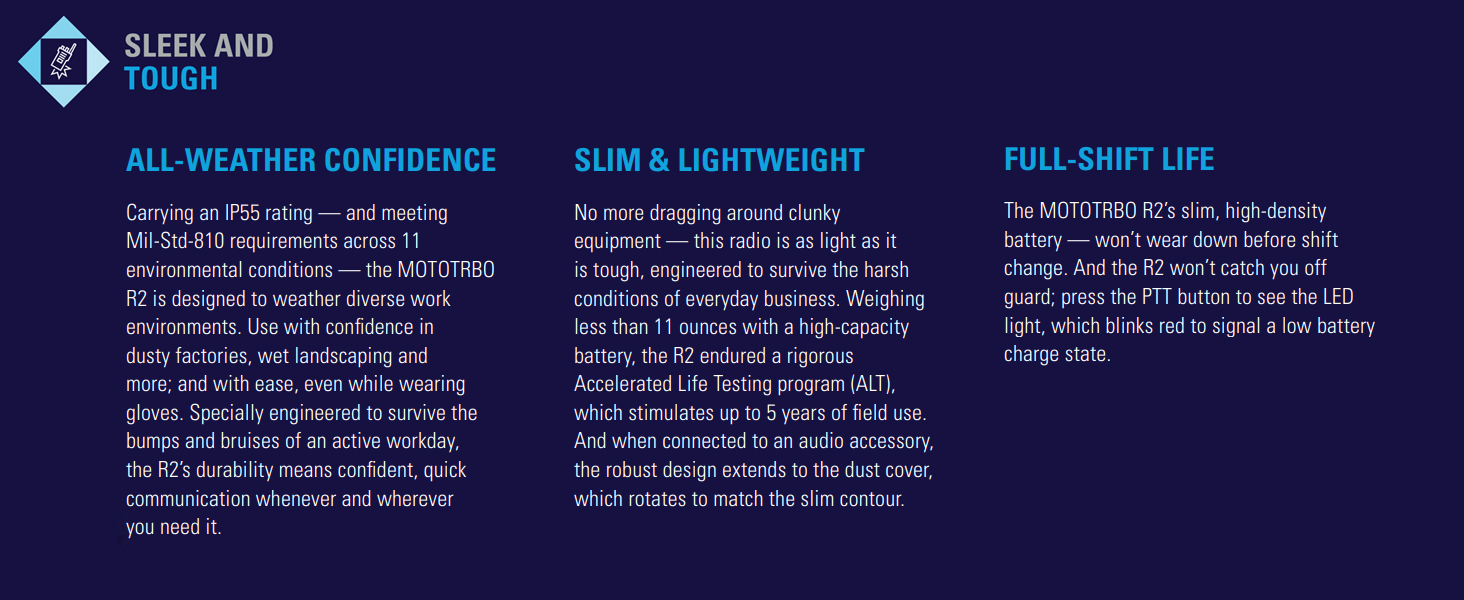
Figure 3: The R2 radio features SINC+ noise suppression for clear communication in noisy environments.
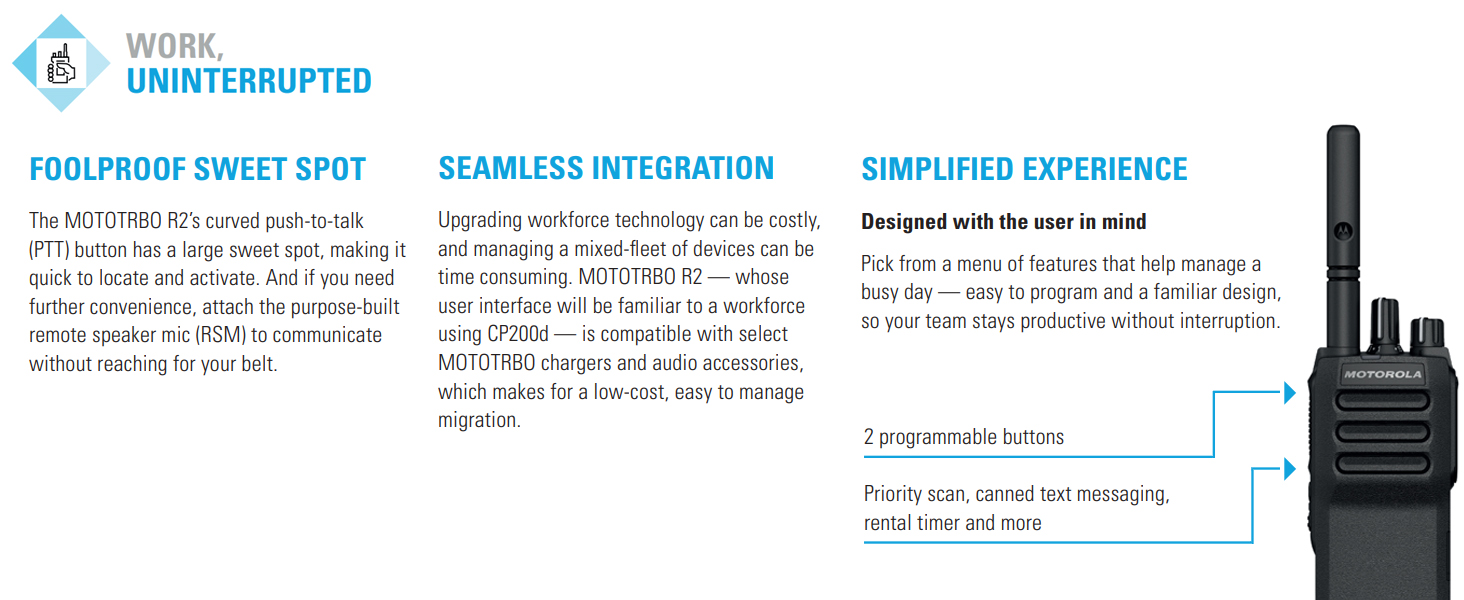
Figure 4: The R2 radio offers programmable buttons for a simplified user experience.
5. Penyelenggaraan
5.1. Membersihkan Radio
- Lap bahagian luar radio dengan lembut, damp kain.
- Jangan gunakan bahan kimia, pelarut atau pembersih yang kasar.
- Pastikan radio dimatikan dan bateri dikeluarkan sebelum dibersihkan.
5.2. Penjagaan Bateri
- Always use genuine Motorola Solutions batteries and chargers.
- Elakkan daripada mendedahkan bateri kepada suhu yang melampau.
- Jangan litar pintas terminal bateri.
- Buang bateri lama mengikut peraturan tempatan.
5.3. Penjagaan Am
- Protect the radio from dust, moisture, and extreme temperatures.
- The radio is rated IP55 for dust and water ingress protection, but it is tidak kalis air. Avoid submerging the radio in water.
- Elakkan daripada menjatuhkan radio atau terkena impak yang teruk.
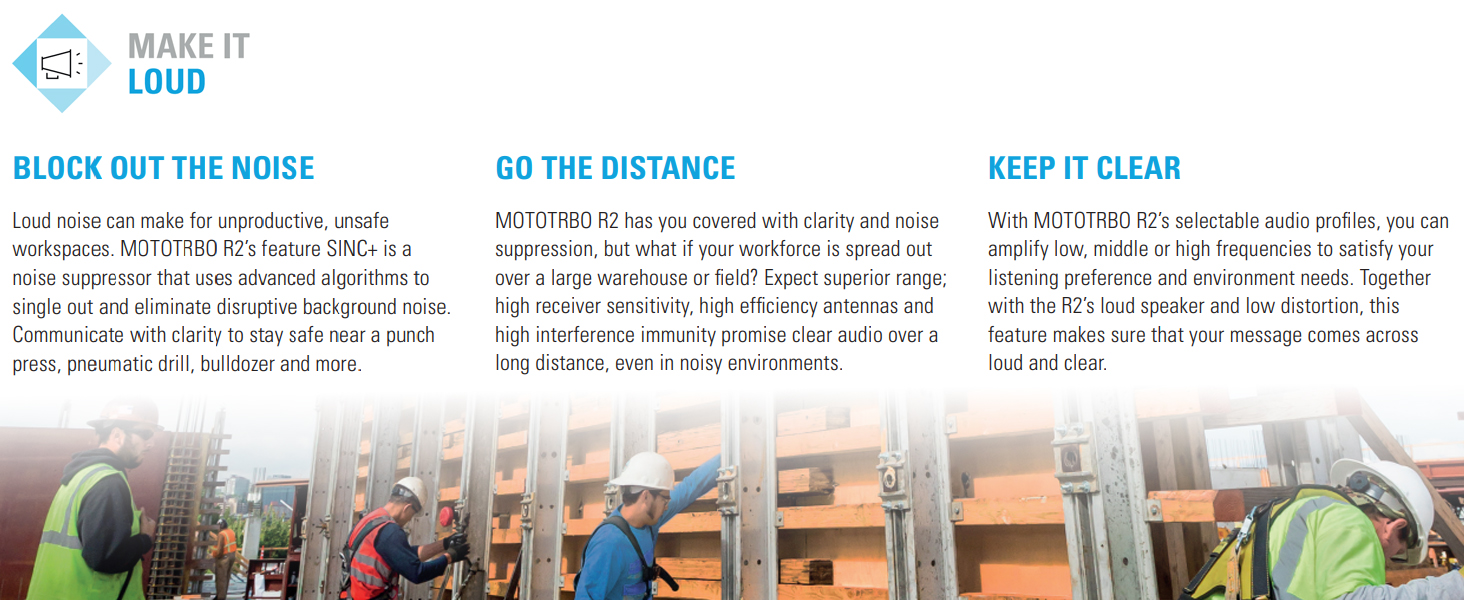
Figure 5: The R2 radio is designed to be sleek and tough, meeting Mil-Std-810 requirements and featuring an IP55 rating for dust and water ingress protection.
6. Penyelesaian masalah
| Masalah | Kemungkinan Punca | Penyelesaian |
|---|---|---|
| Radio tidak dihidupkan. | Bateri habis atau tidak dipasang dengan betul. | Charge the battery or ensure it is securely installed. |
| Tidak boleh menghantar atau menerima. | Saluran yang salah dipilih, di luar julat, atau antena tidak dipasang. | Verify channel, move closer to other radios/repeater, check antenna connection. |
| Audio tidak jelas atau herot. | Volume too low/high, SINC+ noise suppression settings, or interference. | Adjust volume, check audio profile settings, move away from sources of interference. |
| Hayat bateri adalah pendek. | Bateri sudah lama atau tidak dicas sepenuhnya. | Replace battery if old, ensure full charge before use. |
If the problem persists after attempting these solutions, contact Motorola Solutions customer support or your authorized dealer.
7. Spesifikasi
- model: AAH11JDC9JA2N
- Jenama: Penyelesaian Motorola
- Julat Kekerapan: 136 - 174 MHz (VHF)
- Bilangan Saluran: 64
- Julat Percakapan Maksimum: 5 Miles (approximate, varies with terrain and conditions)
- Voltage: 7.2 Volt (DC)
- Berat Barang: Approximately 3 pounds (with standard battery)
- Dimensi Pakej: 12 x 9 x 3 inci
- Tahap Rintangan Air: Not Water Resistant (IP55 rated for dust and water ingress protection)
- Ciri Khas: Keypad Lock, Portable, SINC+ Noise Suppression, Voice Announcement, Programmable Buttons, Extended Range Direct Mode, Dual Capacity Direct Mode, Transmit Interrupt, Dual Priority Scan, Home Channel Reminder.
- Piawaian Alam Sekitar: Meets Mil-Std-810 requirements.
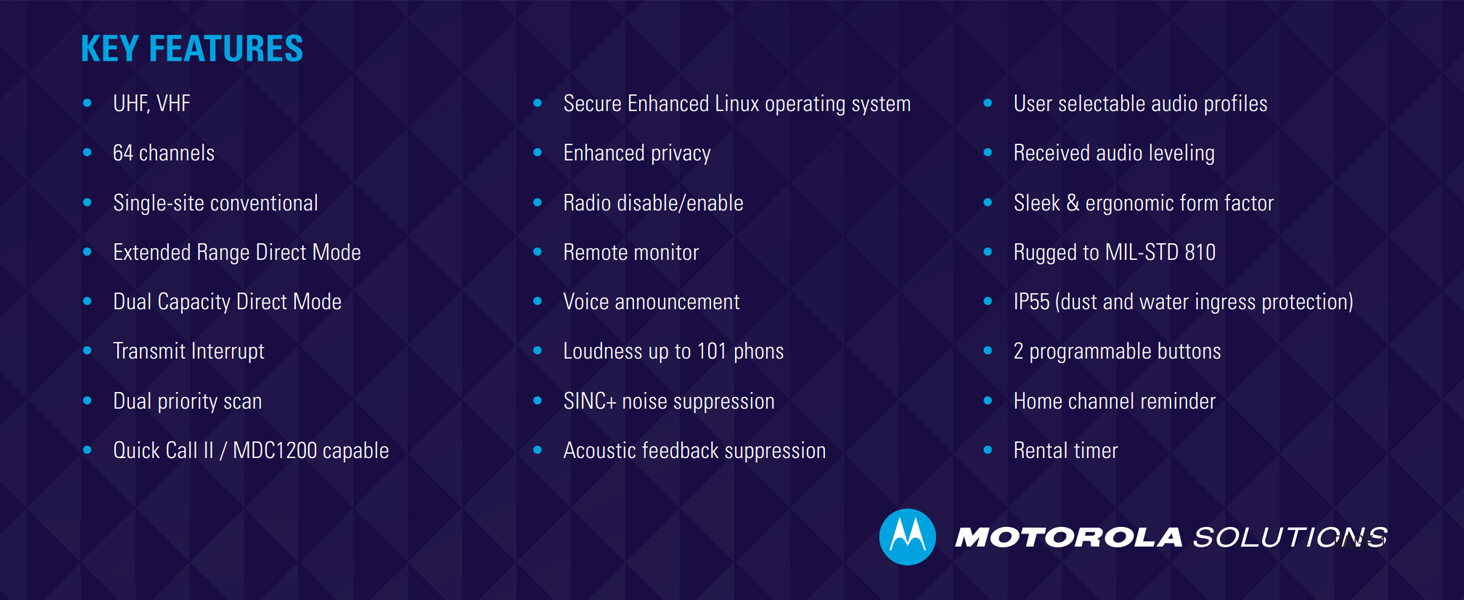
Gambar 6: Lebihview of key features including frequency bands, channel capacity, and ruggedness standards.
8. Waranti dan Sokongan
For warranty information, please refer to the warranty card included with your product or visit the official Motorola Solutions website. Technical support and service are available through authorized Motorola Solutions dealers.
Sumber Dalam Talian: Untuk maklumat tambahan, Soalan Lazim dan kemas kini perisian, lawati laman web Motorola Solutions official webtapak.


